Smartphones have become ubiquitous.
And the usage of emojis in textual conversations has spread with them.
But, most of the computer world has not been keeping up with this development. To be fair, a certain company that uses a half-eaten fruit as their logo has seen the writing on the wall and has included a touch bar above the keyboard of their laptop starting at $1299 and ranging well above $7000. (Don't believe me? Check out the screenshot at the bottom.) And that touch bar can be used -- for example for emoji input -- genius.
I'll show you how to do the same thing for free!
I am too stingy to pay $1299 for a new laptop and would rather continue to use my $200 laptop that I bought a year ago -- thank you very much. So, I found a way to get the same functionality on my cheap laptop -- for free.
First, the scenario
You might find yourself on your PC browsing your favorite website -- Publish0x, of course -- hopefully using the awesome Brave browser -- and you might feel the need to add the occasional emoji in a comment of a highly professional article like this one. 😉 How would you do that? Google (or presearch) the emoji? What would you put in if you wanted to insert the emoji that is laughing so hard that tears come out of its eyes AND it is falling halfway to the side? I mean this one: 🤣.
Maybe you should search for a list of emojis and keep it open in the browser or bookmark it and copy out of it whenever you need an emoji? That would work. But you would have to visually scan the table of emojis to find the right one. Isn't there an easier way to do this?
I'm glad you asked.
There is in fact an easier way to do this.
I give you a hint: Have you noticed that apps which are popular on smartphones have to bring their built-in emoji "keyboards" with them when they implement a version for the PC? You can probably already guess where I am going with this, right?
Have you heard of Telegram?
There is one app in particular that comes to mind. It is Telegram -- an instant messenger (if we want to exhume 90's language) similar to WhatsApp (or ICQ if we want to stay in the 90's)-- but with the advantage that they offer a full PC app. For Windows. And for Linux. And also for macOS, but I have no suitable device for testing that.
If you have the Telegram app already installed on your computer -- for instance because you want to check the official Publish0x Telegram group from your laptop -- then you have everything that you need.
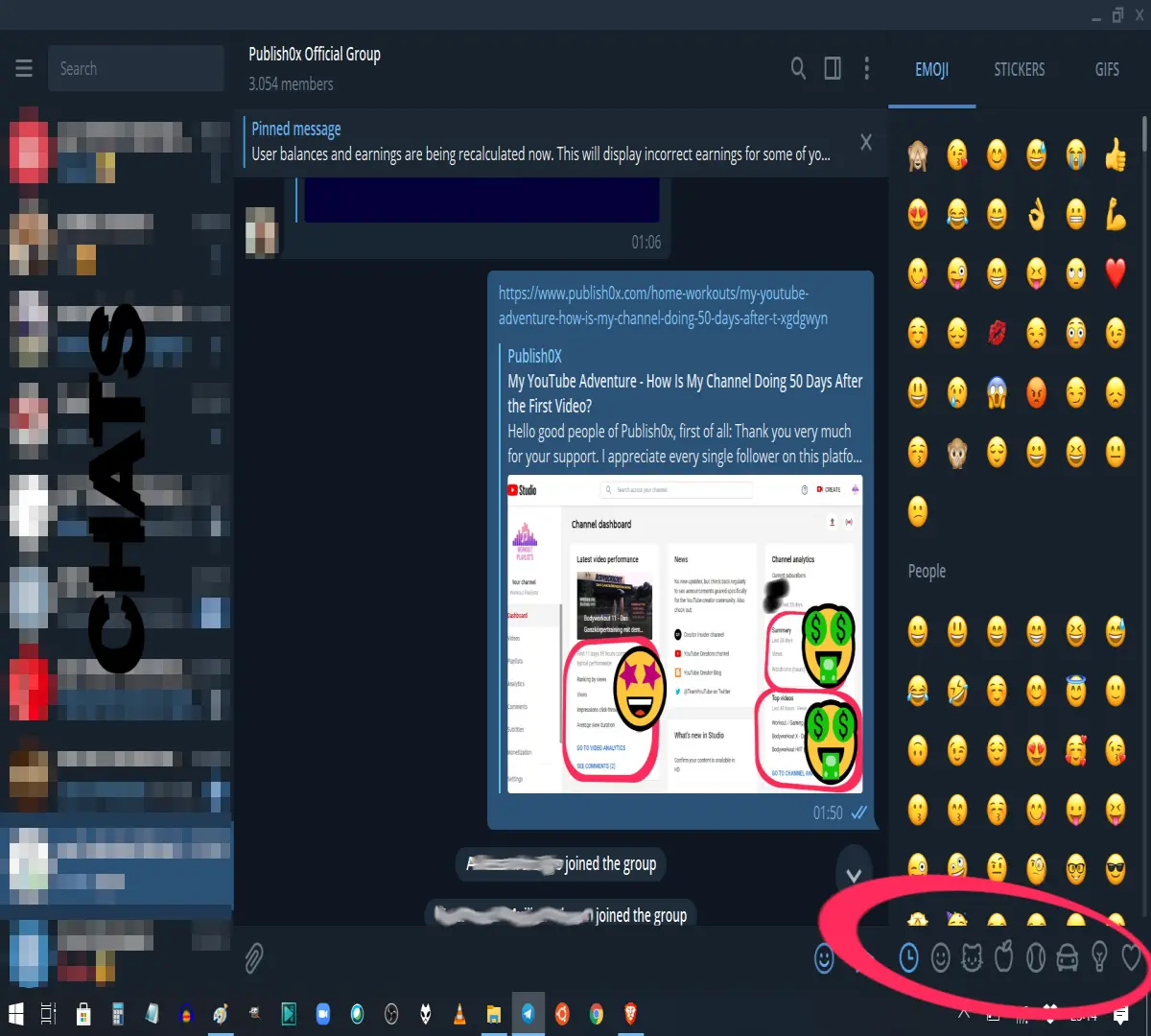
Telegram offers great emoji "keyboards". Just browse to the right category (highlighted with a red ellipse), insert the emoji into a chat window by clicking on it and copy it. (Copying is done by highlighting the emoji and using the Ctrl+C shortcut, for instance.)
Now you can paste the emoji wherever you need it. For instance here: 😎
As long as the receiving app supports UTF-8 input, the emoji should be displayed correctly.
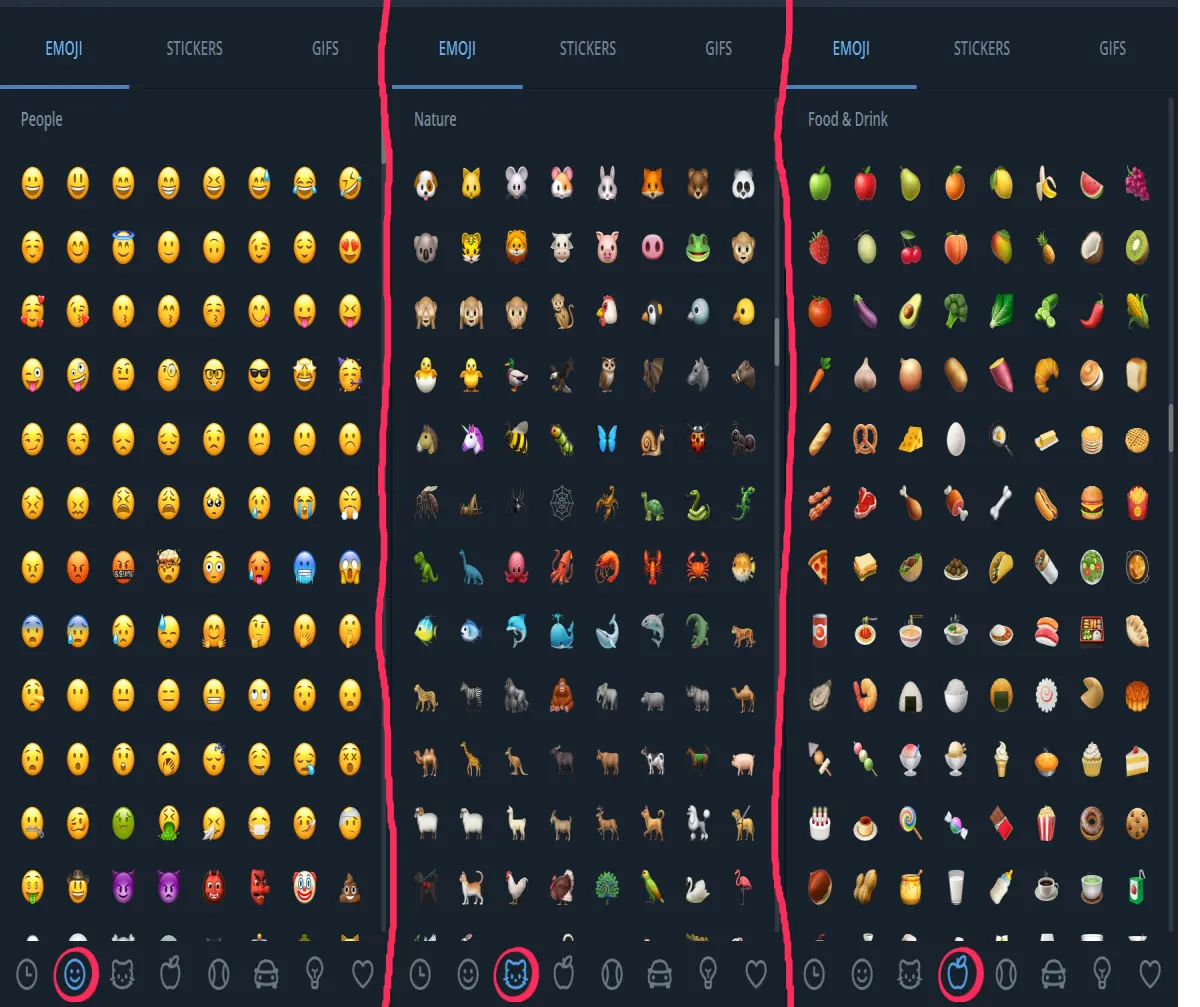
The next montage of images shows an overview of the first three categories.
But that's not all
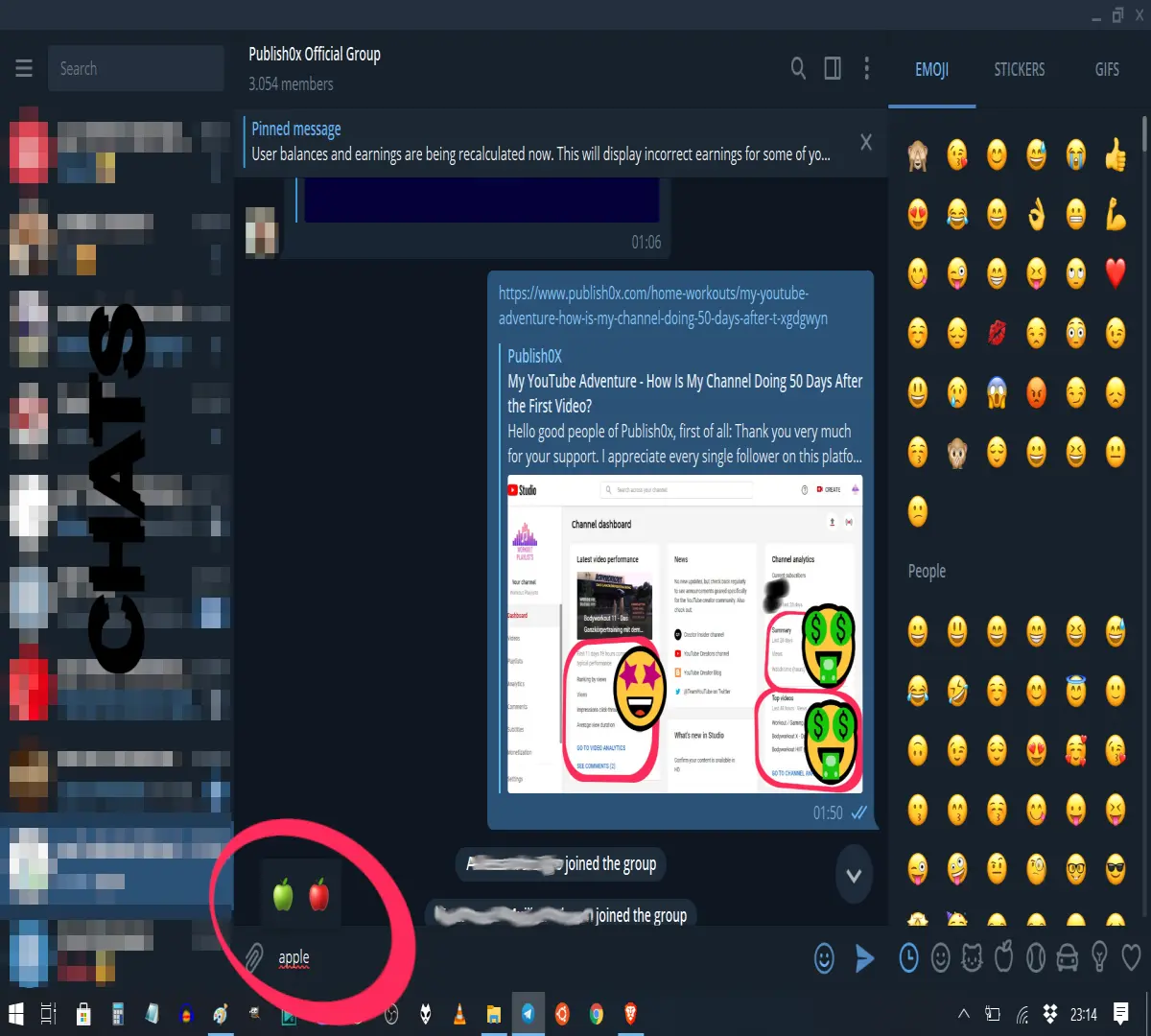
Do your eyes hurt from scanning the table of emojis desperately trying to find the one you are looking for? Strain you eyes no more. Just type what emoji you are looking for and Telegram will suggest potentially matching emojis.
The most tricked-out MacBook Pro
-- that I was able to configure -- costs almost $7199. Here is the proof.

Apple please don't sue me 🙏 -- I'm sure it's the best MacBook there ever was. 😅
Do you want to earn crypto just for reading? Sign up here to create a free account with Publish0x, so that you can also receive crypto for reading posts.
Are you already using the awesome, super fast Brave browser? If not, have a look at my post here to learn about it or download the Brave browser here and enjoy improved privacy, browsing speed and earn some crypto. Are you using Brave on Android? Make sure that you receive Brave ads even when the browser is not in use. Learn how to withdraw BAT from the mobile browser.





