
Here we are again and I am honest.
The smell of quick and dirty money brought me here.
Be assured, it will be worth the time, if you don't know
- how to meme
- where to create
- and how to take part in this https://www.publish0x.com/publish0x-contests/amplmeme-a-meme-creation-contest-on-publish0x-400-dollars-in-xzykelm
Let's start right away, I will guide you step-by-step.
Step 1: What's the topic? Find a claim.
- read through the contest article
- think about a short but funny slogan
- maybe collect some variations of it
In my case, I am considering the following claims
- Be the ampleFORTH with you! (Refering to Star Wars)
- AMPL will rise and fall to a $1 price - how cool is that? (Refering to this balancing or elastic algorithm)
As you can see, nothing great, but I will start to produce a meme soon, to see how it works.
Step 2: Find that meme picture, that fits to the claim
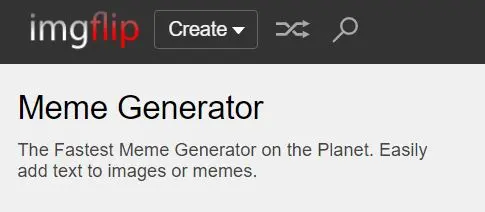
- It is free to use, so no login required
No work with your existing (draft) claims
- claim 1 need a star wars picture, to be more precise a picture of Darth Vader is needed.
- So just type it in in the search field and choose an appropiate one
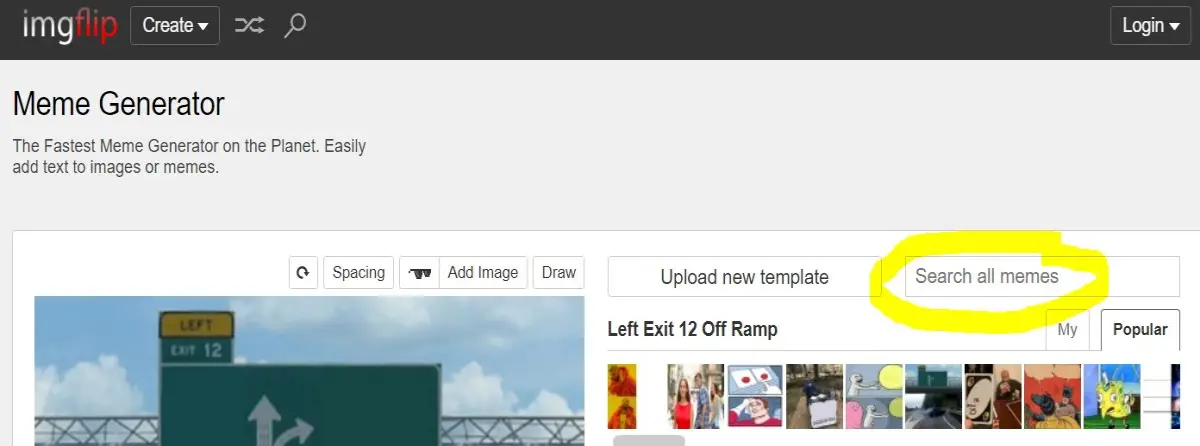
- Gladly there is Darth himself available
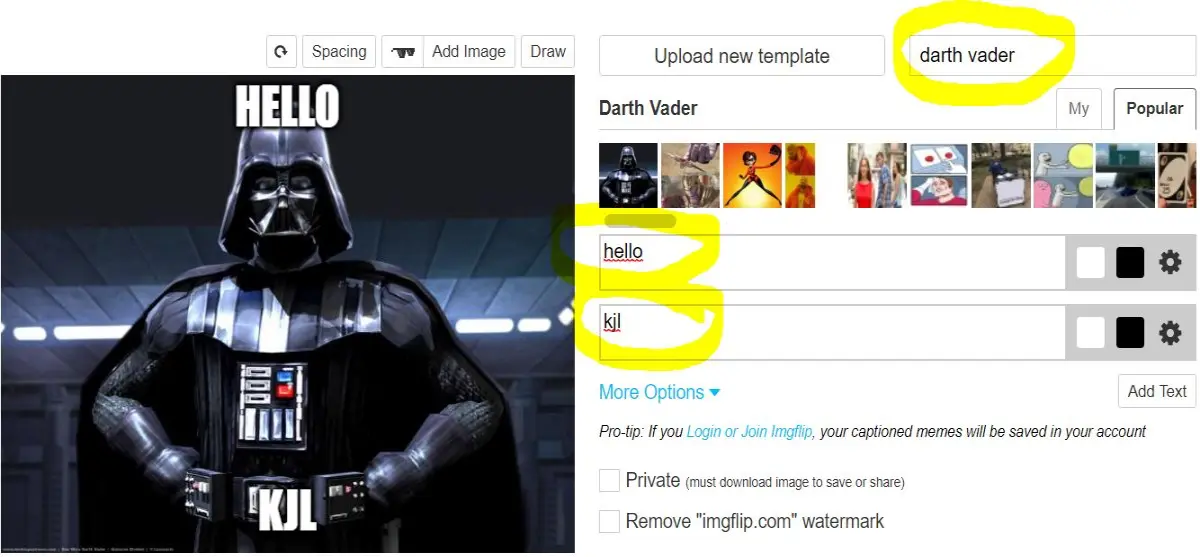
- type in your claim
- play around with the size, position and wording
At this point I had to admit that I investigated a little bit further.
To all Star Wars fans out there: please forgive me ...
- "May the Force be with you" is the correct cite
- Jedi Master Obi-Wan Kenobi used the phrase
So, after some rework and redo, I finally arrived at my 2nd edition of my meme
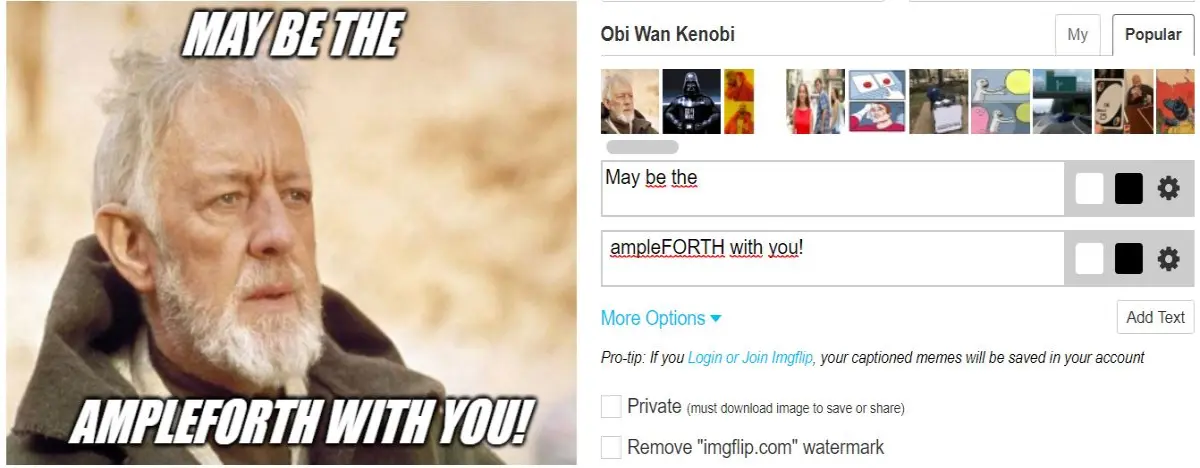
As a first impression, I did not like, the CAPS, so a little tuning is needed
- click on the "gears" symbol on the right side
- de-active USE ALL CAPS
there we are
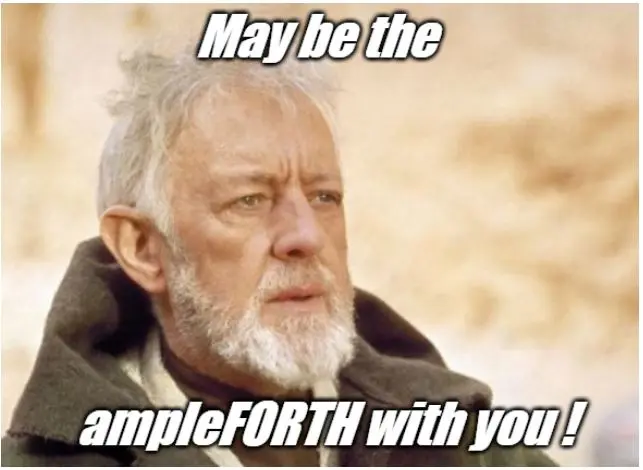
So we are close to finalization
Step 3: Save the meme
- Generate the meme
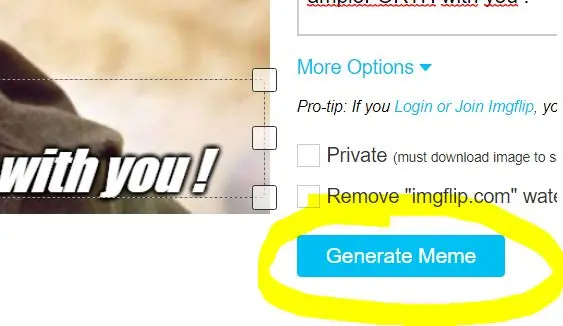
- copy +paste the 2 provided links here
- https://imgflip.com/i/4o9rda
- <a href="https://imgflip.com/i/4o9rda"><img src="https://i.imgflip.com/4o9rda.jpg" title="made at imgflip.com"/></a><div><a href="https://imgflip.com/memegenerator">from Imgflip Meme Generator</a></div>
Be careful with the following conditions

So this means, this great meme will be unaccessible after one hour....
To be honest, as I do it for educational reasons, there is no need to save it for me.
In addition, I saved it in this article already.
- Do decide if you want to claim it for you or not
- If no: you are done
- If yes: register and log-in
If you want, do it my way:
- open your windows snipping tool
- cut, edit and save it
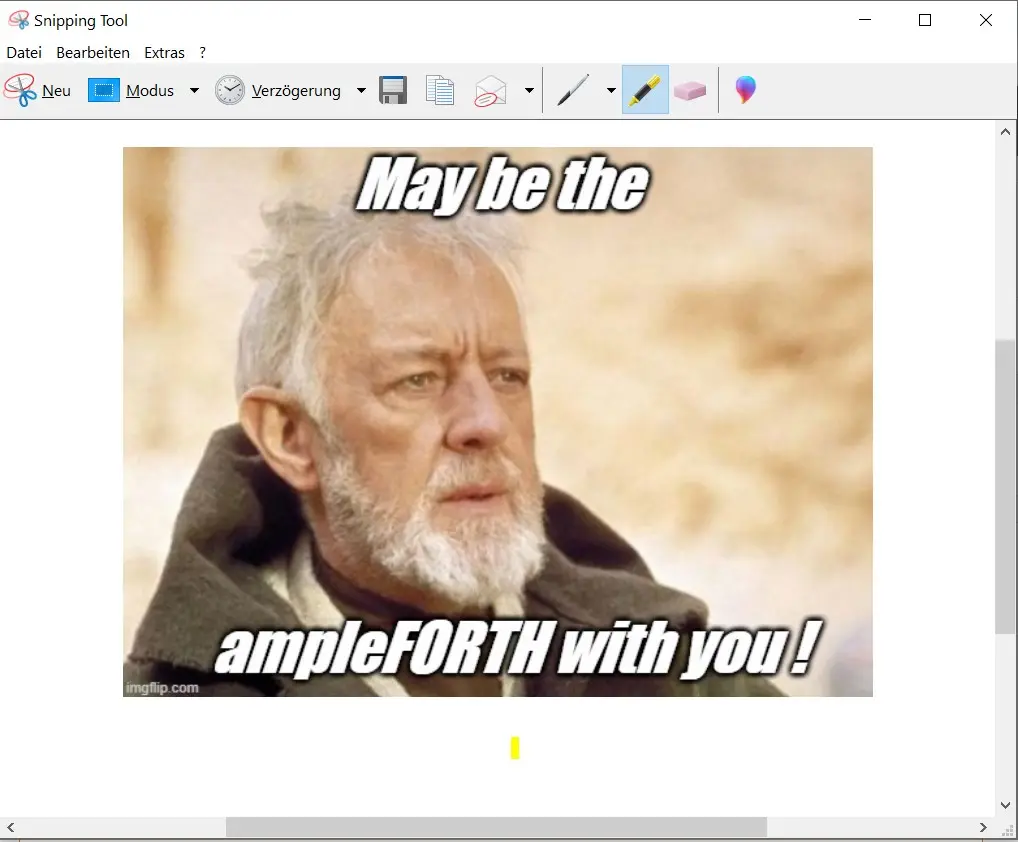
Lather, rinse and repeat
I will do this for the 2nd claim too.
Here is my result
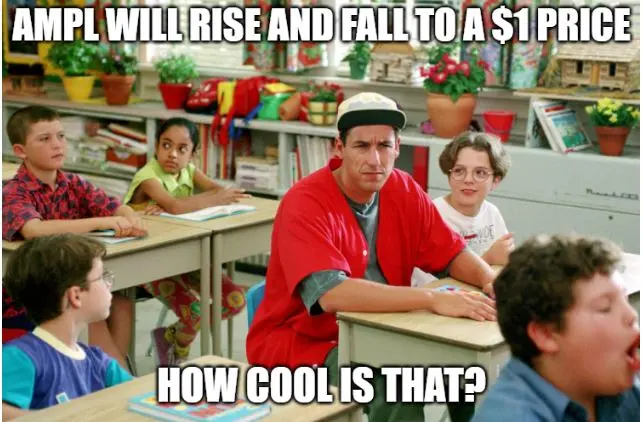
and another one
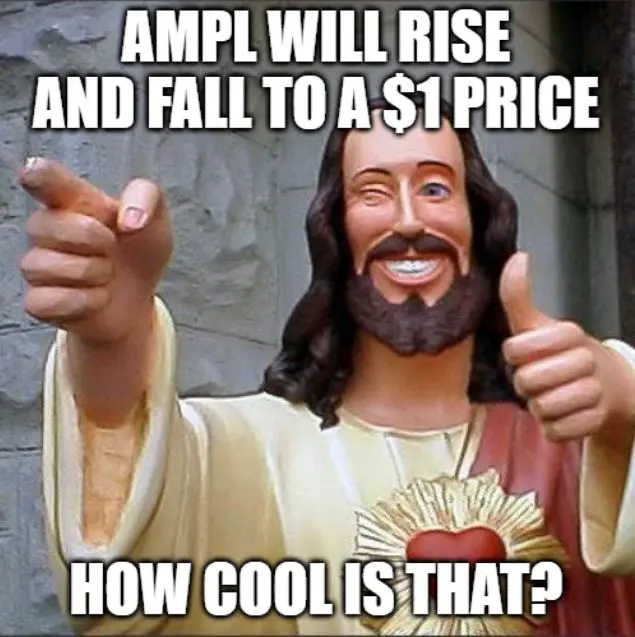
and a final one
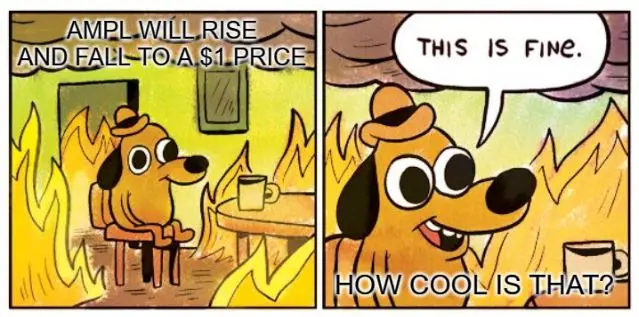
My final words
There we are.
I hope you liked this small tutorial.
Now it's your turn.
You can turn what you have learned into a meme by yourself.
It's easy, it's doable. You do need only the pc that you are looking at.





