Recently I created a logo online for my Instagram account. Although I have no knowledge in graphic designing, I found a very impressive tool: Logo Maker on SmallSEOTools. https://smallseotools.com/logo-maker/
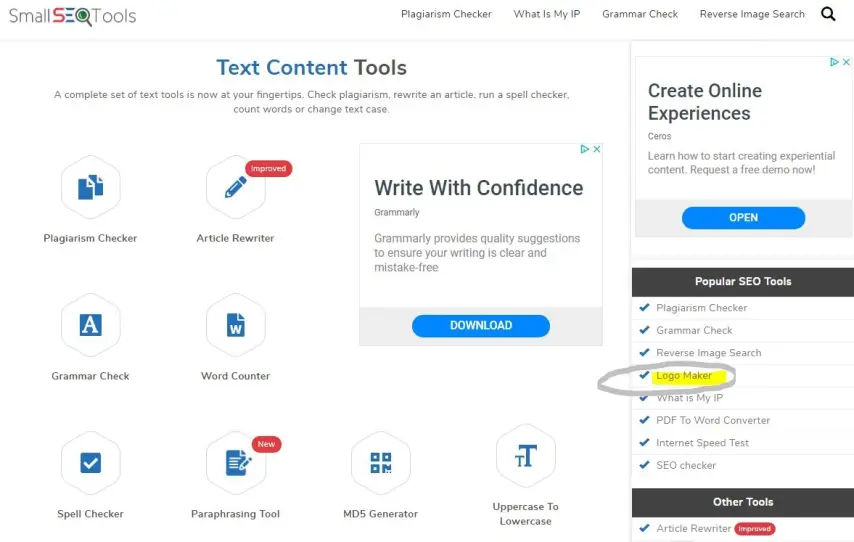
This free logo generator allows amateurs to design logos, brand icons and different types of cards for business or wedding but also to design emblems for t-shirts or transparent backgrounds. All you need is an internet connection, and your keyboard, that’s all!
You don’t have to hire a professional for this, which cost a lot of money. It is free and you can use more than two thousand amazing templates in High Definition Resolution, with almost every tool and option which needed to design a professional Logo.
Plus, you get things done really fast. Just a few clicks and there you have your logo designed. See below step-by-step.
1° The first thing you will have to do is select a free logo design template.
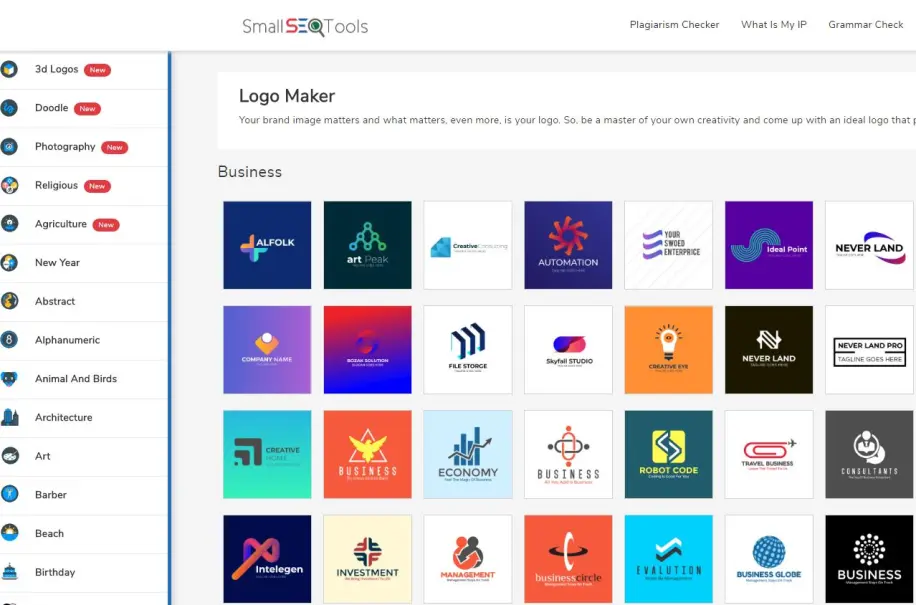
2° you will be directed to the tool dashboard
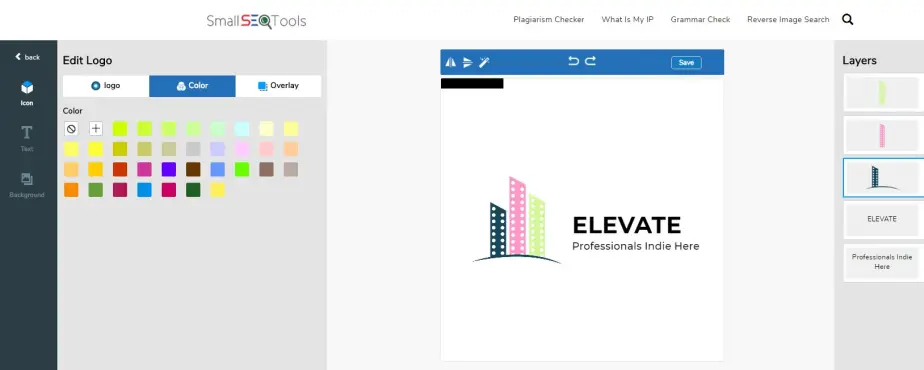
3° The option “Edit Logo” allows you to change the color and overlay of the design
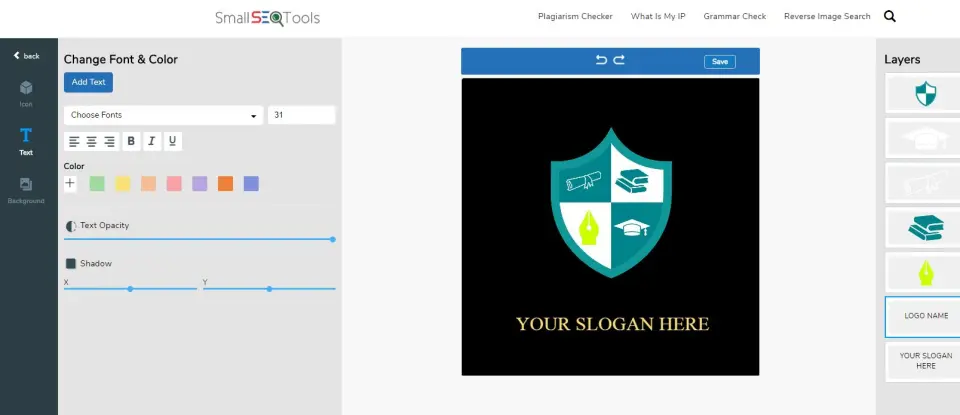
4° Add a text. You can make changes to the size, color, style, shadow, and opacity of the text that you enter.
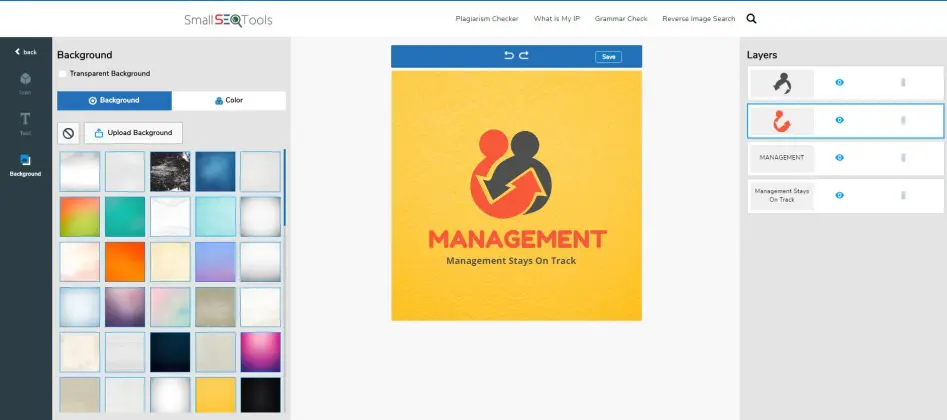
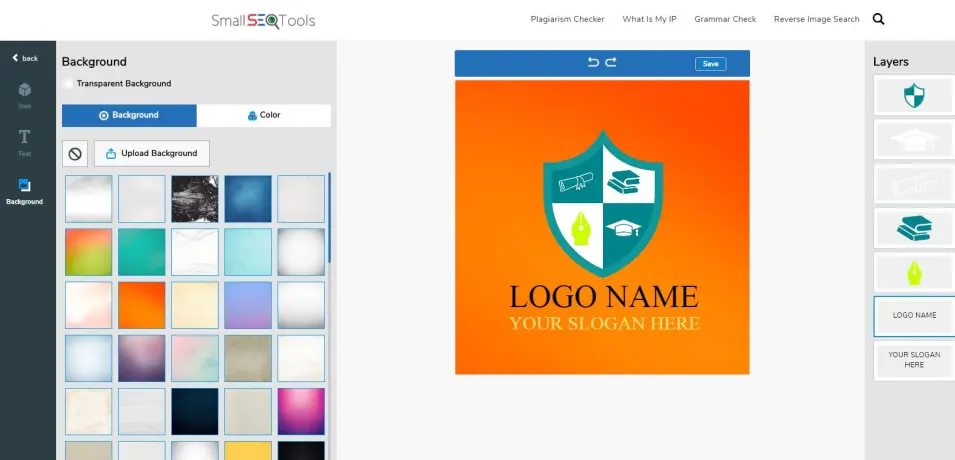
5° You can also change the background of the logo
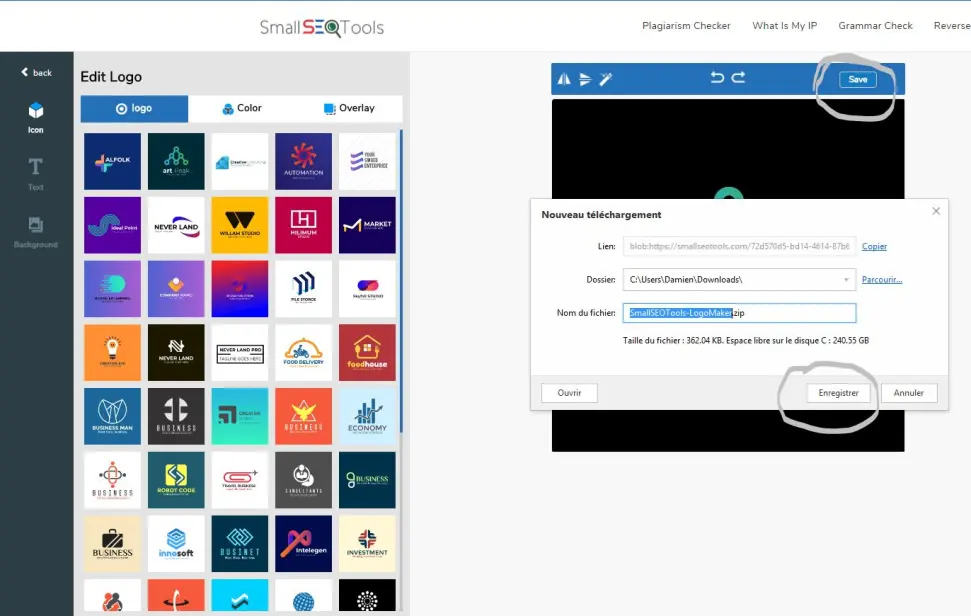
6° After completing, click on the “Save” button to download the logo
You are not restricted to use any logo template. All the templates and features are available for free. There are no charge and no hidden or visible licenses associated with.
And last but not least you can download the Logo Maker App from Play Store and use it on your smartphone.