Anchor Wallet on Mobile Is the Easy Way
We're experiencing the rise of a new wave of gaming on the WAX chain, streamers and content creators who are now developing their own games. My DKDB NFL Draft Projections keep me busy at this time of year, but it's fun to check in on the progress they're making.
Kingsbury Delivery Rush (Crazy Taxi fans should like this)
MadAllisonFT Arcade (A fun variety)
The biggest onboarding challenge is obtaining a WAX wallet. There is a cloud wallet option, but changes made to it in 2026 have complicated the signup process and made everyday use even more cumbersome than it was before.
That's unfortunate as, in many cases, you just need a WAX address to start accruing prizes and other credits/rewards.
Luckily you have options for making a WAX wallet, even if they're not well-publicized. And I've found the single-best way to do that today is by spending 99 cents in Google Play (or Apple on iOS) credit via the Anchor wallet app.
This process is best demonstrated with visuals, so I recently created a new WAX wallet named lou.gm for this purpose. First, I downloaded the official Anchor app from the Google Play store on my Pixel phone.
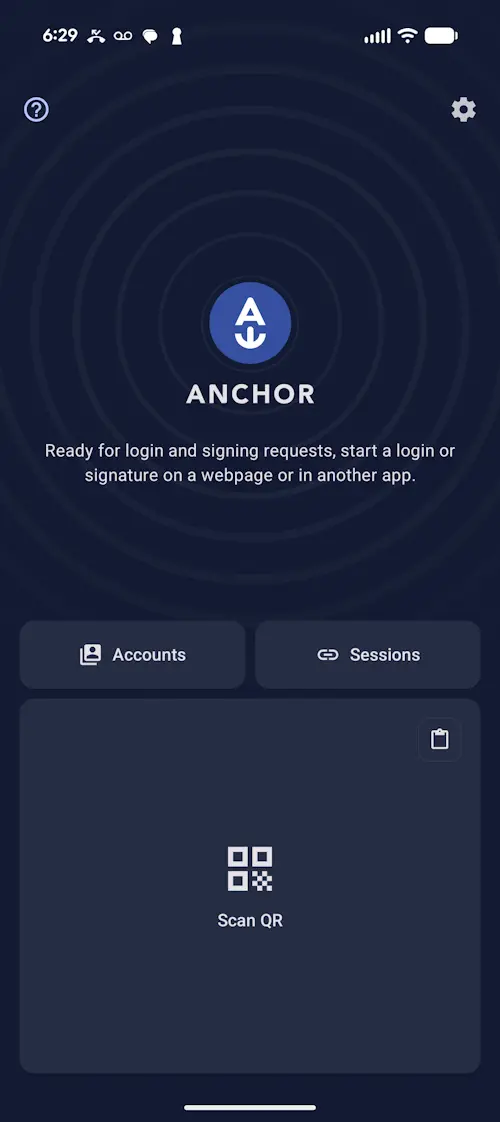
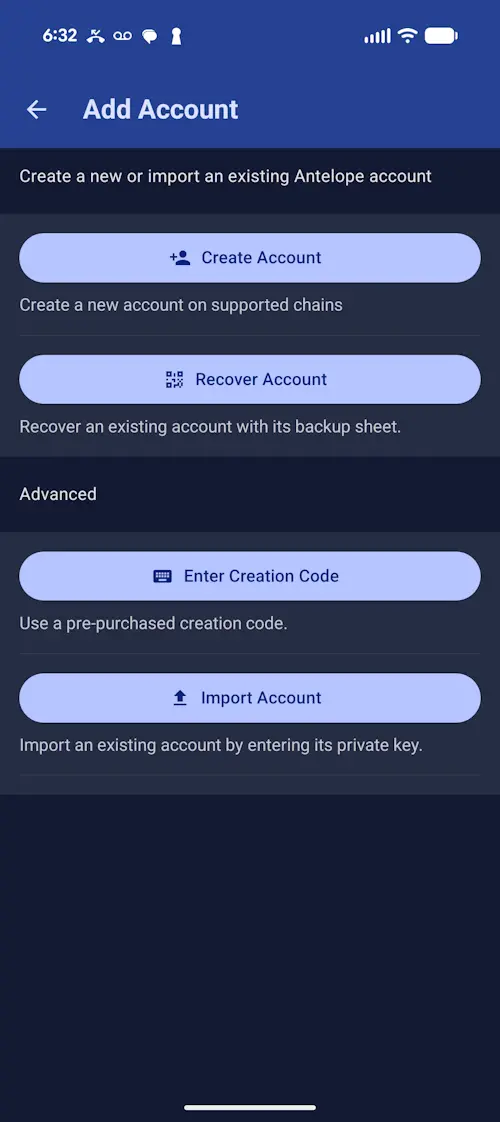
I clicked on Accounts and then chose Create Account.
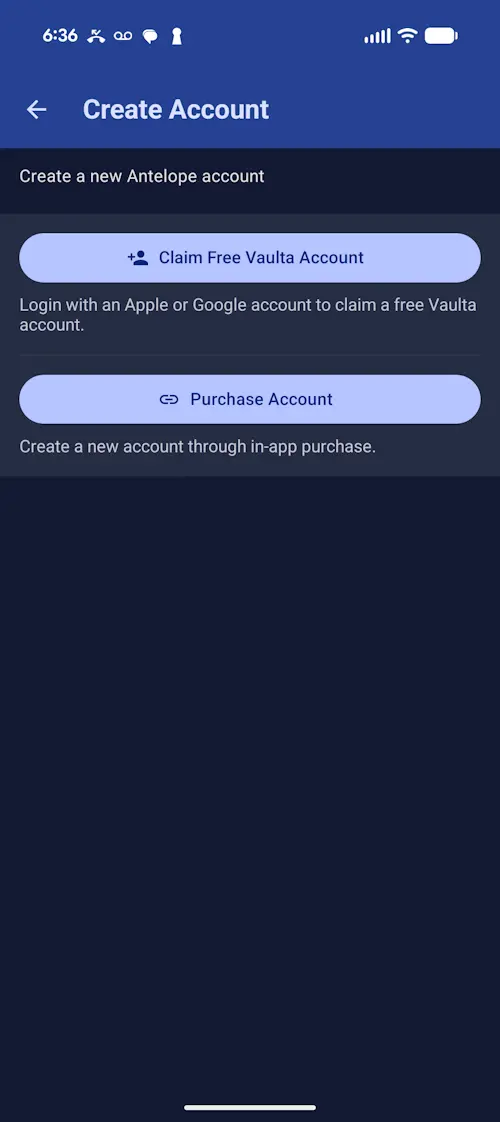
On the Create Account page, I chose Purchase Account. This allowed me to create a new WAX wallet via an in-app buy.
There were options for Vaulta and Telos, but what I wanted was WAX. You can see it listed for $0.99 USD in Google Play credit.
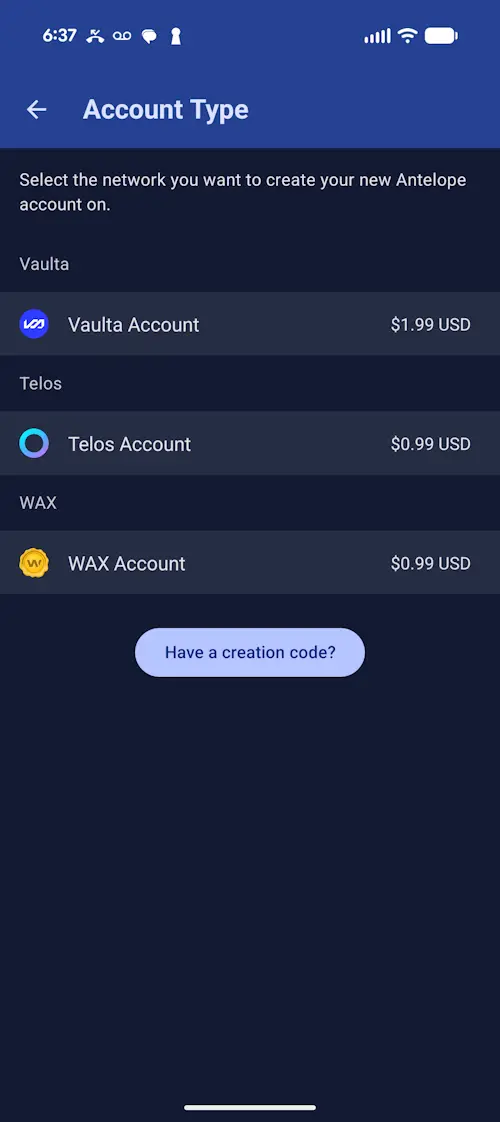
From there, I was prompted to choose a wallet name for a special GM wallet, a premium short-name owned by Greymass (the maker of Anchor). You're allowed to pick a name of up to nine characters.
I was surprised by how many options were still available, including the name most know me by: Lou. Keep in mind that WAX wallet names all default to lower case.
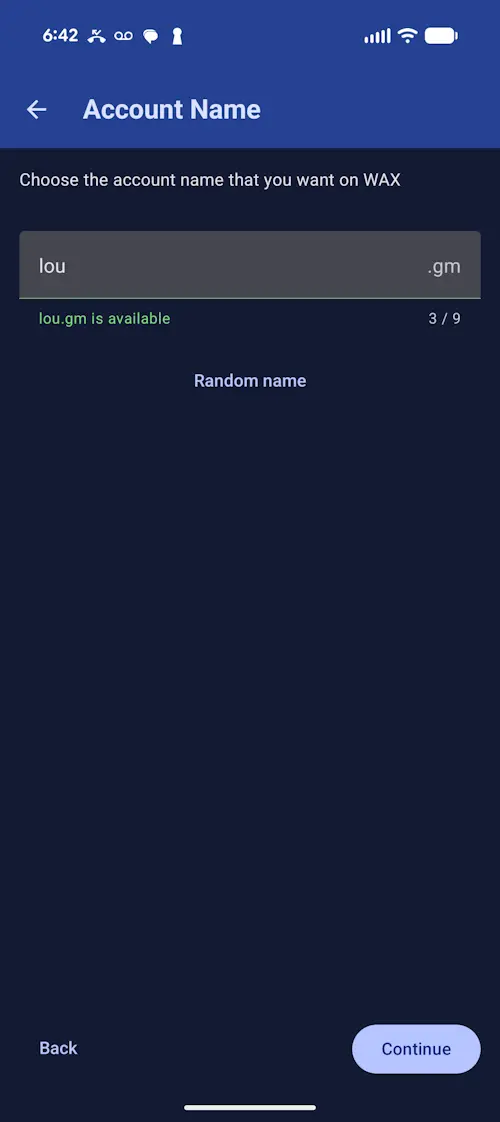
Standard WAX wallets require a name of exactly 12 letters in length, by contrast.
I made sure to request my private active key, though that required me to open the Advanced Settings menu and opt-in.
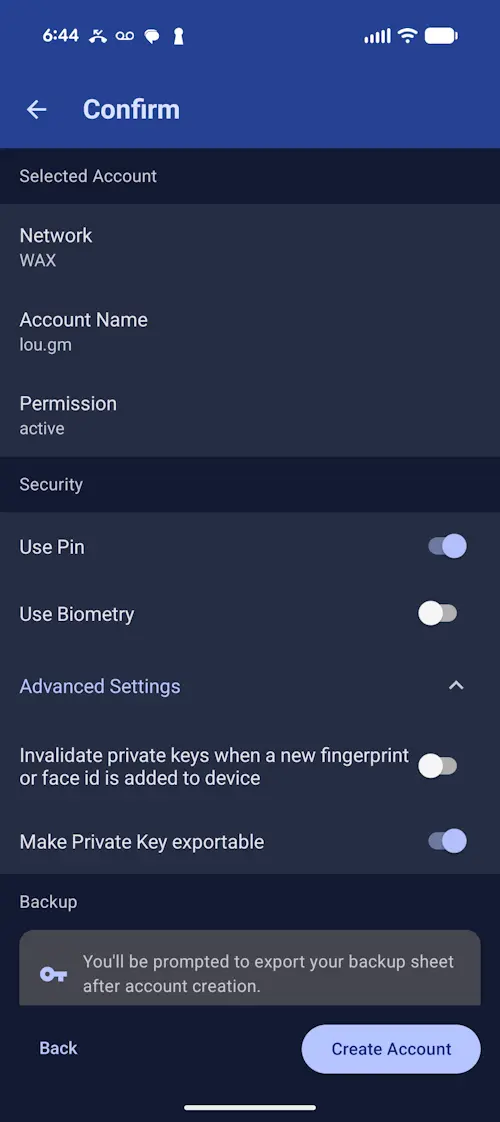
From there, I just had to hit Create Account.
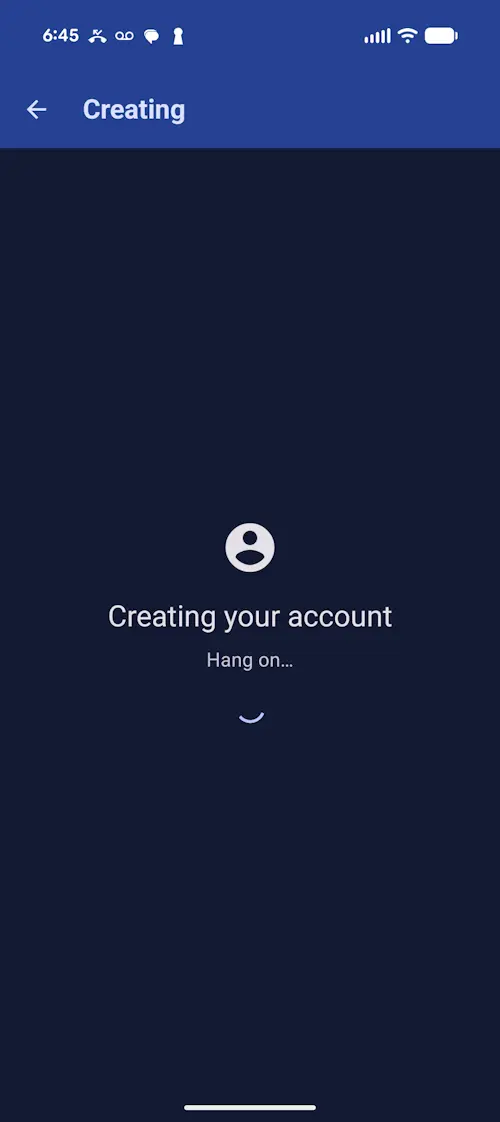
Patience...
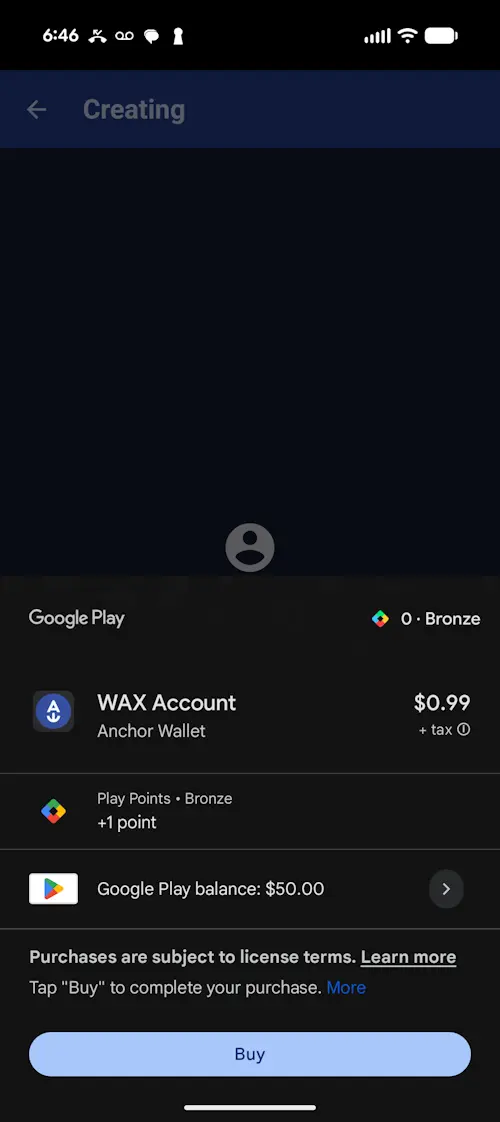
As you can see, I had $50 in Google Play credit after redeeming a gift card (Do Not Redeem!) some time ago. All I needed for this was 99 cents, though.
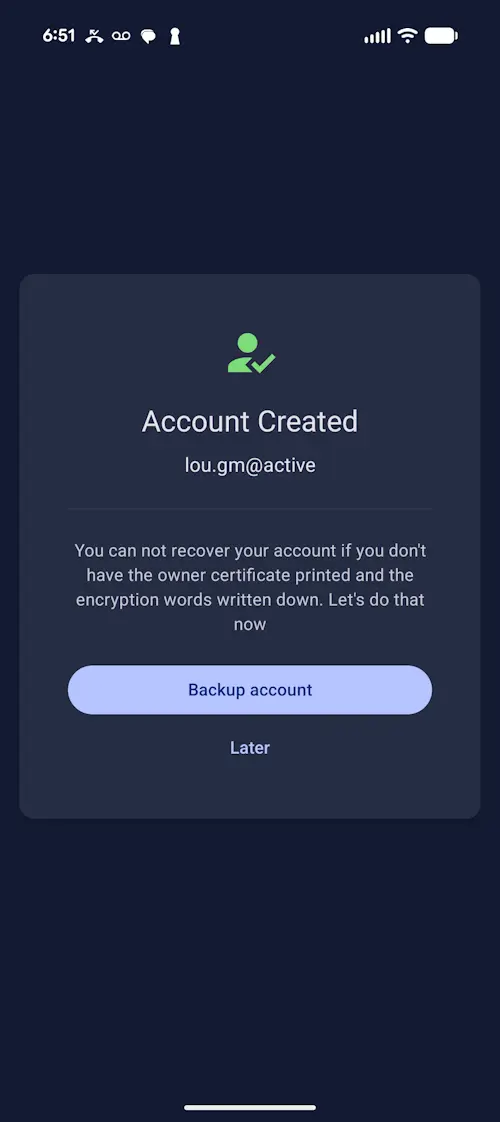
At this point, if you do what I did, you'll have the wallet name. You're set with that. You can use your mobile device to link up with games like Twitchy Tides.
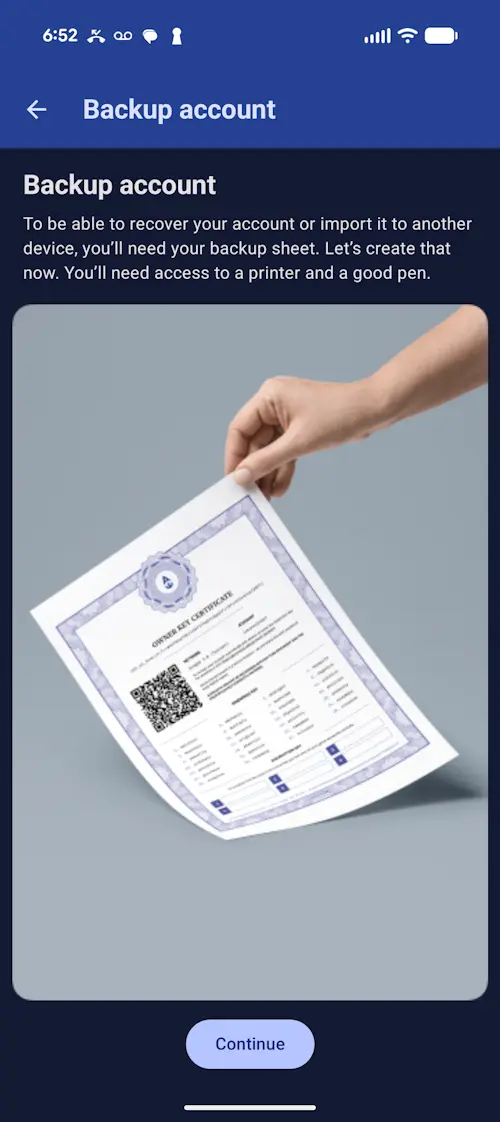
As for the rest, I can't speak to the backup process as I exported the private active key for use on a desktop computer. Apparently there is a backup you can do that requires a printer and a good pen.
For those wanting to get resources for a WAX wallet, you can make a WAX Account Service purchase from the new Warsaken shop once it becomes available. It's worth a look now to see Warsaken's explanation of how WAX works. They made it very simple and easy to understand.
You can earn WAX tokens by winning redeemable prizes in the free-to-play 24/7 number-guessing game on Pop In Stock's Twitch stream. You can redeem them in Hoardio, a new WAX asset marketplace that I strongly recommend.
If you already have a WAX wallet, check out the nashvillelou collection, my digital photography artwork which dates back to 2021.