
Banano is feeless, instant, rich in potassium cryptocurrency powered by DAG technology disrupting the meme economy
How to mine Banano? The following are step by step mining Banano:
1. Make a Banano wallet. You can download the Banano Wallet (Available on iOS & Android) here or (desktop) here.
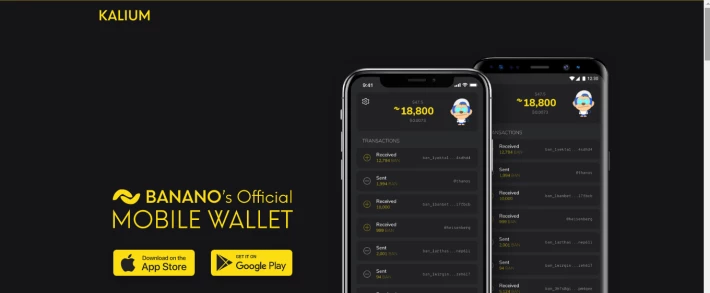
This is an example of the wallet address that you will have: ban_3ccw4xyy66pzuwjp7z7gpd7ycpgto4i4a4tihxkw63niqzccxc78h4u6tt3a
2. Go to https://bananominer.com/
then copy and paste your wallet address as shown below
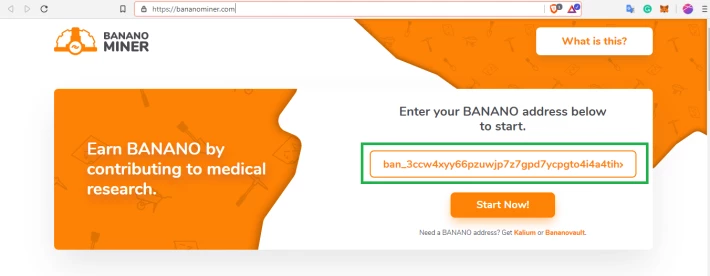
3. Then click Start Now
You will know your ID and Team ID
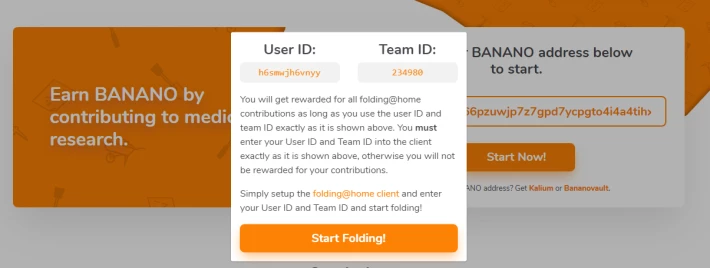
4. download the folding software by clicking start folding
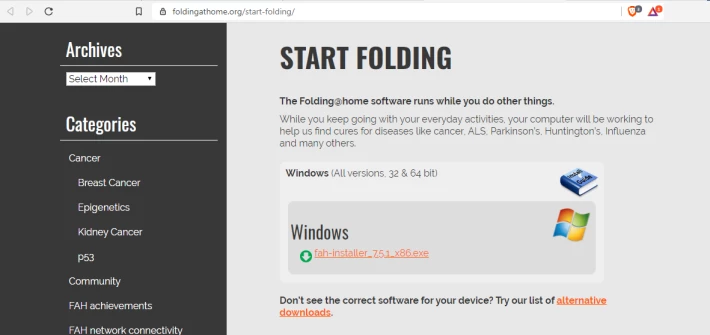
5. Install Folding Software
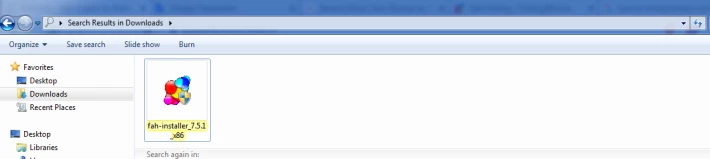
6. After complete installation, run folding software. Then configure your ID and Team ID
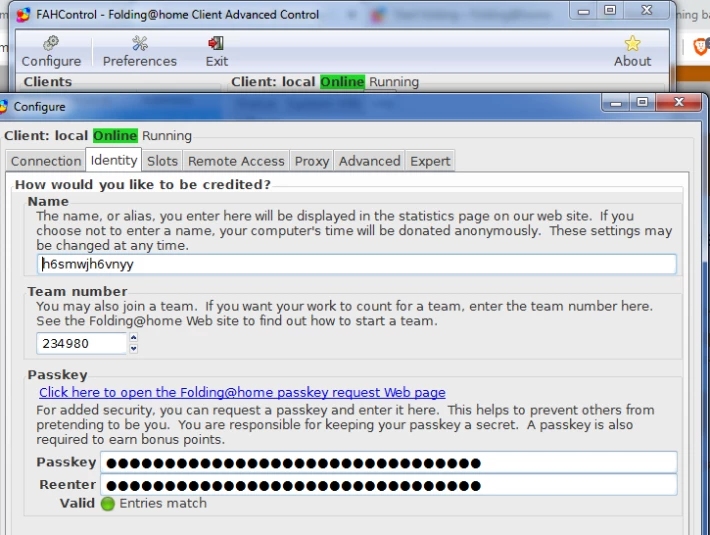
7. Get your passkey here, input your passkey.
My laptop generates about 10 Banano Coins in 10 hours of running the software.
Good Luck and Happy Mining :)





