
Instructions for using the ∆Brave browse
∆If you have read my previous article, then I have talked about the benefits that this browser brings
Today, I will show you how to download and use this browser
First,
• Your image will then be transferred to another site for download
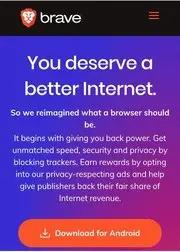
• You click to download
And the screen will go to Google Play Store, you will click "Install"
• After installation is complete, you open the application
Next, click on the icon like this:

And click to "Create wallet"
Okay, now you can surf the web and earn your favorite Basic Attention Token =))









