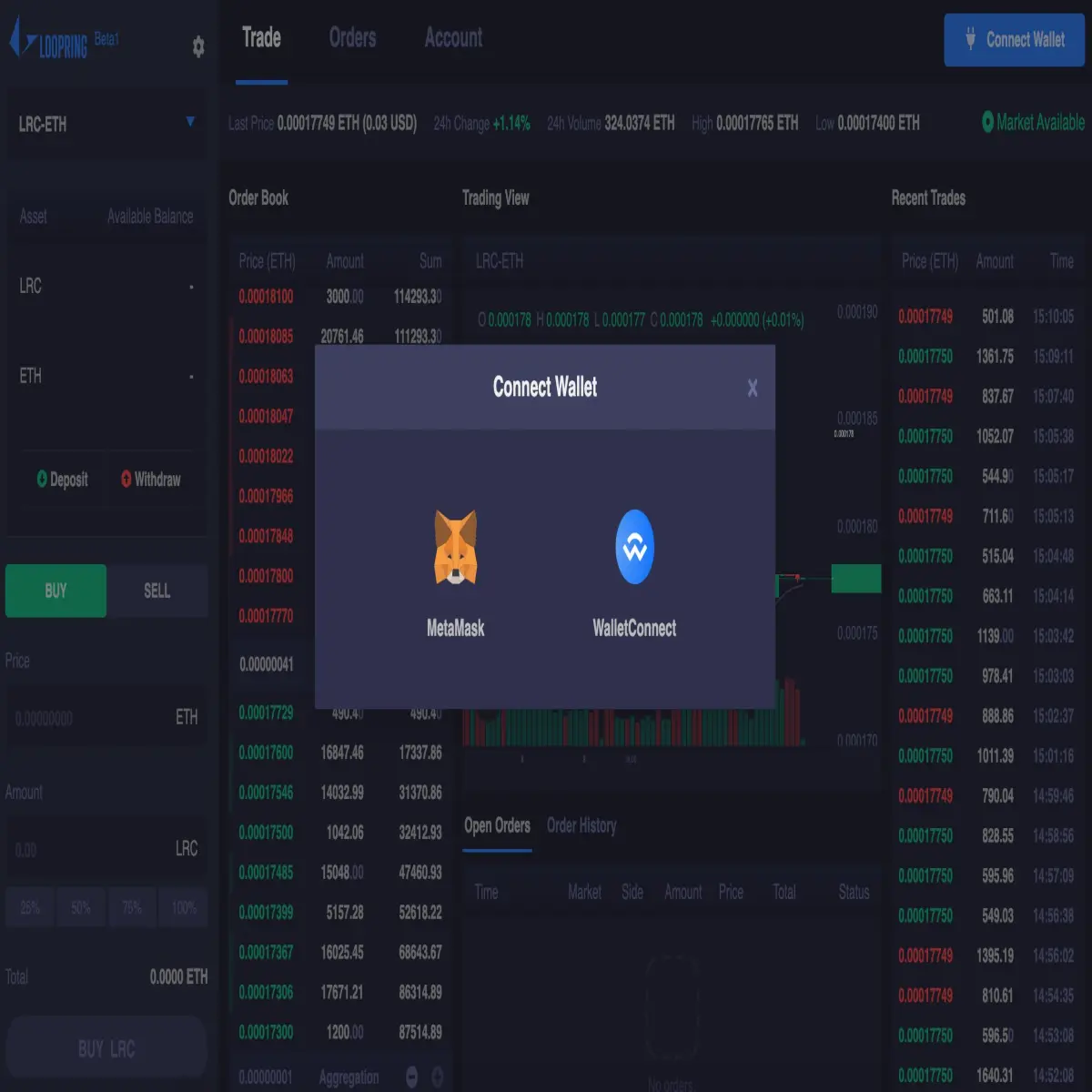
Loopring Exchange in the month of April, announced the improvement of their exchange platform's user interface (UI) to support the "WalletConnect" infrastructure. This will allow users to connect to the exchange right from supported wallets by simply scanning a QR code.
About Loopring Exchange
Loopring Exchange is a high-throughput, non-custodial orderbook-based DEX protocol that ensures traders have full control of their funds while they trade. This is achieved by utilizing the blockchain and smart contracts. To address the issue of gas fees as we are dealing with smart contracts, Loopring performs some of the operations off the Ethereum Network which leads to a decrease in transaction cost.
The Loopring 3.0 ensures security and better performance by implementing the zkRollup construction and the On-Chain Data Availability. This development helps resolve the critics attributed to DEXes including liquidity as it will encourage more people to trade on DEx, speed, cost, and several others.
Why Walletconnect

Most decentralized exchanges (DEXes) have various options to connect to their platforms. Popular login options may include creating a new wallet via the DEx, importing an existing wallet with private keys, through "WalletConnect", etc.
WalletConnect is an open protocol for connecting wallets to dApps on PC such as decentralized exchanges, DeFis, blockchain-based games, etc. It establishes an end-to-end encrypted connection by scanning a QR code as mentioned earlier in the post. Below are some of the reasons you should use WalletCOnnect:
- Simple, quick, and easy to use.
- WalletConnect is secure as you don't get to expose your private keys in the course of exporting and importing your wallet. Also, the infrastructure ensures end-to-end encryption between the connected applications
- No need to create an extra wallet as managing several wallet keys can sometimes be confusing.
- Connect to a wide range of dApps (Binance Dex, UniSwap, KyberSwap, Heroes of Ether, etc)
Connecting to Loopring.io
Step1
Go to https://loopring.io/trade/ . It's either the "Connect wallet" window, will automatically pop up or you would have to access it by clicking on the "Connect Wallet" button at the top right corner of the page. Click on the blue button as indicated below:

Step 2
Choose WalletConnect from the available login options

Step 3
After selecting WalletConnect, the next page should display the QR code we are supposed to scan from Atomic Wallet

Step 4
Now, open Atomic Wallet and go to "settings". Select "Wallet Connect" from the list and then scan the QR code provided by Loopring as indicated in the previous step.

Step 5
After a successful scan, you will be required to authenticate the session on Atomic Wallet by tapping on the "Approve" button.

Step 6
From the image below, we can clearly tell our connection to Loopring.io has been established successfully. We can disconnect the session at any time by tapping on the "Disconnect" button.

Switch to loopring.io to also confirm the connection. Your wallet address will be displayed at the top right corner of the screen. However, you will need to create an account in order to trade which I plan to cover in another post.

Note: The same procedure can be used to access the Loopring Staking dApp.
See Also: Brave Browser Users To Receive Rewards in BNB & BUSD In Addition To BAT






