
I have an old netbook and that I wanted to bring back to life instead of leaving it unused. The machine has an Intel Atom N455 running at 1.66 GHz, with 1 core, 2 threads and only 2 GB of RAM. By today's standards, this is extremely limited hardware, so choosing the right operating system makes a big difference.
Instead of simply looking at minimum system requirements, I decided to actually test a few lightweight Linux distributions on the machine.
I tried three of them directly from USB before installing anything:
antiX, Puppy Linux and Bodhi Linux.
My goal was simple. I wanted to see which one was actually the most usable on this old hardware.
antiX
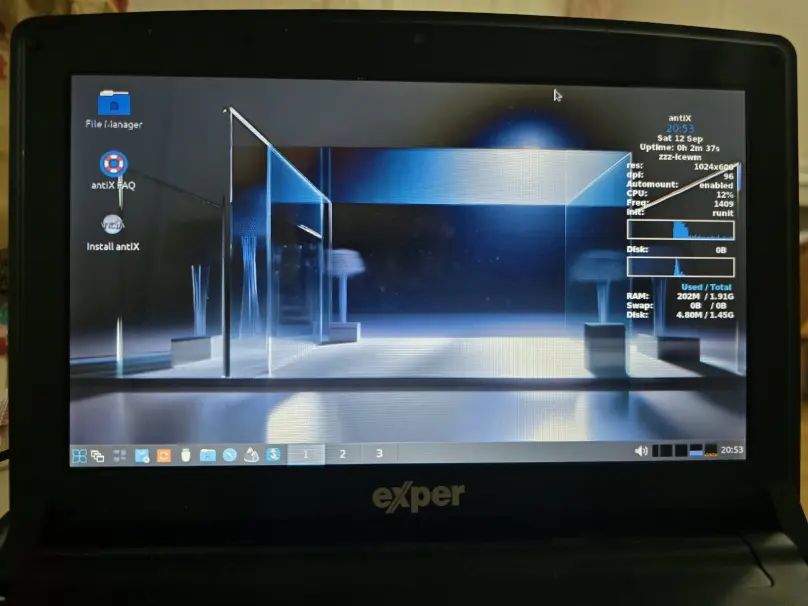
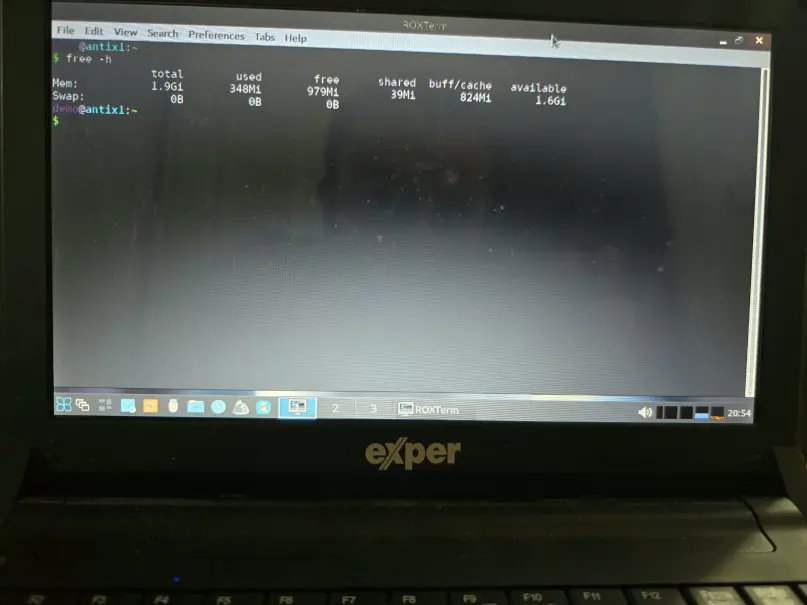
I started with antiX. I booted it directly from the USB drive and the first thing I noticed was how little RAM it used while sitting idle. This was exactly what I was hoping to see from a lightweight Linux distribution. Then I started pushing the system a little harder. Even with more things running, there was still RAM available and the system remained usable.
On my netbook, antiX takes around 30 seconds to boot. Of course, that number is specific to this machine, but for hardware this old I think it is perfectly reasonable. The low idle RAM usage was already promising, but what mattered more to me was how the system behaved when I actually started using it. That became especially important when I compared it with Puppy and Bodhi.
Puppy Linux (TrixiePup64-Retro)
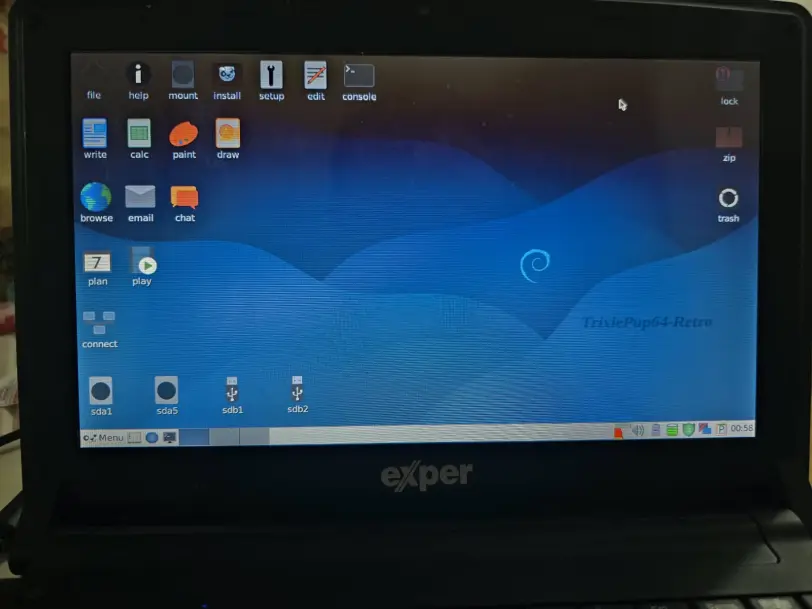
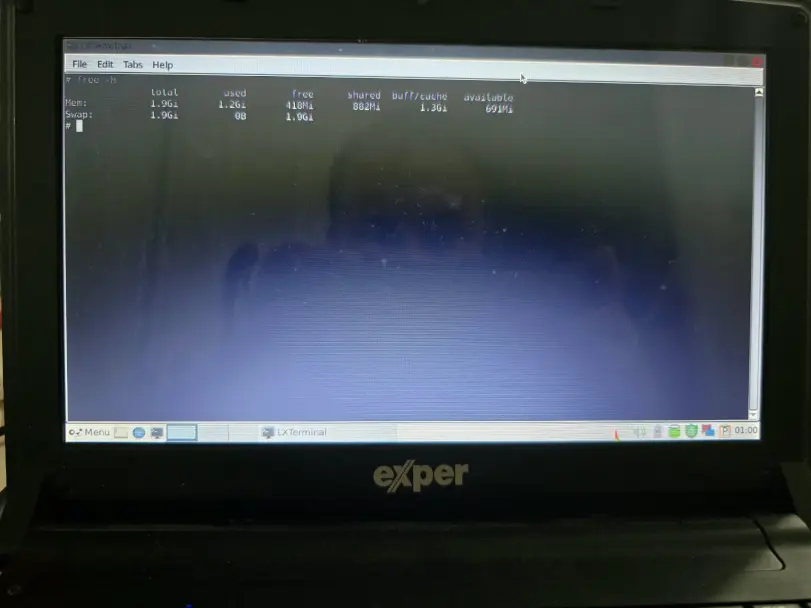
Next, I tried Puppy Linux from the USB drive. This one immediately surprised me, but not in a good way. While idle, Puppy was already using around 1.2 GB of the netbook's 2 GB of RAM. At that point Puppy was already almost eliminated for me, but I still wanted to give it a proper test.
So I started putting some load on the system. Before Chromium could even properly open, I ended up with a black screen. I restarted the machine because I thought it might have been a random error and tried again. Unfortunately, the system still struggled badly once I started pushing it. Chromium also seemed to add quite a lot of CPU load on this old Atom processor. For this particular netbook, Puppy simply did not work well enough for me. So Puppy was eliminated.
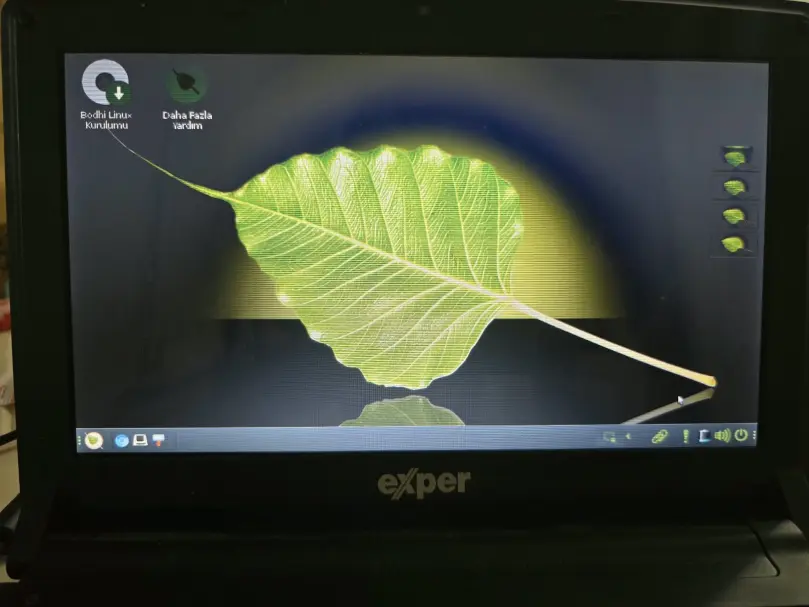
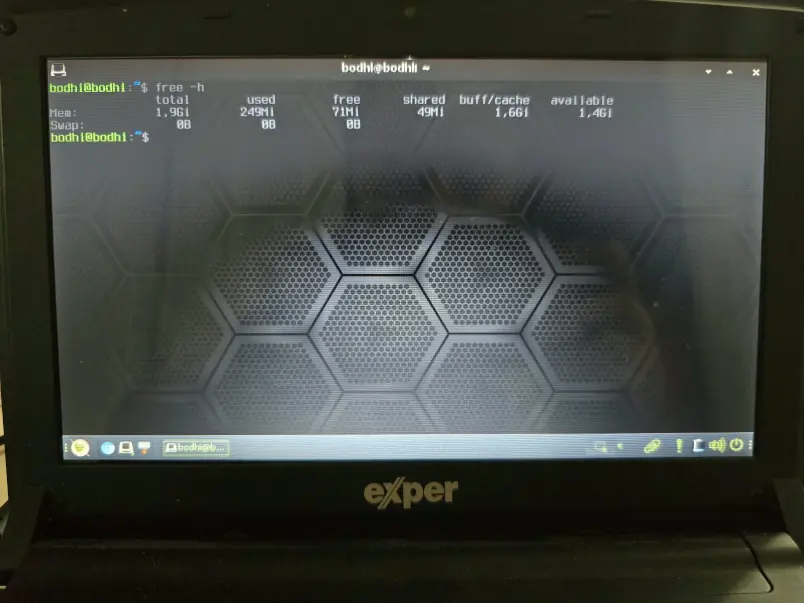
Bodhi Linux
Then came Bodhi Linux. This one surprised me the most. While idle, Bodhi was actually using less RAM than antiX. That immediately caught my attention, so I definitely did not want to eliminate it based on first impressions.
I connected to the internet, opened the browser and started using the system normally. Even at this point, RAM usage still looked very good. Then I repeated the same kind of test I had done with the others.
I opened six different websites in six browser tabs. Looking only at RAM usage, Bodhi actually looked better than both antiX and Puppy. But RAM usage does not tell the whole story. The main thing I cared about was usability.
When I opened the same tabs with antiX, the system remained usable without noticeable lag. With Bodhi, things started slowing down after around the third tab and the netbook's fan began spinning faster.
Of course, I am not expecting miracles from a machine with an Atom N455 and 2 GB of RAM. The whole point of the experiment was to find the operating system that made the best use of the limited hardware available.
And that is where antiX won.
After testing all three distributions, I decided that antiX was the best choice for this particular netbook. Puppy used too much RAM and struggled under load. Bodhi had excellent RAM usage but became noticeably less responsive when I started opening more browser tabs. antiX gave me the best balance between low resource usage and actual usability.
So in the end, I installed antiX on the netbook. I am planning to keep experimenting with this old machine and see how far I can push it without turning it into a painfully slow experience.
Have you ever used antiX, Puppy Linux or Bodhi Linux on old hardware? Which lightweight Linux distribution worked best for you?





