
In linux we use appimages to distribute applications without the need to install dependencies.
The easiest way to add them to your shortcut menu is gearlever
https://github.com/mijorus/gearlever
I will show you how to install gearlever with flatpack. This is the easiest way to show you for every distribution.
https://flathub.org/apps/it.mijorus.gearlever
Download that.
run
flatpak install ~/Downloads/filename.flatpakref
The filename changes every version.
Now we can install appimages into the shortcut menu with ease.
I'll use freetube as my example.
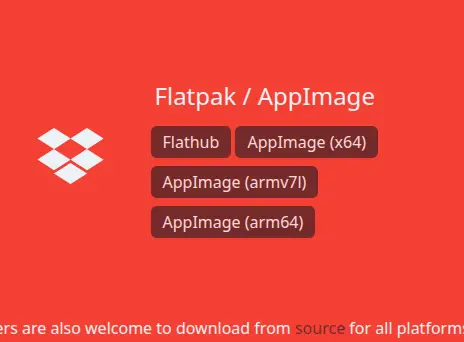
Click the AppImage (x64) button on the download page.
Right click the appimage file and click "open with gearlever"
You should then see this
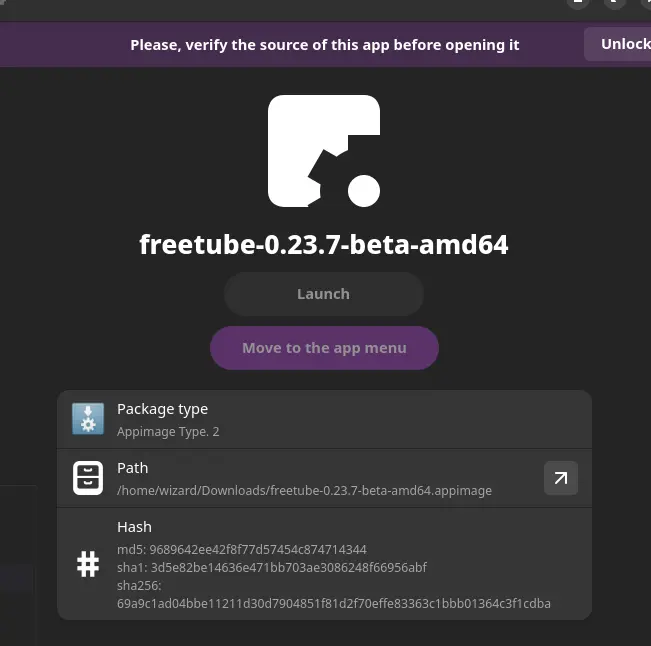
Click (unlock)
Then click (Move to the app menu)
Then (Launch).
You should now be able to launch the app from the start menu and can delete the downloaded file.
As usual, installing apps in Linux is "that easy" as long as you know how.
Freetube is pretty awesome by itself.





