Disowning a process in Linux

Disowning a process in Linux

By Ph03nix | Linux for Newbies | 18 Aug 2025


Many who are new to Linux have a common grievance.

They have to run commands via terminal then can't close the terminal.

I will show you how to make your life easier!!!

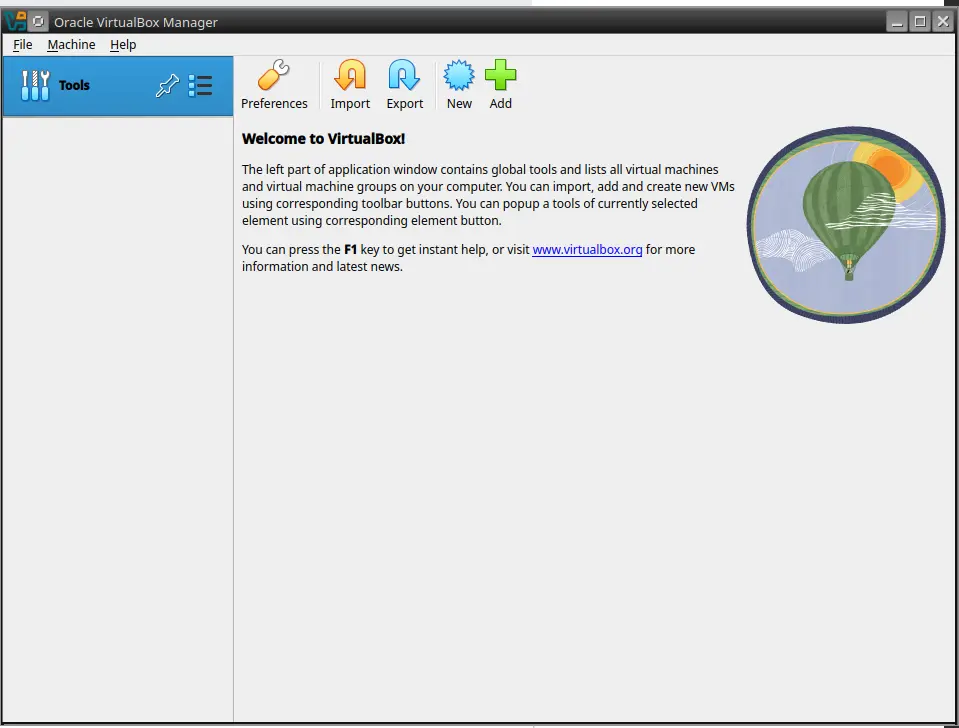
I will use virtual box as my example.

Oracle virtual box has a common issue on many Linux hosts where it will not enumerate USB devices unless you run the Hypervisor as root.


To do such

sudo virtualbox
5a359aab5089548a92aff9c080a24b2298f1ef11c2bdb14f9d32d63fa031cb80.png

Then in terminal press

ctrl + z


4572b54d10b702849affedd699dc6647e4c81934d30e33eece3d455da96bef01.png

 You should see similar to this.

^z means ctrl + Z

We then run 

bg

Then we run

disown

Now you can close terminal and Virtualbox will stay open

How do you rate this article?

2


Ph03nix
Ph03nix

I am and ethical hacker with years of experience, and many certifications.


Linux for Newbies
Linux for Newbies

This blog will be dedicated to the introduction of Linux in a manner that is easy to understand for even those who are not tech savvy.

Publish0x

Send a $0.01 microtip in crypto to the author, and earn yourself as you read!

20% to author / 80% to me.
We pay the tips from our rewards pool.


