
Hello,
Few days ago I needed to upload a bunch of files (mostly pictures) to a different sites.
Now I am usually doing this manually, but if you have two, four, or even more places where the files should be uploaded, it can be pretty boring process to do so. In my case, I am uploading images to stock photography websites, and majority of them offer FTP upload. Nice! 👌🏻
In this example, I will upload an image to shutterstock. So let's get into it.
Ftplib is great library which comes with the standard Python library. So let's import it into our python file.
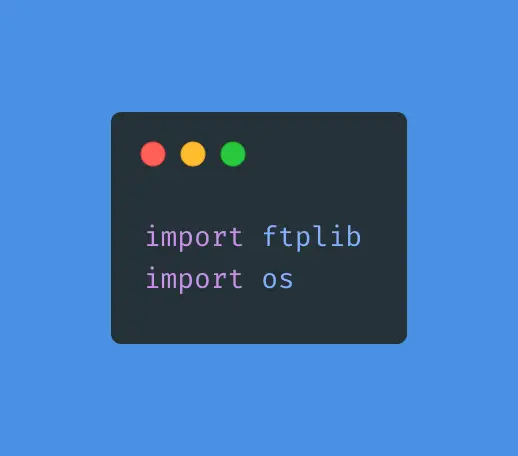
We are going to need os library as well as the pictures will be read from our own PC's.
For this script, we are going to store one image in the same folder where our python script lives, in order to reference it easier.
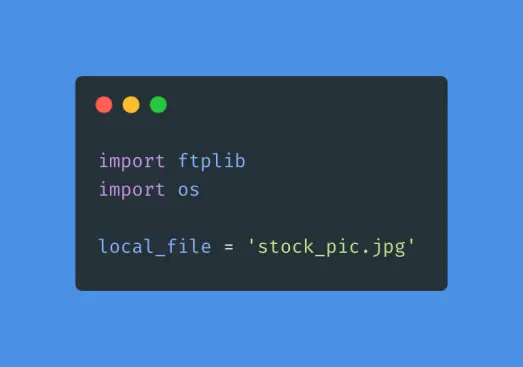
Next, we need to establish connection to the shutterstock. It uses FTPS connection, so we need to establish the connection like this:
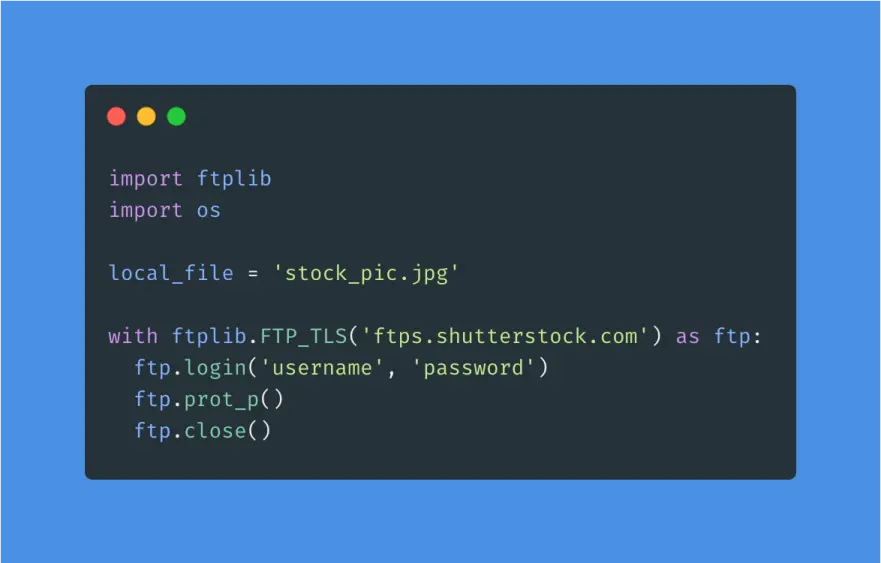
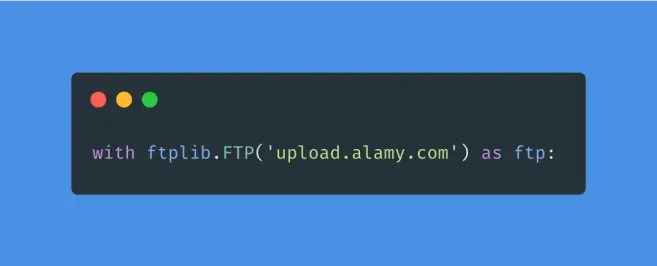
A FTP subclass which adds TLS support to FTP as described in RFC 4217. Connect as usual to port 21 implicitly securing the FTP control connection before authenticating. Securing the data connection requires the user to explicitly ask for it by calling the prot_p() method. In this example, shutterstock is using FTPS, but Alamy is using FTP only. Meaning that you would need to delete the line where you are explicitly saying that you want to use secure connection (ftp.prot_p()). FTP subclass should also be initialized with FTP only instead of FTP_TLS.
The next step is to send the binary file. storbinary is the method which we need.
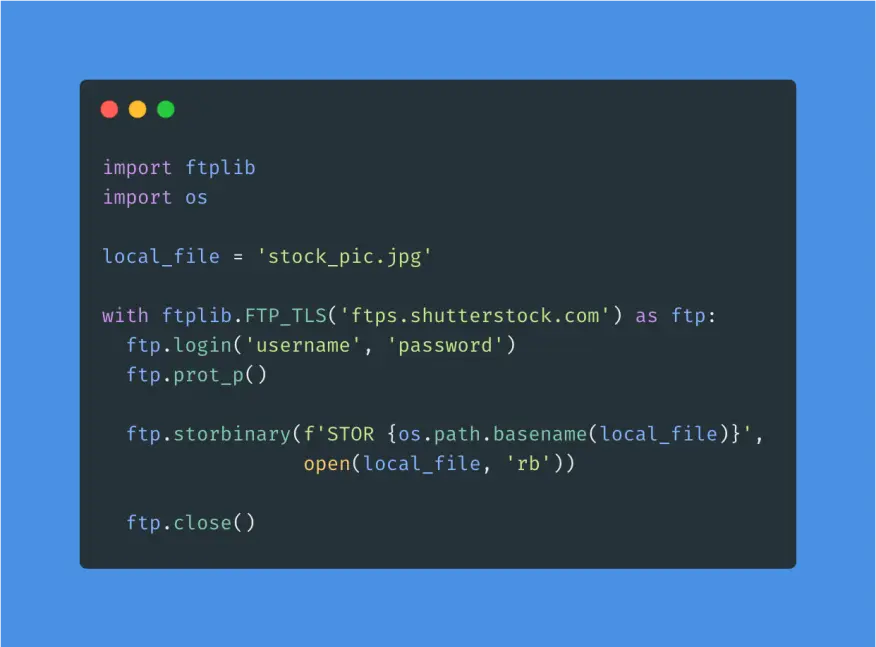
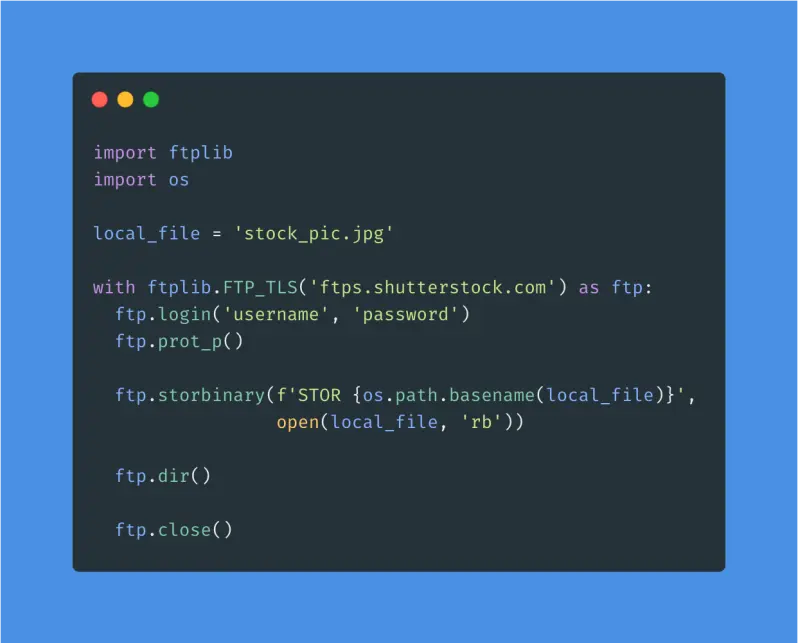
This function stores a file in the binary transfer mode. "STOR filename" is the first parameter which should be populated, and we are getting filename with the help from os library. The second parameter is the file object, opened in binary mode, which is read until EOF (end of file) using read method.
At the end, you can call dir method in order to see what files you have on the server. If everything went fine, you should be able to see 'stock_pic.jpg' transferred.
Next, you can head over to your shutterstock contributor page and add Title, Category and Keywords, click to upload photo and make some sales!
Good luck 😉😎
P.S. We can use Python to embed keywords, your contact, photo description and so on automatically before uploading pictures. Most of microstock websites will read the data from pictures automatically, which means that you don't need to do this manually. (just imagine if you upload one picture to eight platforms and need to do this manually).
Maybe we should explore that in the next post?





