Thought I would make a follow up with a more in depth look at the other ways on Cryptotab you can earn.
So let's get started. Click on the orange C at the end of the address bar. This is the Cryptotab Dashboard. Here you will be able to set your mining speed. The speed will depend on your CPU and how many threads it as, this browser mines via algorithm, but still uses your CPU. Next is is what you have mined, pretty obvious 😉 Next is the Affiliates, were you will see how much your affiliates have mined for you. If you left click on this you will enter another dashboard, this is where we will be focusing our attention today.
First, you'll see balance again. Top right takes you to payment history. Bottom right is the important button of them all. The withdraw button. 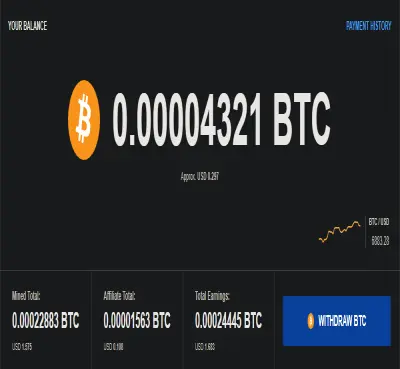
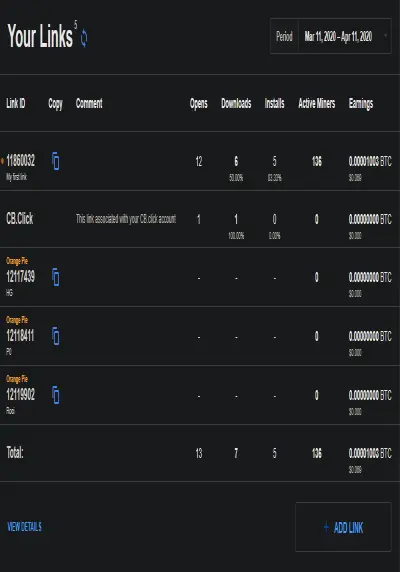
Beneath that shows you your links and stats for each link and how much you made from each. You can change the period, top right.
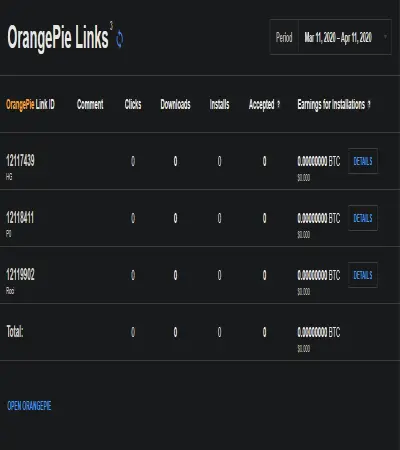
Below that you get OrangePie links. More on that later.
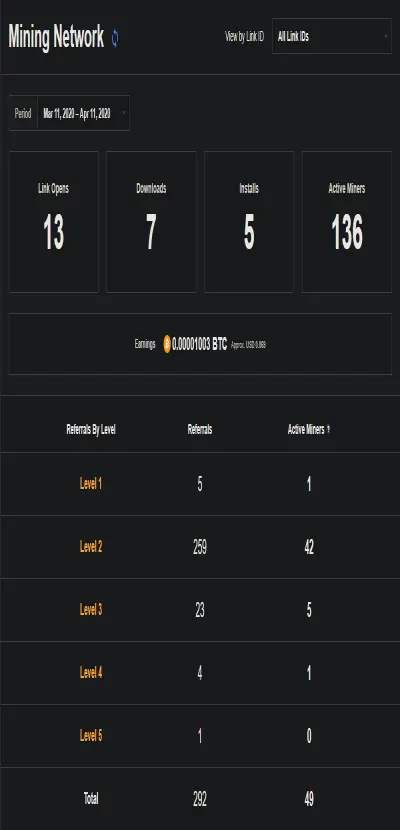
Further down, we come to your mining network. You can change the link ID top right and the period just above how many links are open. Shows how many downloads, installs and active miners. The earnings is what you have made from the affiliates. Under that shows you the referral levels.
Further down shows data graphs for links, downloads, installs and active miners.
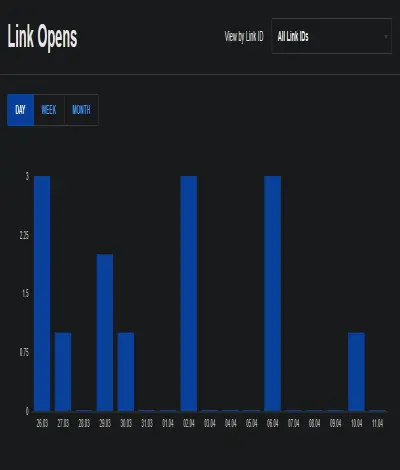
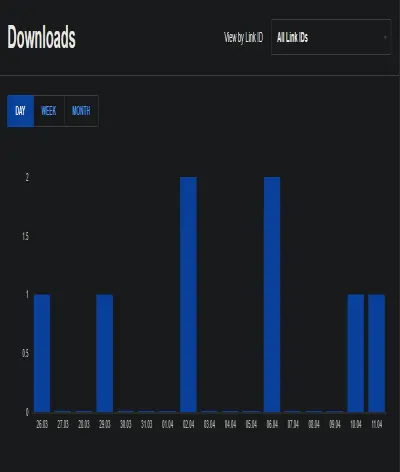
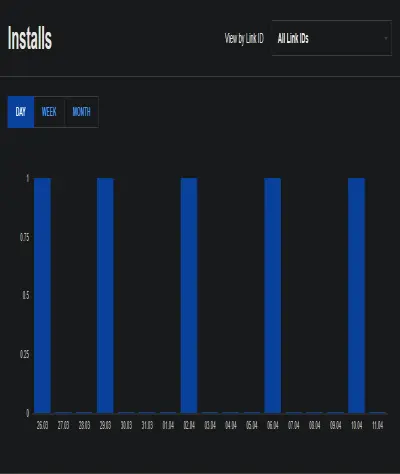
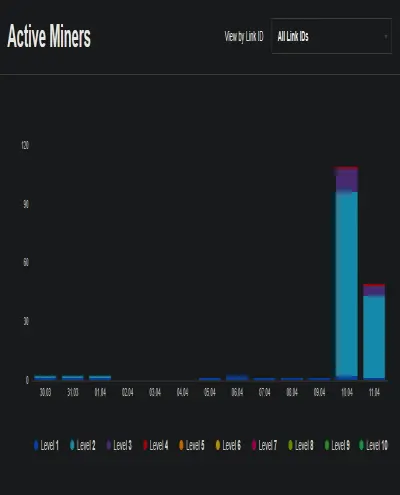
You can change link ID's Day, Week and Month. Now if you look at the bottom of the page. Crypto Start is a Chrome extension that adds a few things to Cryptotab, also used in Chrome. Such things like Quick notes, To-do list, Weather forecast are a few examples.
CB Click is a new addition to Cryptotab. This is an Advanced URL shortener. So you can even earn from Tiny URL's.
Here is where you make links that are GEO aimed at particular countries, countries listed below. You will be rewarded with $2 in Bitcoin at the moment of installation.
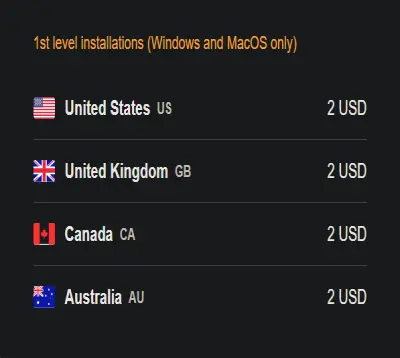
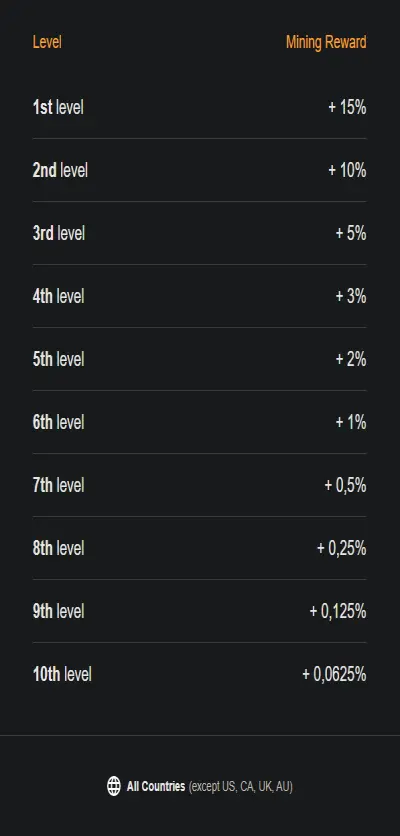
Here Is the break down of the affiliate system using the OrangePie link.

Here you scream, "What about other countries" this is the break down for other countries.
I hope you found something of interest within this post. I look forward to hearing from you in the comments.
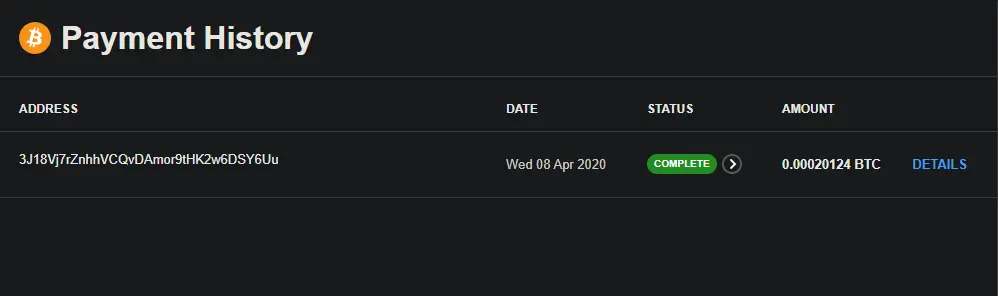
Below is proof of Payment.