
IMG Coin Mining with F2Pool.com

IMG Coins are best used with X11 Asic Machine (Dash Miner)
I'll explain what to do to mine IMG Coins.
Step 1:
You need an IMG wallet.
I use the wallet via Finexbox : https://www.finexbox.com/Reg/register/referrer/518768.html
All IMG Wallet: https://imagehosty.com/wallet.html
Step 2:
Configure your mining device.
Your miner must be connected to the F2Pool pool server listed below, and you must use a wallet address that can receive IMG for your revenue to be recorded and monitored.
Please enter the following information on your mining device:
- URL: stratum+tcp://img.f2pool.com:4400
- Username: walletAddress.workerName
- Password: *anything*
Please note: workerName is optional, however, we recommend connecting each mining device with a separate workerName for efficient monitoring.
Step 3:
Start Mining!
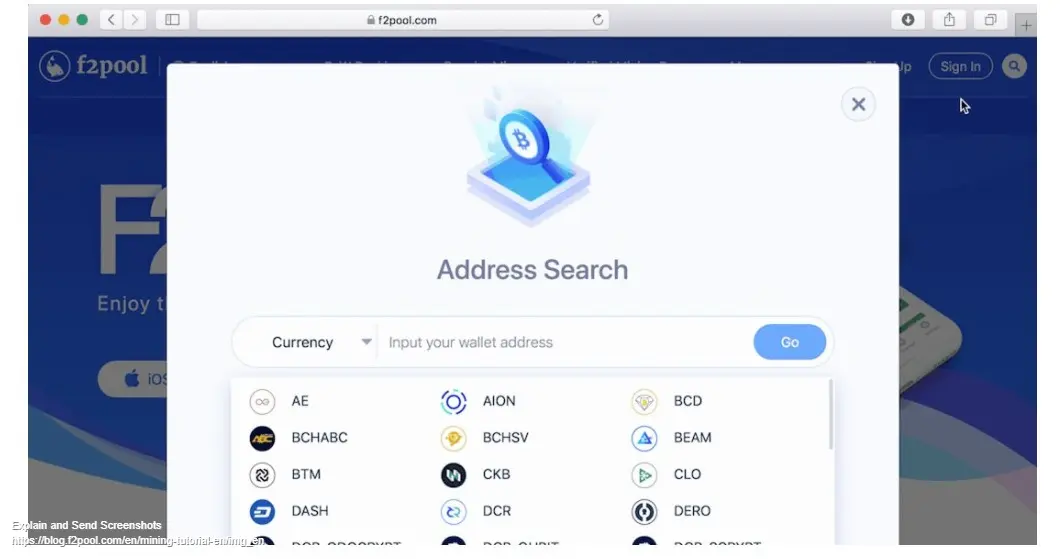
Your machines are ready to start mining. From “Address Search” on the F2Pool homepage, you can insert your wallet address and monitor your hashrate, revenue, and payouts. You can also view the information through our F2Pool App. From the login screen, select “Quick View” in the bottom right corner and enter your wallet address.
Happy Mining.





