
What if we could use our name as an Ethereum Address instead of a complex Hexadecimal 42 digit sequence?
It would be a way easier for a friend to send us some USDc ou DAI, wouldn´t it? It also would be handy to use only our name or a short phrase whenever we wanted to withdraw funds from Publish0x or transfer some BAT from the Uphold wallet to our Ledger device (for those who also use the Brave browser).
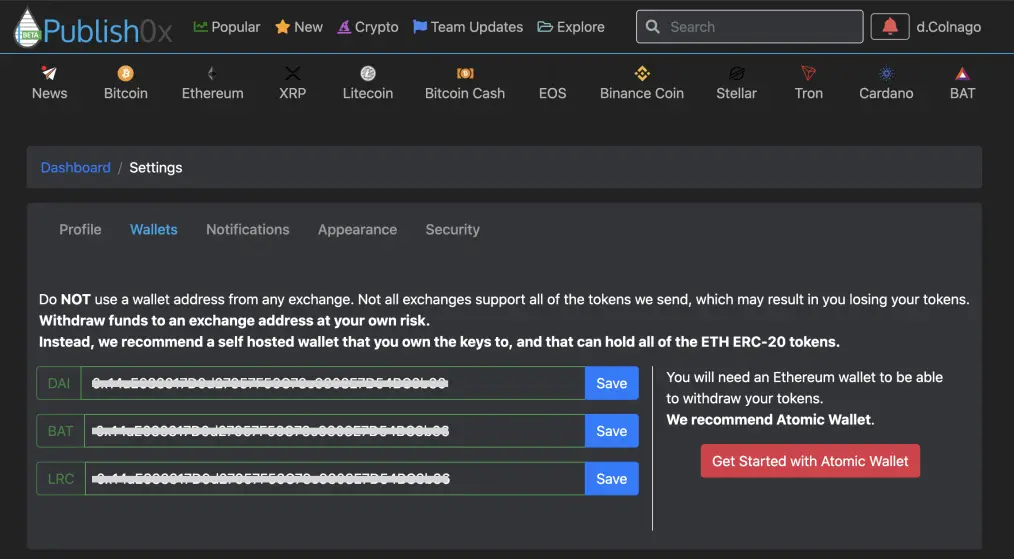
I also think this could be beneficial to people who are not into crypto yet understand that they can receive funds in an address with their name, just like they do with e-mails.
Too good to be true?
Not really, it is already possible!
Have you ever seen people in social media with something like a FamousName.eth? That's exactly what I'm talking about!
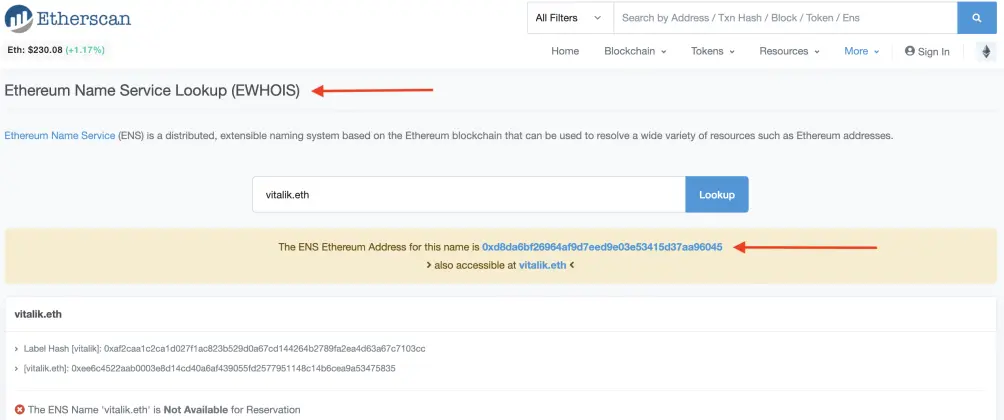
As we can see above, Vitalik uses an Ethereum Name Service (ENS): vitalik.eth. It means that if we go to Etherscan.io and look for the ENS vitalik.eth we reach the Hexadecimal address associated with it. (stalker alert! 😂)
PS: Ethereum Addresses aren´t case sensitive, so you can use both lower or upper cases.

Browsing around Twitter we can find many other examples of people using Ethereum Name Services (ENS):
By the way, if you are into Ethereum and DeFi, these guys are a great font of information!
In sum:
ENS eliminates the need to copy or type long addresses. With ENS, you'll be able to send money to your friend at 'aardvark.eth' instead of '0x4cbe58c50480...', interact with your favorite contract at 'mycontract.eth', or visit a Swarm-hosted site at 'swarmsite.eth'. (Font: end.domains)
Where you can use ENS
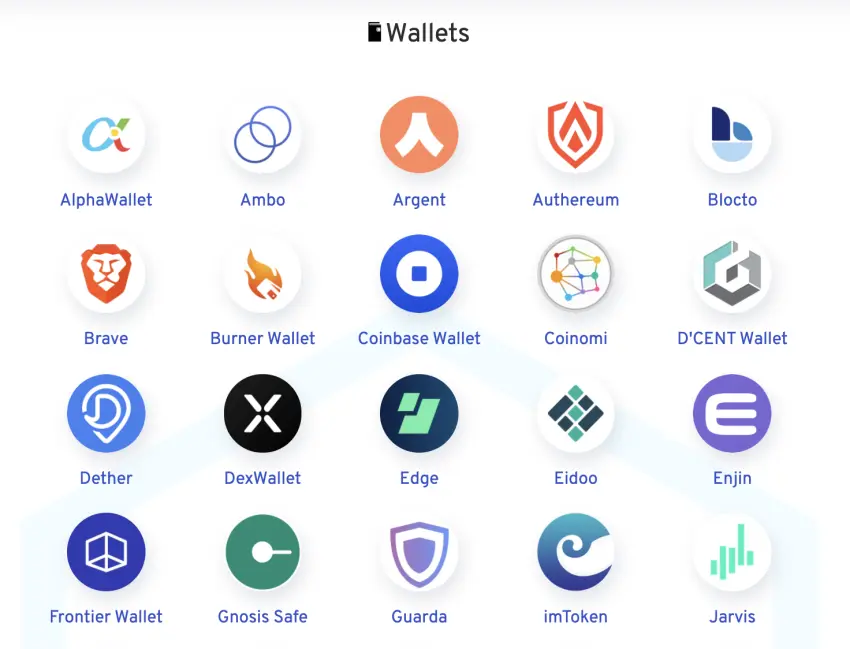
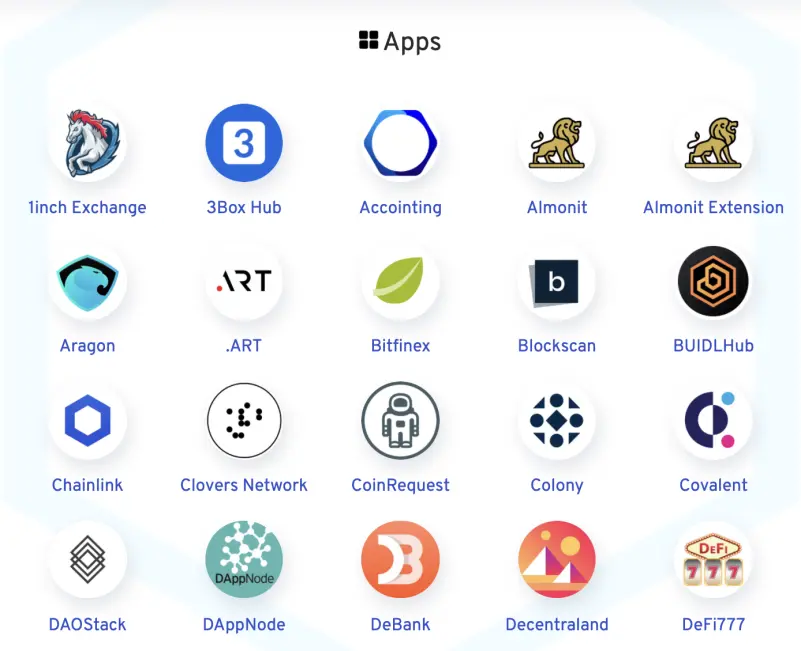
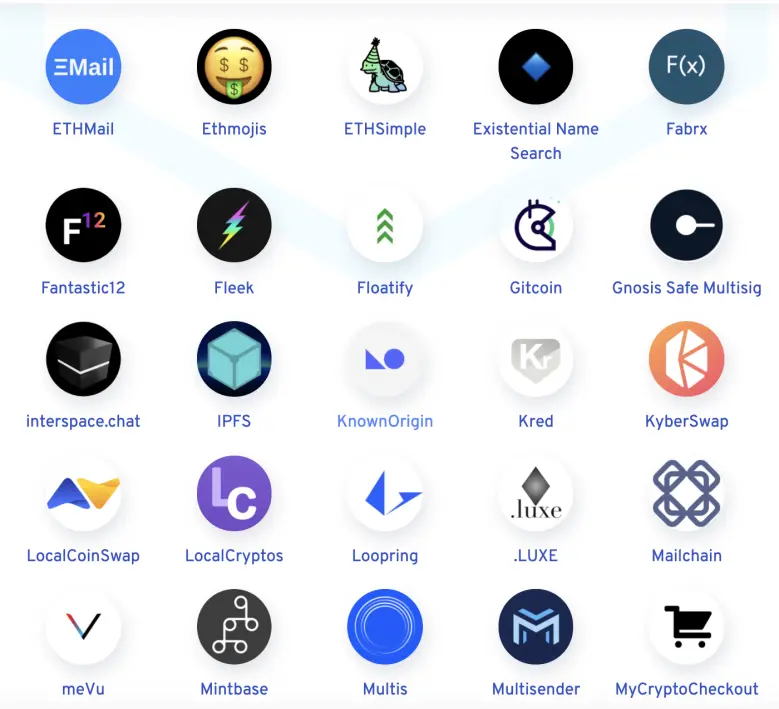
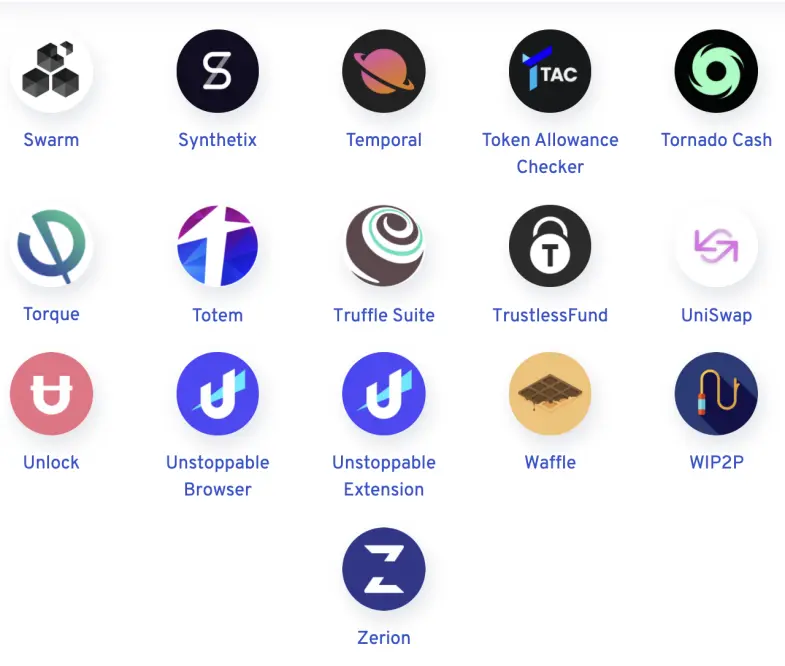
Nowadays there's a myriad of wallets and applications compatible with ENS.
You can check the full list here.
How you can set an ENS
You can easily get yourself an ENS in one of these websites with easy steps:
Using the ENS Domains website as an example, it can be done like this:
1 -Unlock your MetaMask or Brave Browser wallet and allow it to connect to ENS Domains web application;
If you don´t know how to connect your Ledger with your Brave Browser wallet click here.
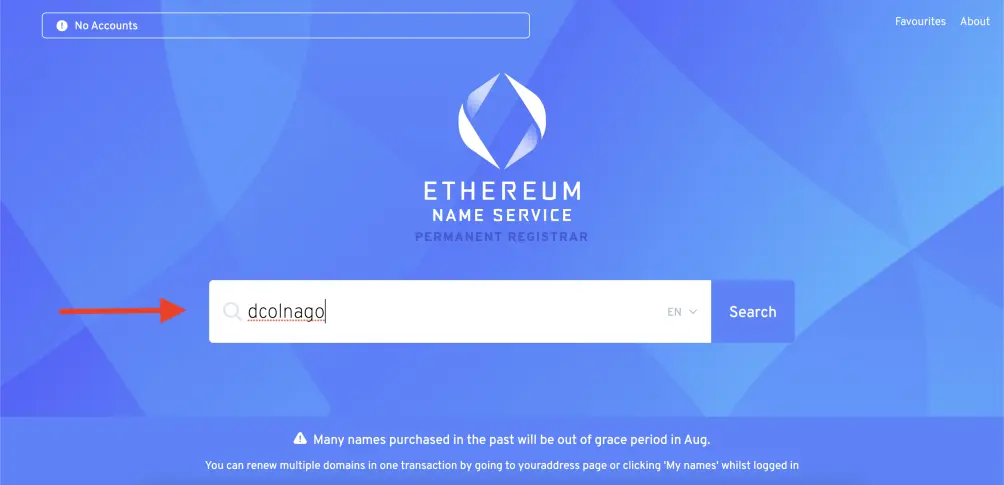
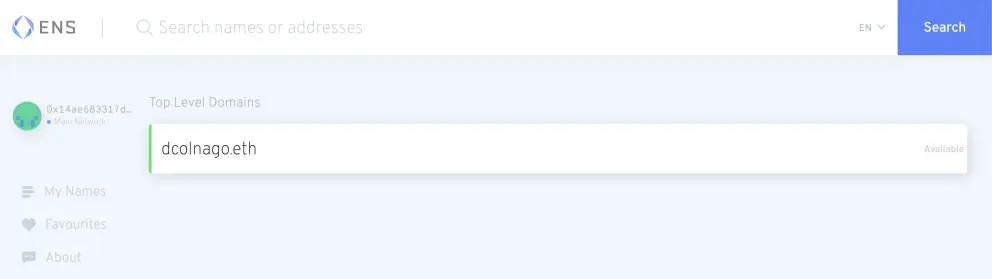
2 - Search for the name you want to use as an address. In my case, I looked for dcolnago;
3 - If the name is unavailable, you will see the address information. Otherwise, if it is available, a green bar will show up next to the name and you will be able to continue;
4 - Clik the name and on the next screen select a registration period (A), check the price you are paying for it (B) and click the "Request To Register" button on the bottom right;
5 - Confirm the operation and wait for it to be processed by the network.
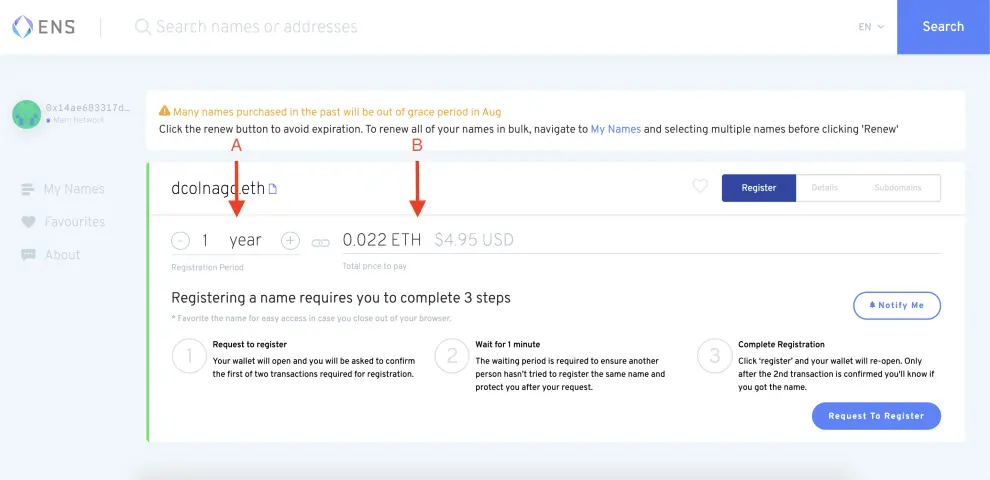
You can follow a more detailed tutorial on how to set up your ENS using ENS Domains web application in this great Medium article.
If you (like me) don´t want to pay for an ENS or if you want to test how an ENS works before you buy one, ENSnow offers some free options like yourName.wantsome.eth or yourName.gimmethe.eth:
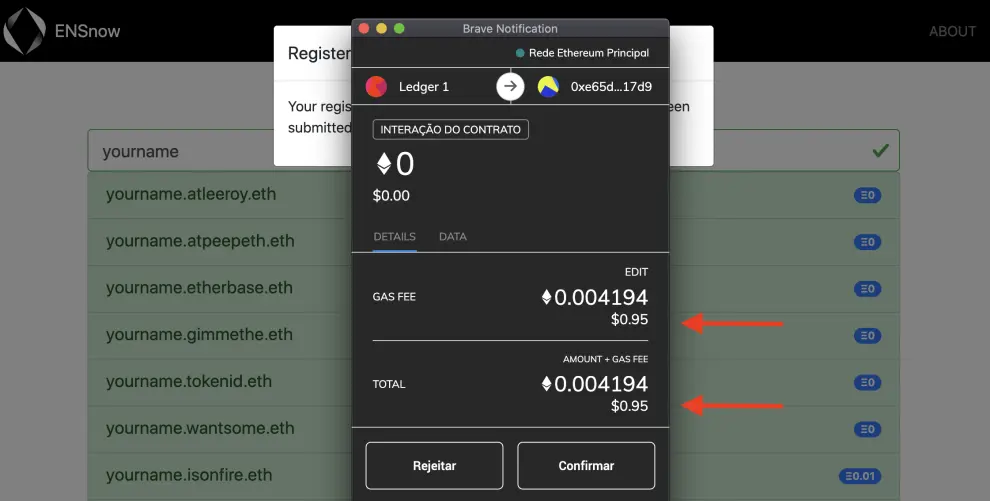
In my opinion, if you want to use an ENS for yourself, you should create a new wallet and try the free options first. Make some tests, see how it works for you and only if you like the experience go for it! That´s what I´m going to do for myself.
Remember that you have to have some ETH in your wallet to set up an ENA since you have to pay for the network transaction fee.
Final note
You must be aware that when you exchange your Hexadecimal address for your name and make it public you are also exchanging part of your privacy for some convenience. Before doing that you should ask yourself if it´s worth it. After all, it will possible to associate the funds of a wallet with you.
Do you have any thoughts about it? It would be nice to hear that in the comments section.






