
Your Outlook account may be under continuous attacks, and you may not be aware... yet.
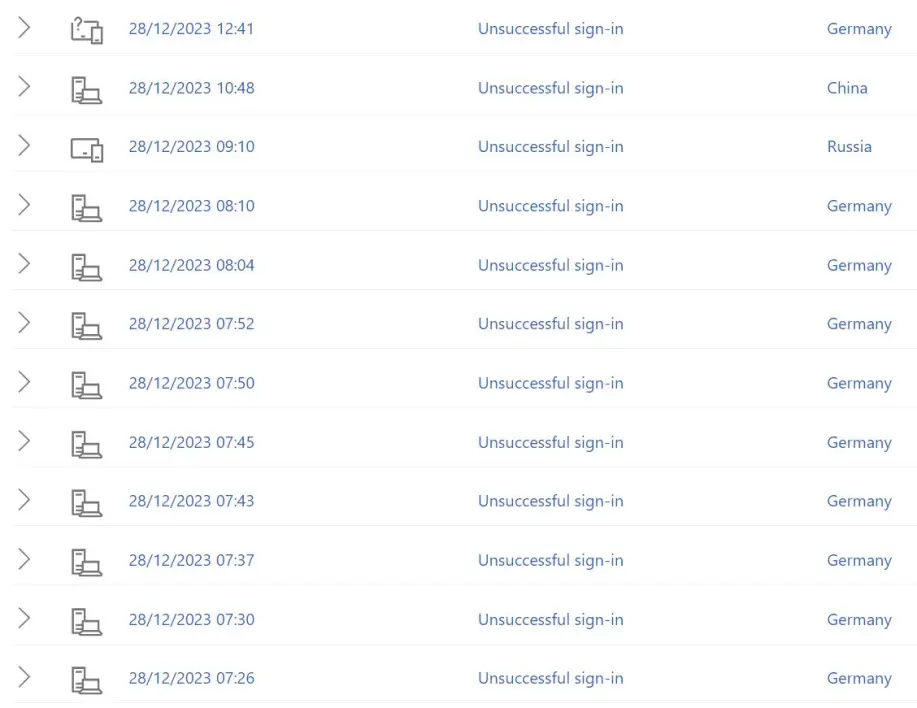
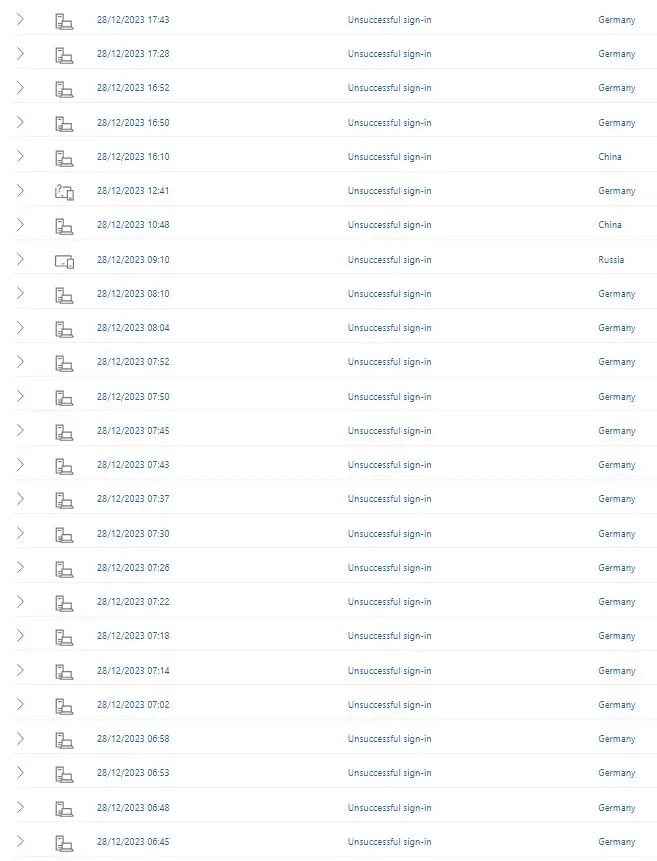
Like the owner of this Outlook account, who receives multiple sign-in attempts daily from all over the globe. ❗❗❗
But do you take digital security and safety seriously and have taken all necessary precautions? Haven't you?
Still, just in case, this article reviews the digital security and safety steps necessary to keep your Outlook account safe from hacks and scams.
Microsoft Account Security Review
If you want to know if your Outlook account is under attack, log in to your Microsoft account using your email address, phone number, or Skype account.
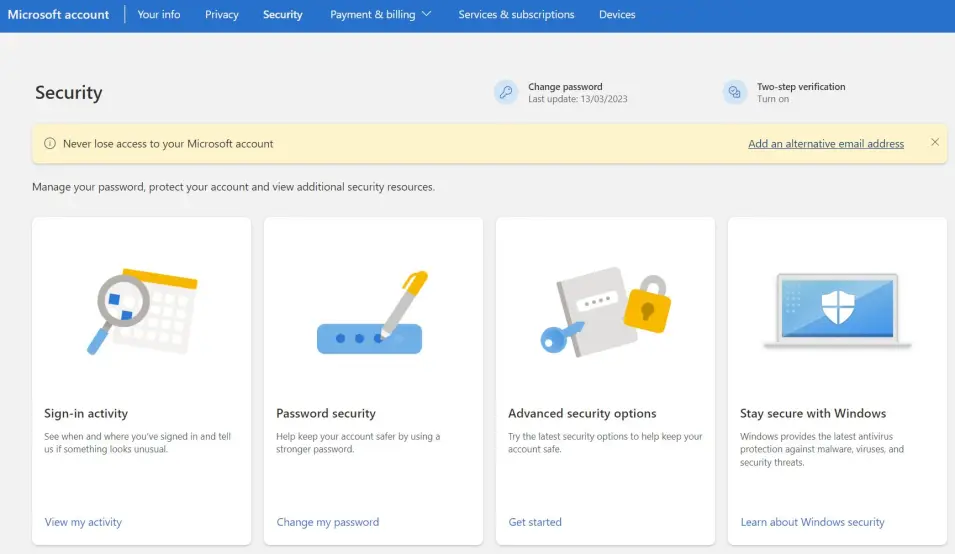
Once you have logged into your account, click over 'Sign-in activity', and you will be directed to the 'Recent Activity' page.
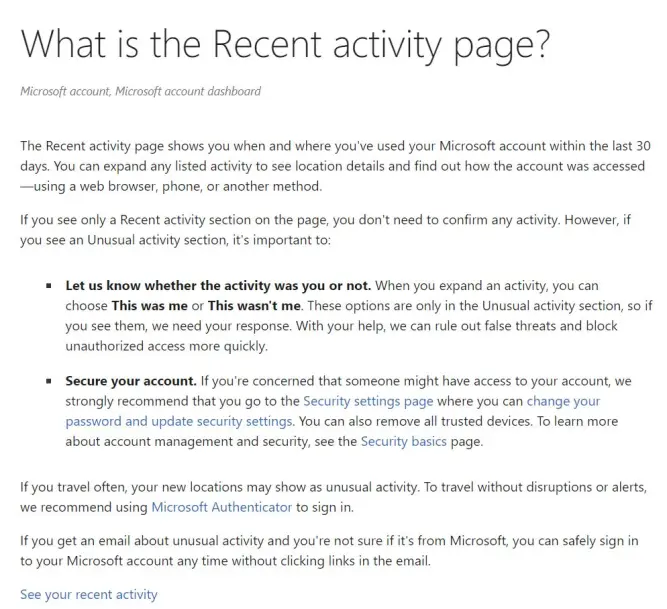
The 'Recent activity' page shows you when and where you've used your Mircosoft account within the last 30 days.
But actually, this feature can also provide a very comprehensive overview of all the unsuccessful login attempts. And make you aware of how often malicious attacks are targeting your account.
For example, this Microsoft/Outlook account received 57 malicious sign-in attempts in 24 hours.
What do you think?
- Should the owner of this account tempt the luck with a re-used or weak password?
- Can the owner of this account afford NOT to use a Two-Factor Authentication (2FA)?
Your Outlook Account Deserves a Strong and Unique Password
A strong and unique password is the first layer of defense.
You can use the Omni Password Entropy Calculator to find out how strong your actual password is.
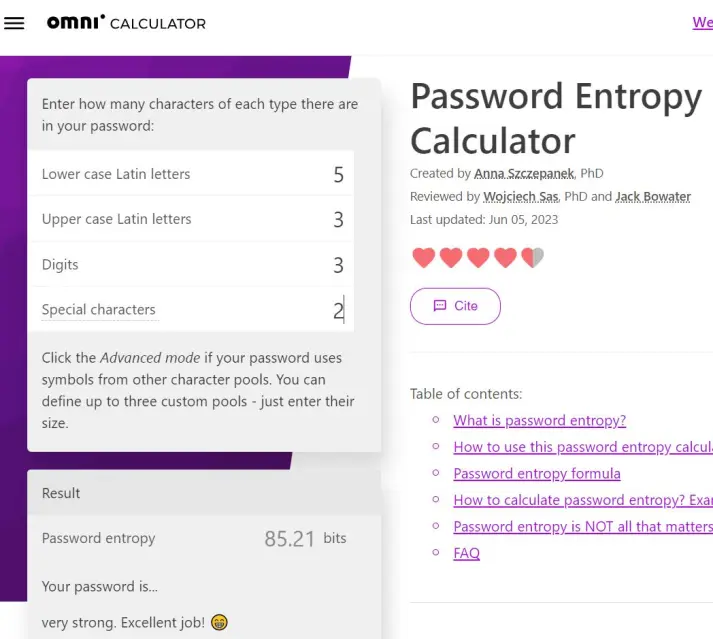
Do yourself a favor, and please consider only using passwords with lower, upper, and special characters and digits with a minimum of 85 bits of entropy.
For more details, look at the information on this page about creating a strong password.
But be aware that having a strong password for multiple websites is a MAJOR security flaw.
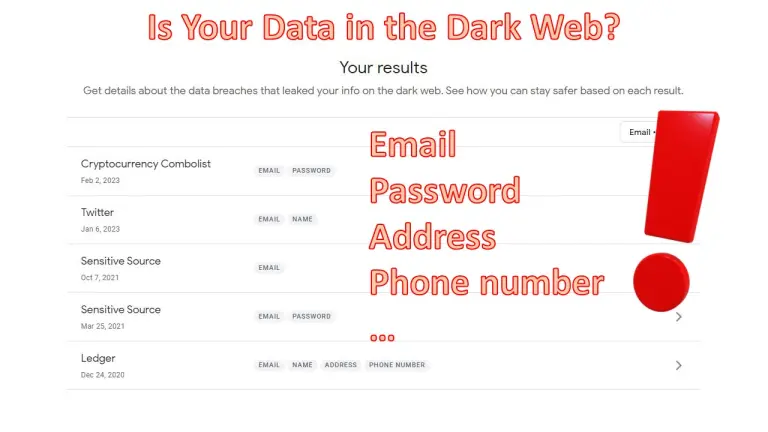
Sooner or later, one of those websites will have a data leak, your password will be made public on the dark web, and someone will use this information to break into your other accounts.
Your Outlook Account Should be Protected by a Two-Factor Authentication (2FA) Method.
You are doing well if you use strong and unique passwords, but it may be insufficient.
You must also consider using some two-factor authentication (2FA) to ensure that if a hack or a mistake on your side exposes your passwords, your accounts remain secure.
A Microsoft/Outlook can be secured using several 2FA methods.
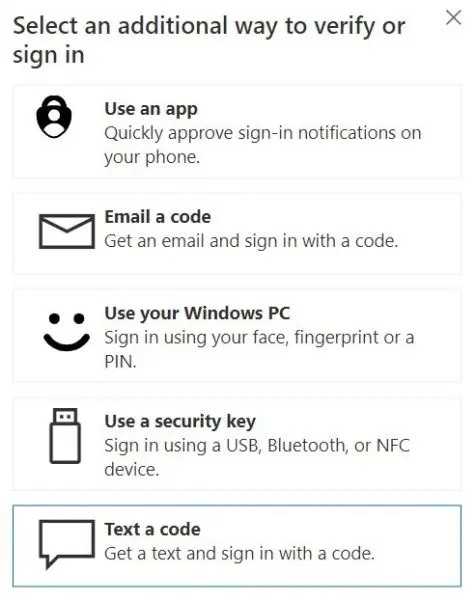
Some are more secure; some are less secure:
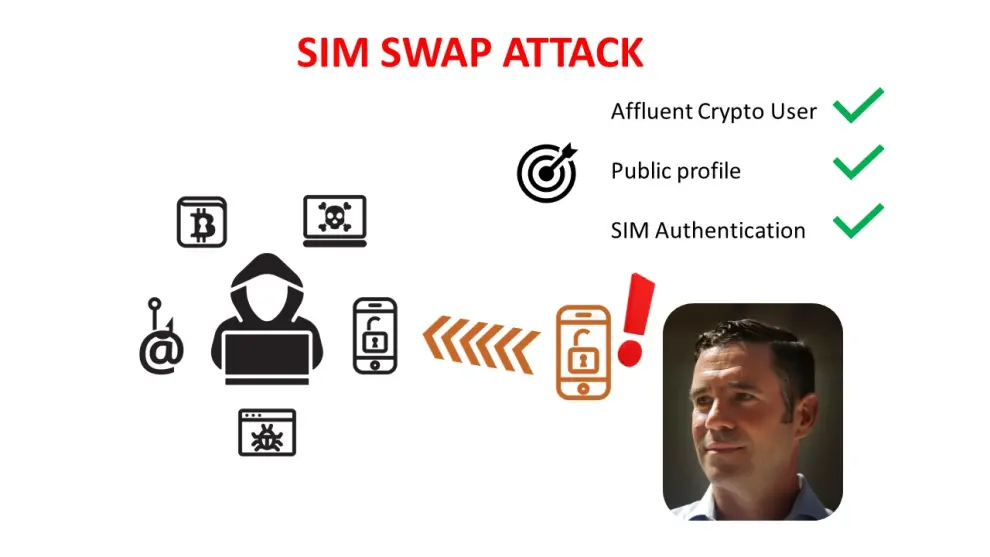
- Texting a code is considered one of the least secure 2FA methods because it can be subjected to a SIM SWAP attack. While it may be suitable for you if you maintain a low public profile, you must be aware that some people have found the hard way that it is not a hack-proof system.
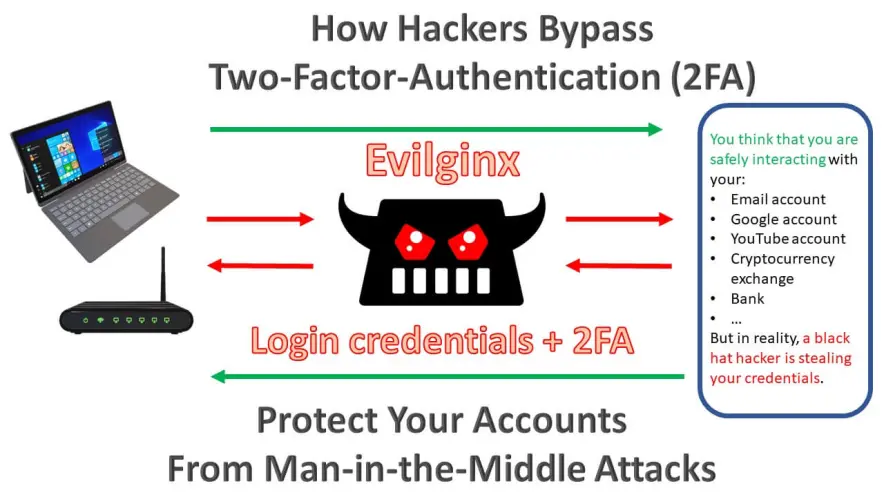
- Using an app, the Microsoft authenticator for Outlook accounts, it is a moderately strong 2FA method. However, the user must be aware of the security threats that hackers use to bypass this kind of 2FA system. A 2FA app may be a good alternative for you if you consider your digital security and safety level strong or plan to work to increase your knowledge and good practices as quickly as possible.
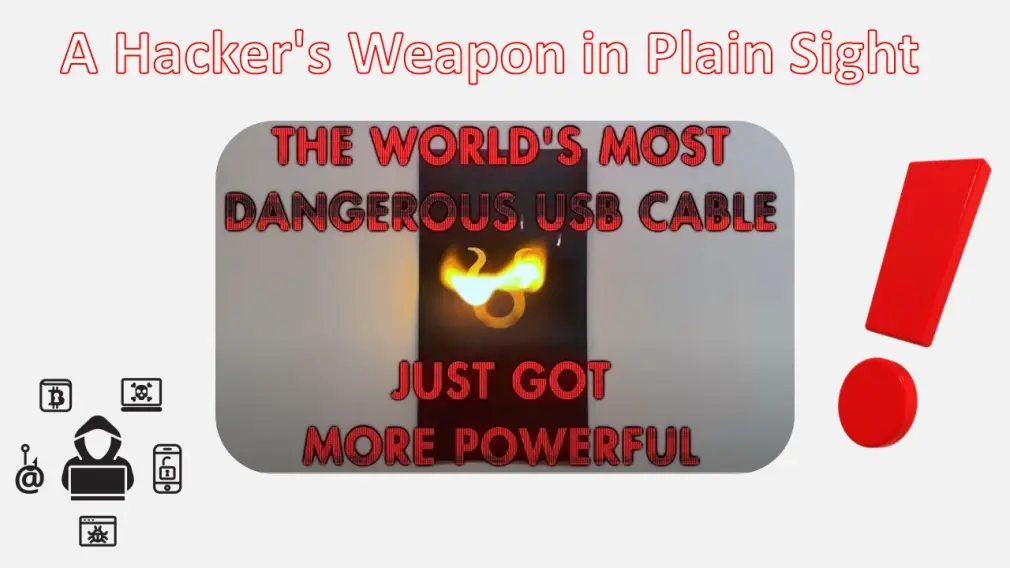
- A security key is considered the safest 2FA method because it will protect you even from the most insidious hacking attacks, like those hacks that can be performed using an O.MG cable. Still, note that no system is perfect, and the security keys may be less convenient than other 2FA methods and require a well-planned and maintained recovery plan.
But what sort of measure should the owner of this Outlook account use?
- 57 sign-in attempts in one day are worrying enough, but is it worth creating and remembering a strong and unique password?
- Plus, installing the Microsoft Authenticator as 2FA to a mobile device means having a backup system to ensure access to the Outlook account, even if the mobile device is lost or stolen.
- Or, spending money buying a security key, plus losing convenience and safely storing a backup key just in case something happens to the primary key?
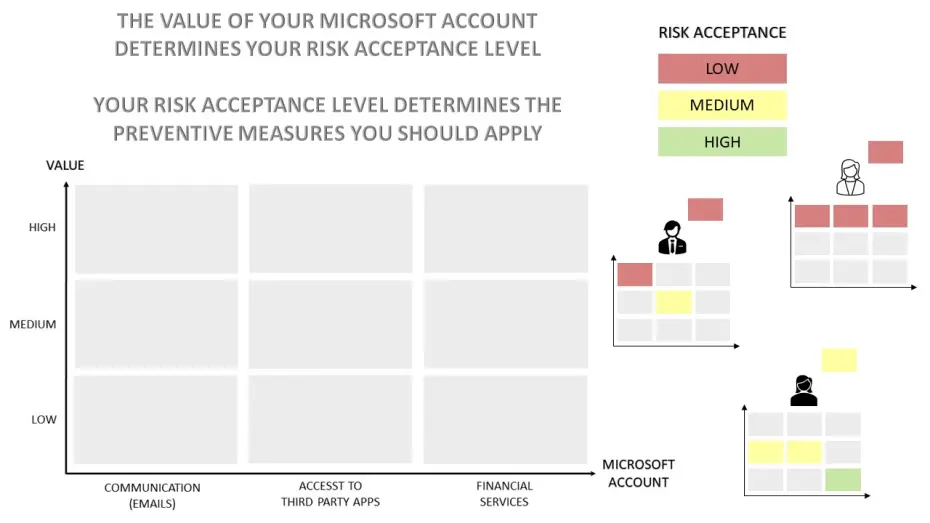
Well, it all comes down to the value of the Microsoft/Outlook account.
If you have some additional minutes and you want to dive deep, please consider having a look at these posts:
- How to Maximize Microsoft Security and Safety- Best Tips
- How to Maximize Google Security and Safety - Best Tips
Congratulations on completing this 5-minute digital safety power-up.
We hope this short article has helped increase your digital safety knowledge and awareness, and the 5 minutes read was worth the time.
For more 5-minute Power Power-Ups, please consider subscribing to our blog.




