Hundreds of Security Cameras are not sufficiently protected and can be accessed and exploited by malicious individuals.
The rise of the Internet of Things (IoT) has enabled security cameras to connect to the Internet, making them more convenient to monitor remotely.
But, the big downside is that this convenience has made our security cameras more susceptible to cyberattacks if not properly secured.
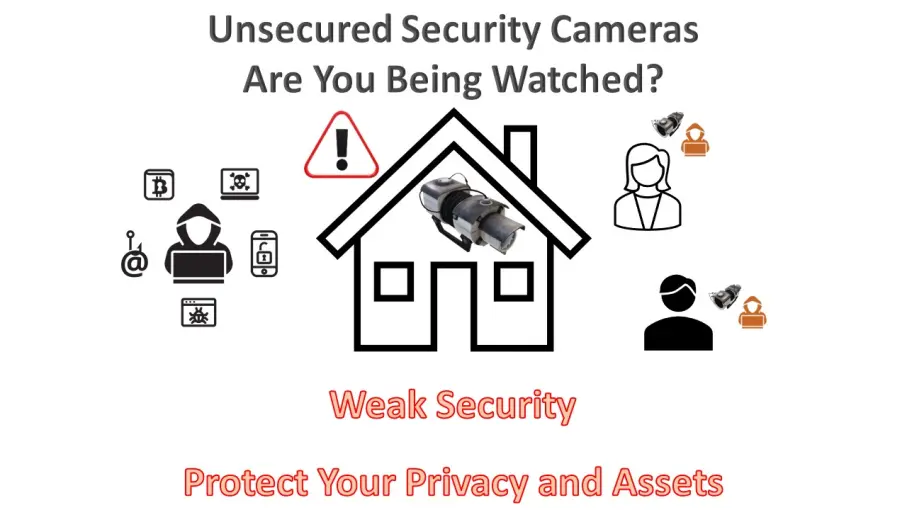
Because an image is worth a thousand words, you can have a look at some of the cameras that can be globally accessed... by anyone.
☝️ Note that Insecam is an HTTP website. To safely browse http websites better use a VPN or a trusted (and protected) network.
As described by Insecam on their website:
'Welcome to Insecam project.
The world biggest directory of online surveillance security cameras.
Select a country to watch live street, traffic, parking, office, road, beach, earth online webcams.
Now you can search live web cams around the world. You can find here Axis, Panasonic, Linksys, Sony, TPLink, Foscam and a lot of other network video cams available online without a password...'
And, especially, note the following statement from Insecam:
'The following actions were made to Insecam for the protection of individual privacy:
- Only filtered cameras are available now. This way none of the cameras on Insecam invade anybody's private life.
- Any private or unethical camera will be removed immediately upon e-mail complaint. Please provide a direct link to help facilitate the prompt removal of the camera.
- If you do not want to contact us by e-mail, you can still remove your camera from Insecam. The only thing you need to do is to set the password of your camera.'
What do you think?:
😊😊😊 They make a good point with the statement: '... you can still remove your camera from Insecam. The only thing you need to do is to set the password of your camera'
❗❗❗ But what is especially worrying is that people is making their personal life public, as can be understood by the comment: 'Only filtered cameras are available now. This way none of the cameras on Insecam invade anybody's private life.'
The Threat of Unsecured Security Cameras
Unsecured security cameras are those that have not had their default passwords changed or have not been properly configured to restrict access.
These cameras can be easily exploited by cybercriminals, enabling them to gain unauthorized access to live video feeds or recorded footage.
This invasion of privacy can lead to a range of troubling consequences. For example:
Invasion of Personal Space: Unsecured security cameras can capture private moments within homes, or businesses, leading to the violation of personal space.
👉 Camera was hacked to make inappropriate comments about a woman
Remote Control: In some cases, hackers can gain control of the camera's functions, such as zoom, tilt, and pan, to further invade an individual's privacy.
Data Theft: Unauthorized access to security cameras can expose sensitive information, such as confidential business activities. Alternatively, if you are already a target because of your personal circumstances (e.g., large cryptocurrency portfolio and public profile or data leak), the camera can be used as a tool for a customized attack.
DDoS Attacks: Compromised cameras can be used in Distributed Denial of Service (DDoS) attacks, which can disrupt internet services.
How to Prevent Unwanted Surveillance
You should consider the following measures to protect yourself from unwanted surveillance through unsecured security cameras:
Change Default Passwords: When setting up a security camera system, change the default passwords immediately. Use strong, unique passwords to prevent easy access.
👉 IP Cameras Default Password Directory
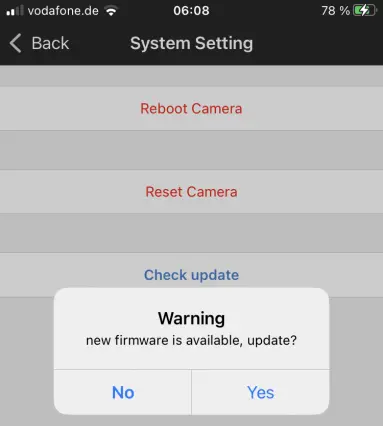
Regular Firmware Updates: Keep your cameras' firmware up to date. Manufacturers often release updates that address security vulnerabilities.
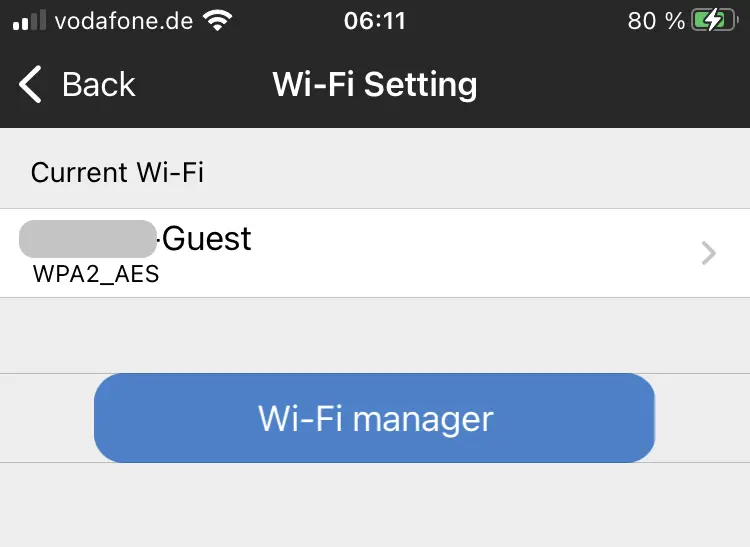
Network Security: Secure your home or business network with strong passwords, firewalls, and encryption. Isolate your security cameras on a separate network if possible. For example, many routers support a second 'Guest' network that can be used to provide WiFi access to those cameras that need it.
Enable Two-Factor Authentication (2FA): If your security camera system supports 2FA, enable it to add an extra layer of security.
Disable Unnecessary Features: Disable any features on your camera that you don't need. This reduces potential attack vectors.
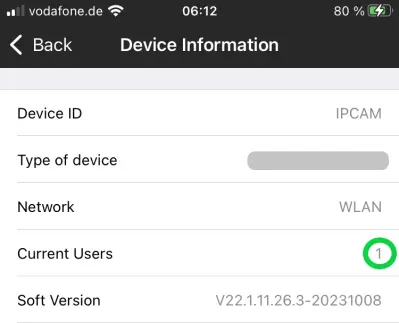
Regularly Check Camera Access: Periodically review who has access to your camera's feed and revoke permissions for any unknown or unauthorized users.
Congratulations on completing this 5-minute digital safety power-up.
We hope this 5 minutes read was worth the time and you have learned some valuable information.
For more short but important articles about Crypto and Digital Good Practices, please consider subscribing to our blog.