
Founded in 2012 by Brain Armstrong and Fred Ehrsam, Coinbase is one of the most popular cryptocurrency exchanges in the world. Coinbase also offers a “traditional” mobile crypto wallet, and cold storage. Coinbase Wallet and Coinbase are not the same thing. Coinbase is a fiat on-ramp and stores your crypto for you on their platform. Coinbase Wallet is just a wallet, the private keys are stored directly on your device and not on the exchange. In this article I will be referring to Coinbase and Coinbase Pro, not Coinbase Wallet.
One of the coolest things about Coinbase is the opportunity to earn free crypto by watching educational videos through the rewards program. They also offer staking rewards for select coins and referral rewards. This year, Coinbase announced the Coinbase Credit Card, where users can spend crypto and earn up to 4% back on their purchases.

Now, let us talk about Coinbase Pro and fees.
ACH Transfer deposits on Coinbase and Coinbase Pro are free. ACH Transfer Withdrawals on Coinbase Pro are free. You will pay more to buy or sell crypto on Coinbase than on Coinbase Pro.
Formerly known as GDAX, Coinbase Pro is the “advanced” cryptocurrency exchange. The advantages of using Pro are advanced charting options, limit/stop loss options, and lower fees. You can also trade pairs like ETH-BTC. After creating an account on Coinbase, you can use the same login credentials to login to Coinbase Pro.
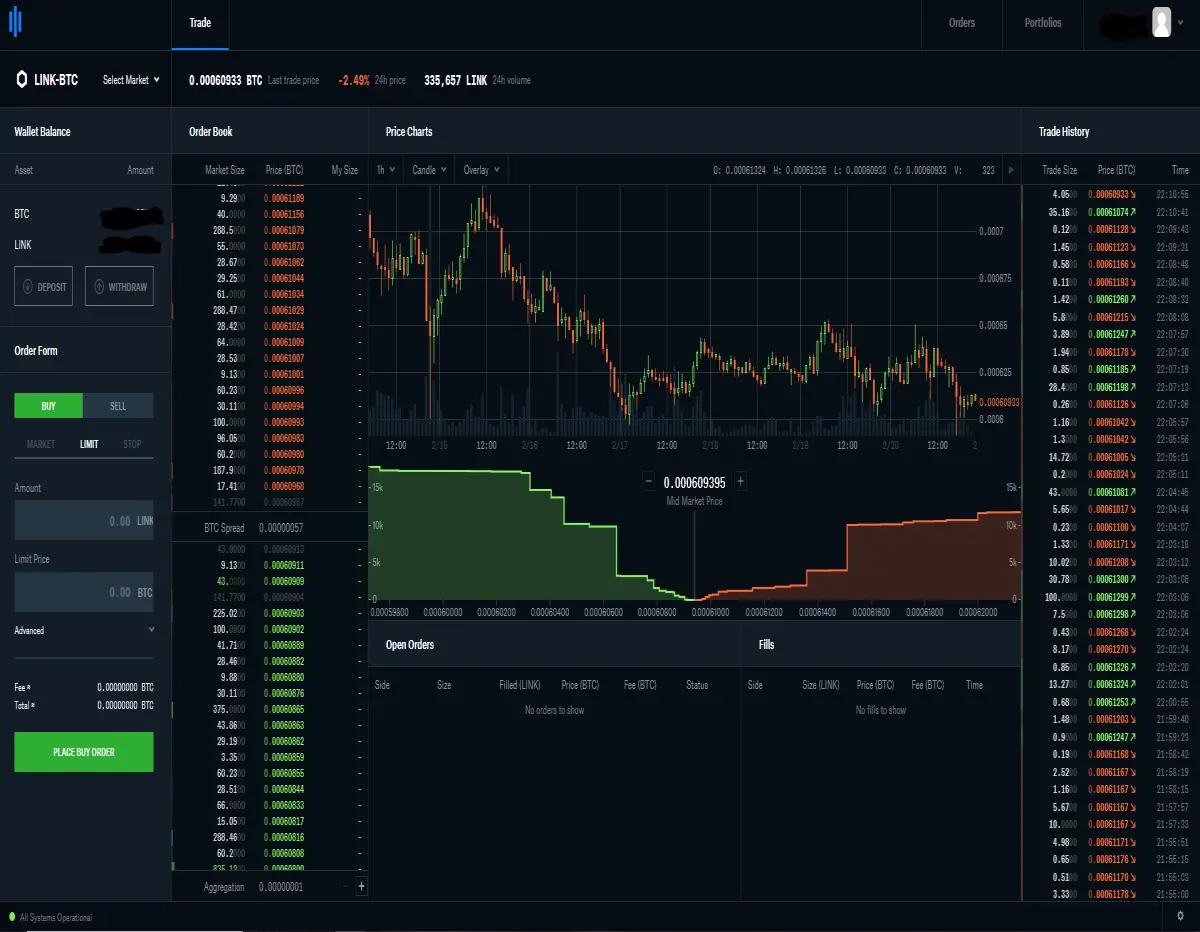
Funds and tokens can be transferred between Coinbase and Coinbase Pro accounts for free. On Coinbase Pro, transactions only cost a small “maker” or “taker” fee.
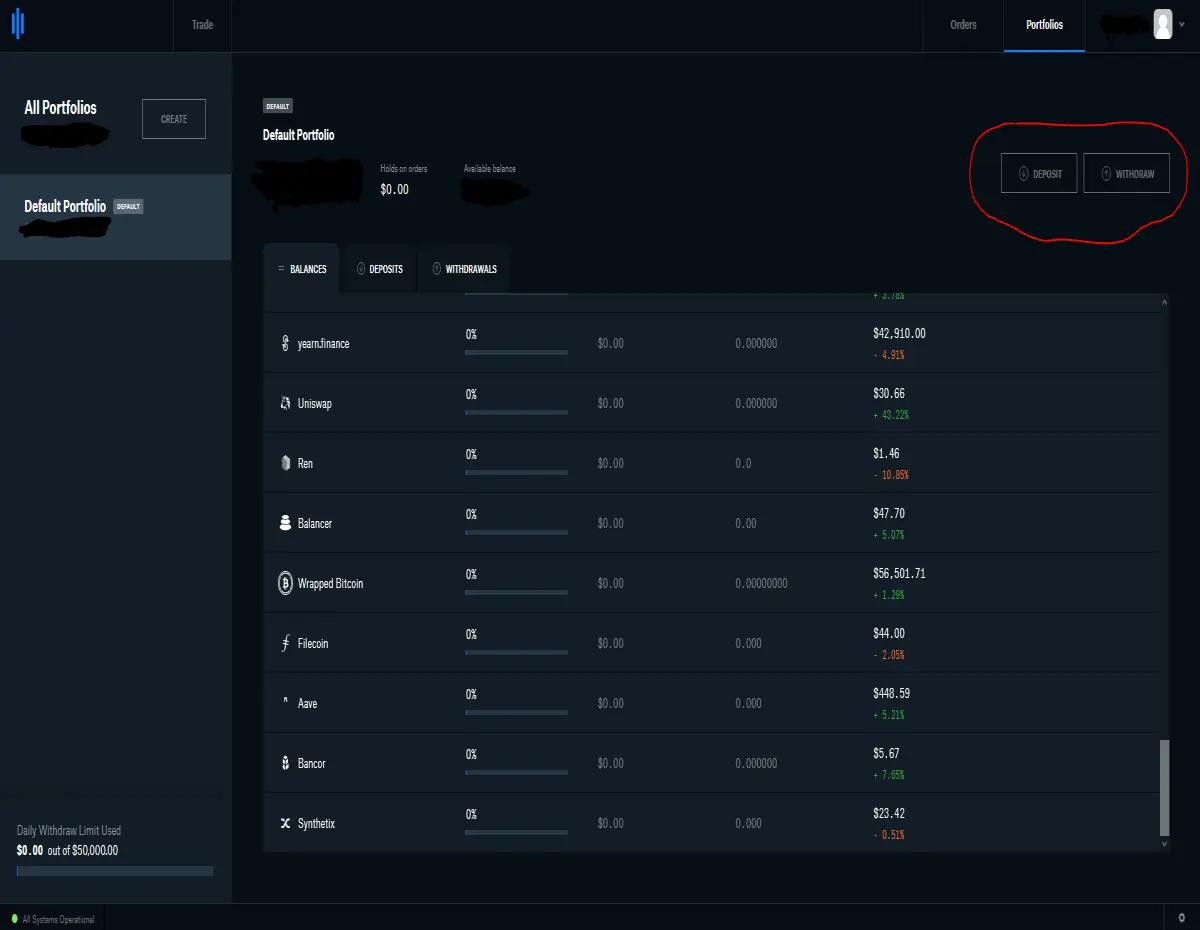
You can transfer funds and tokens between Coinbase and Coinbase Pro by going to your portfolio in Coinbase Pro and clicking the deposit and withdraw buttons. For Coinbase to Coinbase Pro hit Deposit, For Coinbase Pro to Coinbase or your bank account hit Withdraw. Select the token and your Coinbase account.
If this article has been helpful and you are considering signing up for Coinbase, you can earn $10 in Bitcoin by using my Referral Link





