
SO pfps or generative art as some people call it are something I personally find very cool. The creator puts a bunch of things in, and sees so many variations on it from those bits. Versions they'd never have made on purpose. So I'm gonna share my steps about how I make generative art. (personally I prefer the term generative art cause it's more accurate.)
So step one, play around with ideas to figure out what I'm gonna do. I already knew I was gonna do something with a bug on a leaf.
Here's some of my earlier things for the pfp this is about.
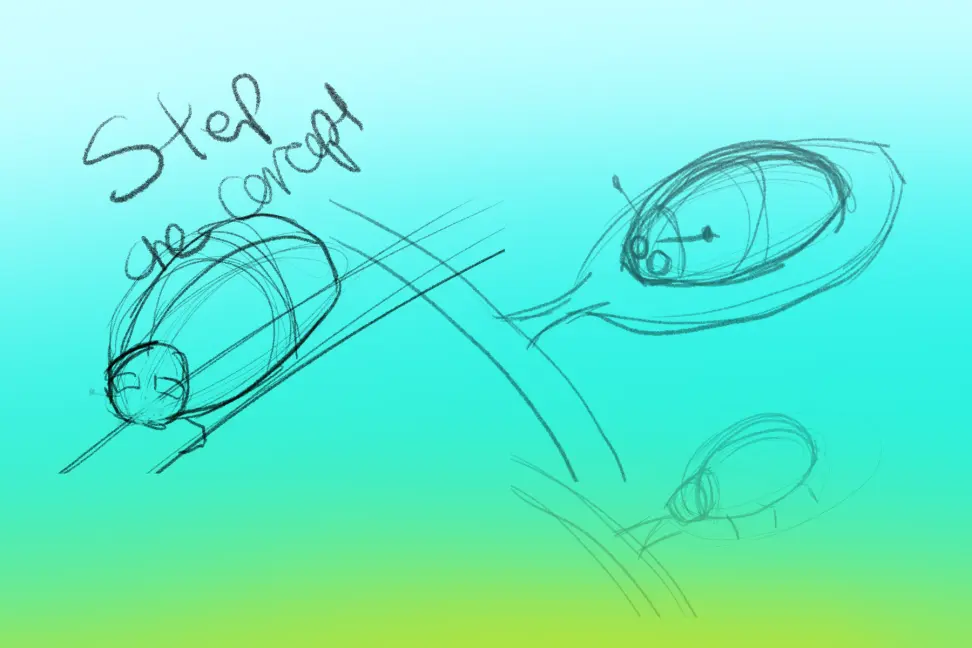
Step two
Think about how items are gonna be turned into attributes. I've done a bit of a demo below. This is a rough plan, I deviated some, but it was a good starting place. I didn't actually end up doing different leaves.
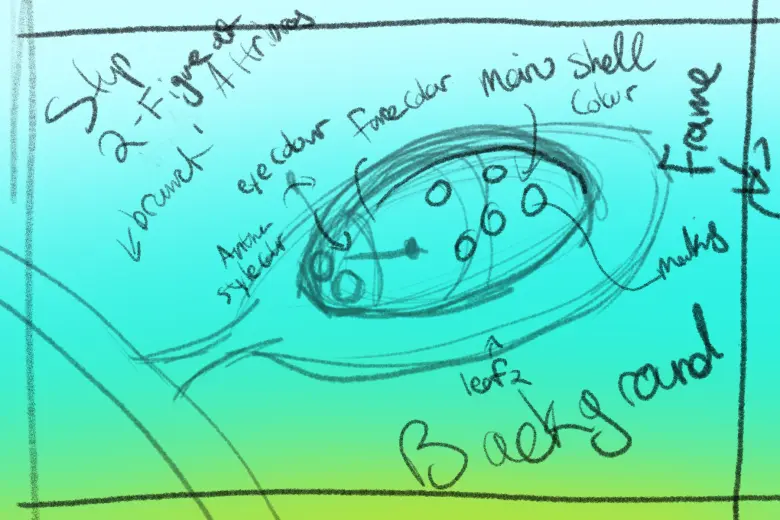
Step three
Do some line art. This is where what you thought through in the previous step is important. Line art ends up needing to be attached to different attributes, or below/above layers so it's important to think through how stuff stacks.
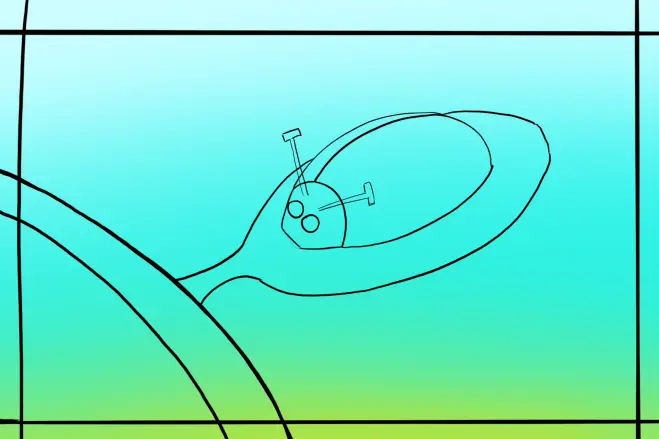
Step four
This is when I play around with different ways I'm gonna make each attribute, here you can see all the different antennae, spots, and different colours and things. This is probably my favorite part.
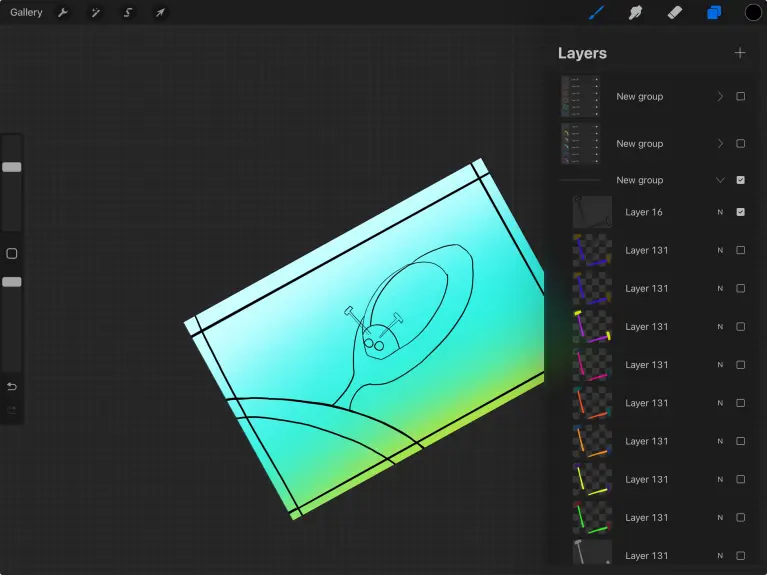
Step five
Go to nfthive, you'll need to be whitelisted to make a pfp, but I'm not covering that here. The folks on their discord can help ya out.
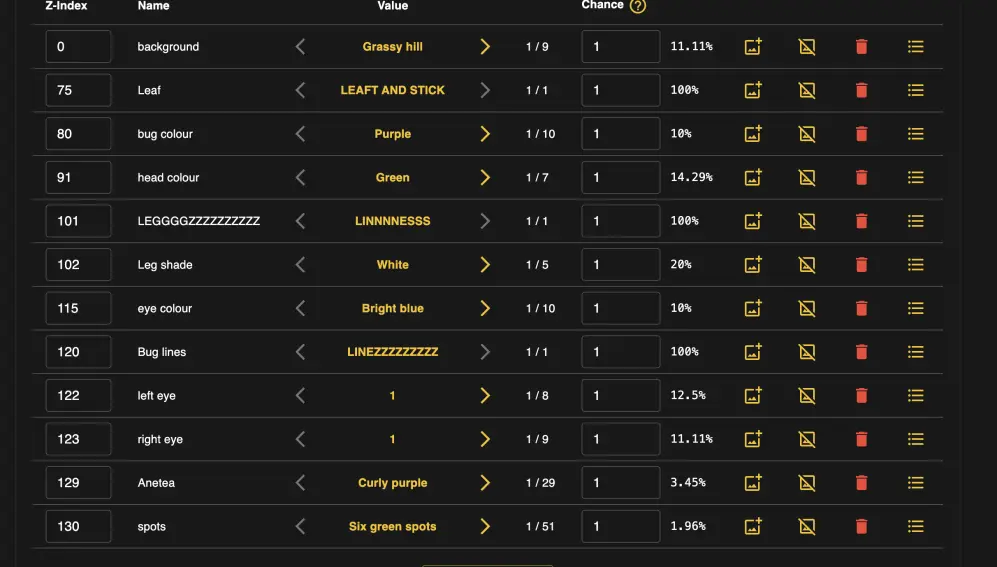
So here it's important to BE ORGANIZED. I will do one attribute at a time and sometimes only part of it just to make sure I don't mess things up. (I still mess things up. Here's what the final page for the beetle looks like
As you can see the background is at Z-index 0. The lower the number, the lower in the stack the attribute is. So Z-index 102, is over top the leaf which is on layer 75.
Also SAVE OFTEN These buttons are on the bottom left, one downloads a JSON of all the work you've done and the other is how you can upload said JSON.
It's also important to think about layers, and there's some neat things, you can do multi layer traits as well. Which depending on how you draw/work can really help do neat things.
A few things after your pfp is all set up is making a name for it, this name will get the mint number added to it, the drop name, and the cover image. I like exporting a few of the possible outcomes from my art program and making a little animation.
NFTHive also has a very cool feature that lets you sell in multiple different currencies all in the same drop. (Which I freaking looooove)
And the final thing is that you can as the creator mint a few for packs, give aways etc.
Thanks for reading and if there's anything more you'd like me to write about or questions you'd like asked about PFP system on nft hive lemme know.
Also you can buy it here, https://nfthive.io/drop/7069 AND if you want, you can use the referral code to earn a bit of wax for each sale you get me. :D We both win!





