Note: I am in the USA. If you're in a country that doesn't allow accessing VPN's, don't do anything you shouldn't do.

To start: the DarkWeb - or "Tor" - is not what the stories say about it. Sure, you can buy drugs. Don't, you'll get scammed. Sure, you can buy people's personal information. Don't, you'll get scammed. Sure, you can find offers that seem too good to be true. Those are definitely scams.
What you SHOULD do is talk to other people there, ask questions, get OpSec information, and be a positive member of a community that, for all its legal questionability, is surprisingly wholesome.
How-To
Brave Browser
/\ - Obligatory referral link.
To access onion services using Brave, go to the browser menu and select "New private window with Tor"
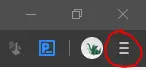
Alternatively, you can hit the keyboard shortcut - Alt+Shift+N.
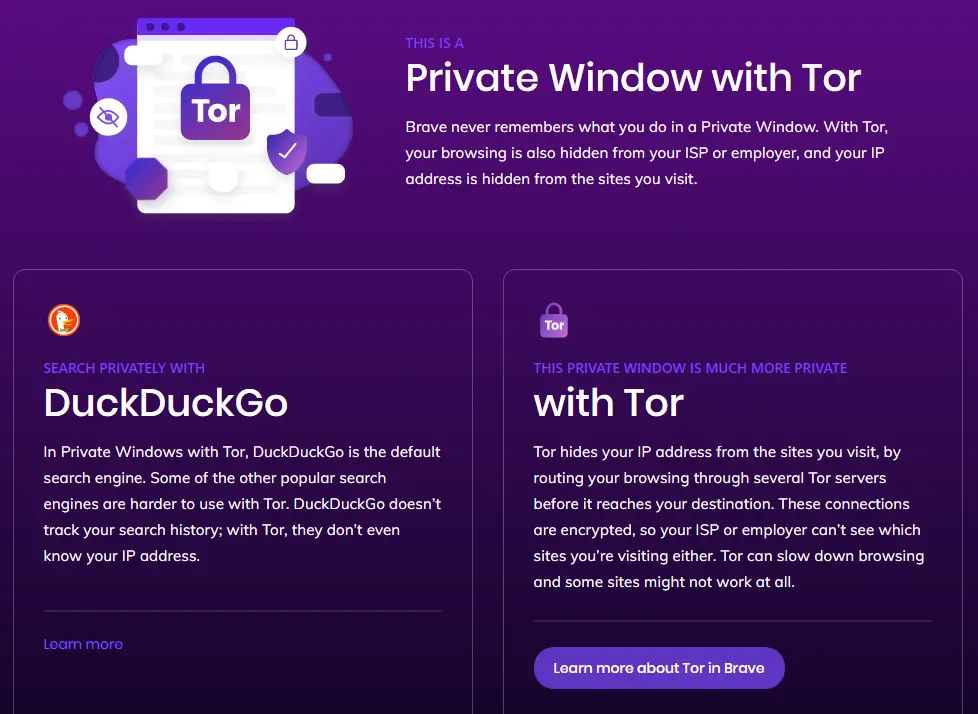
You should then see a screen like this. Congrats! You're on the DarkWeb.
Tor Browser
If you don't want to use Brave, you can download and install the Tor Browser for your device using the Tor Project website.
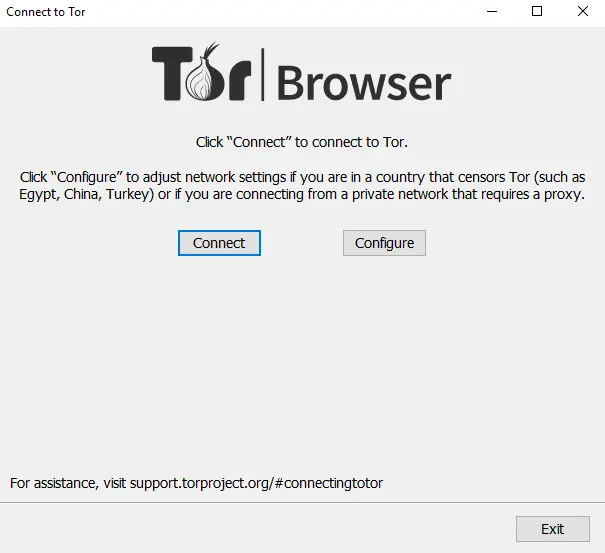
Run the installer as you usually would. When you open the program you will see a window like the one below.
NOTE: If you don't NEED to change the settings (as the text in the picture mentions) then don't. Changing those configuration settings uses resources that you don't need to use and takes them away from people who DO need to use them.
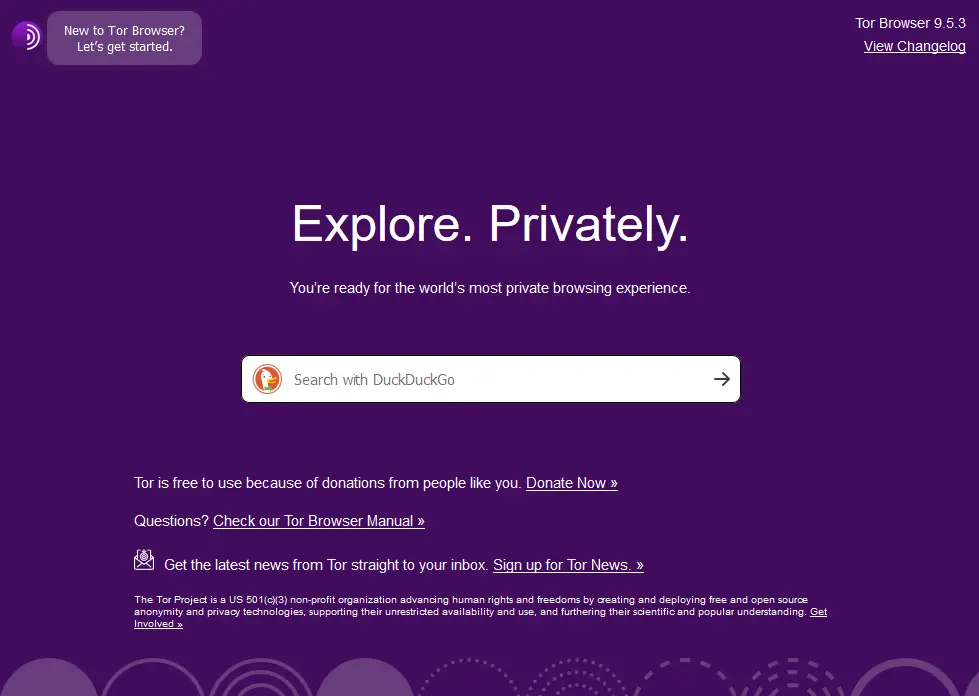
Once you connect, you'll see a window like this.
Tails
Tails is an operating system (OS) that is completely separate from your computer's primary OS. You install it onto a USB stick and it runs a secure system that is designed to automatically connect to the Tor network. Tails is considered one of the most secure ways to connect to the Tor network because it doesn't leave any trace of the connection on your computer. It does not protect you from what you do on the Tor network. Think of it like driving a "safe" car: the car might be safe, but you'll still get hurt if you run it into a brick wall.
I'm not going to to through the how-to-install because it is well documented on the tails.boum.org page.
What to do once you're connected.
There are a few step you should always take once you've connected to the Tor network.
- Go to https://tails.boum.org/home/index.en.html and check that you are successfully connected to the Tor network.
- Go to dark.fail, which is a website that collects up-to-date URL information about darkweb websites. Websites that can only be accessed using the Tor network end in .onion instead of .com - sometimes called "onion services" - and often fall victim to DDOS attacks. To prevent against this, most websites use multiple URL's and mirrors to give users different options when connecting to the site. Dark.Fail can get you URL's that are working at that moment, and let you know if a website is down.
With the Tor network you can surf the web just like you would in your normal browser, just with more anonymity. However, expect to fill out a LOT more CAPTCHAs.
Interesting .onion Sites
- Dreaddit - Reddit for the DarkWeb, where people post information and chat about things that can't be discussed on the Clearweb. I always appreciate the information on the /d/DarknetMarketsNoobs sub, and the OpSec information in the DNM Bible (which can be found on that sub) are fundamental.
- Torum - A forum, similar to Dreaddit, where people can talk about darkweb things.
DON'T DO DUMB OR ILLEGAL THINGS, FOLKS. This is just information. Don't get scammed. If you're looking to just get rid of your Cryptocurrencies without getting anything in return, send it to me.





