Hello guys,
Ill start the Blog with the explenation of the different types of the vPiggys which are out there and a small summerry how to obtain them and what they might be used for.
First of all they are all sold by peerschweinchen ( https://www.peerschweinchen.de/rapidcartpro/index.php?product/page/343/vPiggy+Cloud ) for Cash or peertoro for Telos ( https://www.peertoro.eu/rapidcartpro/index.php?product/page/332/vPiggy )
existing Blueboxowners get a quite big discount.
Theres as well a posibility to get a vPiggy called Nano edition - we will dig into that topic in a later Post.
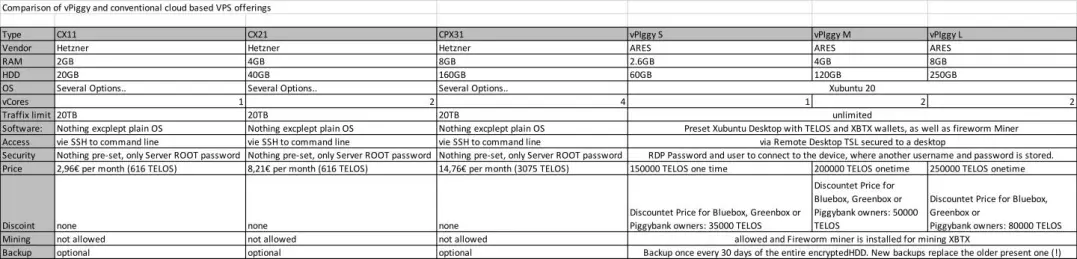
Here you can see the comparison between the vPiggy and some quite good cloud based VPS offerings:
I guess most of you use some kind of windows as the maincomputer. For windowsuser its quite easy to connecto to the bought vPiggy (completly independent which one it is)
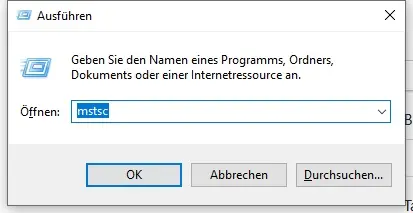
First of all find the remote desktop - windows key + r
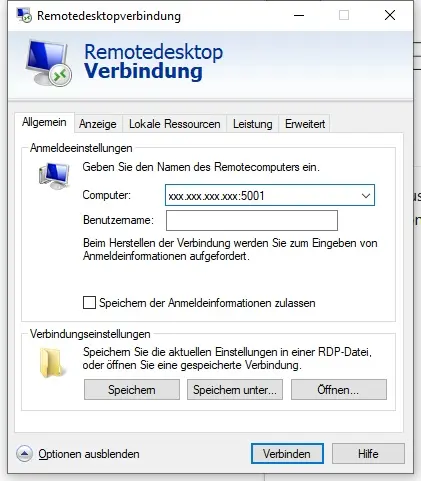
Put in the information you got
Computer is the IP and the Port - Id recommend saving the Connection so you have later a 1 click solution on your Desktop
Entering the maschine -
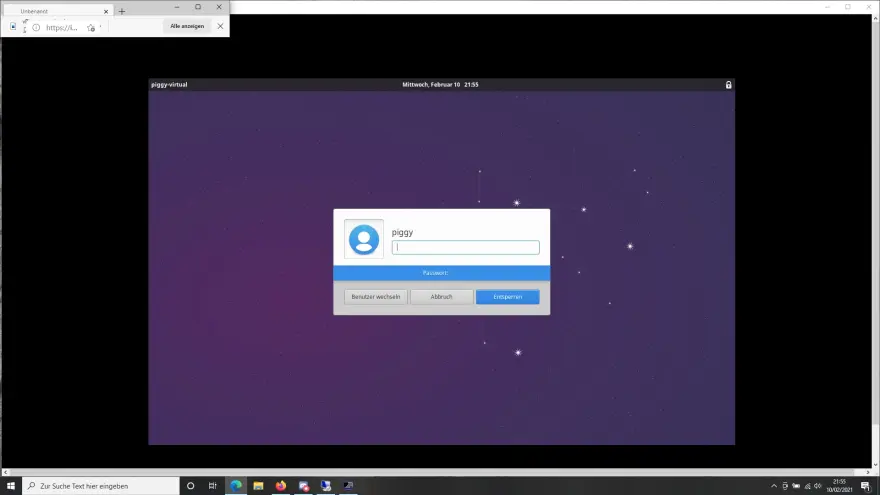
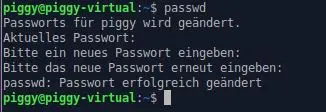
the very first thine you should do after loging in the first time is changing the password given -
with str + alt + T you can access the commandoline
the Second thing is activating the mining - remember most efficiant is CPU Mining - Id recommend xbtx

Id recommend taking one of the pools - register and than start the miner - else feel free to donate some haspower for me and use my commando :)
gratullation - even a 2 Core vpiggy with only 3 gb ram (nano edition) produces 10h/s

thats about 7 xbtx whch are currently 21,7 Telos/Day or 17,6 cents/Day. But this rate is fluctuating a bit since more miners join / the price changes and so on.
The positive thing is that on the image provided theres a Telos and a xbtx wallet which can be started from the Desktop .
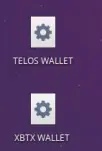
You can either start a clean wallet (Id recommend that for xbtx) or (that is what you want to do with Telos I assume) you have to get your wallet Files to the vps.
For security reasons the clipboard is deactivated - so you have to transfer the files either with Teamviewer, dropbox or something similar.
Congratullation - your vPiggy for staking Telos /mining is set up and produces now.
In my next blog Ill explain how to update the Teloswallet in case of the next fork and how to set up an other wallet.
thank you for reading






