
CHANNEL VERIFICATION MAKES YOU COOL!
Thanks to the people at Brave, and their fantastic tutorials (link below), we can bring greater knowledge to the technologically disadvantaged, and give them the advantage when it comes to monetizing content.

Sometimes, things go wrong or we don't have computer access, that can make verification processes unclear in many cases, including with Brave.

In order to receive user contributions, tips, and payouts for referrals without PC access, you have three options available:
-
File Upload Verification

This user-friendly method simply needs an HTTPS enabled website, and access to the website’s hosting account. By adding a .txt file to a specific folder (.well_known) within your website’s hosting. After you have verified with this method, you can remove the .txt file from your hosting. Rewards will prompt you to download this file during the verification process. It must be named “brave-payments-verification.txt”.
The token text looks something like this:
"brave-ledger-verification=0e5e9be6d9a40ff3da74315f3ba41383a3a5f9ec0a83c2040b78eb77543ab3582721ea"
-
DNS Verification
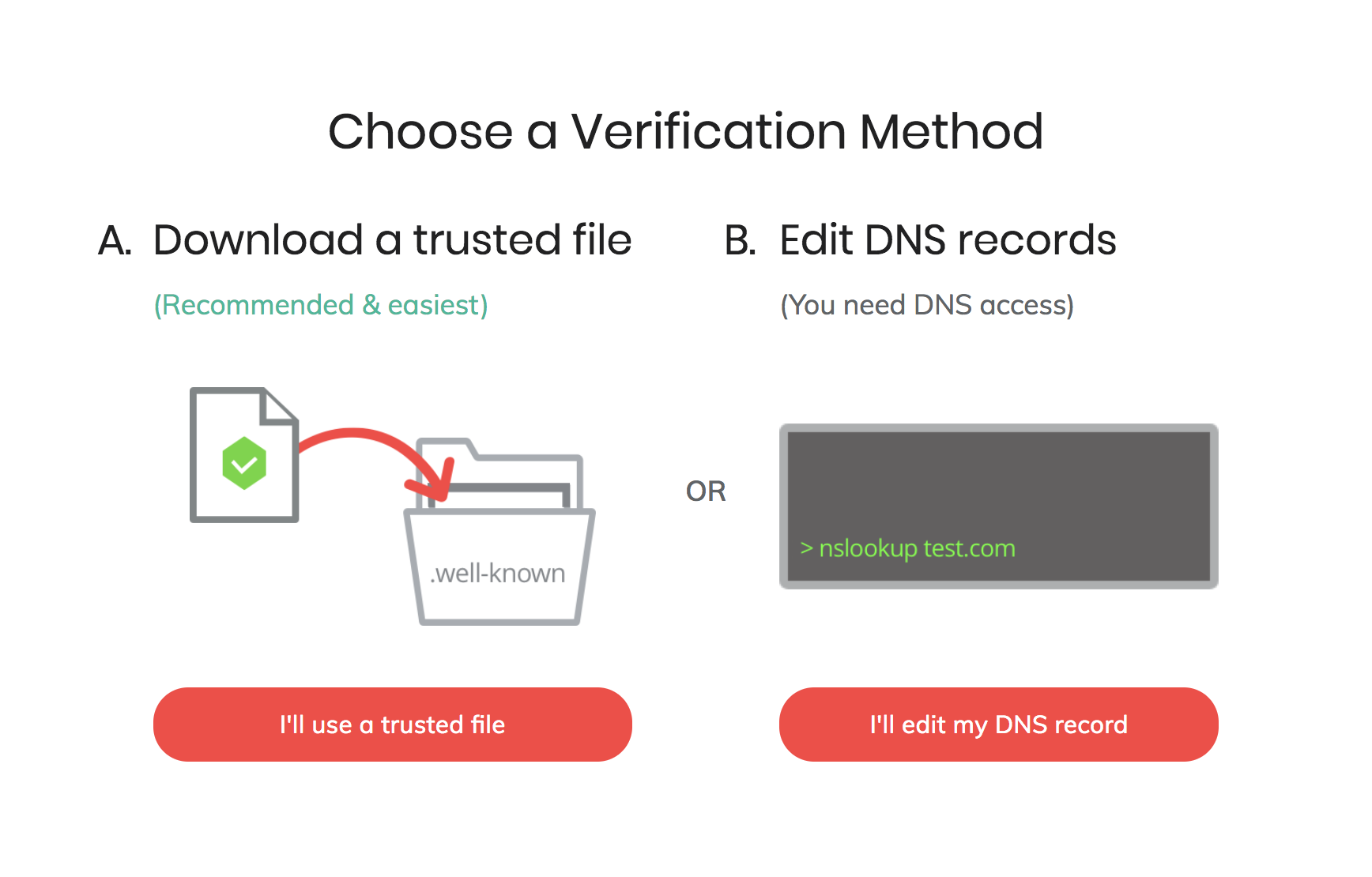
DNS verification is a great option to consider if you have issues with file upload verification or don’t have access to your hosting account. You will require access to your domain host and have a DNS TXT record to your site’s domain - this TXT record should be the Brave verification token text. (Brave Rewards will supply this during the verification process.) Once you are verified, the record won't be needed anymore - not simple for those not technologically inclined, but if you understand this option, it is viable.
Brave Support warns: "Subdomains cannot be separately verified. All verifications for subdomains will point toward the primary domain. Channels on subdomains and channels on primary domains will essentially function as one unified channel."
-
Wordpress Verification

https://wordpress.org/plugins/brave-payments-verification/ - here, you can get a wordpress plugin which handles verification for you, but you'll need admin access to the site’s Wordpress backend for your site. Go to the Add Plugins screen, follow the instructions, and your site will be Brave verified.






