
Have you read our guide about staking, loved the idea but want to save up on gas fees?
We know how to help you with that!
With LayerSwap, you can bridge crypto from your OKX account directly to the Arbitrum network without worring for the expenses.
They support transfers of ETH and USDT from biggest crypto exchanges and 8 blockchains.
Here is how you can do that:
1. Go to LayerSwap and choose Okex and Arbitrum network.
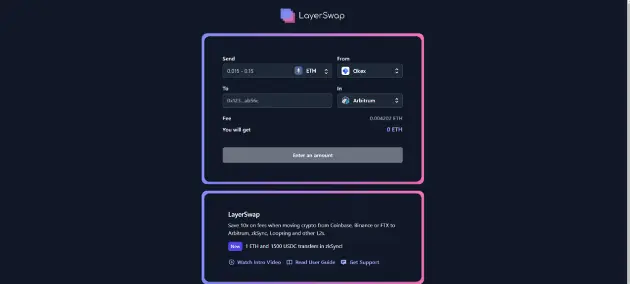
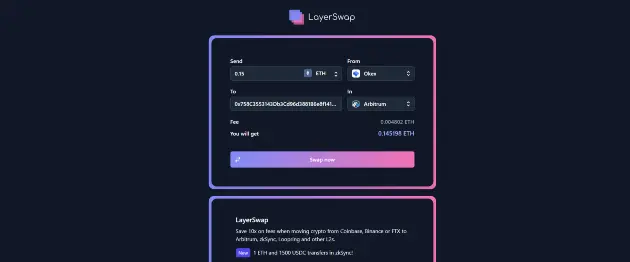
2. Enter amount of ETH you want to transfer and your Non-Custodial wallet address (Not OKX wallet address!). Then, click “Swap now”.
Max amount is 0.15 ETH!
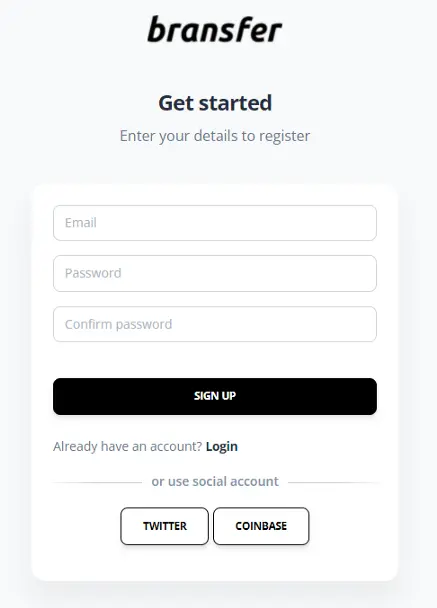
3. On the next page, you should register in Bransfer. You can use your email, Twitter, or a Coinbase account.
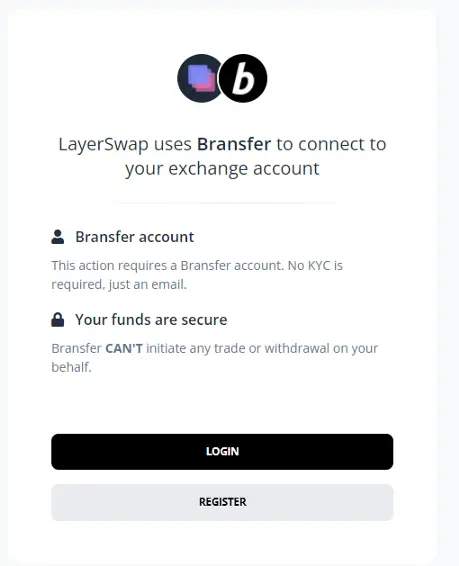
4. After logging in to Bransfer you’ll be asked to provide read-only API keys. This allows Bransfer to connect to your Okex account.
Note that these are Read-Only API Keys. Bransfer can’t initiate any trade or withdrawal on your behalf.
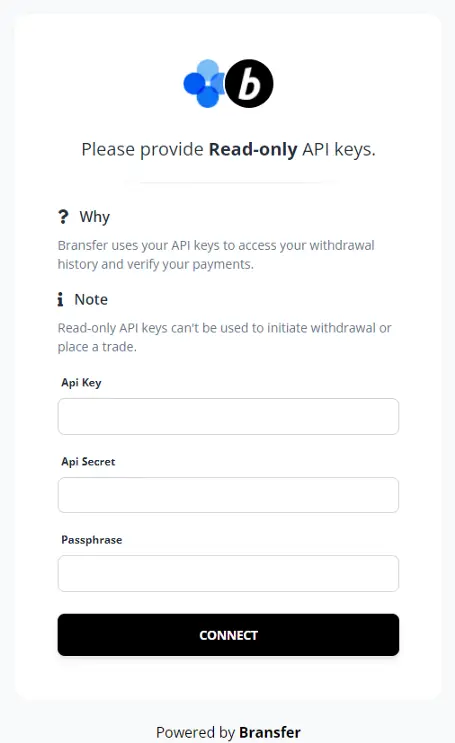
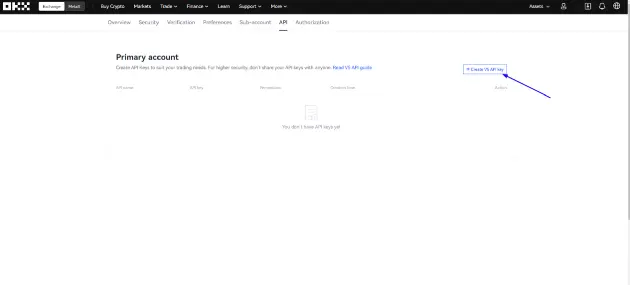
5. Go to https://www.okx.com/account/my-api and click ”Create V5 API key”.
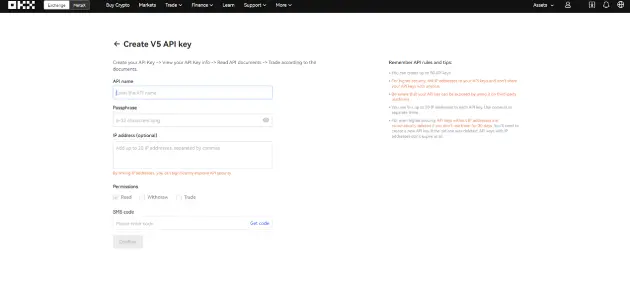
6. Create a name and a passphrase for your API key.
Remember your passphrase, you’ll need to use it in a future step!
7. Verify the action with your email code and 2FA then click “Confirm”.
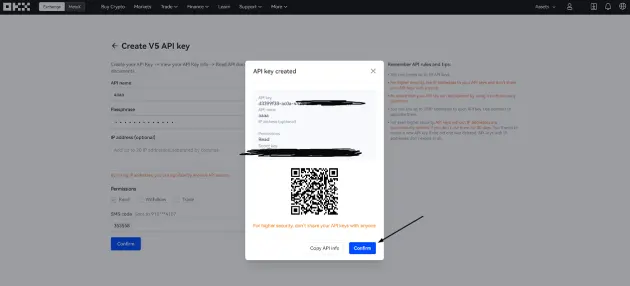
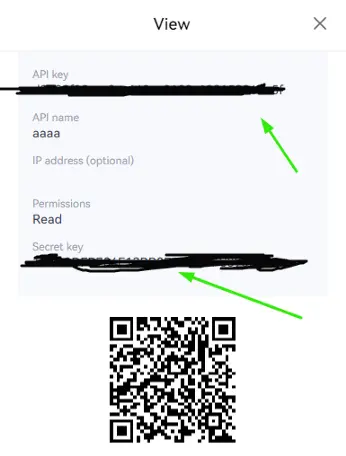
8. After pressing “Confirm”, you’ll see your API and Secret keys in the dialog.
Copy the API key, the Secret key and the Passphrase. Paste everything on previous page and click “Connect”.
9. Click “Confirm”.
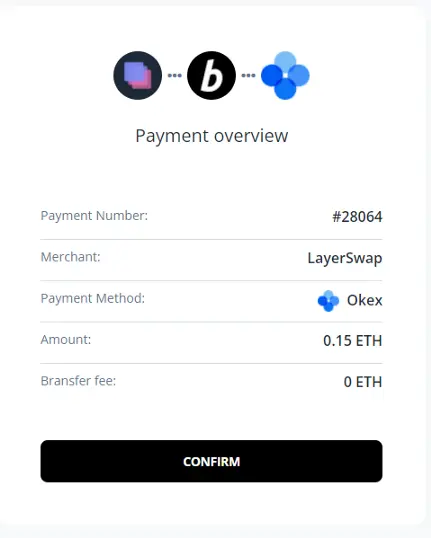
10. Then, you’ll be directed to the processing screen. Here you’ll see the requirments for you to withdraw from your OKX account.
Just go to your OKX account and withdraw ETH to this wallet address.
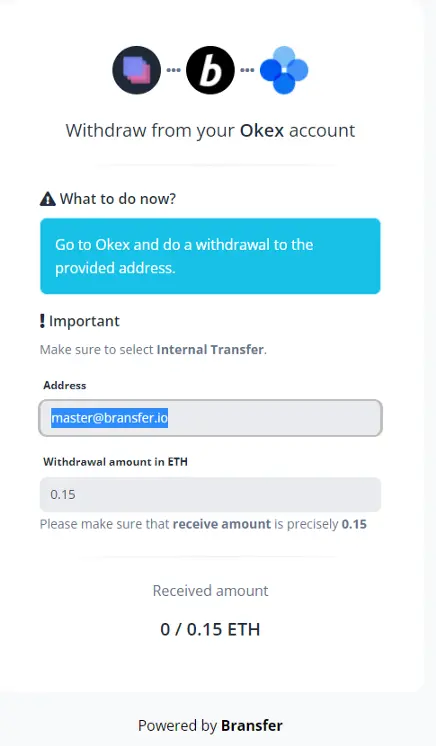
11. After withdrawal confirmation, the funds will be sent to your wallet address.
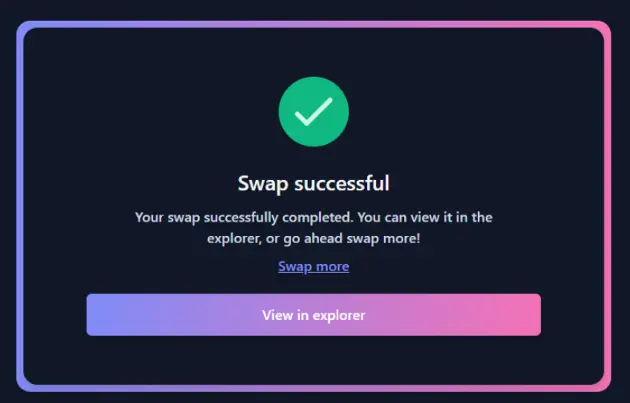
12. That's all. After that you can start providing liquidity in Arbitrum network, but before that read our first and second guide again.
Join our community!
- Twitter: symbiosis_fi
- Telegram: t.me/symbiosis_finance
- Medium: medium.com/symbiosis-fi
- Discord: discord.gg/symbiosis
- Instagram: instagram.com/symbiosis.fi





