The first time I saw a computer built in a plastic carrying crate usually used for milk containers was on Bitcointalk. There was a thread all about showing off mining rigs. I saw a few people use milk crates to hold their machines and video cards inside. Its mostly for show and I am not sure how effective it really is verses a closed case with proper cooling. But it sure looks funny, and the computers take up very little space, making stacking them easy.

When my Mason Bees started hatching from their cocoons, and then started to use the homes I made. I rushed to set up a computer for a webcam view of the solitary bees. I needed a small computer I could put next to the USB cables that fed the webcam and microphone. Using an old motherboard I had laying around, I popped in a basic video card and PSU and tested it.. The system works! So I placed it all into a milk crate I had. Now I see why people use them for computers, the ATX motherboard fits snugly inside.
Now one thing I had to deal with what making risers so the video card would seat into the PCI-E slot. Usually motherboards are elevated by little stilts. So I found something that worked well for spacers. Ended up being peanut butter lids.. hahaha I cleaned them up good but just was so funny to use that.
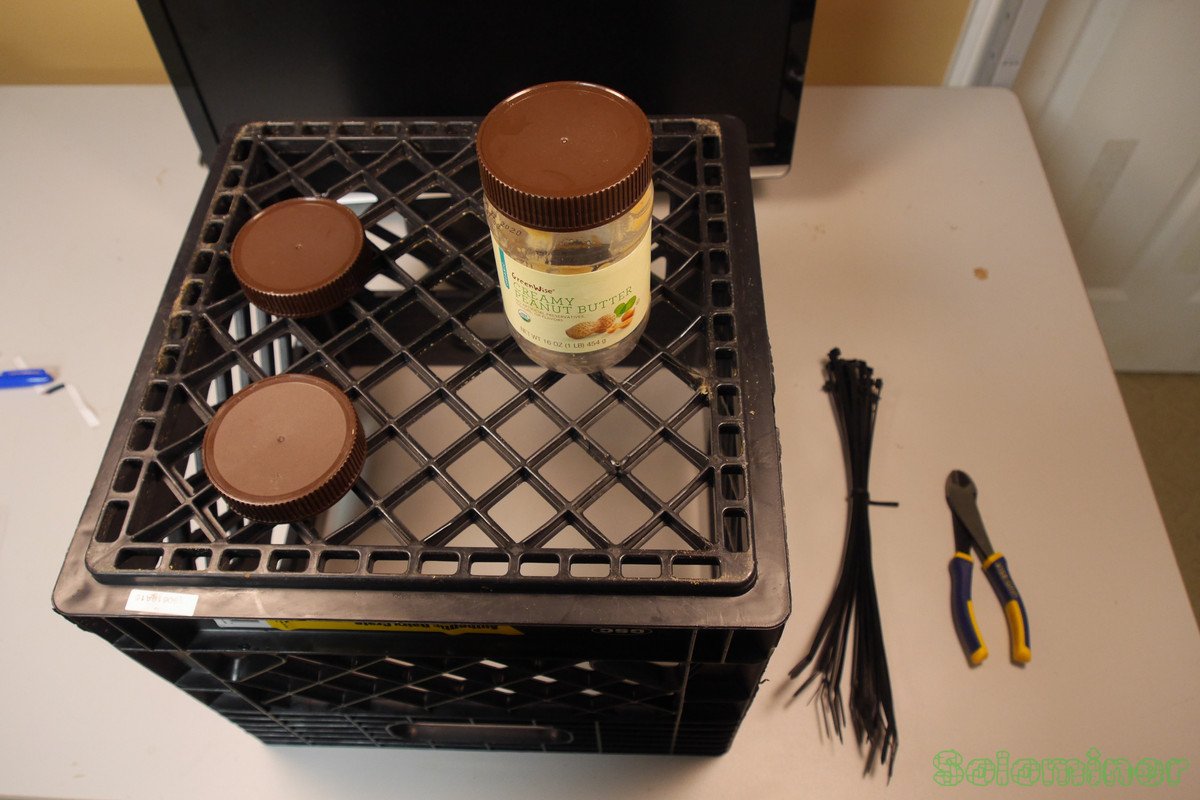
Well I guess if the computer starts to overheat ill know by the smell of peanut butter coming from the case. Luckily that has not happened yet, the computer stays cool and stable.
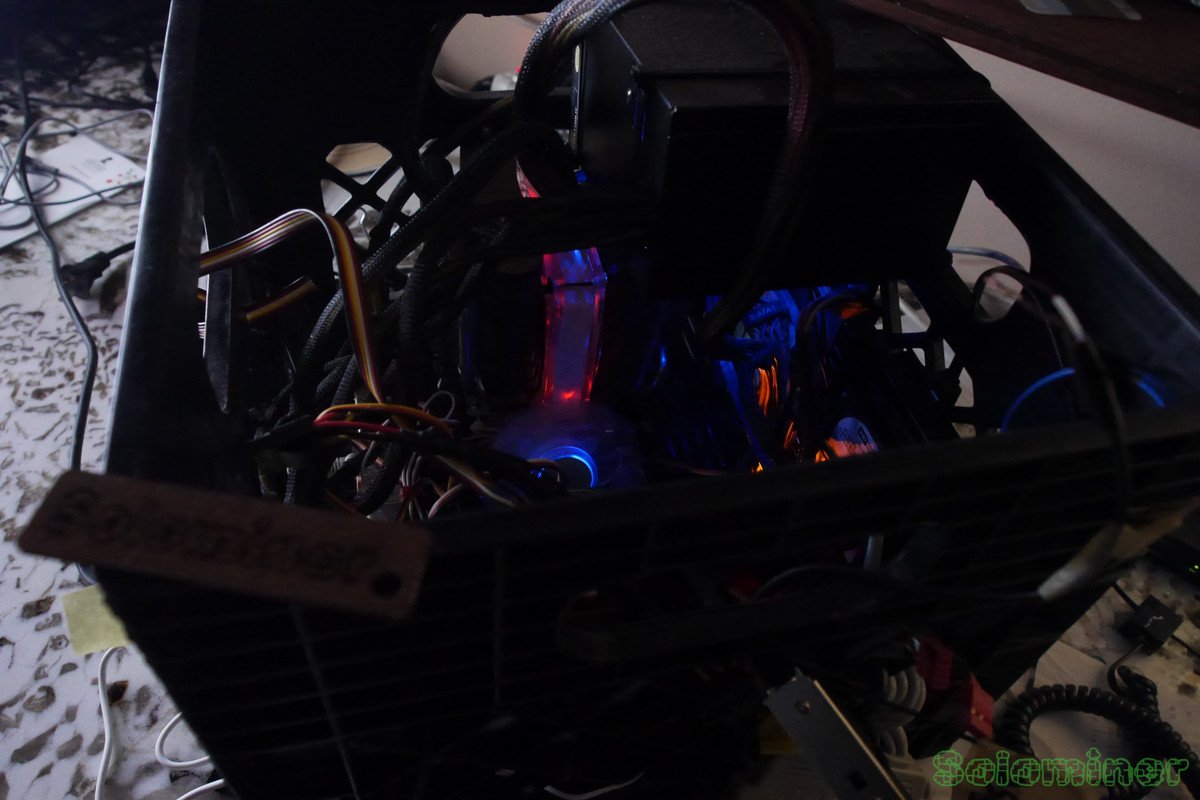
It was cool seeing all the lights inside of the computer, more noticeable when its in a closed case that for sure. The noise was not bad, most of the fans stayed at idle speed and did not need to be turned up.
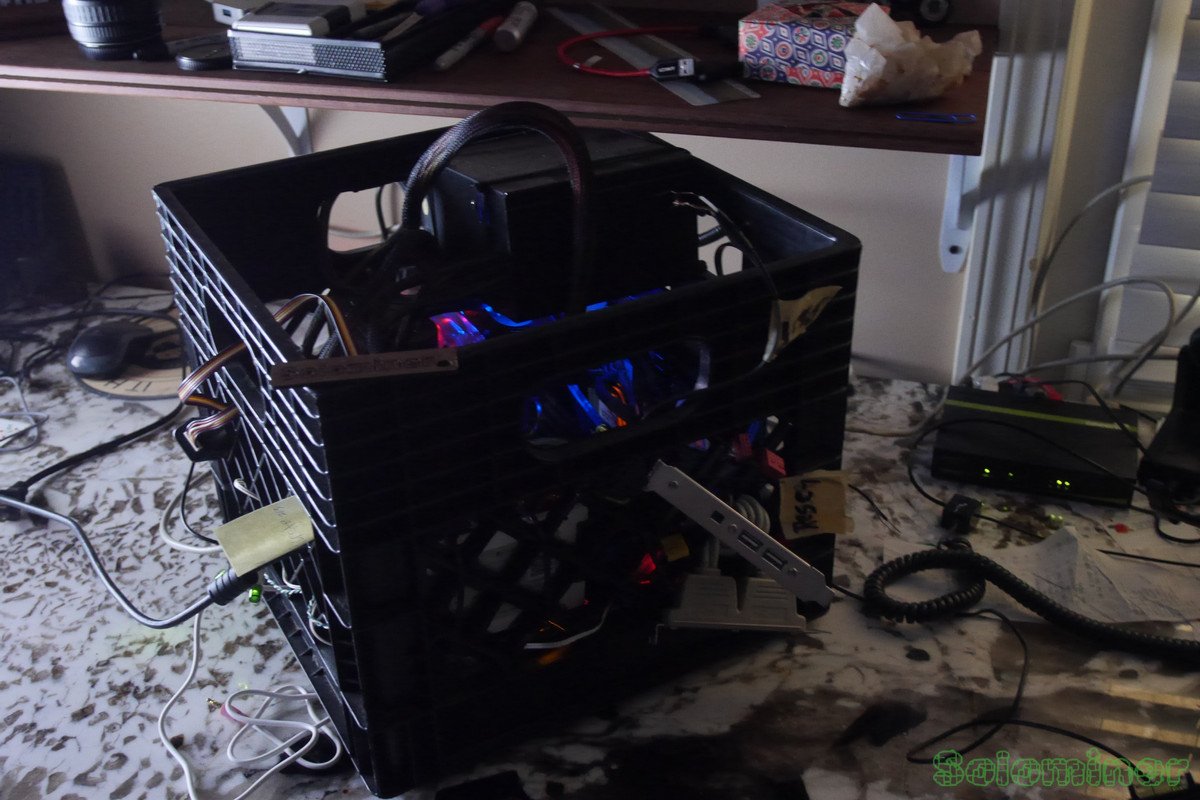
I ran a test with some webcams and a microphone before placing it where it needed to be. Wanted to make sure it would not have issues. And luckily it did not have any, it recorded for many hours without a hiccup.
This computer runs Ubuntu and OBS was easy to install. I was worried drivers would be an issue with the webcams but luckily I had little to no problems to troubleshoot.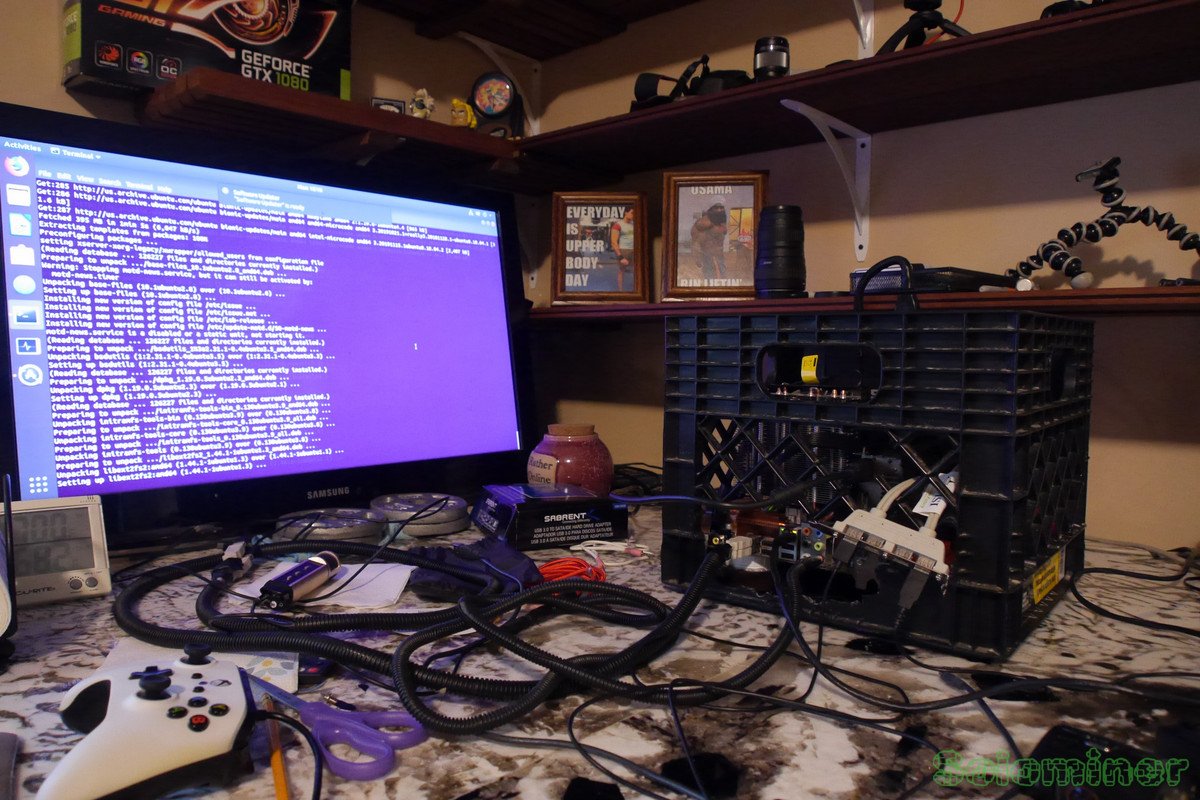
After updating the machine it was ready to be deployed, and it ran for many days on end without issues streaming. I did have some internet problems one day but that was not the computers fault.
Also 3speak kicked my stream did not allow me back on. Which was weird, I contacted support but I found them dragging their feet over it quite annoying. Next time I will probably stick to VIMM or some other service. My Bees are only out for a few months and I cannot deal with stuff like that during their flight.
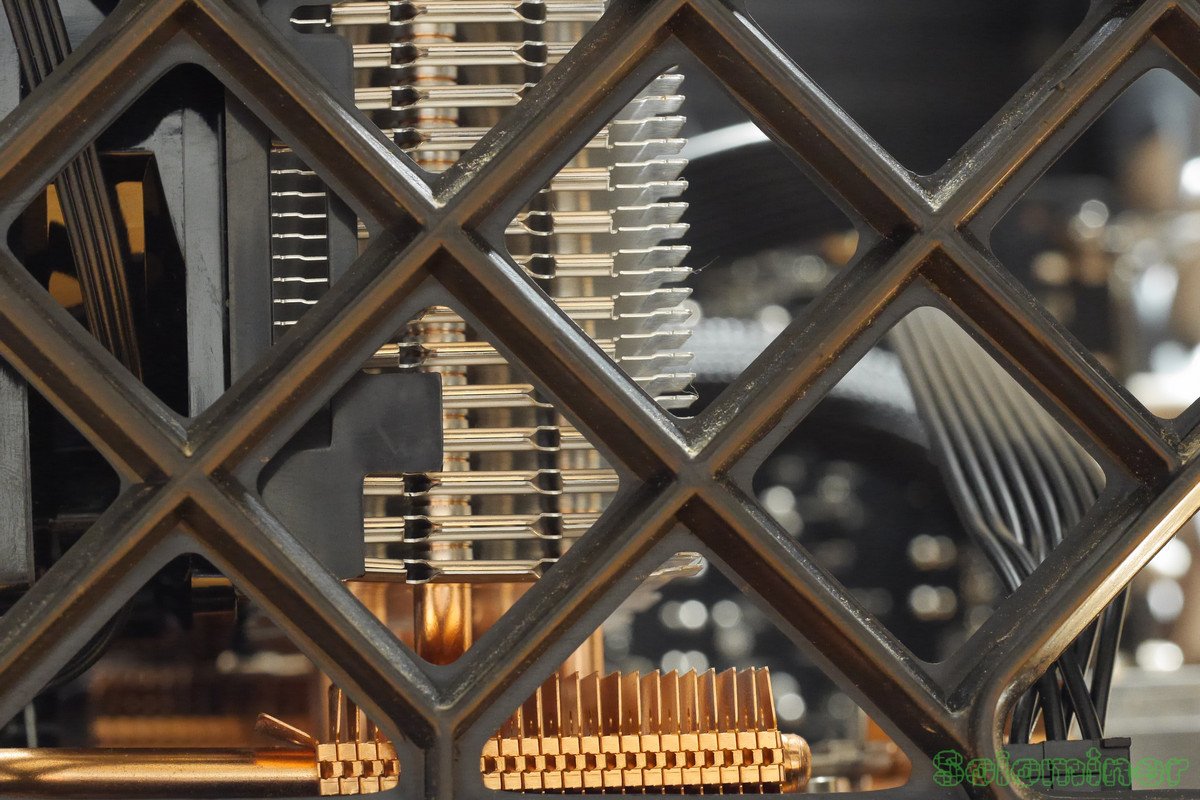
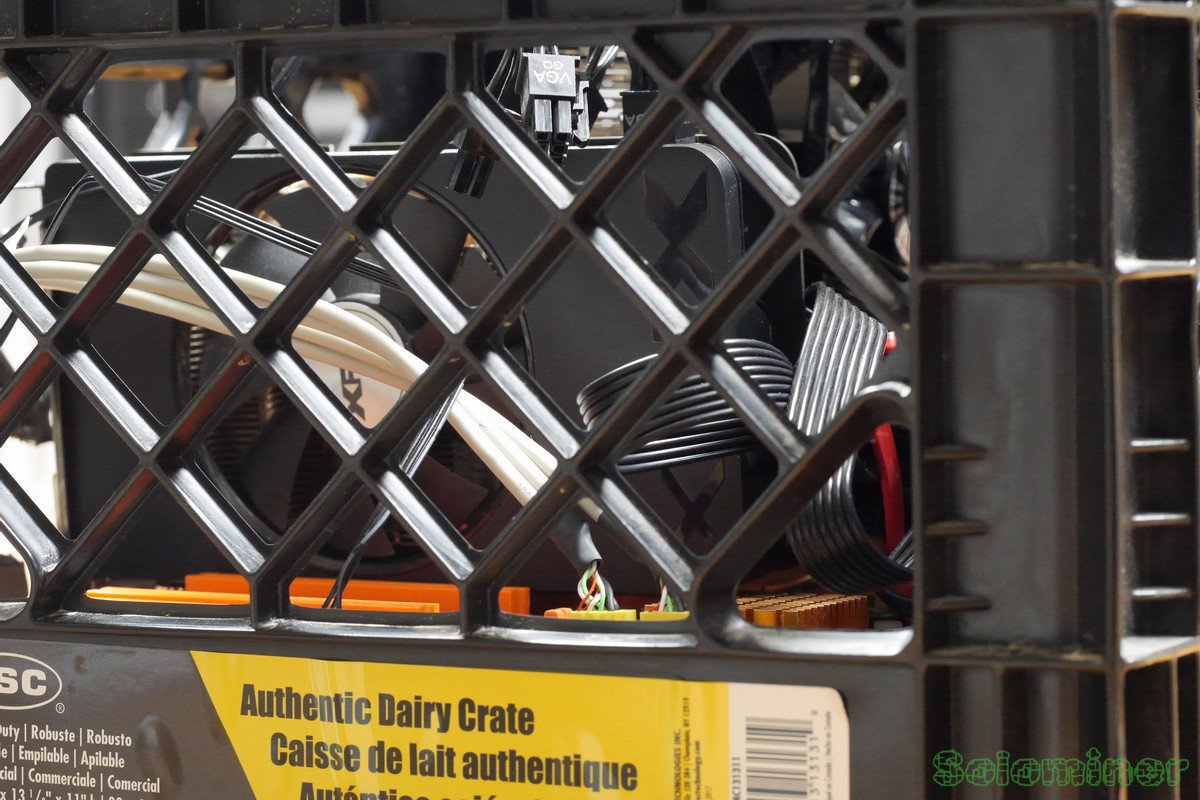
It was cool seeing all the heatsinks inside of the computer through the milk crate.
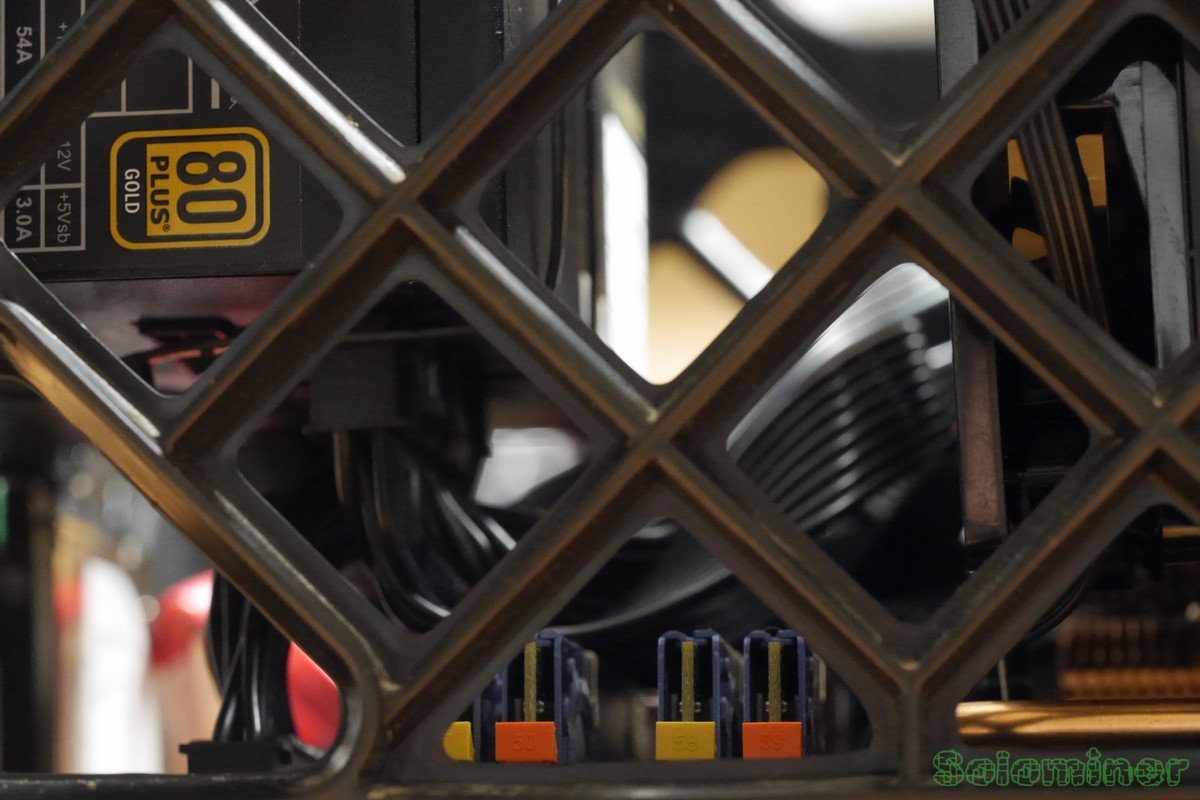
The RAM could be seen as well, it stayed cool with a case fan blowing on the chips. The mosfets got the hottest, I wonder if it was due to the power the USB devices were drawing.
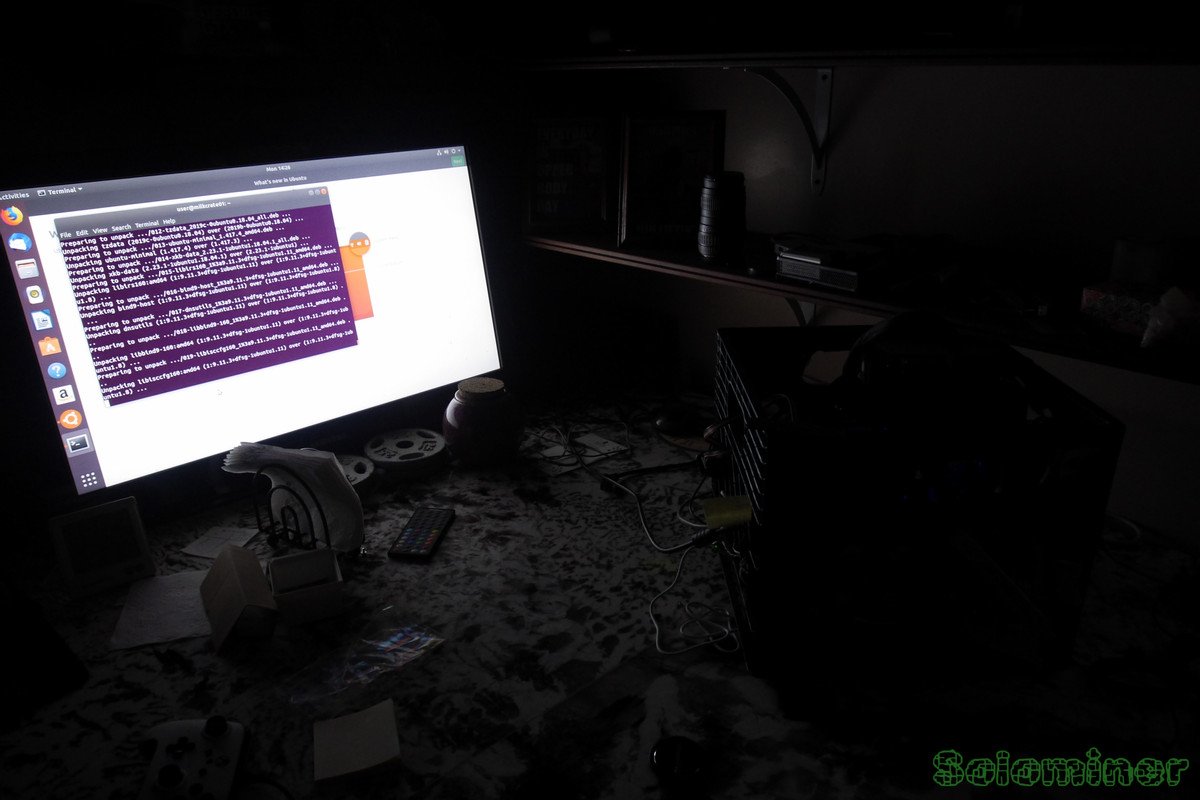
Seeing the computer in the dark was cool too, the LED's from the fans, motherboard and other components shines through the crates openings. Hard to see in this image, but the above images show off the lights a little more.





