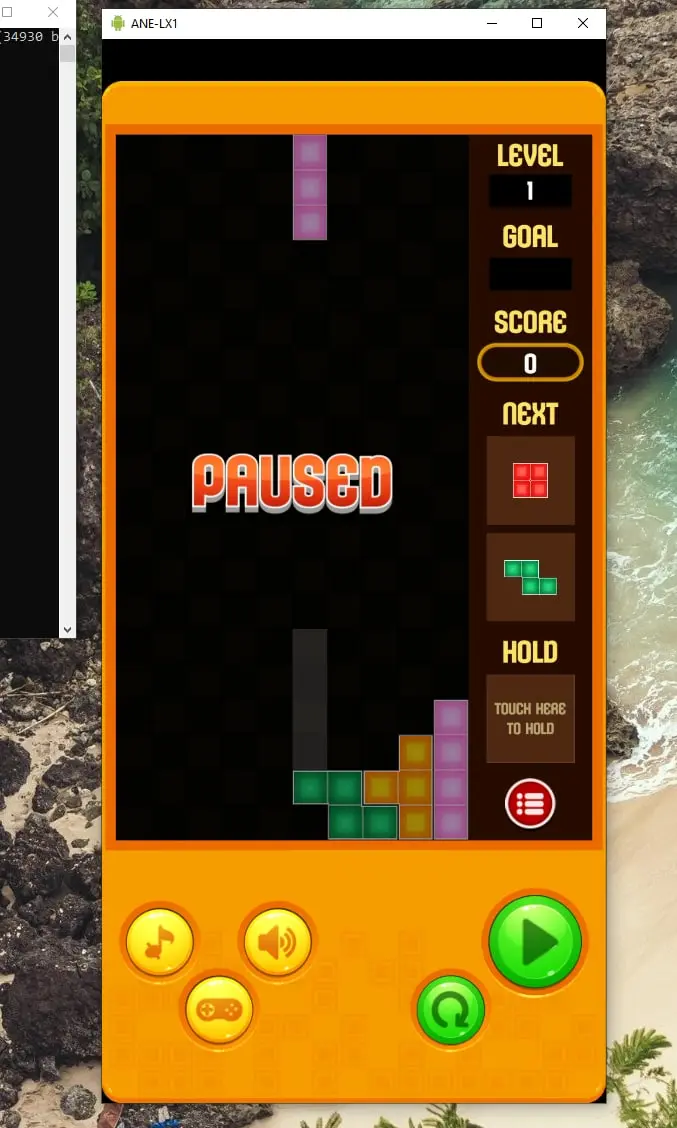
I love to play games at TronGameCenter and earn crypto with it. What I don't like is playing these Games on the Phone, I'm not a Touchscreen person and I think you can get much better scores playing with a keyboard and mouse.
So here is a Tutorial how you can connect you phone to your Computer, so you can play Android Games with Keyboard and Mouse on your big screen.
What you need;
- Android Phone
- USB Data Cable
- Windows PC
The application we use for this is scrcpy. Scrcpy provides display and control of Android devices connected on USB. It does not require any root access. It works on GNU/Linux, Windows and macOS.
Scrcpy focuses on:
- lightness (native, displays only the device screen)
- performance (30~60fps)
- quality (1920×1080 or above)
- low latency (35~70ms)
- low startup time (~1 second to display the first image)
- non-intrusiveness (nothing is left installed on the device)
Requirements
- The Android device requires at least API 21 (Android 5.0).
- Make sure you enabled ADB debugging on your device(s).
First enable USB debugging on your phone, you can find it in the settings after you enable the dev mode.
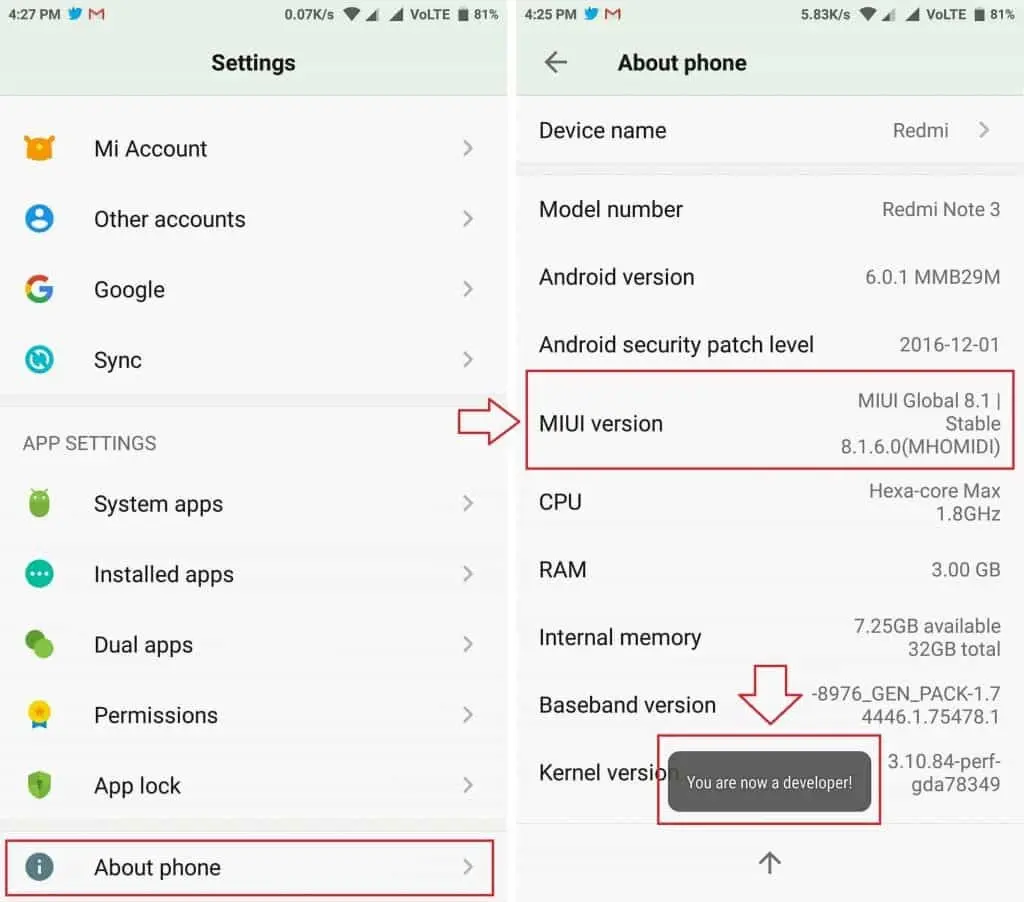
Click the Build number 10 Times to become developer
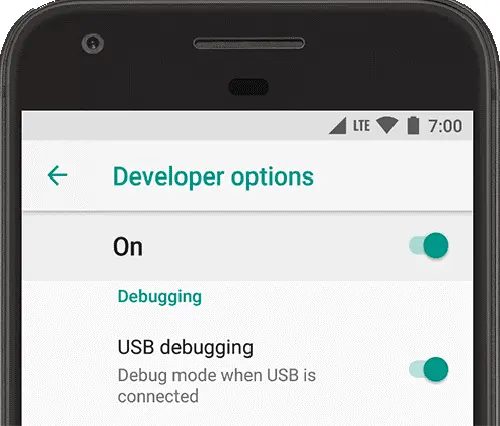
Connect your Phone to your Computer with the USB cable
Download scrcpy to your computer from here
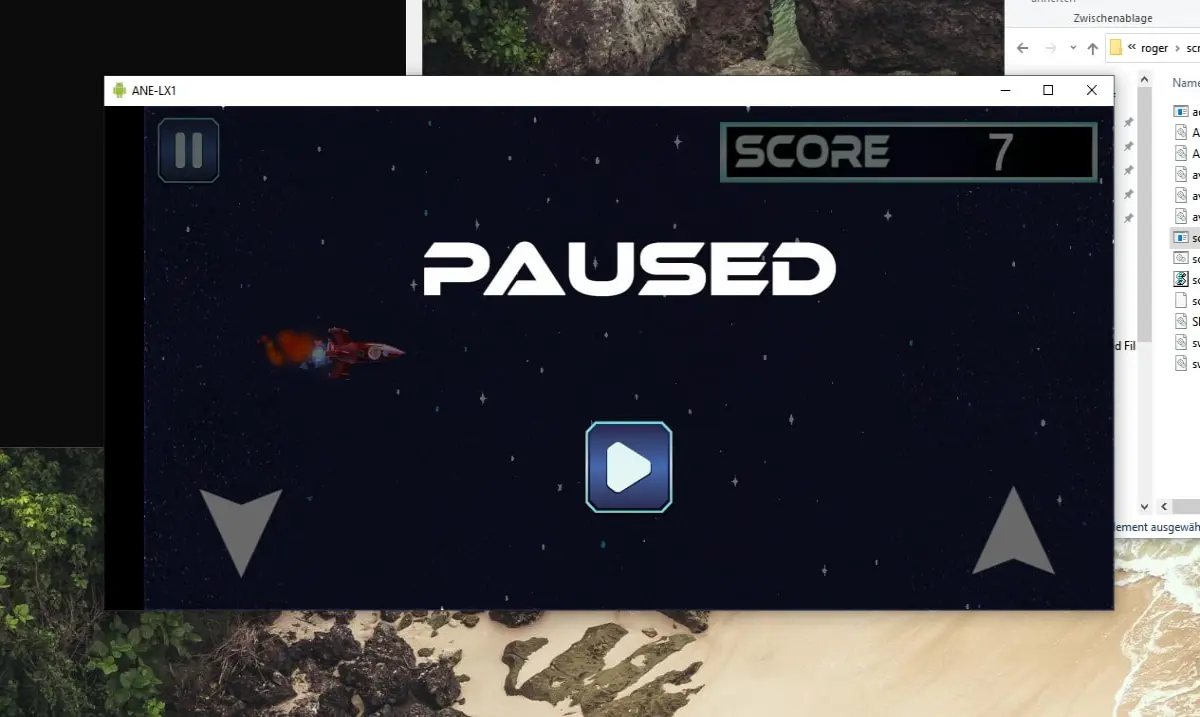
Now you can start, and you should see you phone screen on your Computer. Most games support keyboard input.
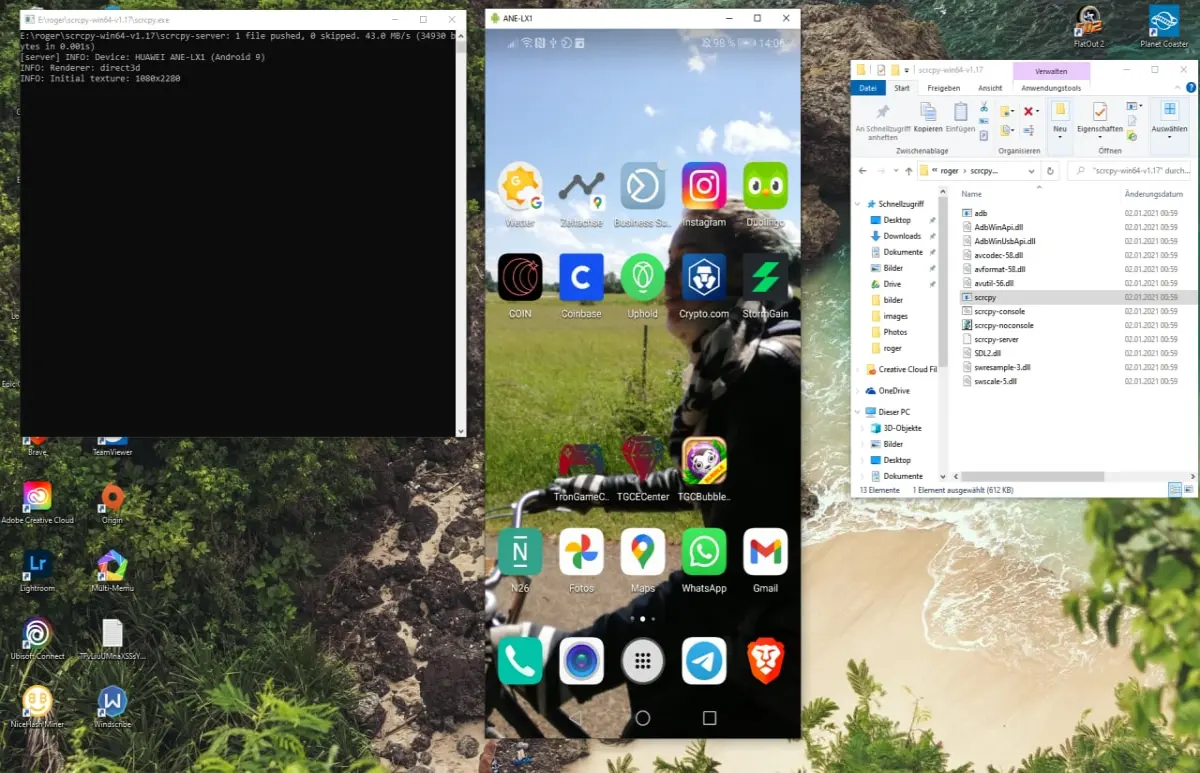
Here are some examples of Games from TronGameCenter you can play with keyboard with my method
TronSpaceAdventure
BlockPuzzle