
How Publish0x works?
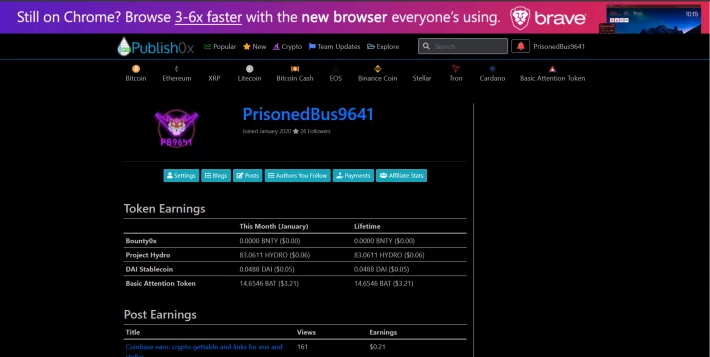
Publish0x is a site in which you can earn free cryptocurrency by reading or by writing posts on this same site. The posts are writing by many authors (and every user can became an author) of Publish0x that earn tips that you and other users decide to give them. At the same time, in fact, you receive a part of the tips that you decide to give them in many different cryptocurrency. At that moment you can receive: BAT (Basic Attention Token), Dai (that fluctuate at the same rhythm of USD), Hydro and Bounty0x.
How to became an author in Publish0x?
To became an author on Publish0x you have to verify something that show your ideas and your creations. You can check a blog, a facebook's profile, a instagram's profile ( for example I select my instagram to became an author) or something which proves that profile is yours. For this then you have to send the link of the profile to be verified. After some day you'll be warned about your possibility to became an author.
How to use better Publish0x blog?
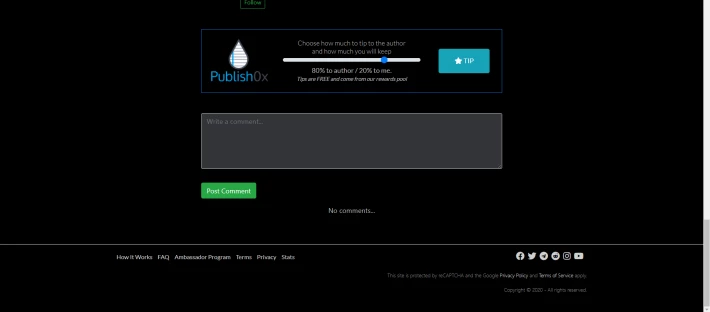
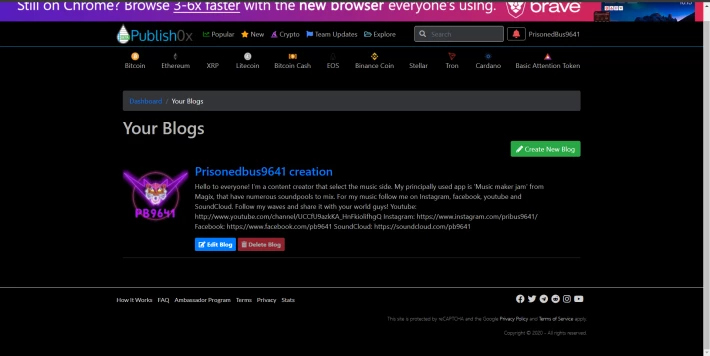
Use this site is very simple: you write an article and someone will read your post, you read a post and at the bottom of the page you can tip the article to receive crypto. And for this there are sections dedicated to many topics. In the search function you can search a topic and then decide to select directly an article or you can search furthermore a specific user, a blog or a tag. When you publish a post this will sect automatically in ''New'' section. If you want (especially if you want more tips) you have to use ''Tags'' that I quote before to expand chance to be noticed. For example: have you write an article about Eos? You could use Tag: Eos, Crypto, Cryptocurrency ecc... This will lead more easily users to your article and increasing your possibility to receive tips. In 'setting' section you can add a description of your ideas. Also in 'blog' section you can create a place in which you can set your articles.
How to get noticed by other users to receive more tips?
In addition to following the directions I wrote before, you have to select topics that users research. For example how earn free crypto, how cryptocurrency's trade works. But this are only a few of the many topics that users reserch.
You have to use an image that users could find interesting and that show what you write in a only glance. This gives the possibility to increase the engagement of your post ( and this works in fact also in a instagram's profile). The psychology say that an image does most of the work to attract a visitor. And this is obviously true also in the humans relationships. ALSO USE BOLD AND CAPITAL LETTERS ON IMPORTANT PARTS!!! This will bring out the highlights of your text.
How to withdraw your earnings?
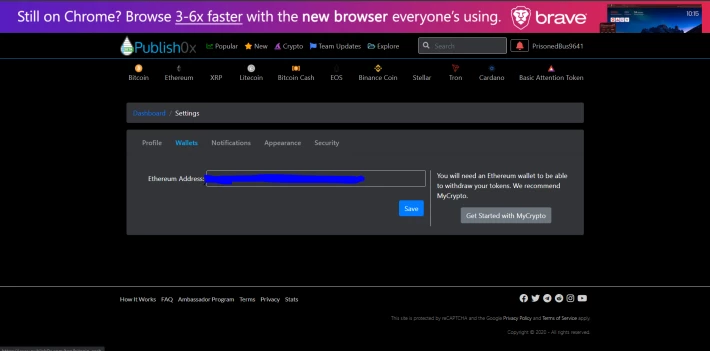
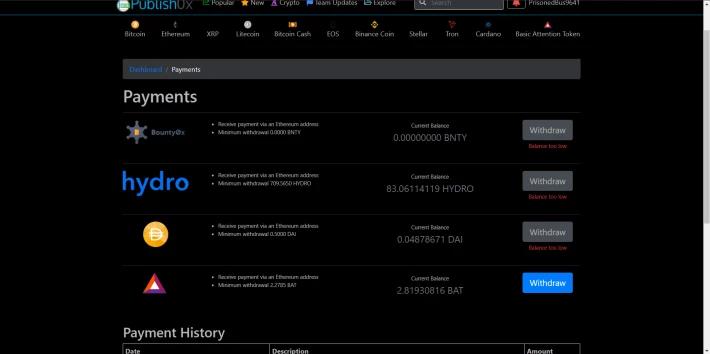
For this step you have to select an ''ETHEREUM ADDRESS THAT SUPPORT HOWEVER THE CRYPTOCURRENCY THAT YOU WANT TO WITHDRAW''. For example I use Coinbase for my withdraw and I insert my ETH address to receive BAT. But Coinbase doesn't support all crypto that Publish0x give. In fact with Coinbase I can receive only BAT and DAI. To receive also Bounty0x and Hydro I have to create an account with an other site that have a wallet that support this cryptocurrency. Publish0x itself recommended ''MYCRYPTO'' as wallet to withdraw your earnings. If you have an ETH ADDRESS that support the crypto that you want to withdraw you have to add your ETH WALLET ADDRESS in the 'setting' section of dashboard. Then you have to store the minimum reported to be collected in the payments section. Finally, after your withdraw request, you have to wait until the next Monday for payments. It's very easy.
How to use your referral link, your referral banners and the widget for your blog external to Publish0x?
Also this part is very intuitive. In the dashboard you can read ''Affiliate Stats''. Click on it and then watch. You can read four titles: Stats, Banners, Leaderbords and Website widgets.
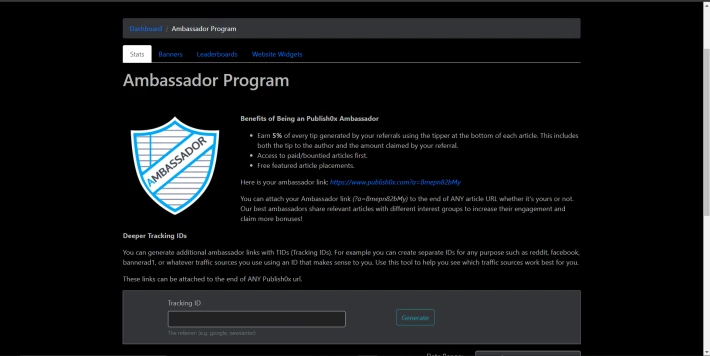
In STATS is explained how works the Ambassador program: for every user that you invite and that is considerate active you receive the 5% of every tips doing by your referral (are excluded the tips obtained by posts that they could create in future). You can create a referral link that is based on the ID that you prefer to write.
In Banners and Website Widgets you can use a pre-made link that show Publish0x site (Banners) or directly your recent posts that you published ( Website widgets) in an other site on in your same blog.
In Leaderbords you can see who have invited more users to join in Publish0x and their position for the contest based on how many you invited (this for now).
Why is better Publish0x to show your posts and your quality?
Publish0x reward you and who read your articles. Publish0x give the possibility to earn without publicity on your blog. It give you an chance to show your mind in a free and profitable way, as long as you don't copy articles from other authors. In fact at the moment to publish a post you have to accept various condition that attest your originality.
That's all that can serve to new users.





