Code for Wombat freebies! V79MYQ8 You get 25% of the Wombucks that your friends will earn from playing. An extra 1000 Wombucks !from the "Invite a friend" quest for your first referral. Your friend gets A free NFTafter redeeming your referral code.
Enter in app after installing! V79MYQ8 Link to Wombat Partnership Announcement: PipeFlare x Wombat Posted On December 7, 2022
We are thrilled to announce our partnership with Wombat! Wombat is the leading and trusted wallet for gamers and beyond to manage & trade their NFTs and tokens on the Ethereum, Polygon, EOS, WAX and Telos blockchains.
As of December 7th, you will now be able to connect your Wombat Wallet to Flare Defender. Wombat Wallet is available on Google Chrome, iOs, and Android devices. Learn how to download and connect your Wombat Wallet to Flare Defender by reading our how-to guide below:
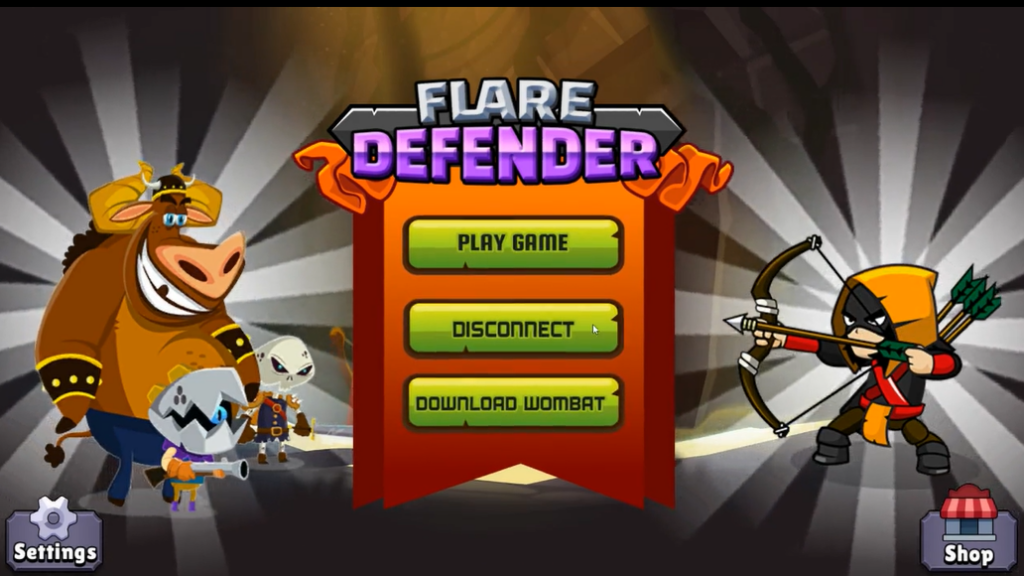
Step 1: Navigate To Flare Defender And Click “Download Wombat”
To begin, navigate to Flare Defender’s gameplay page and select the bottom button “Download Wombat.”
Step 2: Add Chrome Extension
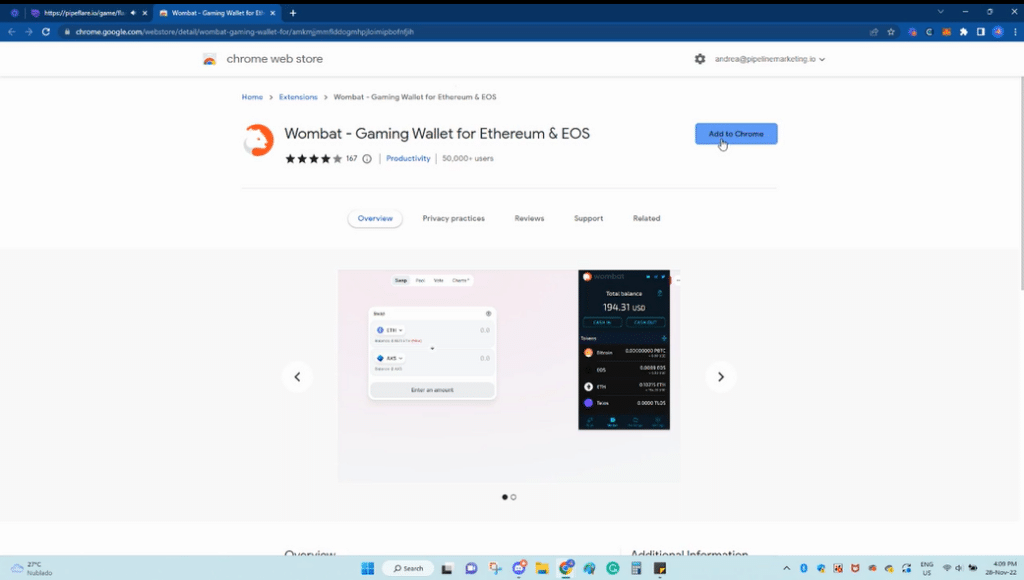
You will be redirected to the chrome web store. Here, you’ll need to click the button “Add to Chrome” to add the Wombat chrome extension to your browser.
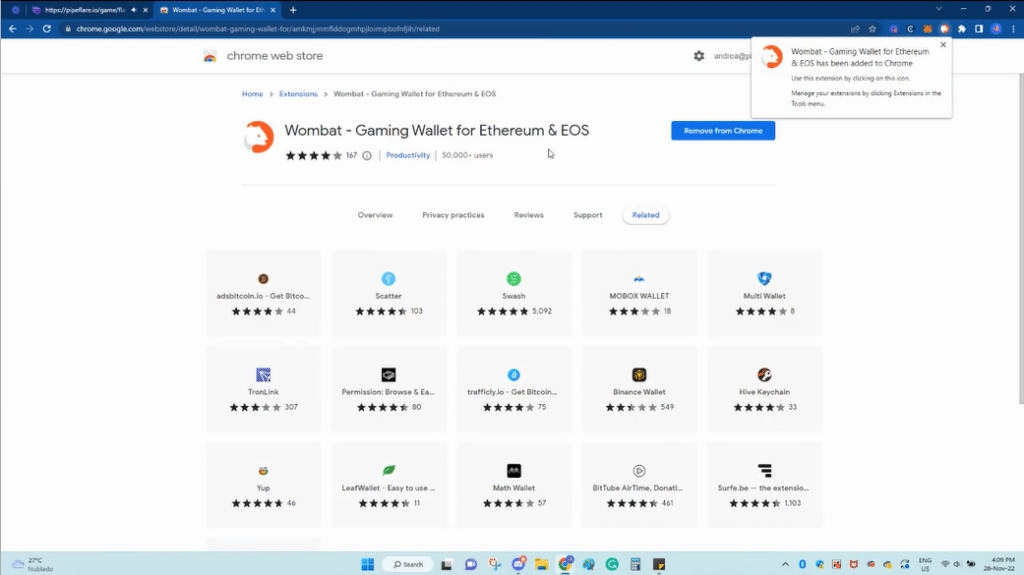
To confirm a successful downloaded, you will receive a confirmation pop up in the right hand corner.
Step 3: Register Wombat Account
Now, you’ll need to register a Wombat account. To do so, click the “Register” button.
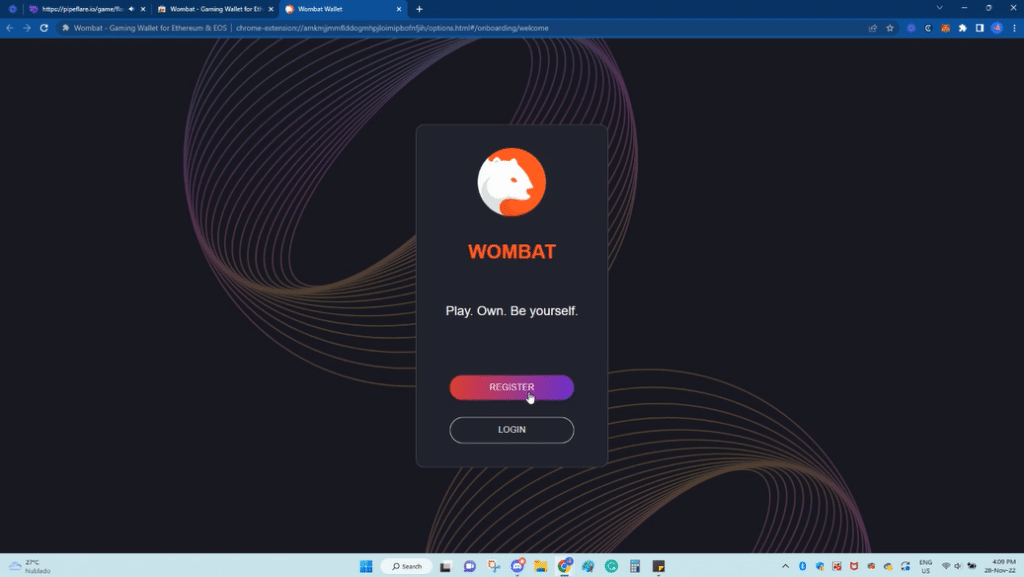
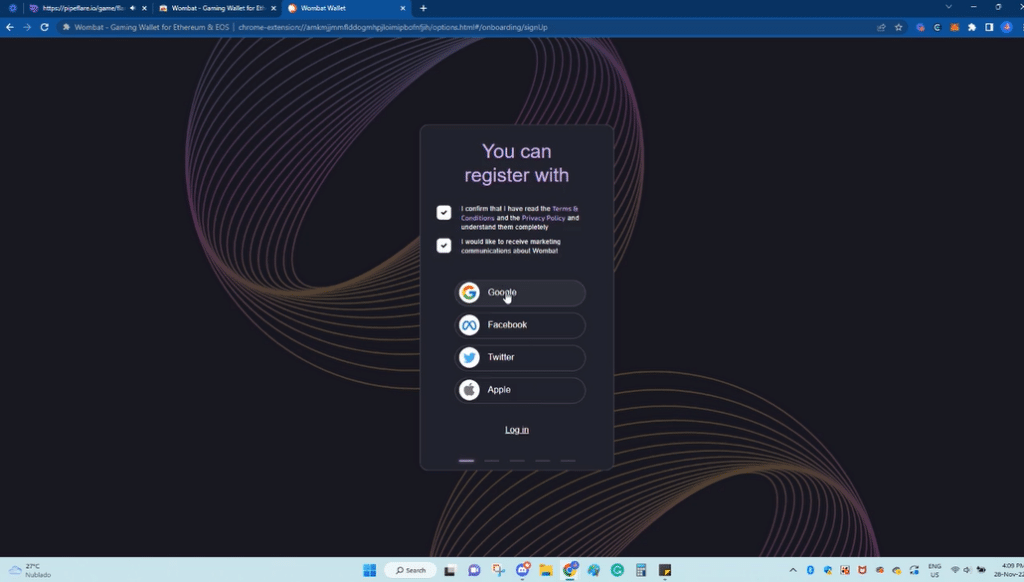
Now, you’ll need to agree to the terms and conditions, and create an account using Google, Facebook, Twitter or Apple.
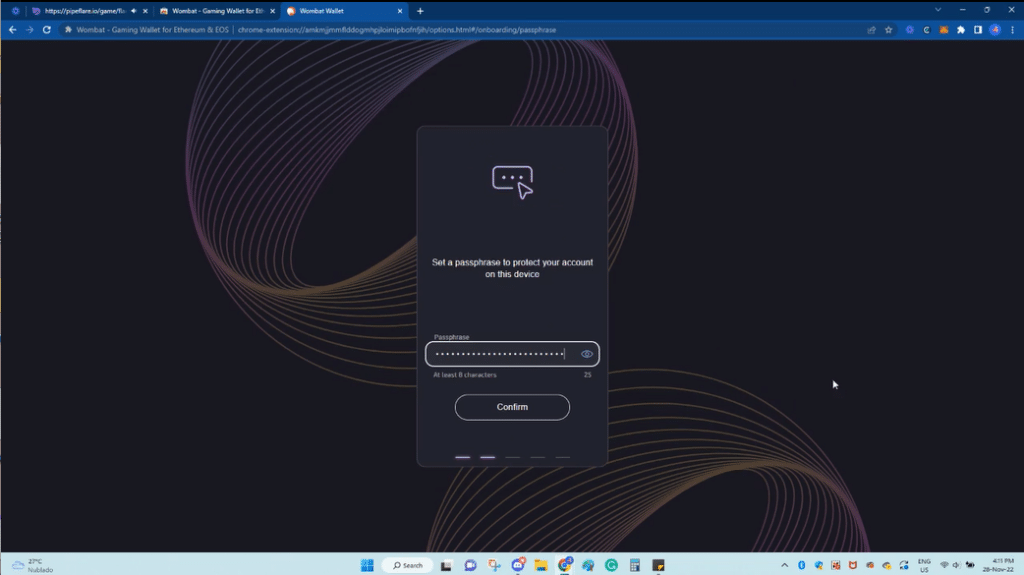
Select a password.
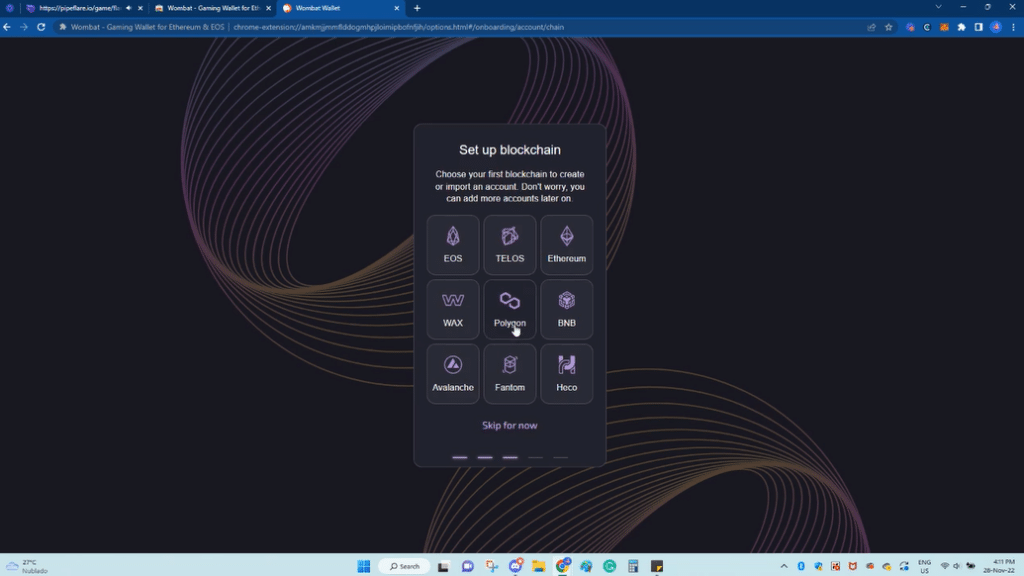
Select Polygon blockchain.
Click “Create Account.”
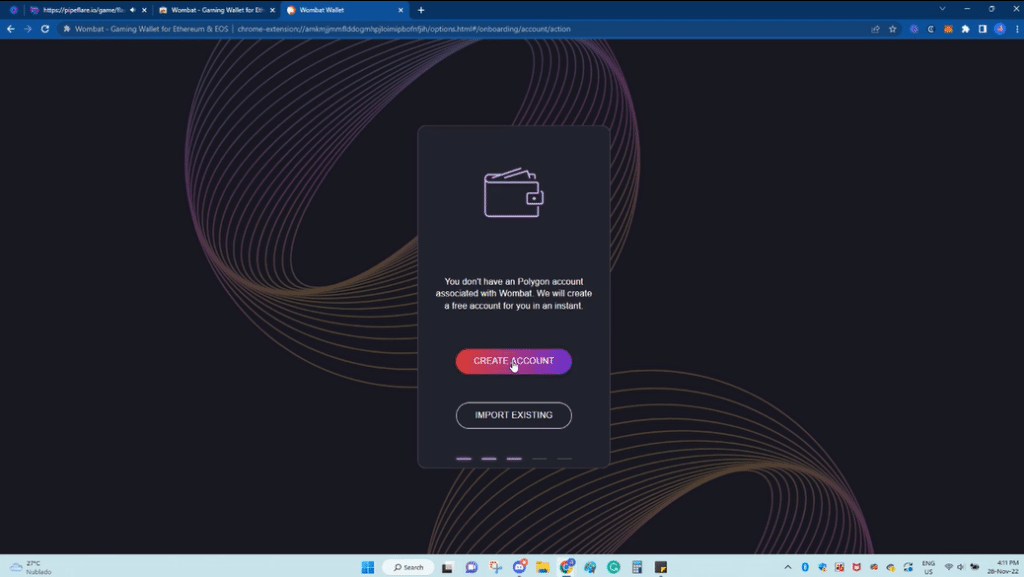
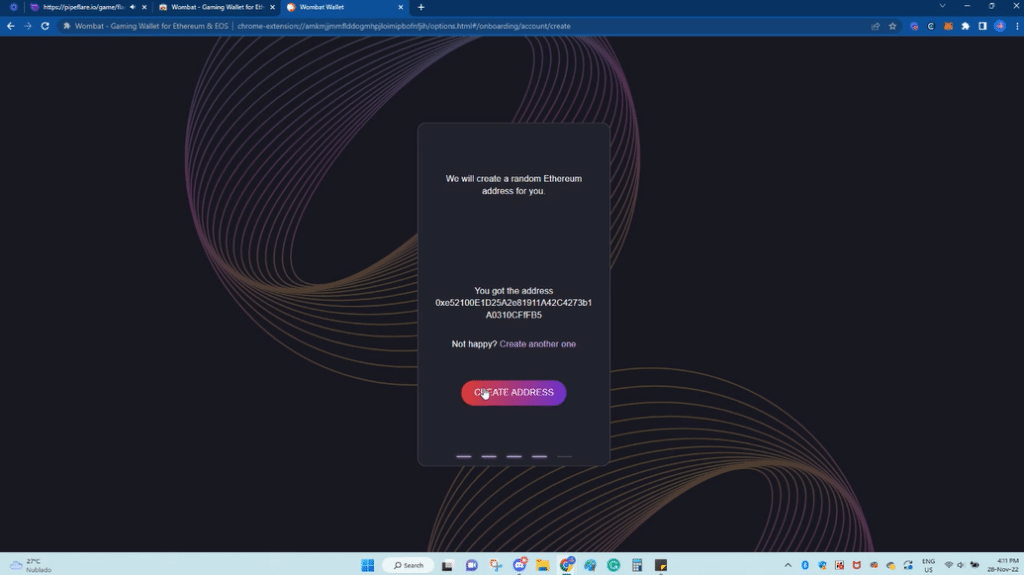
Step 4: Create Wombat Wallet Address
Now, you’ll need to create a Wombat Wallet address. This is easy – simply select “Create Address.”
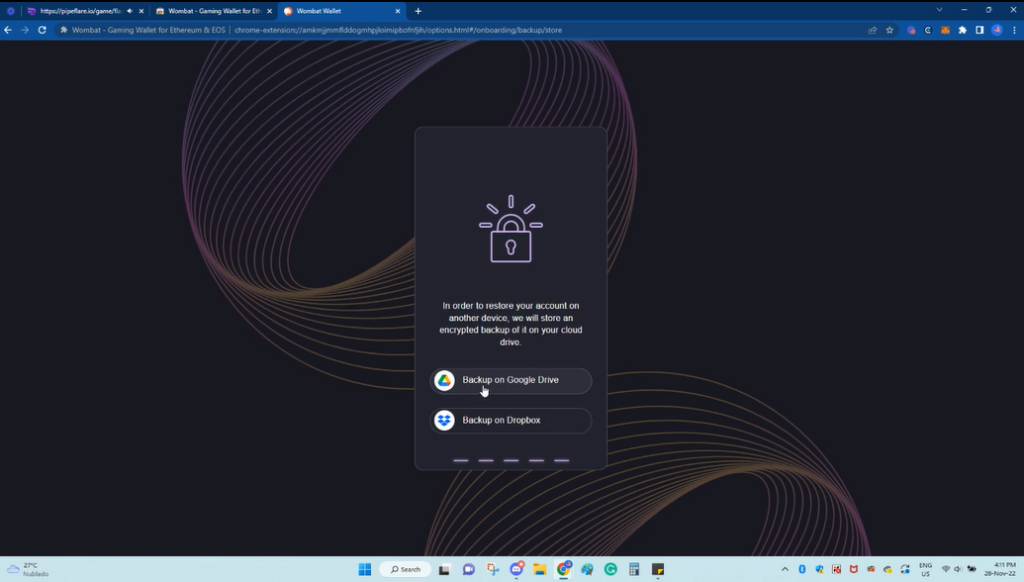
Select a backup option – choose either Google Drive or Dropbox.
Confirm backup.
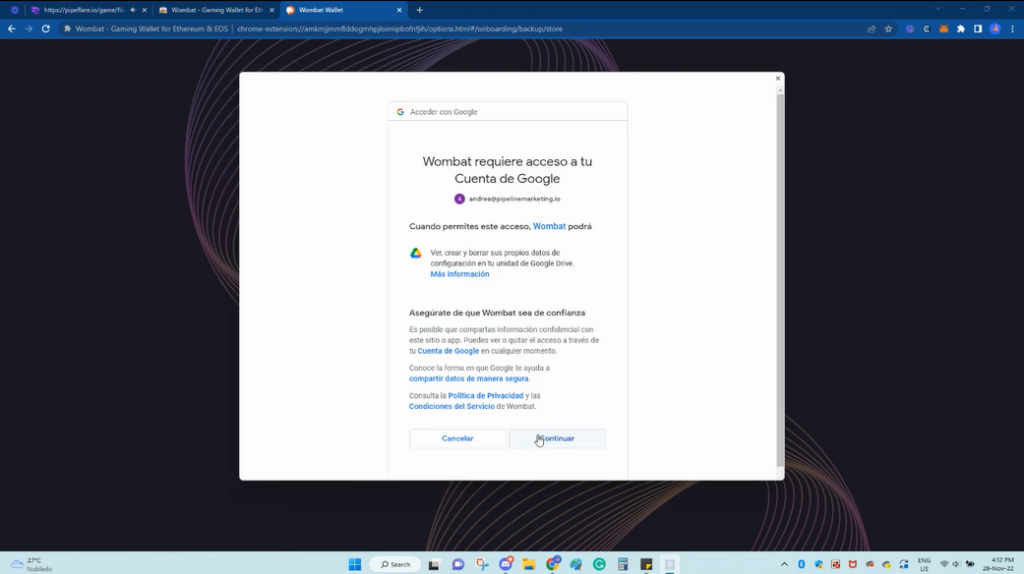
You will now receive a confirmation message.
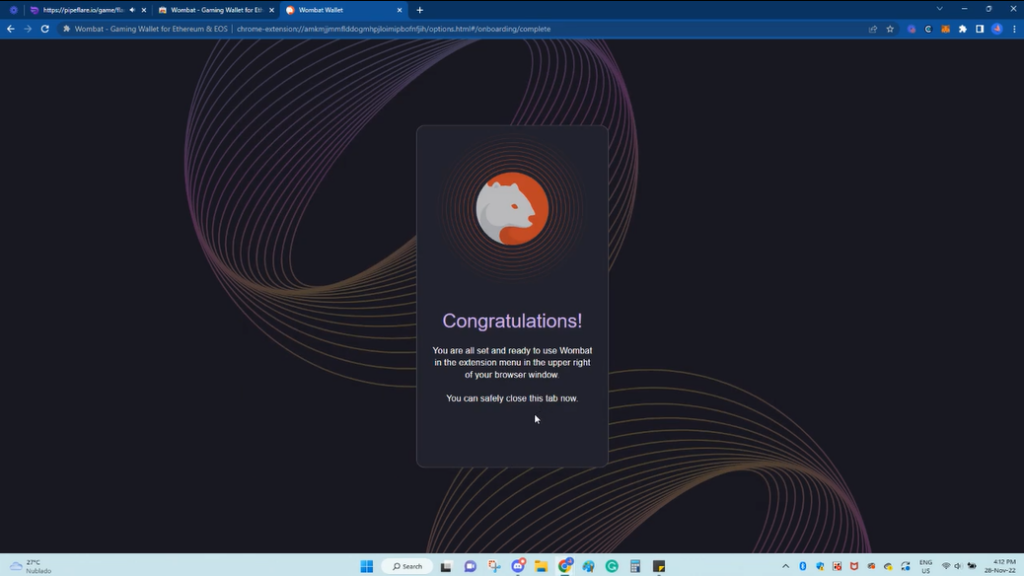
Step 5: Connect Wallet To Flare Defender
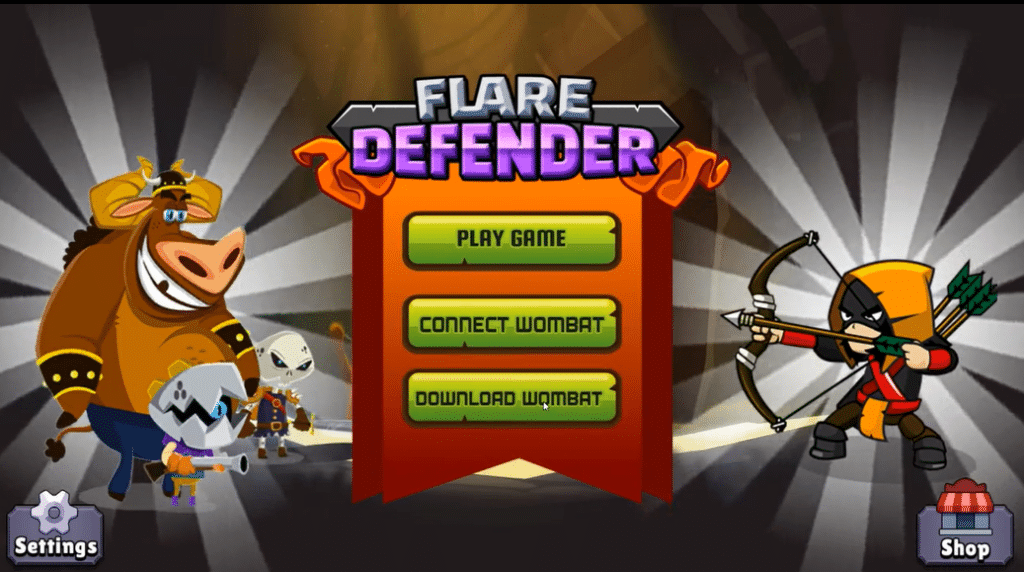
Navigate back to Flare Defender and select “Connect Wombat.”
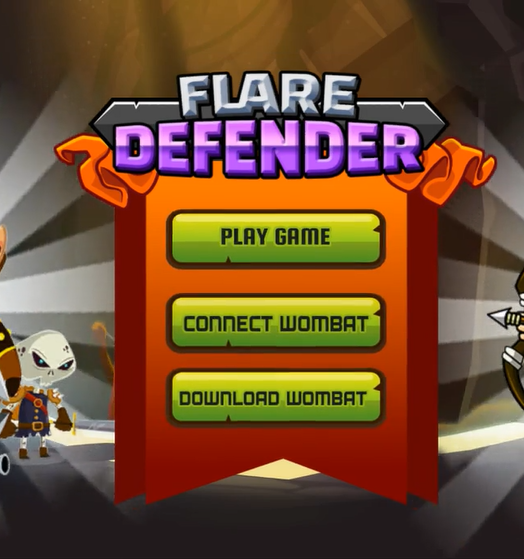
Congratulations! You’ve successfully downloaded Wombat Wallet and connected it to Flare Defender.