Hello,
We all know in api routes you could for example for this direction:
HTTP://localhost:3000/api/books/addbook
You need to add a folder API in Next Js then folder book then folder addbook then route.ts.
To get information like books/:id you need to create folder [id] then create the route.ts under NextJs.
However, the request while exporting async function Post(params) then even with Postman or from fetch request from NextJs (not recommend Axios due to Cors policy) you could always have an empty body (params.body)
You cannot even import @nestjs/common as it is another terminology and then Next Js will raise an exception decorators are not allowed there.
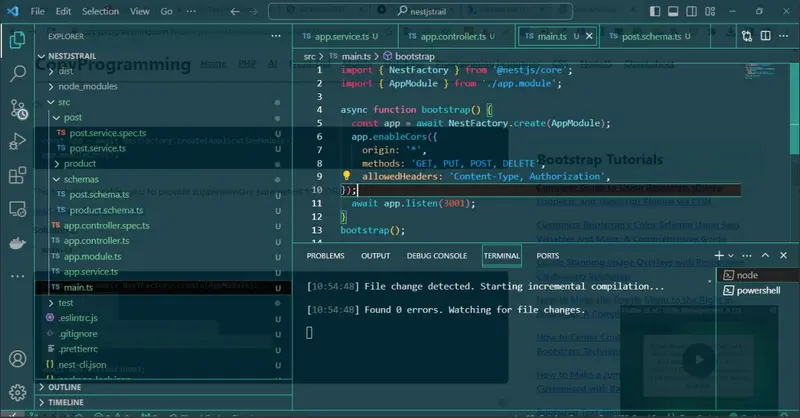
What you need is to install Nest Js create your controllers and then when you link with fetch request with method POST and add headers as application json then the result could be added to your database unlike in the same way always it is empty.
Like for example instead of in Next Js having:
export async function POST(params:any){
const newbook=Books(params.body)
await newbook.save()
return new Response('Book added success')
It will becomes in your Nest Js project:
@Post()
async function AddBook(@Body() params){
const newbook=Books(params)
await newbook.save()
res.send('Book added success')
Be aware Nest Js is only a backend algorithm like for example React frontend and PHP and Laravel while PHP and Laravel is a backend to link with a database like mongoose.
It is same Next Js is frontend web and then Nest Js is the backend to save to our mongoose the books we have created.