
What Is Atom Finance?
Atom Finance is an app that I recently found on the Android Play Store that gives a nice visual into your investing portfolios. This platform is VERY new and in its' infant stages of development. However, it is still functioning and constantly being update. The app uses Plaid (a 3rd party, secure financial platform) to integrate most investing and bank accounts. This allows Atom to populate your information and create wonderful charts to help you analyze you accounts.
Today I'll be sharing some screenshots from within the app as well as allowing you to take a little peaking into one of my Fidelity Go accounts that my wife and I both fund from time to time. This investment account is typically only funded through credit card cash back rewards and reinvesting dividends.
Home Screen

Within the Home Screen you are able to see what the current date is, see how current markets are behaving, see some popular stocks and sectors, as well as a news briefing about the markets so far for that day. It is not too in-depth that it is overwhelming, and it gives just enough insight to allow you to make any market decisions during the day if that is your investing style.
Search Function
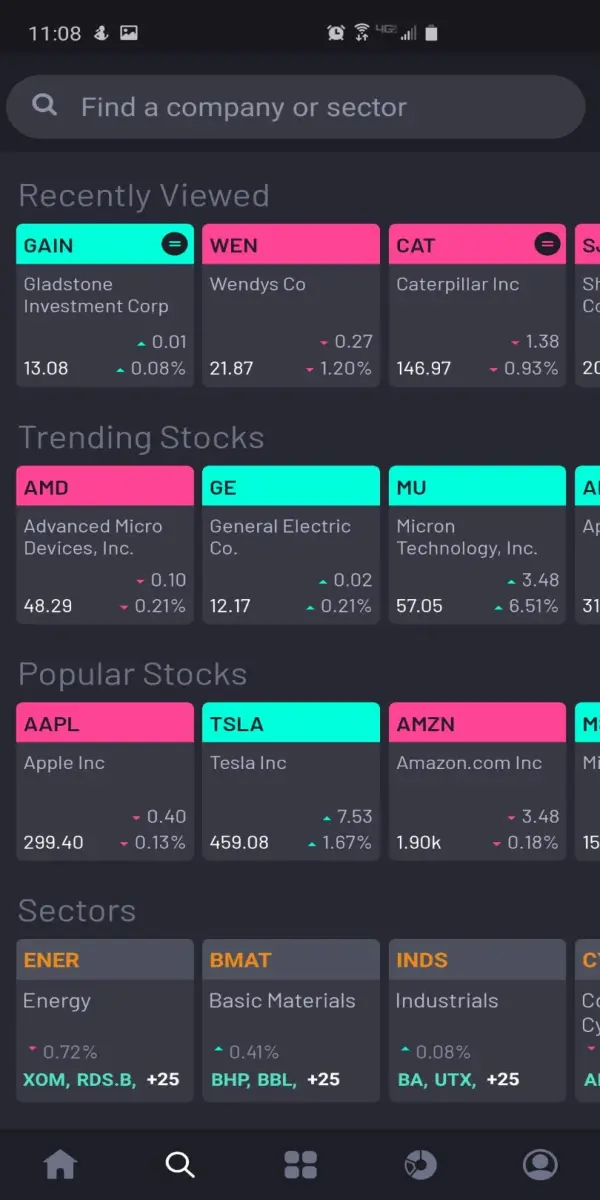
The Search Function is pretty self explanatory. This allows you to look beyond the trending stocks on the Home Screen. All of these tickers and sectors allow you to click into them for more information if desired!
Hubs
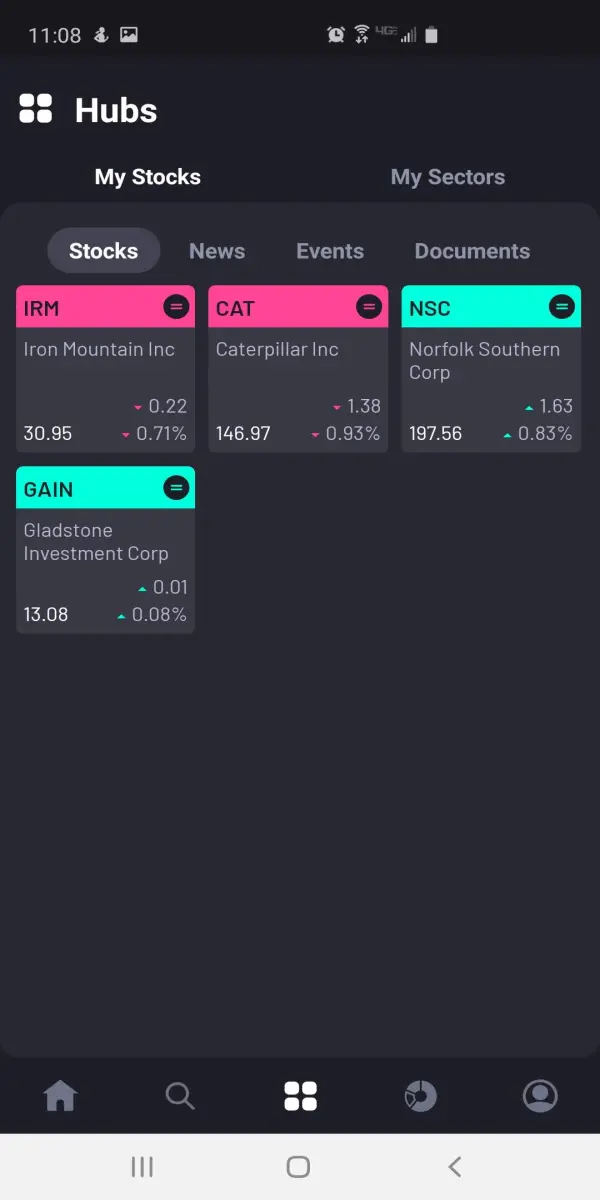
The Hubs section is a unique page that allows you to see information in regards to some of your favorite stocks and ETFs. In my example above, you would be able to click into $IRM and see different news regarding the company, and even events related to the company such as earning reports! If you're an active trader this is useful because many stocks tend to have fluctuations around their earnings reports and that may be a time to make some value buys/sell!
Portfolio Screen
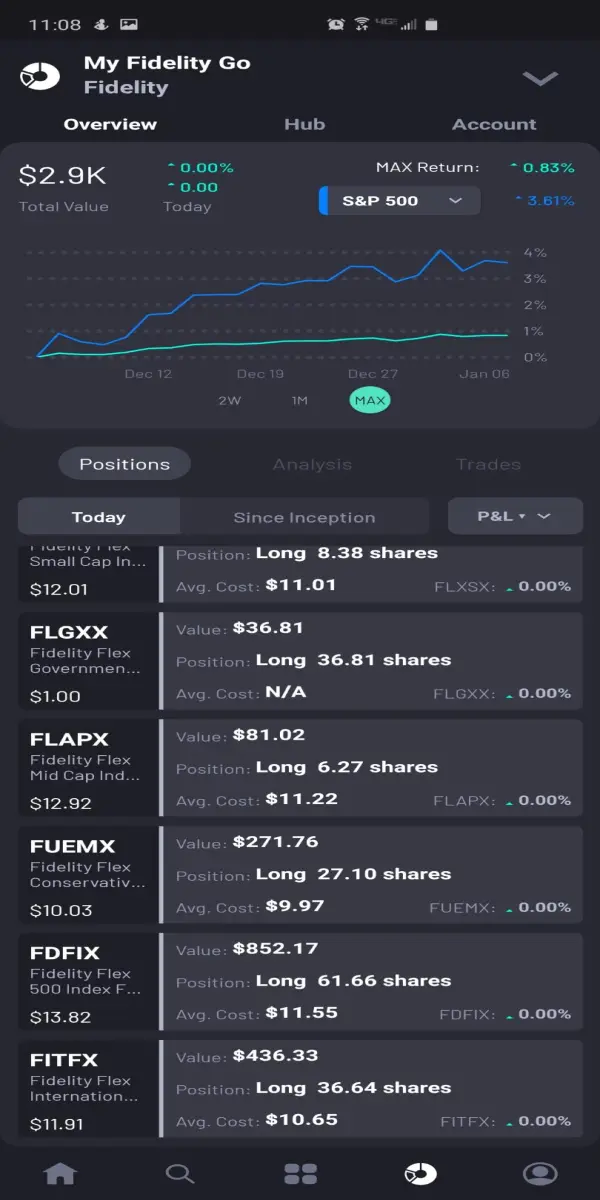
On the Portfolio Screen you are able to view your entire portfolio (all investments you have linked) or you can simply choose a specific portfolio you'd like to look at. In this example, I have just picked my Fidelity Go account to view. You can see different stats and the performance of the overall portfolio for given time periods. You can also see how it compares to the S&P500 (the most popular bench mark!). If you look a bit more you can also see how individual stocks and funds did within the portfolio to see who the real winners or losers are (hopefully you have just winners!).
Profile Screen
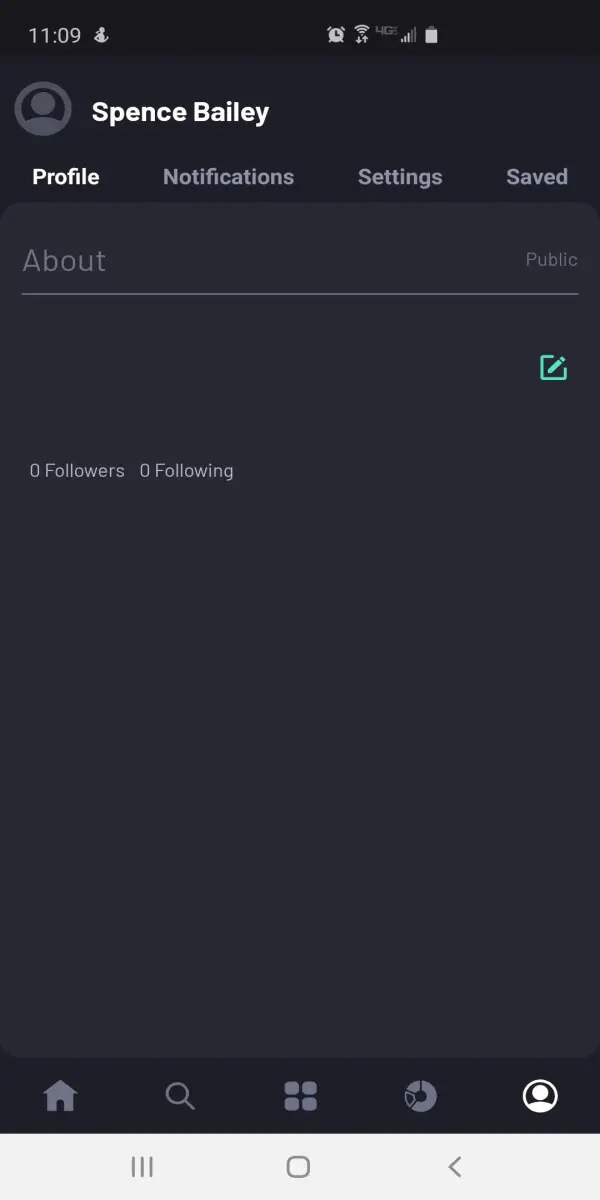
The Profile Screen is a section that I have no entirely utilized yet. The reason is that I do not believe it is fully functional yet. My understanding is that the Atom platform plans to become a bit more social and allow you to have followers as well as follow other accounts. This may lead to it being a blog-like app where you can make posts or share some of your own insights. Until then, I will just leave this screenshot to show what it looks like right now. I hope to use this more in the future!
Summary
I am really enjoying the app so far. It helps give me a visualization of my entire portfolio and see how I am performing compared to other indexes. Although I have only had the app for about a month, it has already given me some insight on some changes I could make within my portfolios. Again, this app can be found on the Android Play Store. It is currently free and new so be sure to give it a look and offer feedback so that it can become even greater!
(I am not affiliated with the app beyond just being an early user!)






