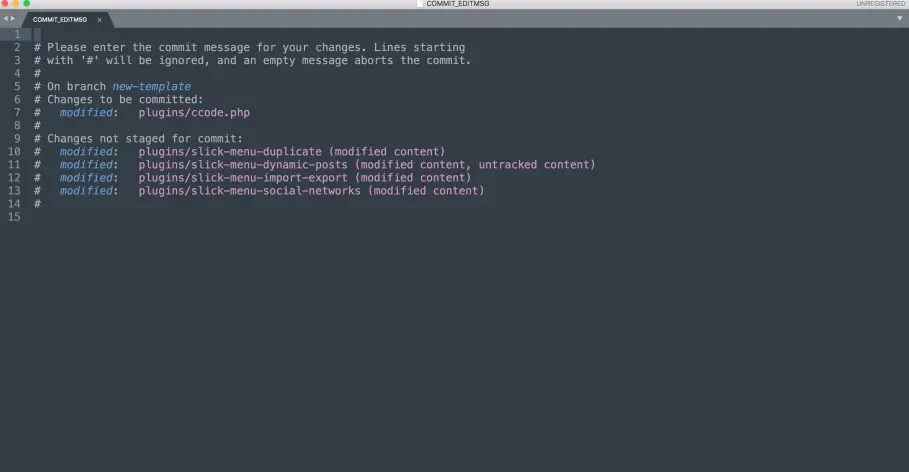
Sublime Text 3 is my best Text Editor and I use it mostly for Development and for every other editing since I moved from Windows to MAC.
Yeah!, I lost my touch on Ms Office, anyways everyone started using Gsuite or Google Docs. I hope to come back to MS since they are moving very fast to the cloud.
The end goal was to be able to write a commit message in Sublime Text without using the Sublime Text 3 Plugins.
Check if You have Symbolic link for Sublime Text
Check that Sublime text 2 or 3 has a symbolic link mostly in your user bin directory
I assumed that you put your sublime symbolic link in the default location
$ find /usr/local/bin subl -maxdepth 1 -type l -lsOR SIMPLY
$ cd /usr/local/bin
$ find subl
If you did not find it that means you have not created a symbolic link for Sublime
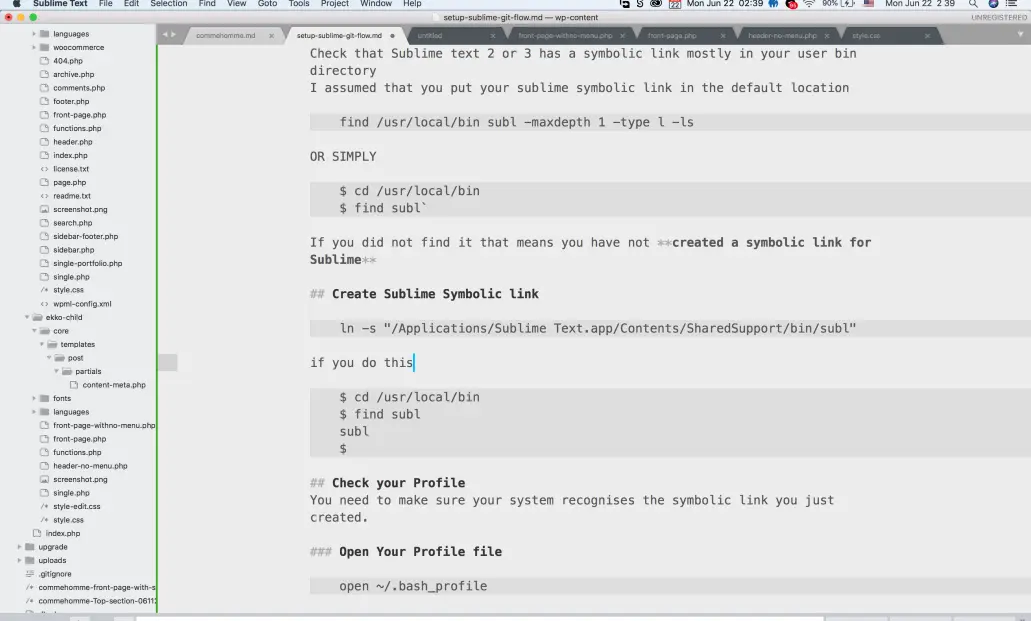
Create a Sublime Symbolic link
In your terminal,
ln -s "/Applications/Sublime Text.app/Contents/SharedSupport/bin/subl"if you do this now you should be able to see that subl is in your bin directory
$ cd /usr/local/bin
$ find subl
subl
$
Check your Profile
You need to make sure your system recognizes the symbolic link you just created.
Open Your Profile file
open ~/.bash_profile
This would open your profile file in Text Editor. You can check that *Export* contains $PATH that is directed to *bin*export PATH="/usr/local/sbin:$PATH"
Test !
$ subl
This should open the Sublim text
Setup Sublime for Git
If you have setup your Sublime Text to open with subl has symbolic link then you can do this
$ git config --global core.editor "subl -n -w"
You should have added Sublime Text Editor has the Text Editor that would open when you want to commit
$ git add . && git commit
That would launch Sublime text