
They say "A second version should always be better than the first version". Yes, of course, that's right. You will also agree with me if I say; Third-party apps should always be better than stock apps. Yea?
Because, it'd be a shame to see a third-party app, or software not functioning up to a stock app of similar features.
Ever since I have been reviewing Android projects, I don't think I have ever reviewed a third-app that functions less than a stock app with a similar feature. This simply means that developers behind third-party apps are really doing well with their projects.
In today's blog post, I will be introducing you to a third-party, open source project with the same functions as the stock alarm on Android devices. The name of the project is Alkaa. Igor Escodro is the developer and currently the maintainer of Alkaa. From the project's repository ReadMe file, Igor Escodro defined Alkaa as an application that manages a user's task quickly and easily.
I have used the application, and I totally agree with the definition given above. However, I think that definition isn't enough because I have been able to use Alkaa for other things apart from managing my tasks. I will explain more of the hidden function/features as you read on.
Below are the links to download Alkaa on your Android OS. Note: You must be on Android 6.0, and later. I confirmed this after I tried to install it on my Android 5.1 which didn't install. But I got it installed on my Android 8.0.
What Does Alkaa Really Do?
Alkaa is an application that accepts a short note from a user, then, reminds the user about the note at a particular time. The time at which it reminds the user of the note depends on the time assigned by the user. It functions just like an Alarm on an Android phone. Only that it accepts a short note, while Alarms doesn't.
I have reviewed several other open source projects that have the same function as Alkaa. Below are the links to the projects. I am happy as Alkaa will be added to the list after this article.
After Installed Alkaa, and launched it, it displayed its come screen without asking for users permission to read device storage. This was expected because none of the listed projects above asked for permission while I used them.
One of the features I look out in apps is their Material design. And, I am satisfied with the design used in Alkaa. It looked so simple, no unnecessary text or buttons. The first screenshot below is a screenshot showing how the home screen looked when I first launched it. Even after I added tasks to the app, it still looked clean and simple. (Second screenshot).
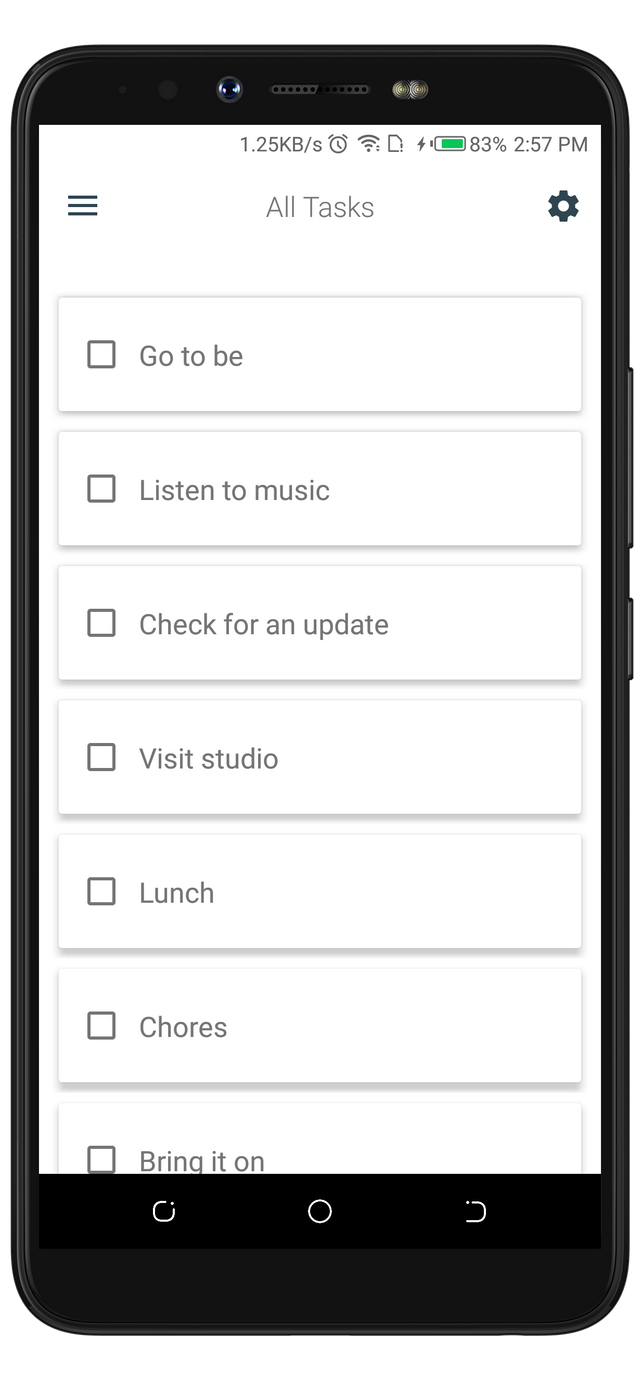
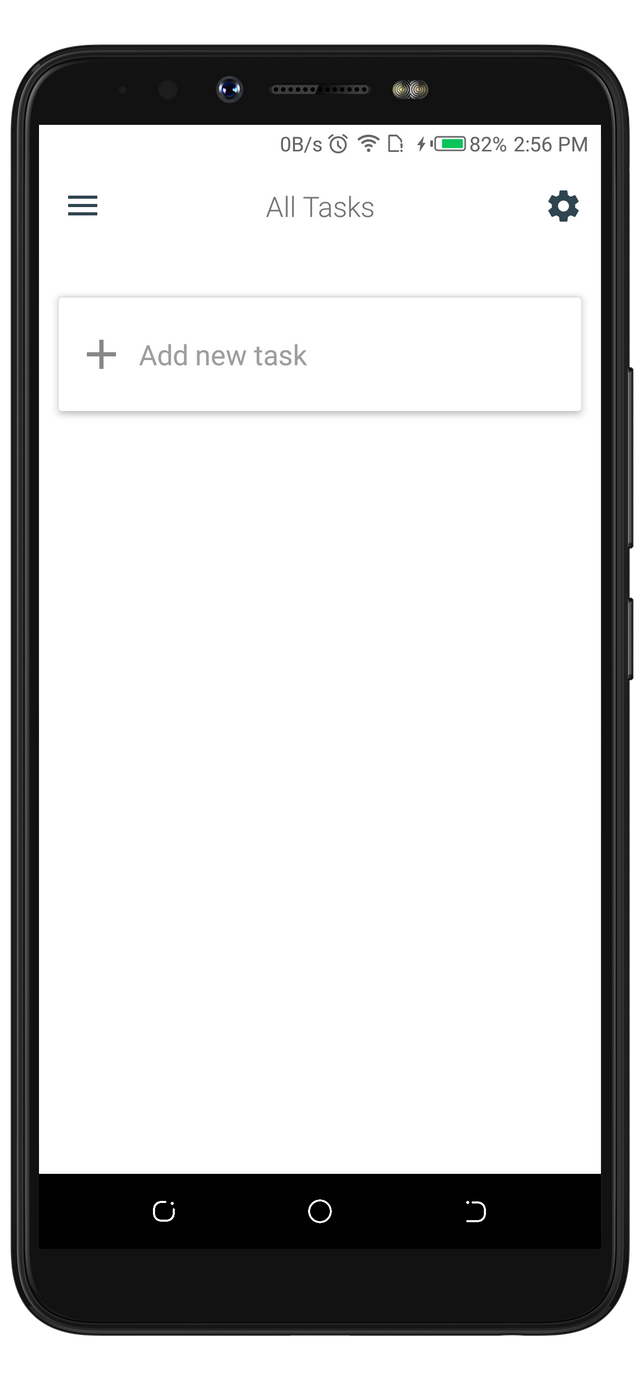
From the first screenshot above, a hint message and a button are displayed on the screen. After I typed the task in the space given, it took me some time to save it because the app lacks a save button. However, I ended up saving it with the "Enter" button on my keyboard. I was able to save the rest of the tasks with the same process in no time.
A task reminder app like Alkaa, ought to ask me to assign time to the task created. But, it didn't. And, I am shocked after I was able to create the whole notes without being asked to input time. But, since I clearly understood how a reminder functions, I still hoped for the option to assign time to my tasks. so I played around the app before I ended up clicking on one of the tasks I created, then, it opened another fragment to assign time and other unique identifiers to it. Below is the fragment that displayed after I clicked on listen to Music task.
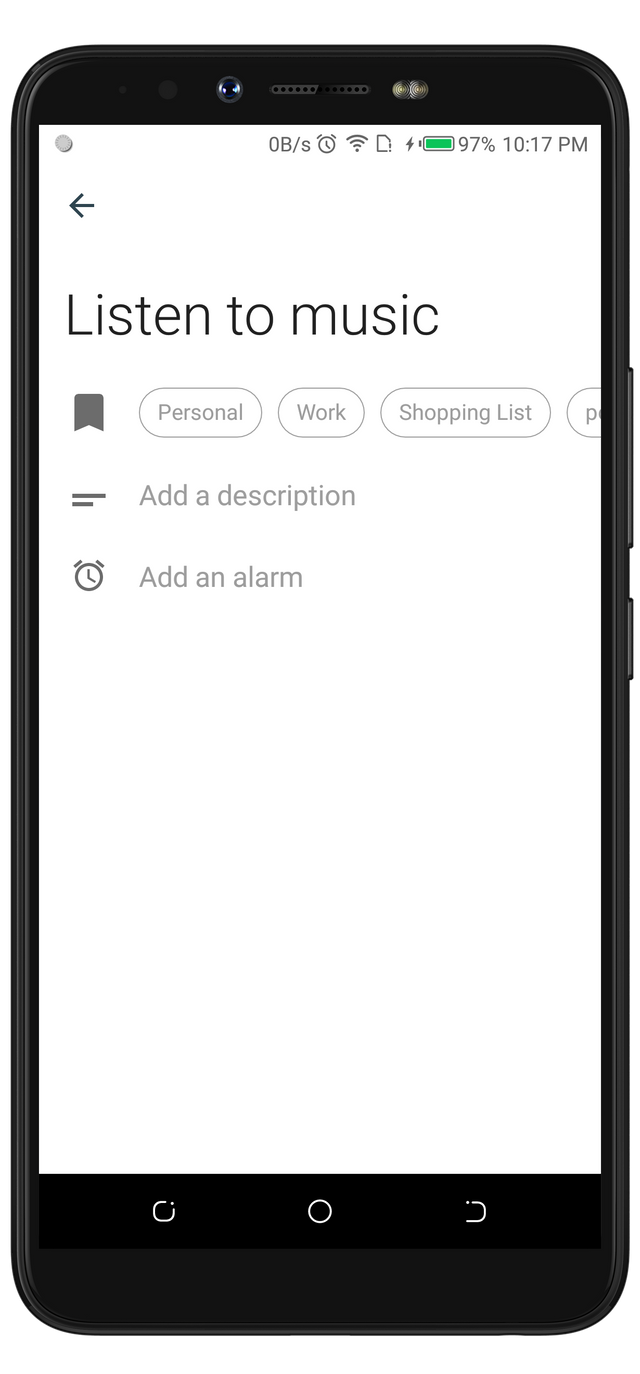
From the image above, you can see that users are able to assign three different identifies to a task. A tag, description, and an alarm (time). Most of these options are unique. Because, some of these options are missing on my stock alarm, and on some of the similar task reminders, I have used. Below is a screenshot of my stock Alarm requesting for time settings, and a label.
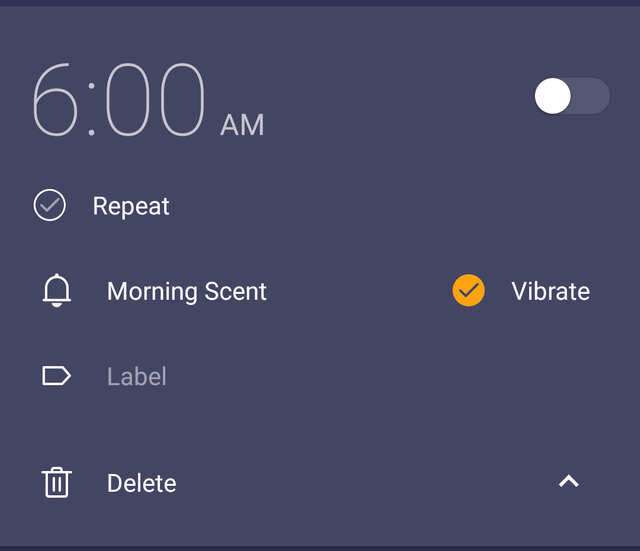
My stock alarm features ought to be awesome but it lacks the description feature. Also, the type of tag that is available on Alkaa is far better than that of my stock Alarm. For example, The Personal tag on Alkaa has a different color from the rest of the tags.


With this feature, users can easily identify a task either with its tag, deception, or title.
I am already in love with Alkaa not only because of the way it assigns different colors to the tasks but, it also has an option for users to create tags. If you notice from the Listen To Music task I created above, it doesn't fit any of those tags. This is why the developer added the feature for users to create new tags to fit their tasks.
Note: I call it Tag, Alkaa calls it Category, and my stock Alarms calls it Label.
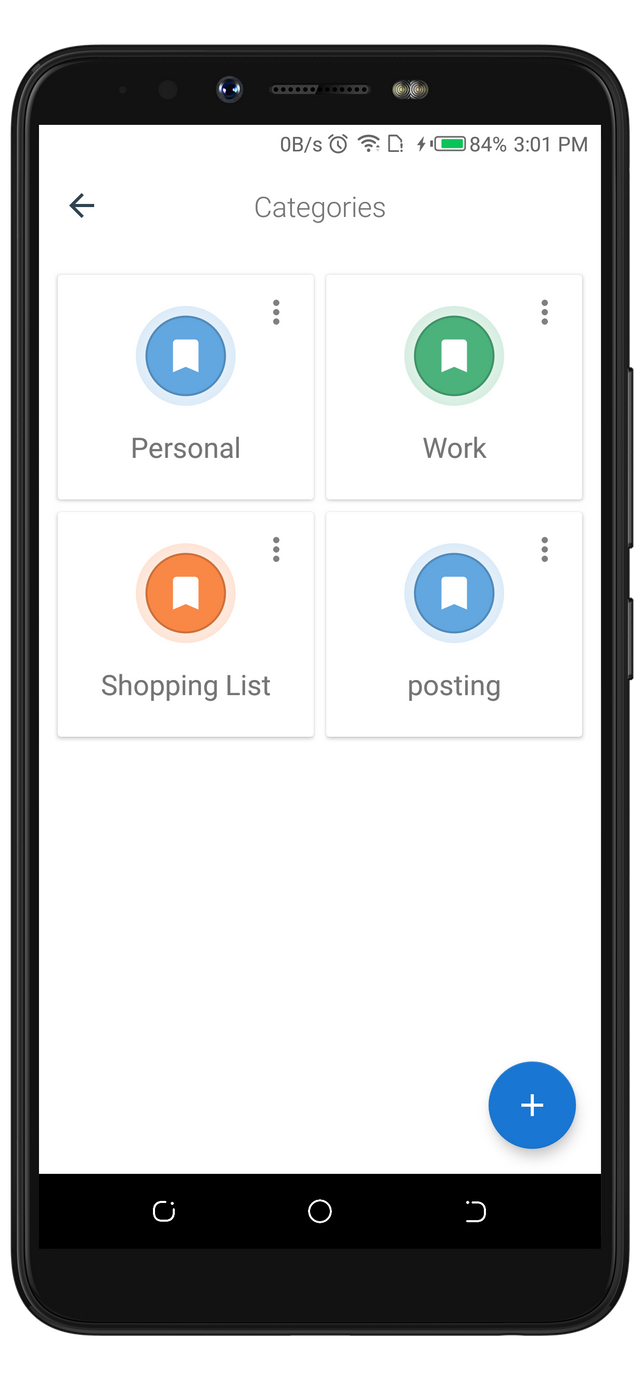
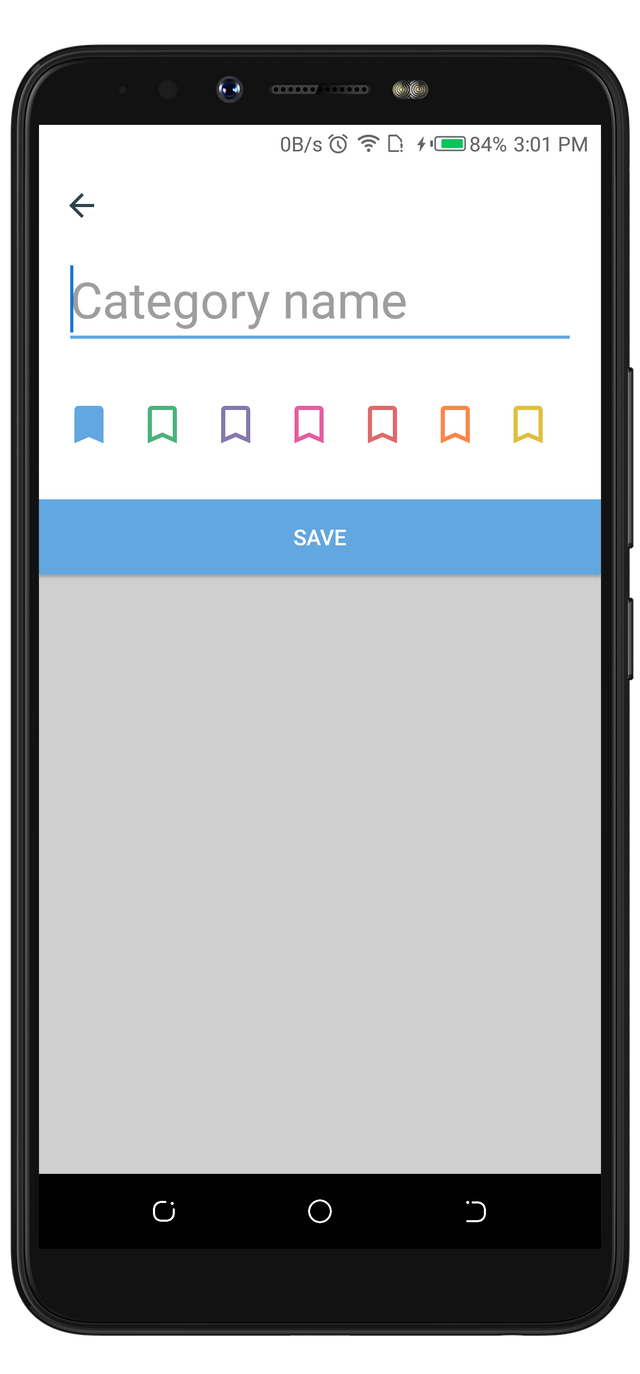
The first screenshot below shows the interface with the existing tags, and a button to create a new tag. The second screenshot shows an interface that a new tag is being created. From the second interface, you will also notice that it requested for the Category/Tag name and the color to assign to the tag. The color feature is the main reason I love this option of the app.
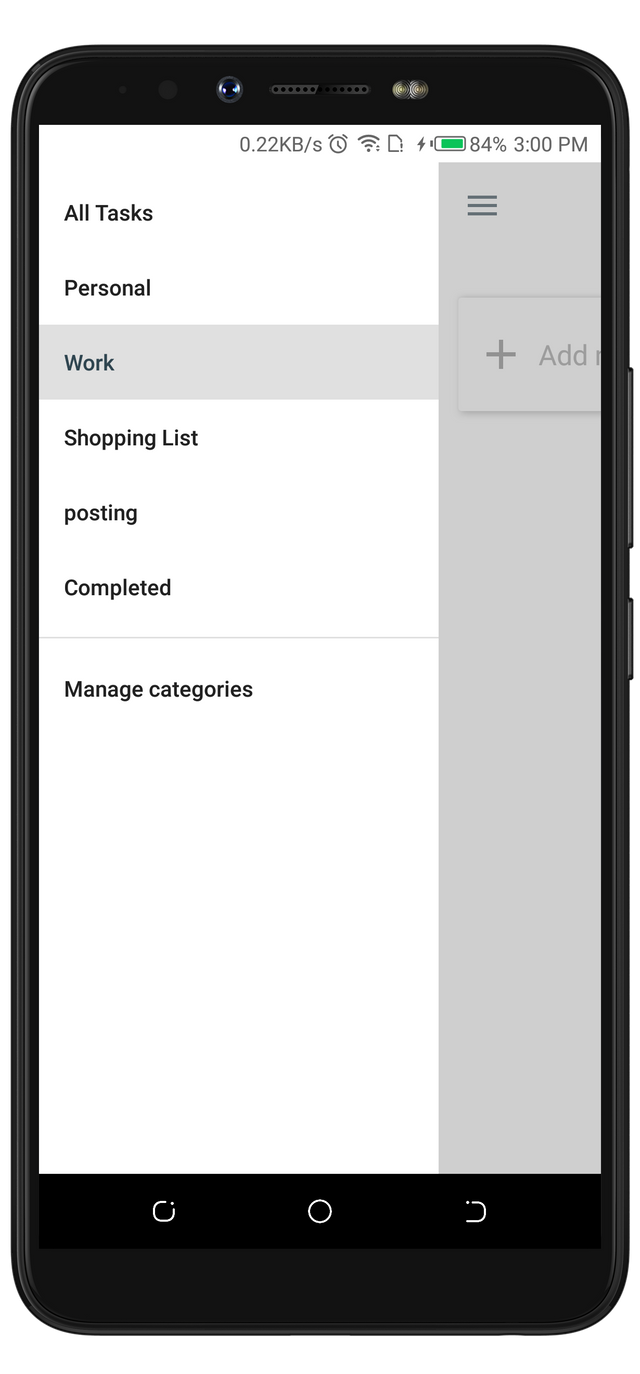
Another great feature about Alkaa is that the created tags and the default tags are not difficult to locate on the app. I was able to view both the new and old tags after I swiped the screen from left to right.
Completing The Task Set up.
Alkaa wouldn't what it claimed to be if users can't assign time to their tasks. But, I am sure you've already read from one of the paragraphs above that assigning time is possible. In this paragraph, we will look at how the timer picker looks like.
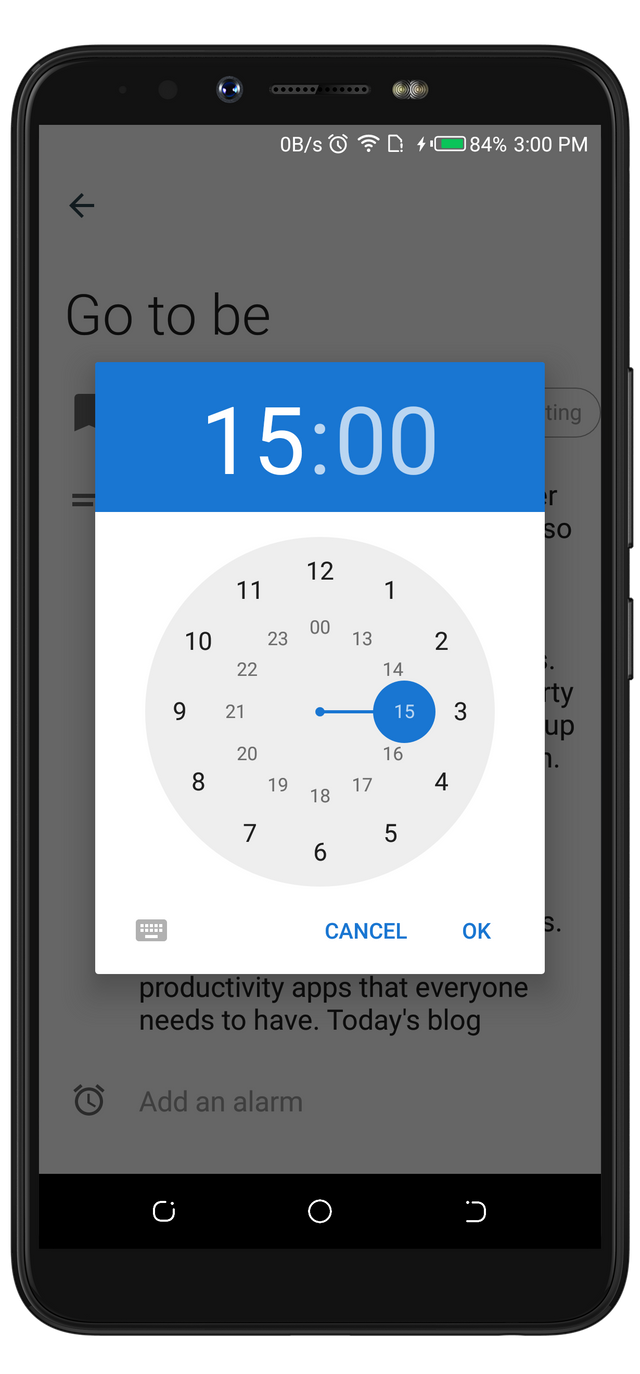
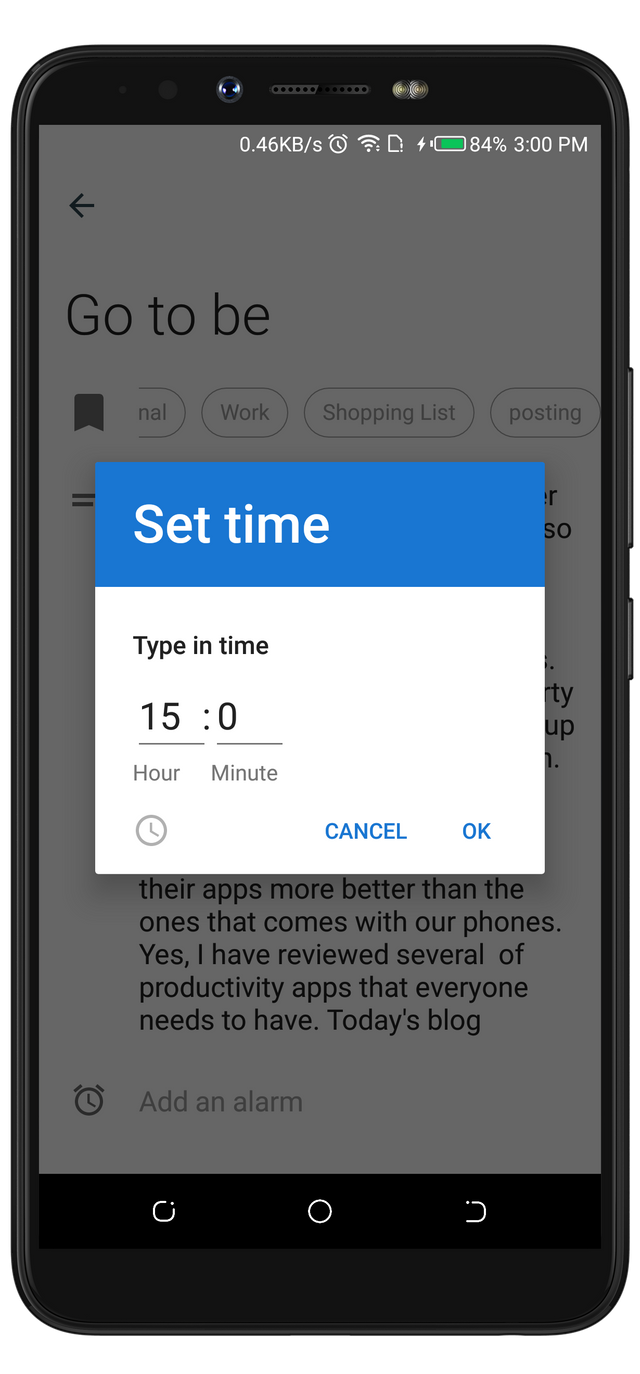
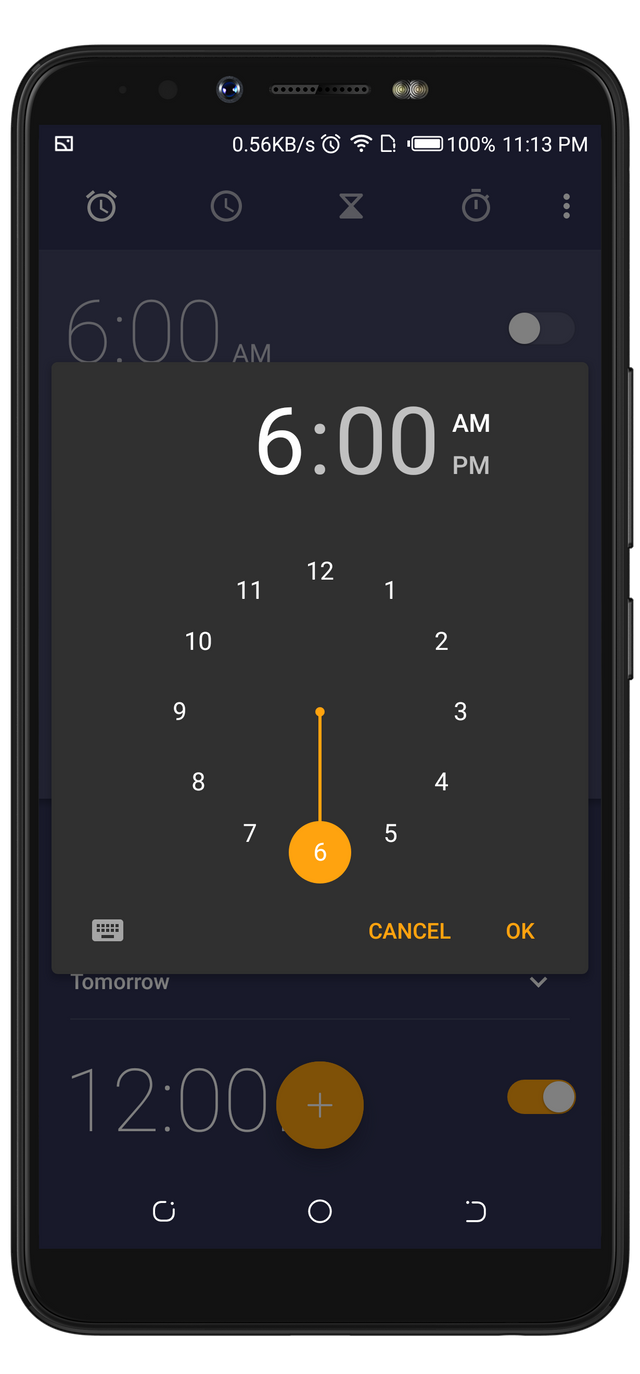
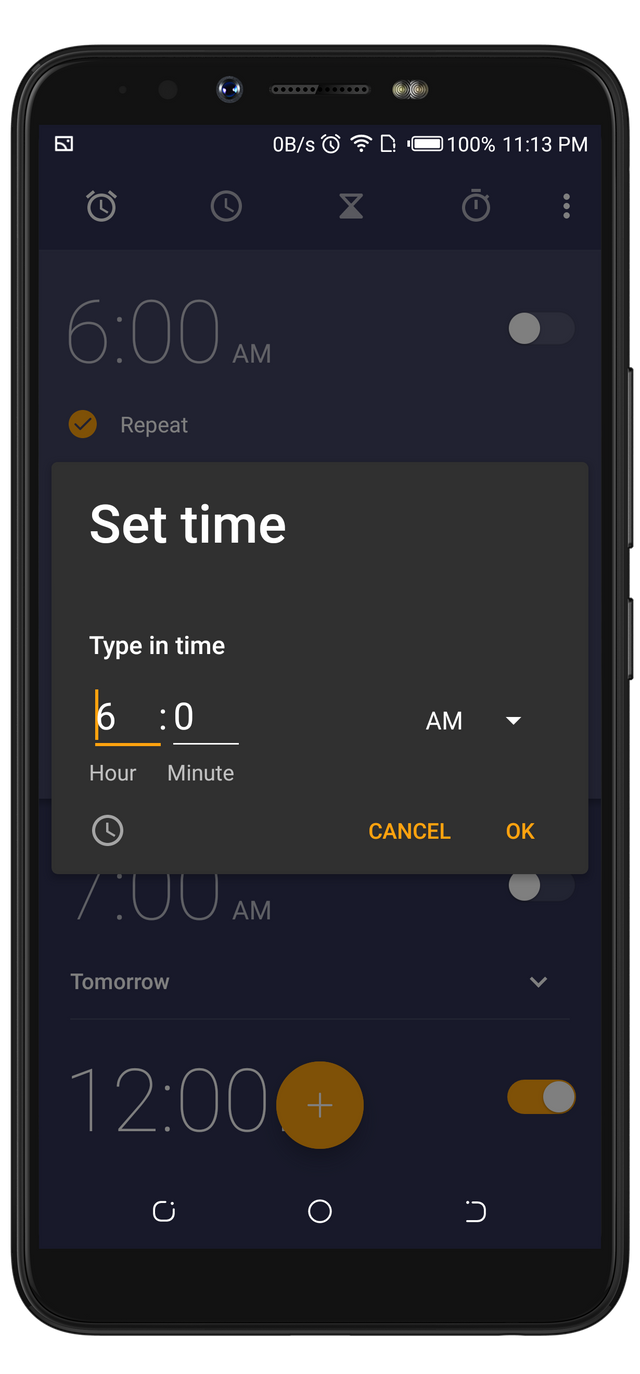
I am happy with the style of time picker that is available on Alkaa. In fact, both my stock Alarm and Alkaa are using the same time picker. one of the reminders listed at the beginning of the article once had only the digital time picker (two last screenshots below).
Alkaa
Stock Alarm
Alkaa At Work
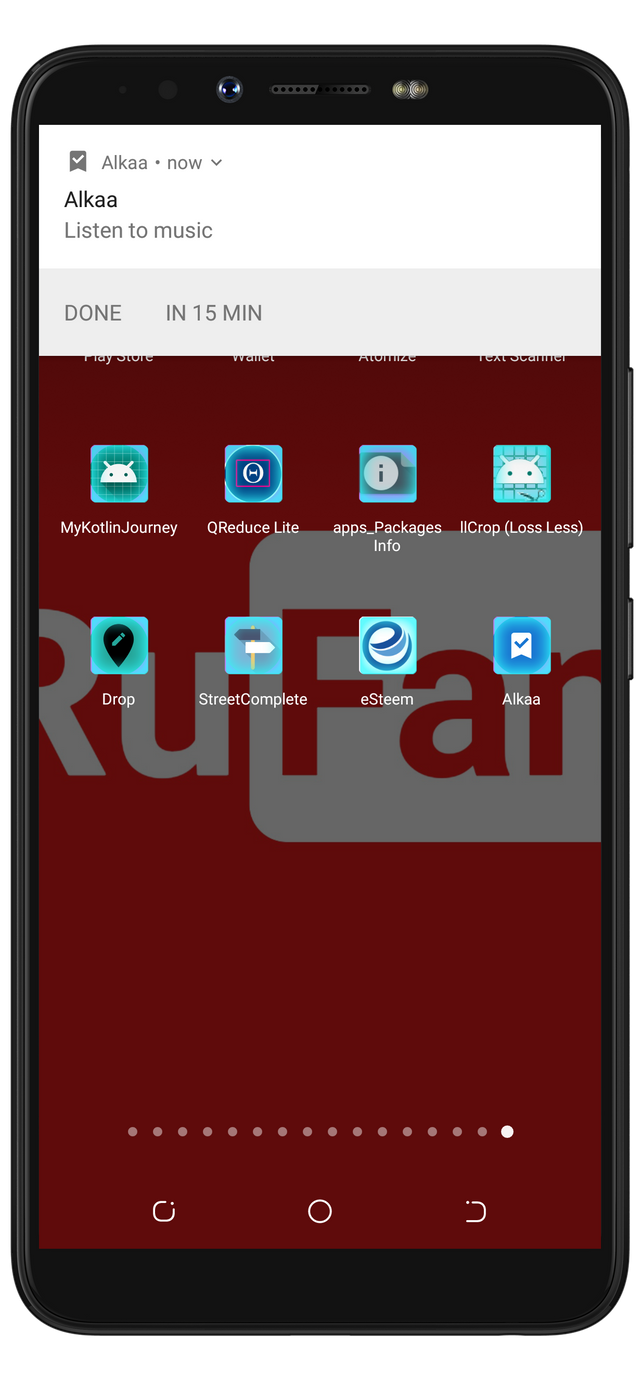
After I had finished assigning time to the task, when the time reached, Alkaa acted like the rest of the reminder I have used. Although, I wasn't expecting it to display the reminder in any special manner. All I was sure was that it will display the note reminder on my notification, and it did exactly as expected. Just as a normal reminder will act, it has an option to snooze the task.
Hidden Feature
The function of Alkaa is to accept a note and time settings from users. But, while trying to set up a task, as stated at the beginning of this article, I wasn't provided with an option to assign time to my task. During the process, I notice I can equally turn Alkaa into a note-taking app (without assigning a time to my tasks). And yes, it worked as planned. I was able to save some part of this article into it. and it saved. Check the image below for a screenshot.
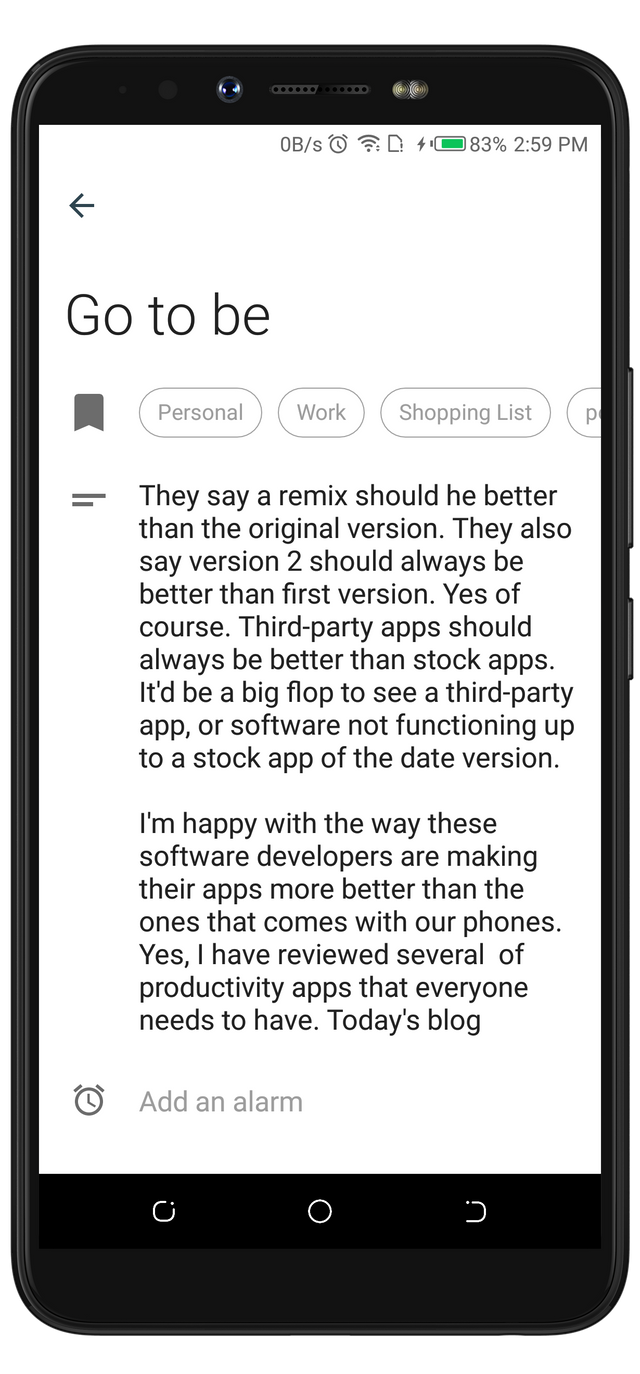
With Alkaa, I don't have to use any other note taking app when I need to save something short. Since I can save it with it and at the same time set it as a reminder. However, I will not use ALkaa to save longer notes because it wasn't meant to be a note-taking app as it lacks the features of a note-taking app.
Project update
Alkaa 1.3.0 was released 25 days ago, where the feature I love most about this app (tag, and colors) was added. However, Alkaa 1.3.0 was released alongside a bug that automatically picks a tag color that was assigned to an old task when creating a new task. This bug has been fixed in Alkaa 1.3.1 which was released 5 days ago.
Conclusion
There is always a new, and awesome feature about every reminder I have used. And for this very one, I love that it has tags and colors. which will be one good reason I will have to keep using Alkaa.
I published this article here






