
Maybe people think that it was easy to Withdraws from Publish0x to your Coinbase wallet, but for me, it wasn't. The first time is always the most difficult. To find the right way you need to spend some time and here is what you have to do to get your rewards in publish0x.
Steps
First of all, you must have created your Coinbase wallet into your phone: iOS, or android (soon in another post)
Second, go to Coinbase wallet account and copy your address id. For doing that:
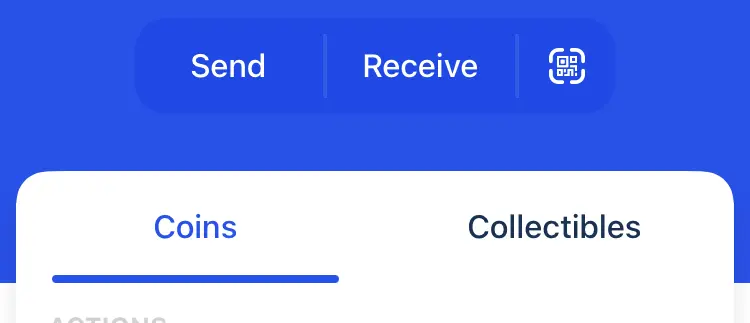
- you can click on the 'receive' label
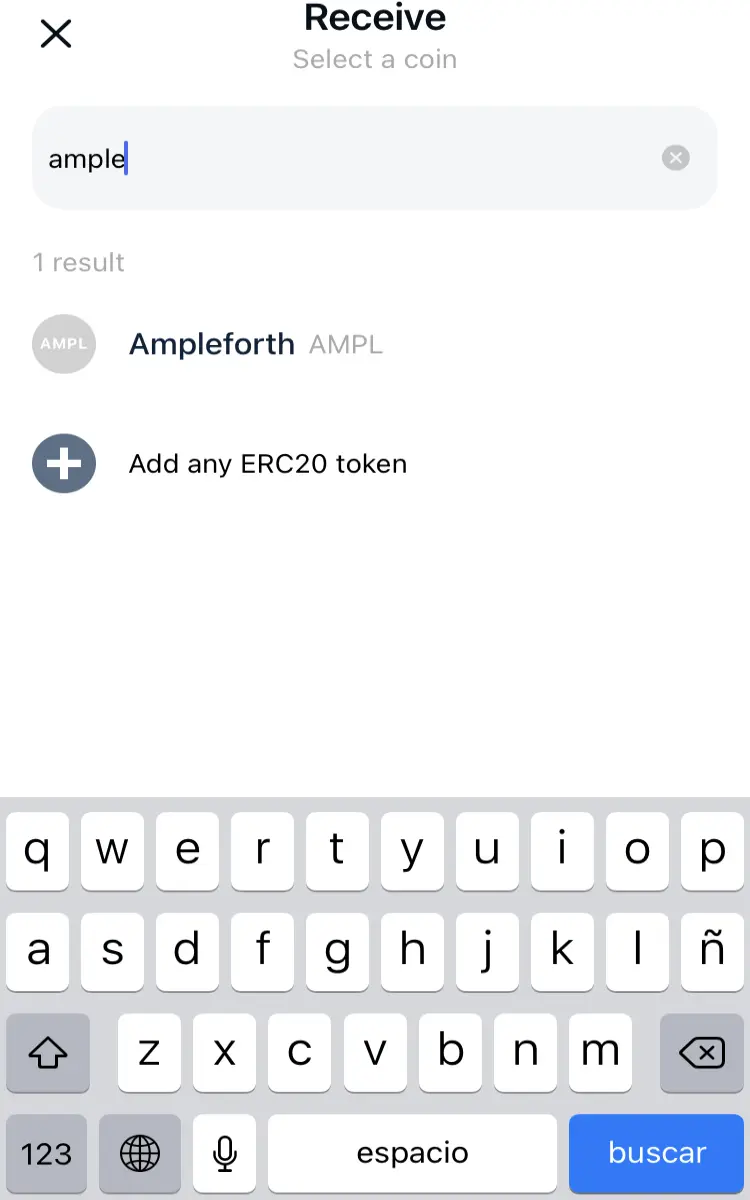
- in the next window, from the token list, you have to choose the token that you are going to receive funds. For instance, Ampleforth
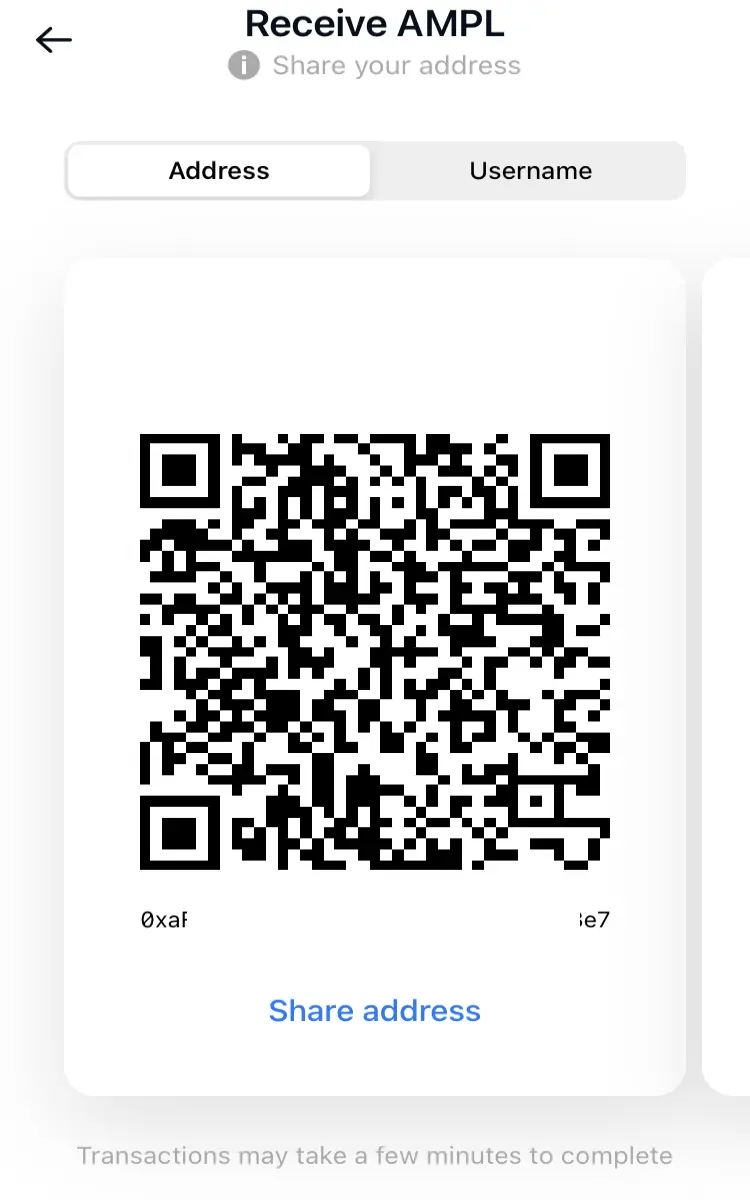
- after that, you have to copy the hexadecimal id address from the next window
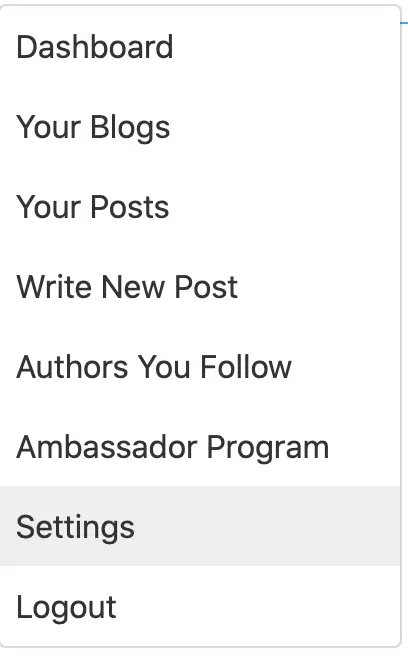
- go to 'settings' of your publish0x account,
- from settings go to the 'wallet' tab.
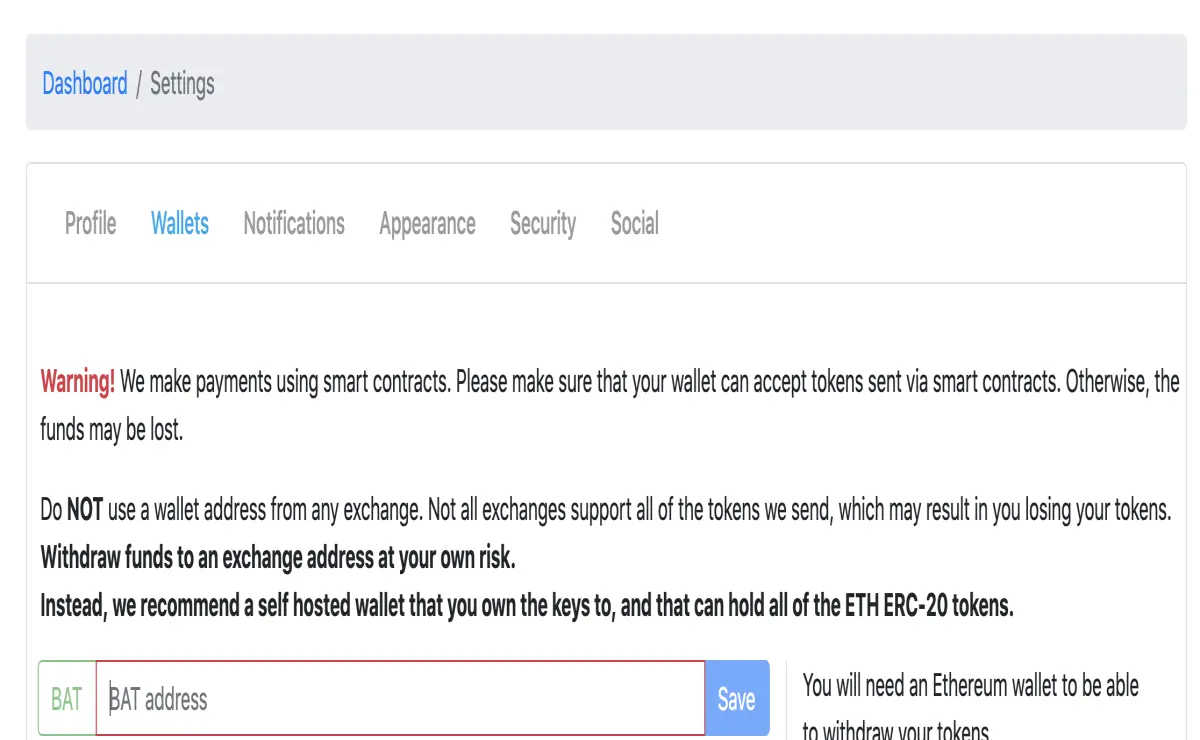
- you can see here four empty fields to be filled with the right account id: BAT, Loopring, Ampleforth, and Etherium. Sometimes this id is the same for all the tokens, but it's better to be sure. So paste the given hexadecimal address id from the previous step with the coinbase wallet, into the Ampleforth field. Save them and you will receive an email to confirm this action. So go to your email and do it.
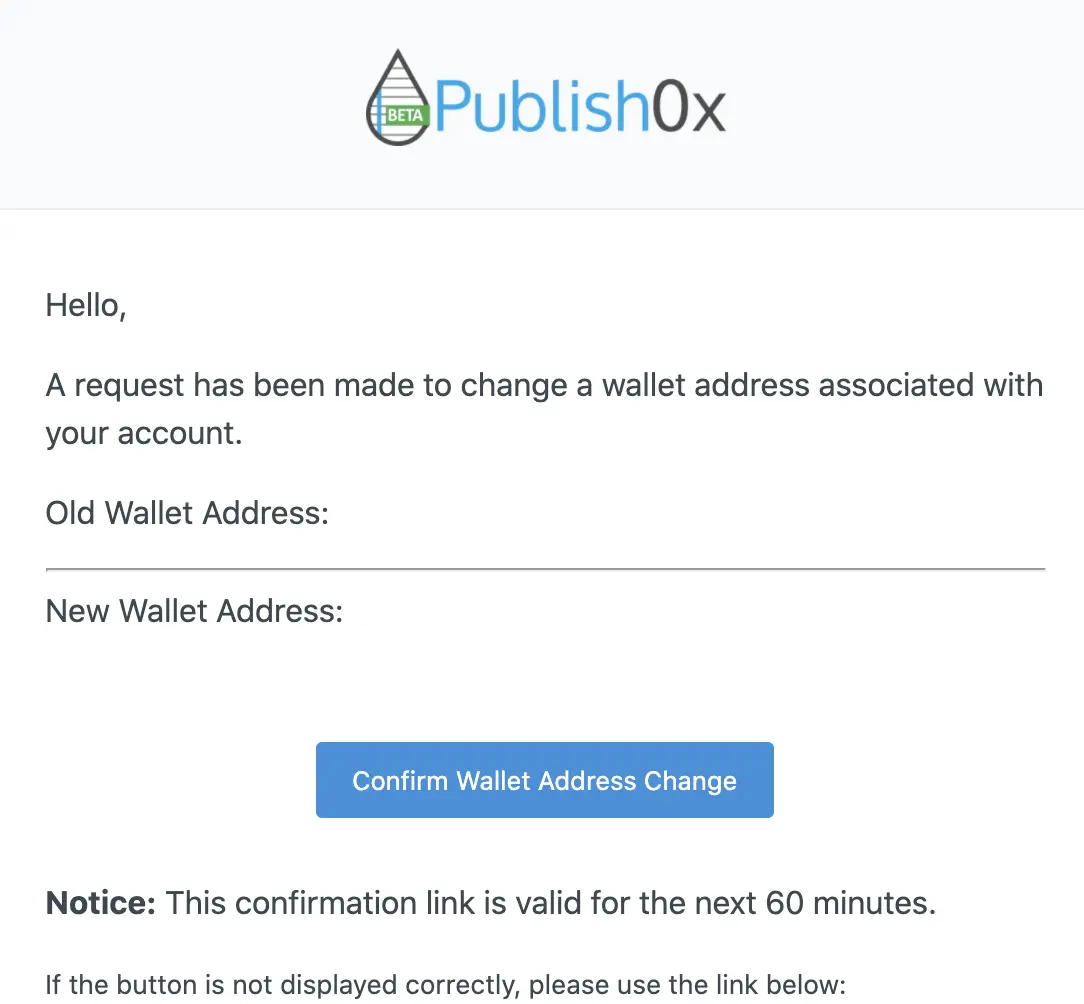
And that's all for settings.
You must repeat all the same process to set up the BAT, Etherium, and Loopring address id into your publish0x account.
To withdraws your tokens
you have to go to the payments.
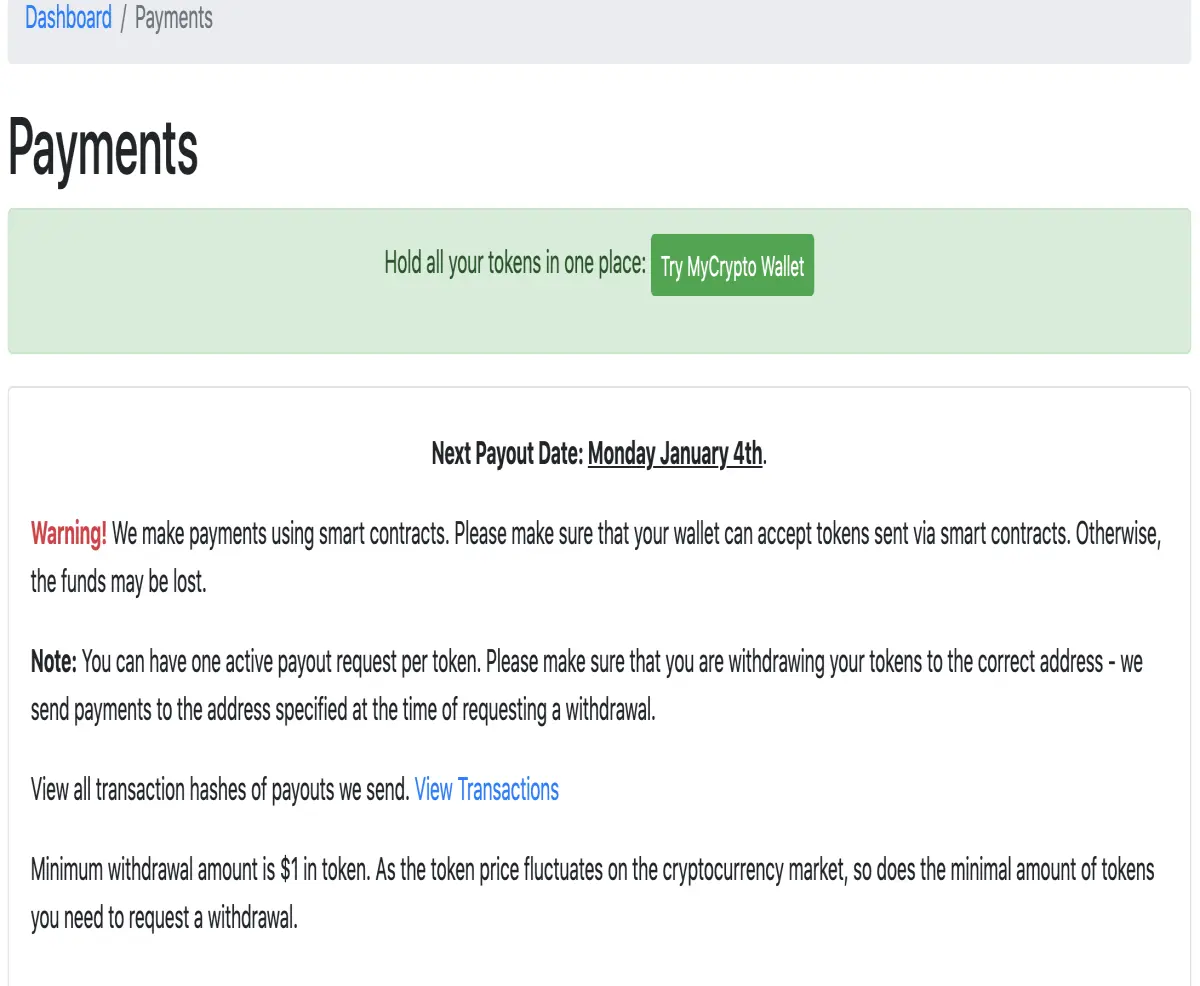
When you have enough tokens in your account the withdraws button will be enabled. So the only thing you have to do is click it and wait for the payment. At the top of this payment page, the application is warning you when the payments will be done.
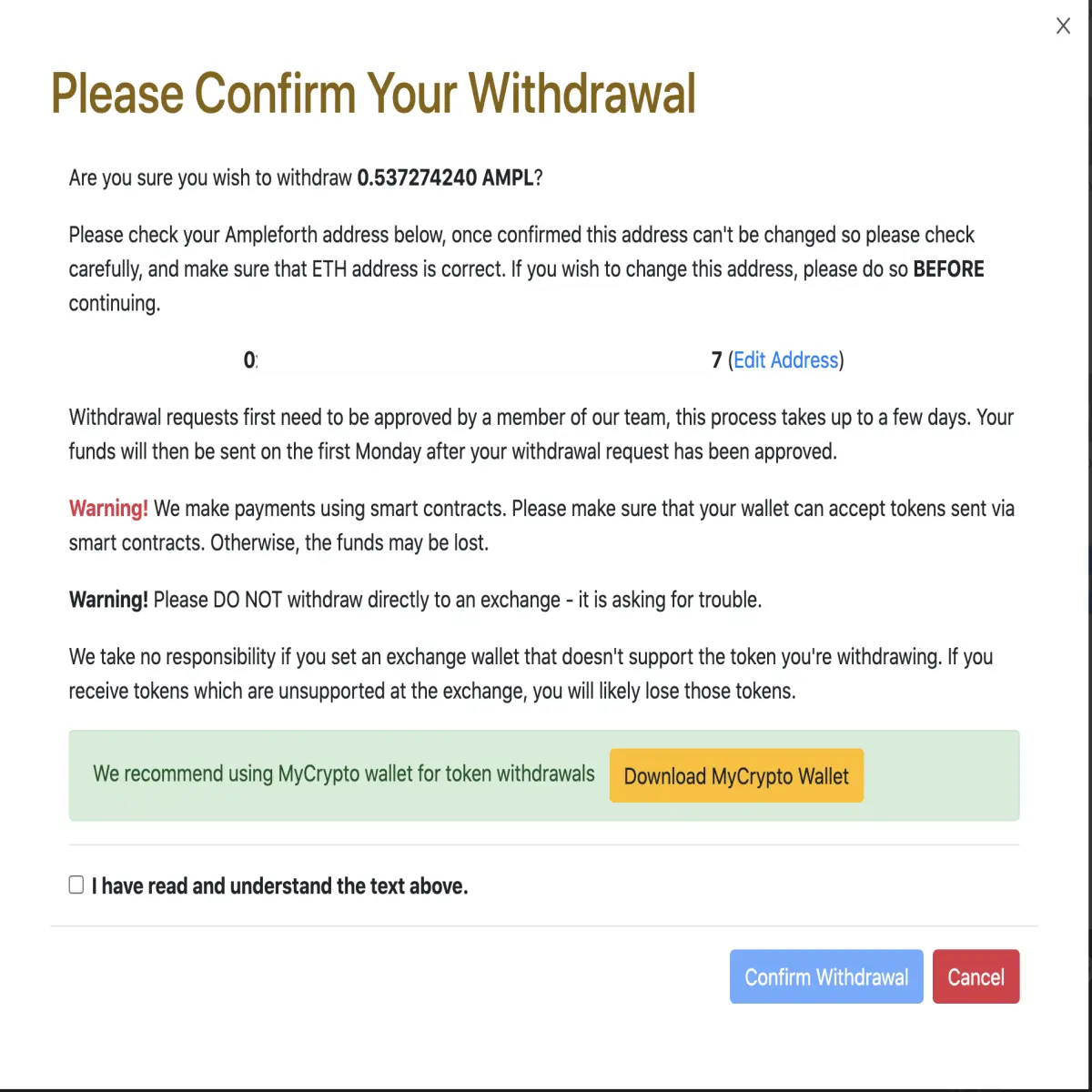
check your account, confirm you understand the conditions, and click confirm. You will see your request in your payment section.
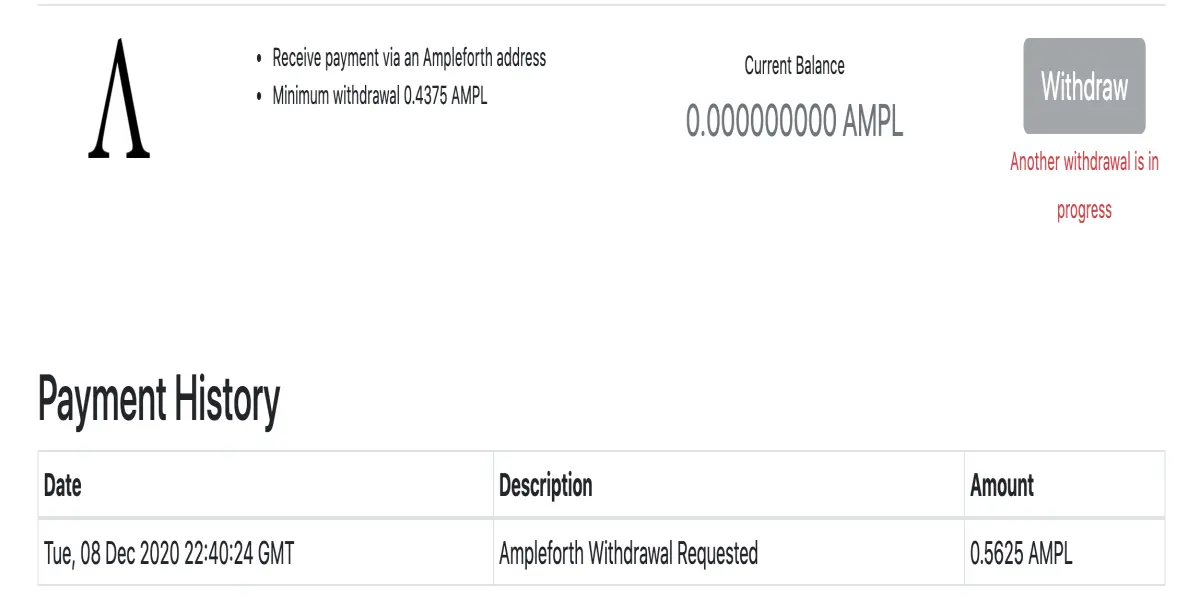
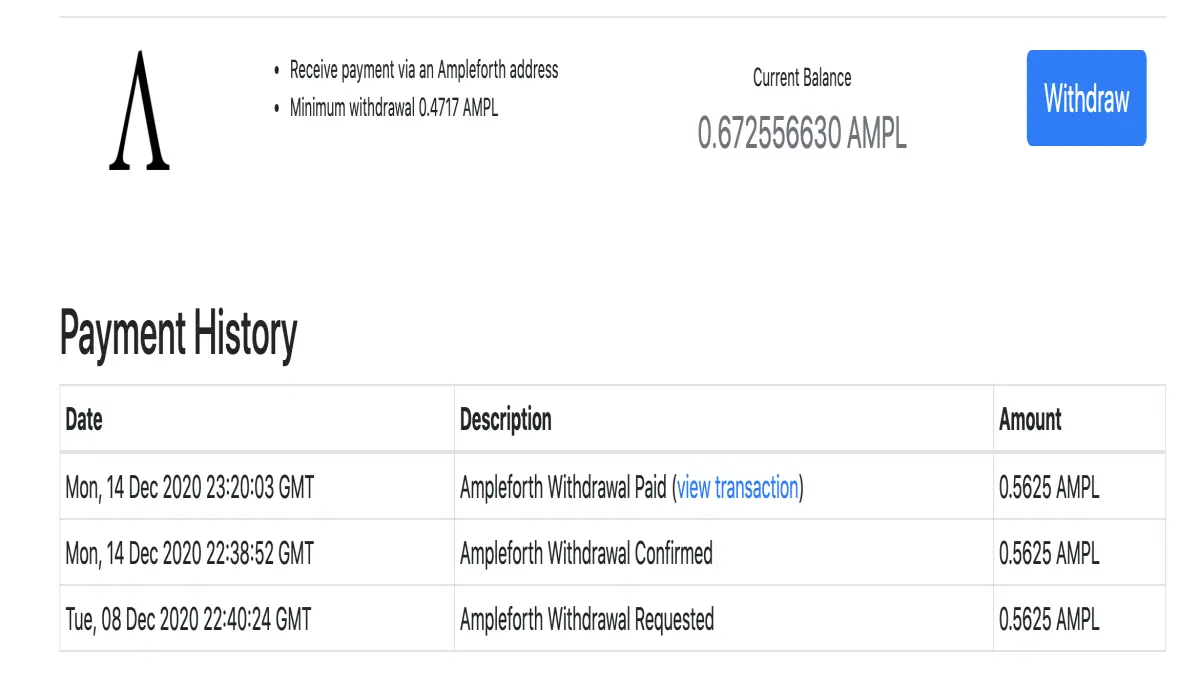
When the payment is done!
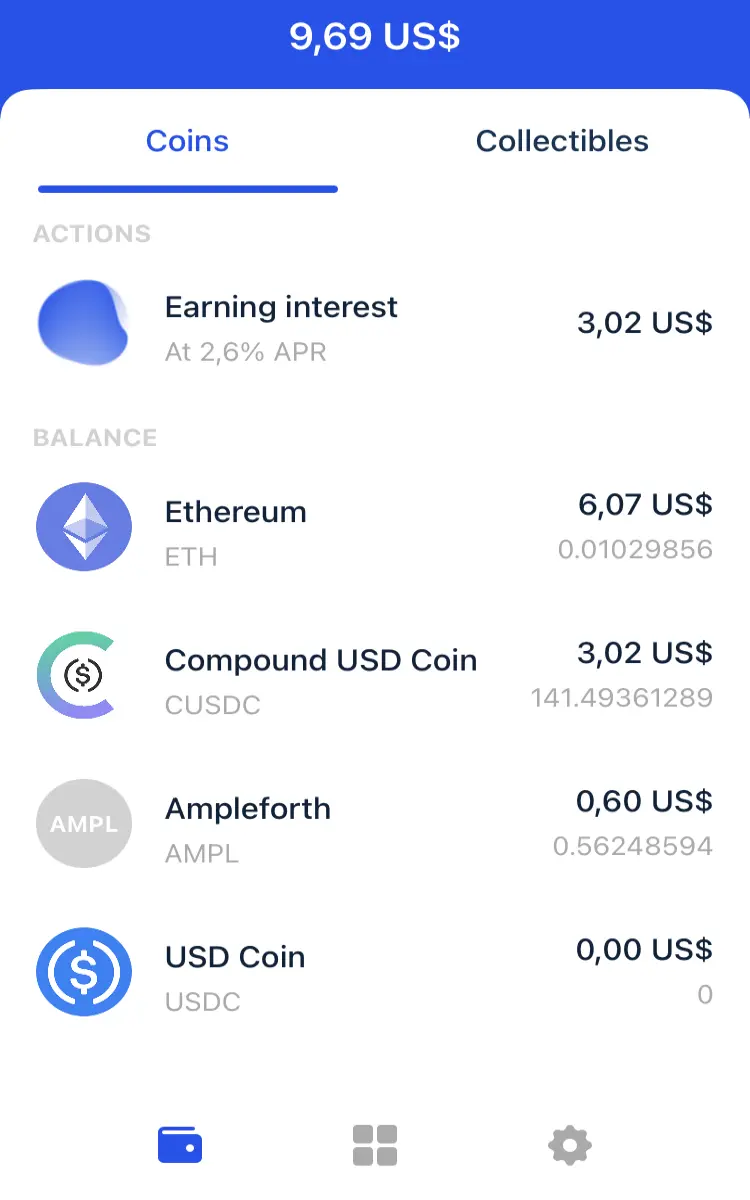
your wallet with the Ampleforth token:
And that is.. :)
do you like movies?... follow us at estrenoscinehoy.






