
I saw a user the other day who had an impressive link-in-bio website. The reason I was impressed was that their Instagram & tik tok feed was integrated in that profile.
As you probably know, I have been using photography applications for a long time now and I have done several efforts to showcase my photography. I mostly shoot landscapes, macro, insects and whatever gets my attention really. I consider myself an amateur (but passionate) photographer.
Today I will show you a new link-in-bio custom website, offered for free by LATER (which you can also use for scheduling posts in specific channels) - using it for free has certain limitations, but if you are an amateur, this could be proven to be very helpful because you can show case specific instagram posts of yours and use links to point wherever you wish.
Signing Up
https://app.later.com/user/signup
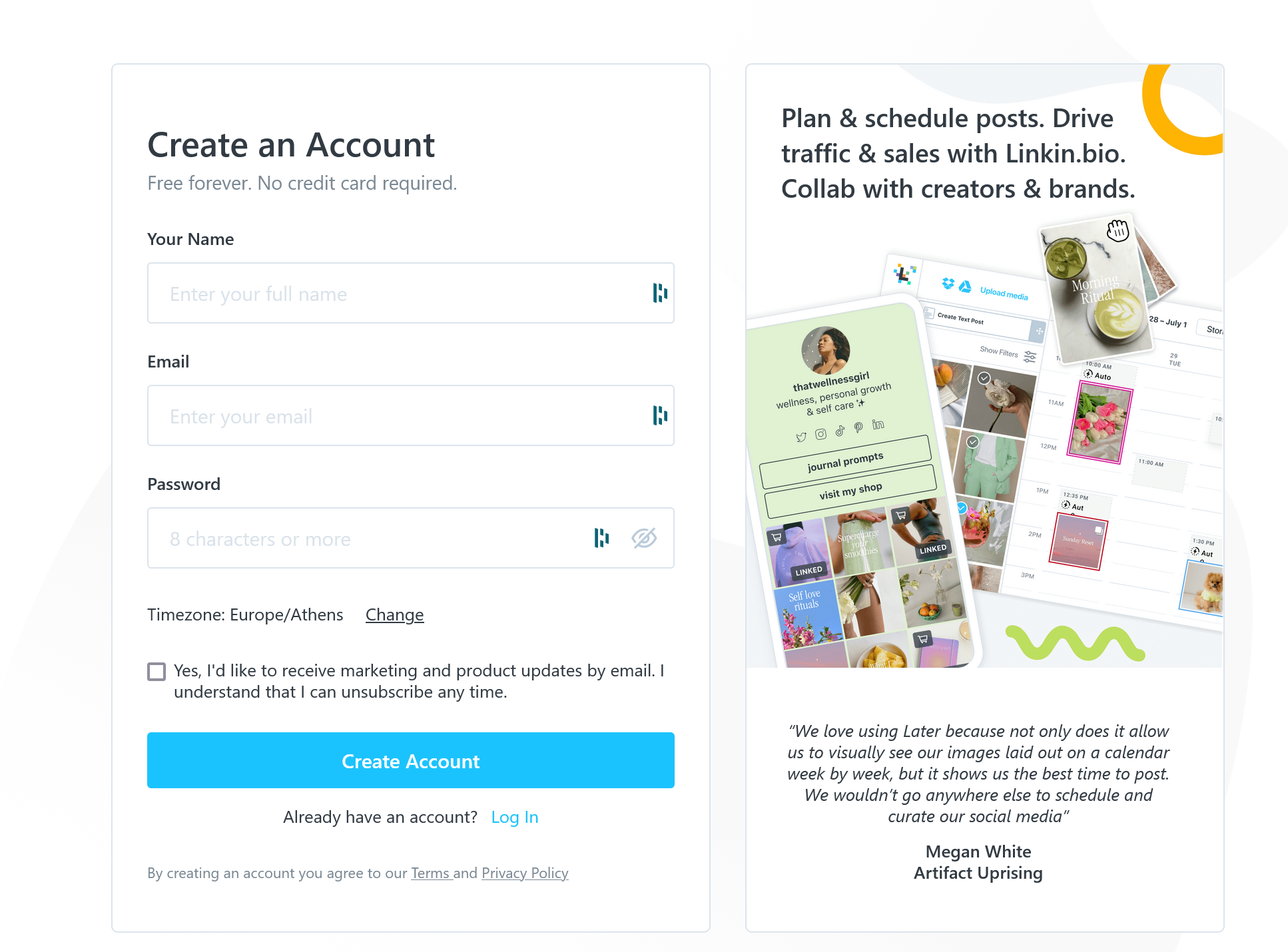
You can fill in this info
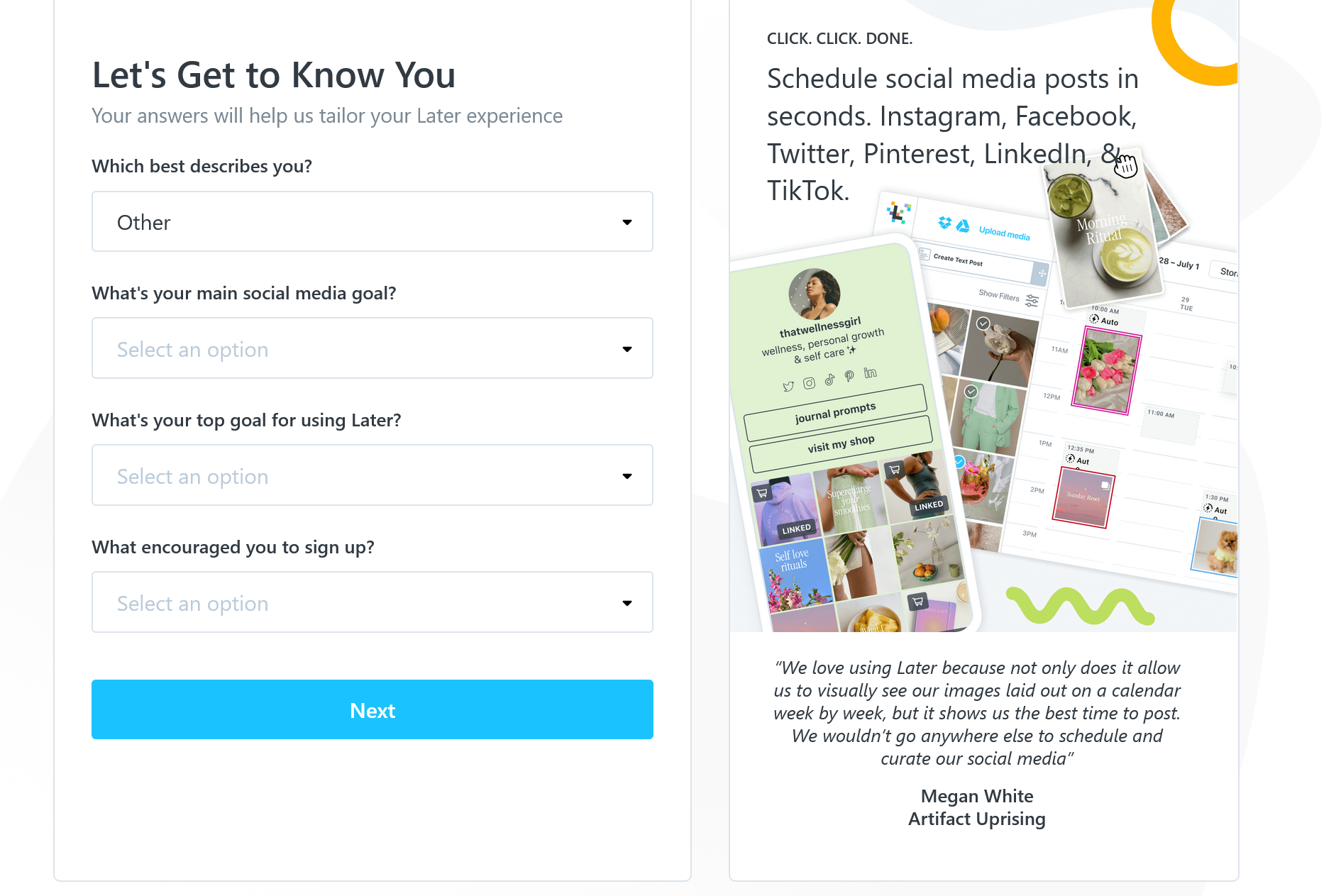
Later Pricing Plans
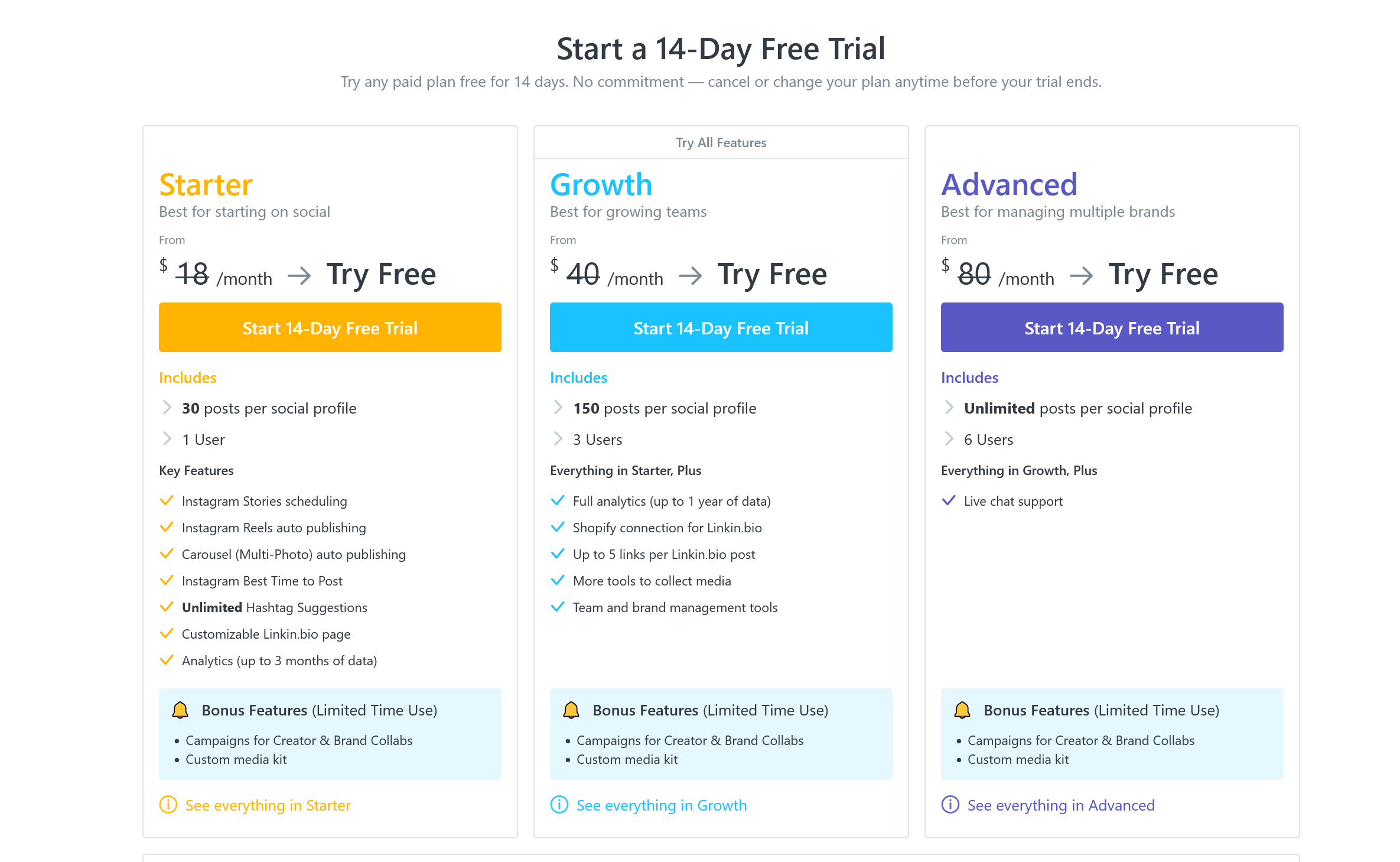
Click NOT NOW and proceed
This is the main dashboard
Easy to handle, but not the purpose of this post to show you more details about it
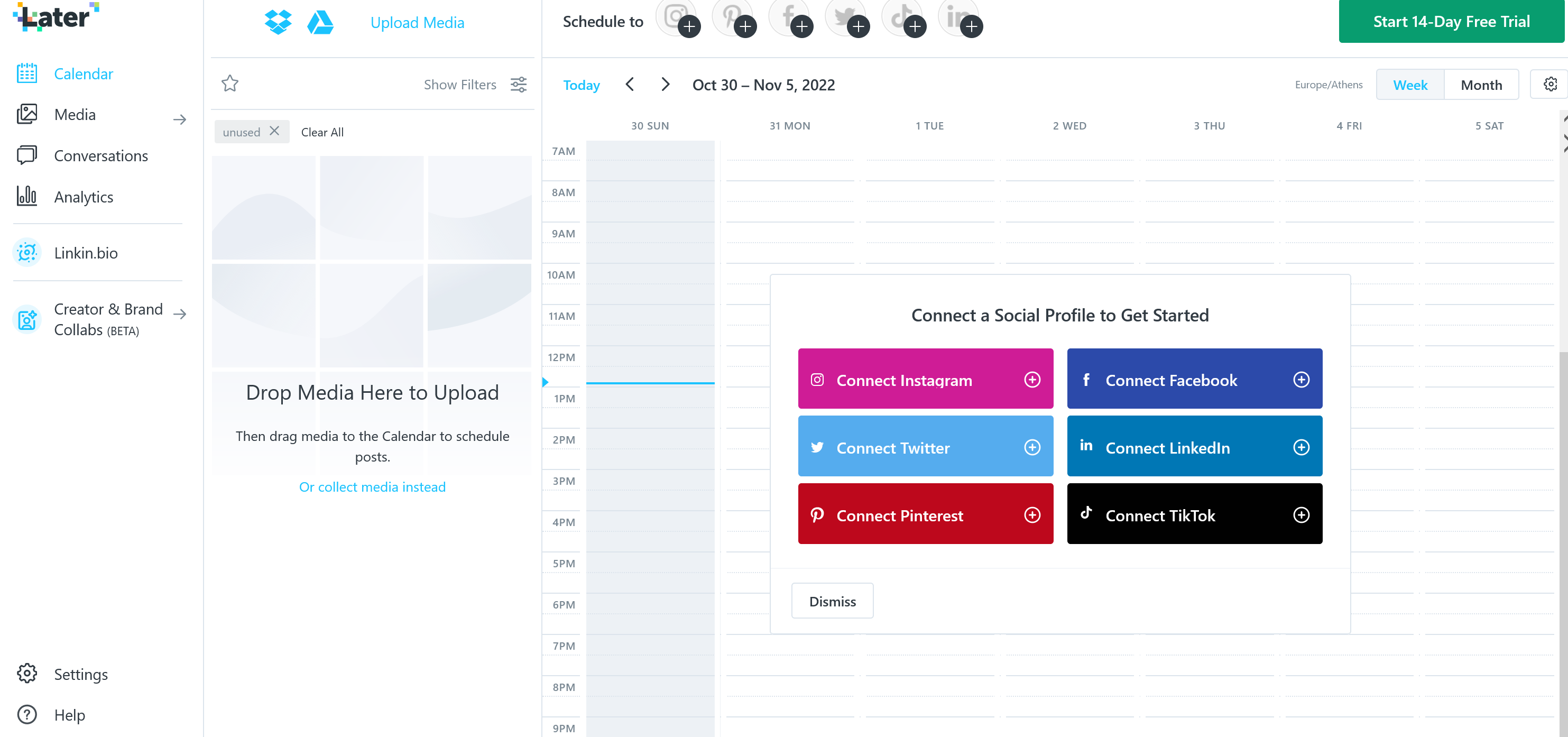
Click on 'Link-In-Bio' to see this screen:
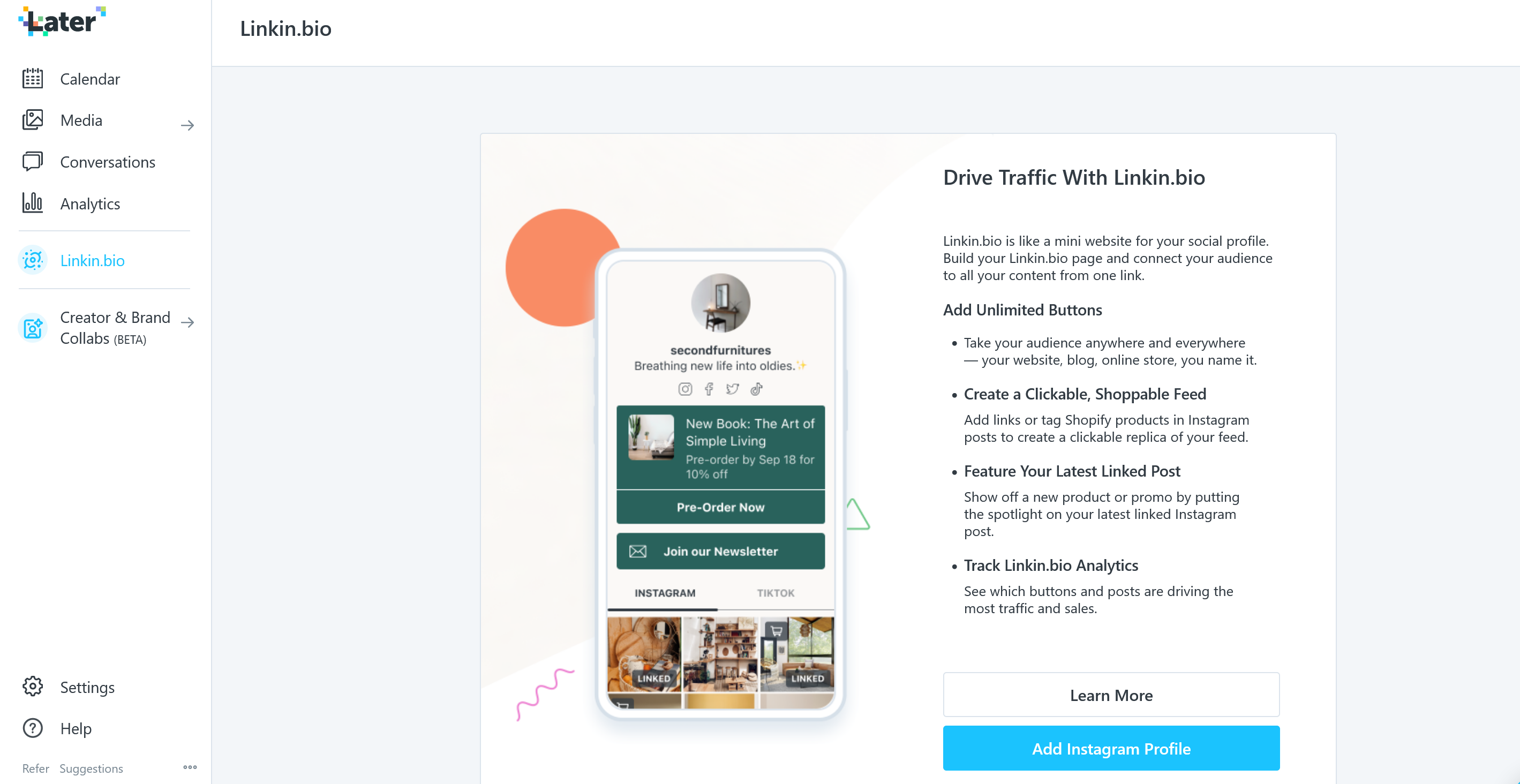
Click on Add Instagram Profile and proceed to connect your Instagram Page
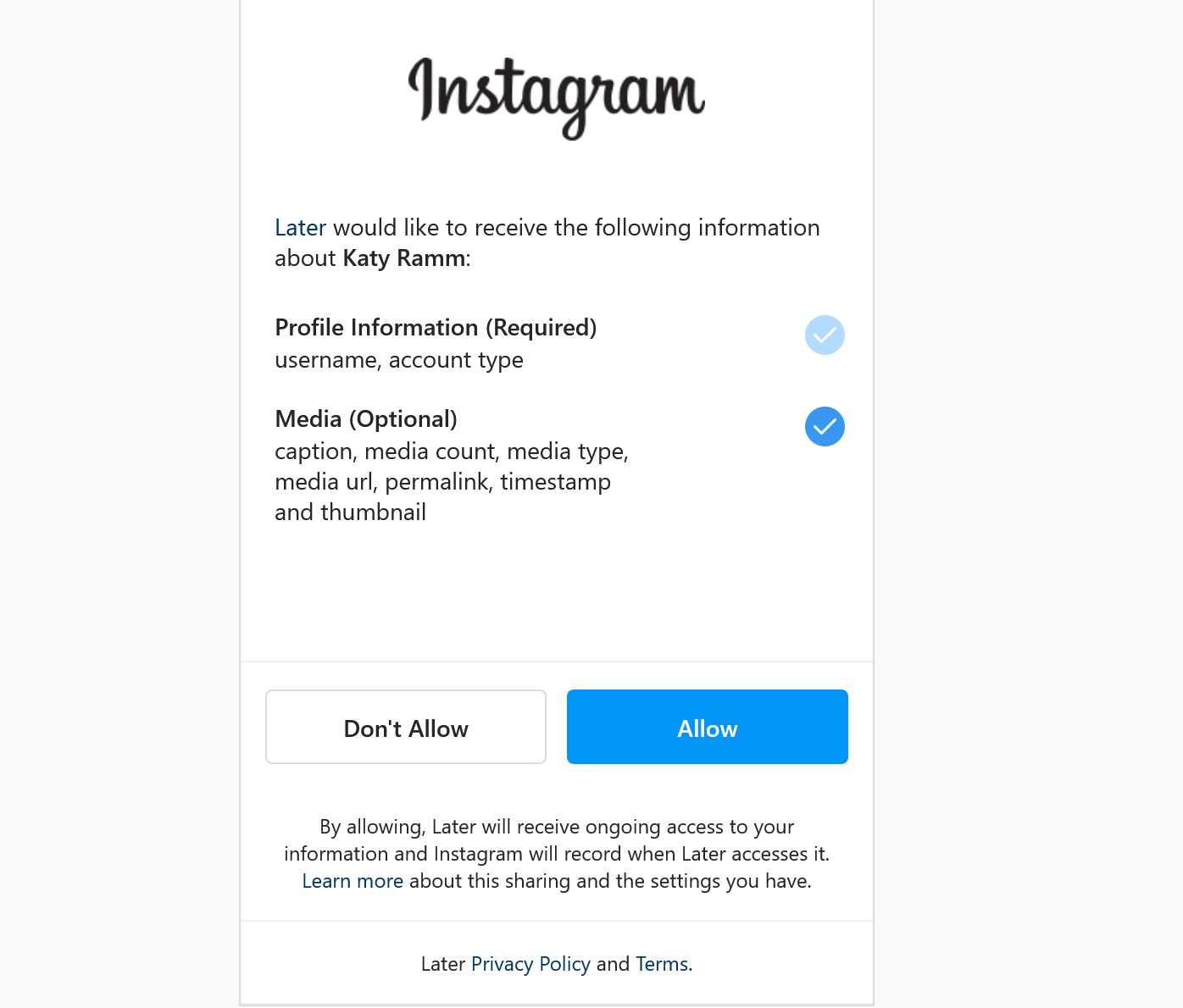
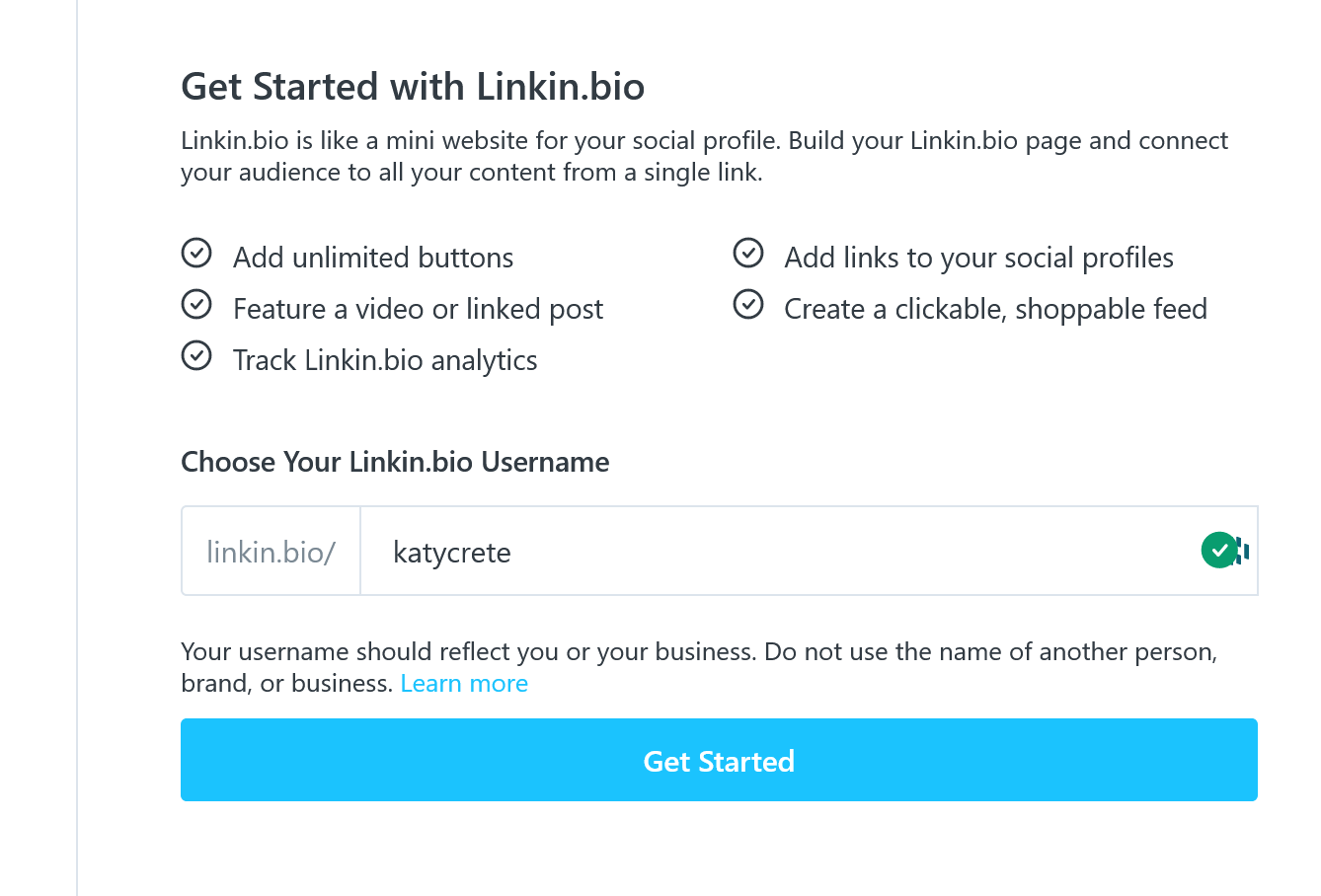
I choose my historical username "katycrete" (this was first coined in 2013!)

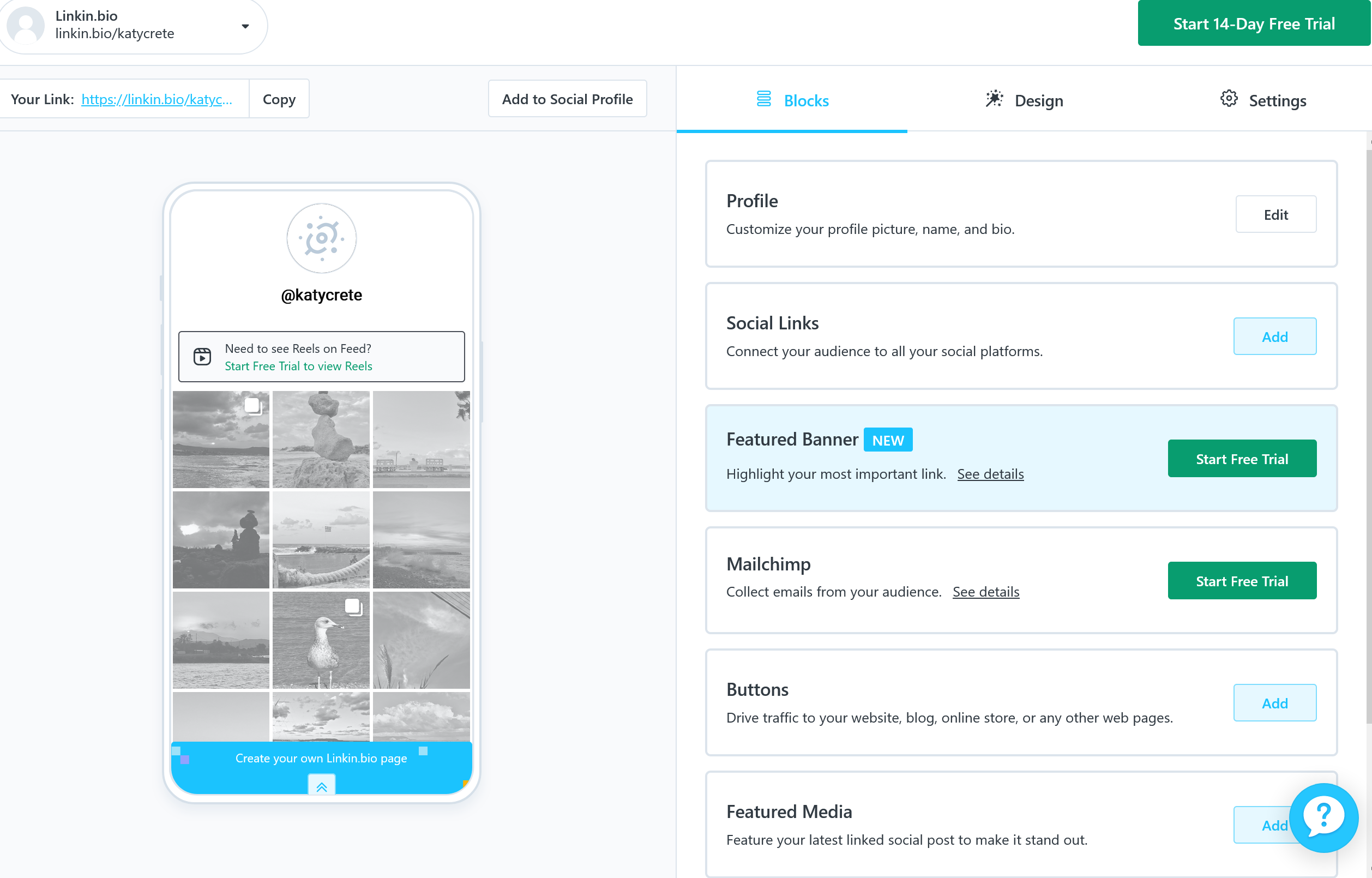
Adding social media links
There are specific ones i.e. email / instagram / facebook / twitter / youtube / pinterest / linkedin etc
Adding buttons
You can add any button you d like
Adding featured posts on Instagram and Tik Tok
The whole reason I wanted to try this out, was the fact that you could add images & videos from tik-tok and Instagram. These can point out to specific products / sites and you can show case anything that you wish to promote.
Unfortunately I see that you need to upgrade to use tiktok feed, so this will not happen at this time.
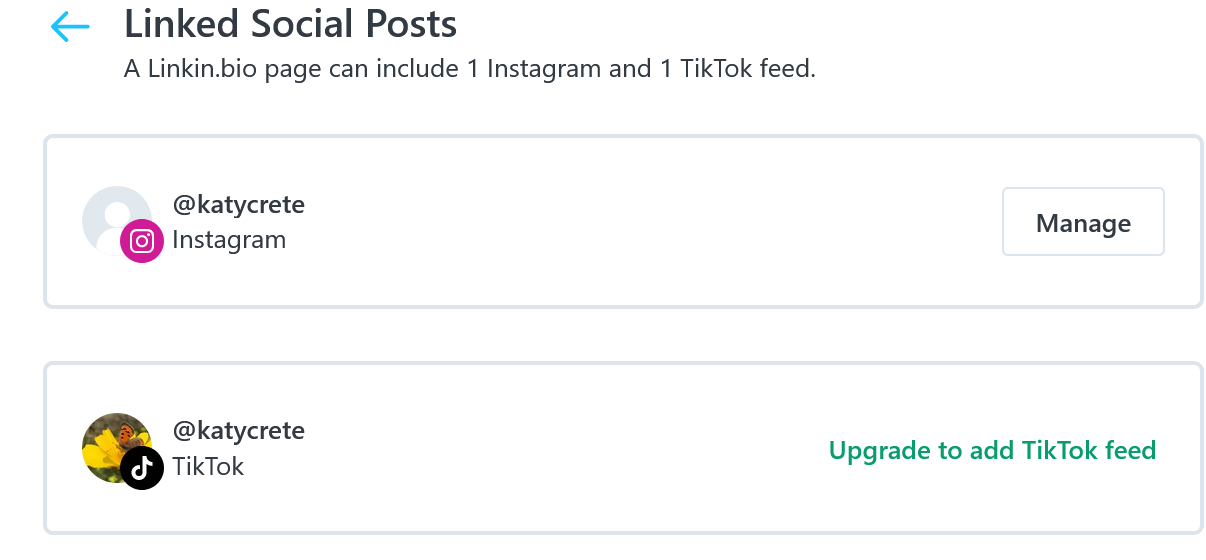
It took me some time to understand how I can add specific photos on my profile, so I will share with you step by step
.1. Click on Linked Social Posts
Click on 'manage'
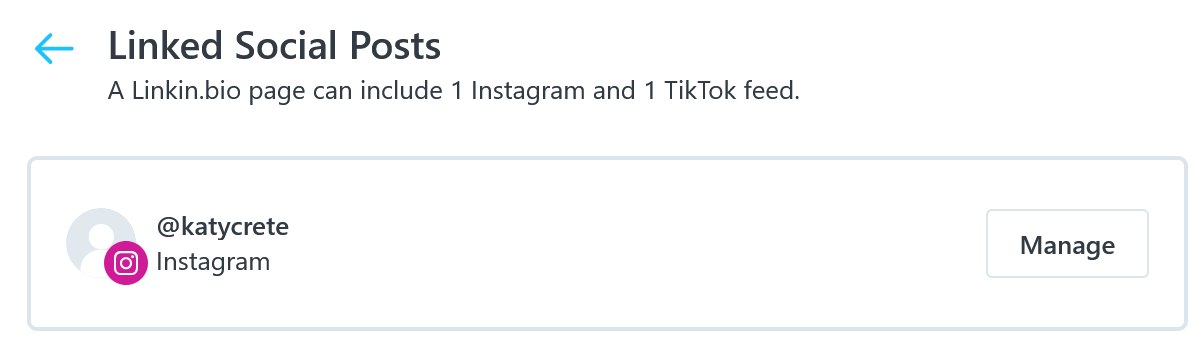
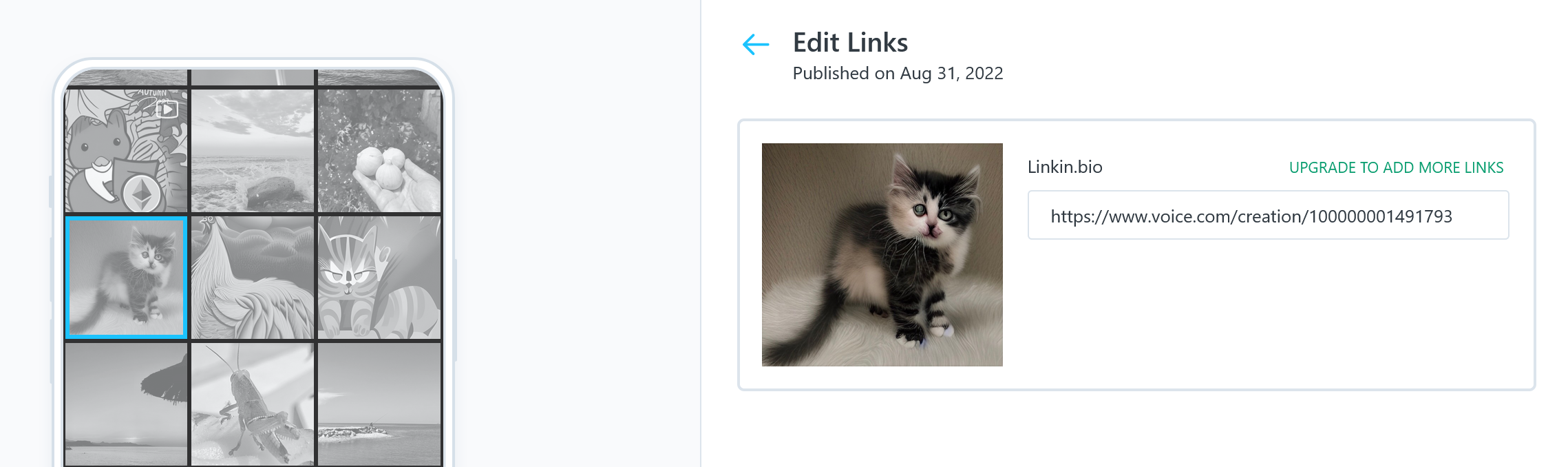
On your left you will see your insta-feed, choose whichever post you wish and you get to create a specific link on your right. This could be your insta-post link or i.e. a link where someone can purchase something.
I have decided to put my cat for sale :)
When you are done with the set-up you should have something like this
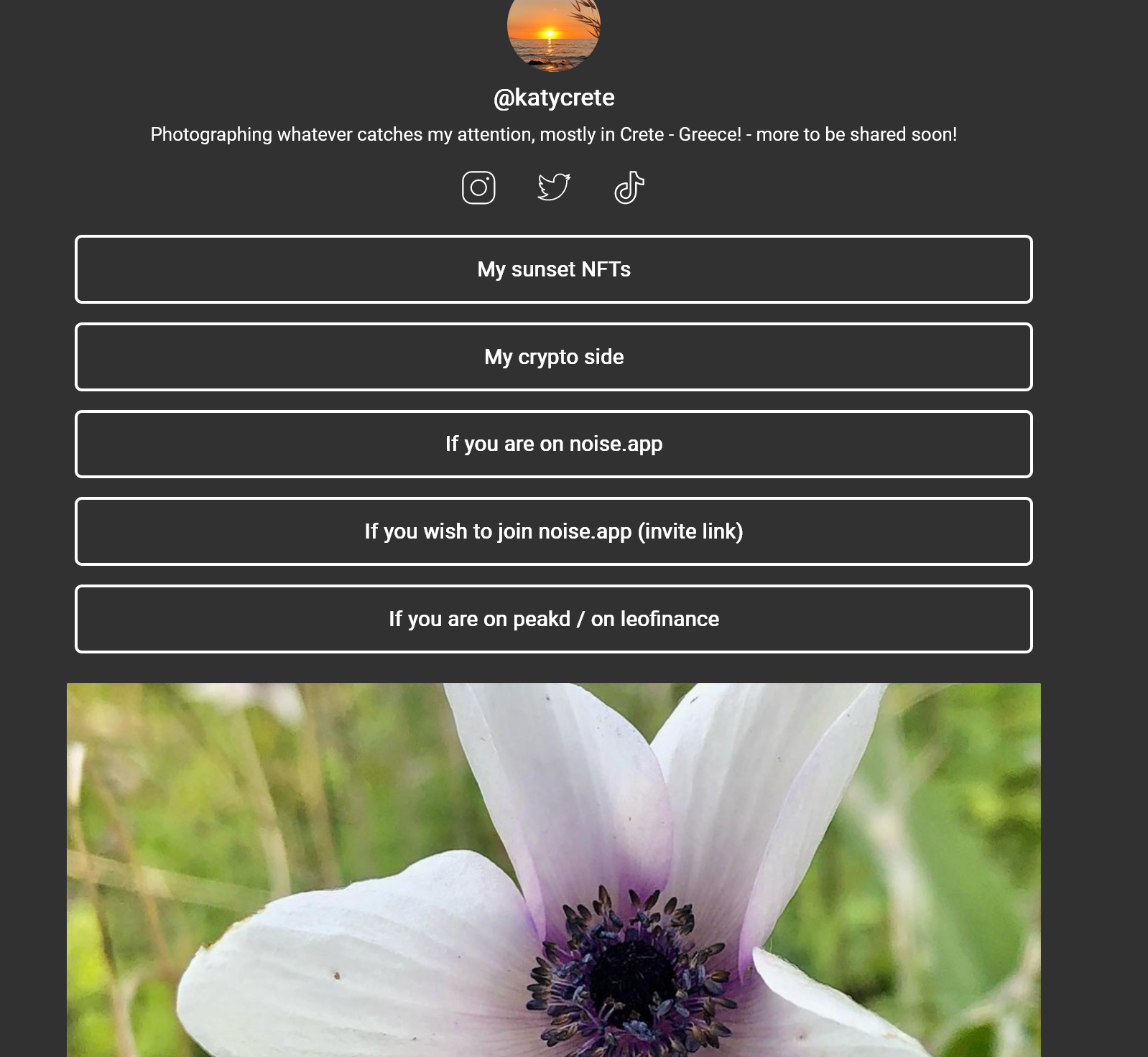
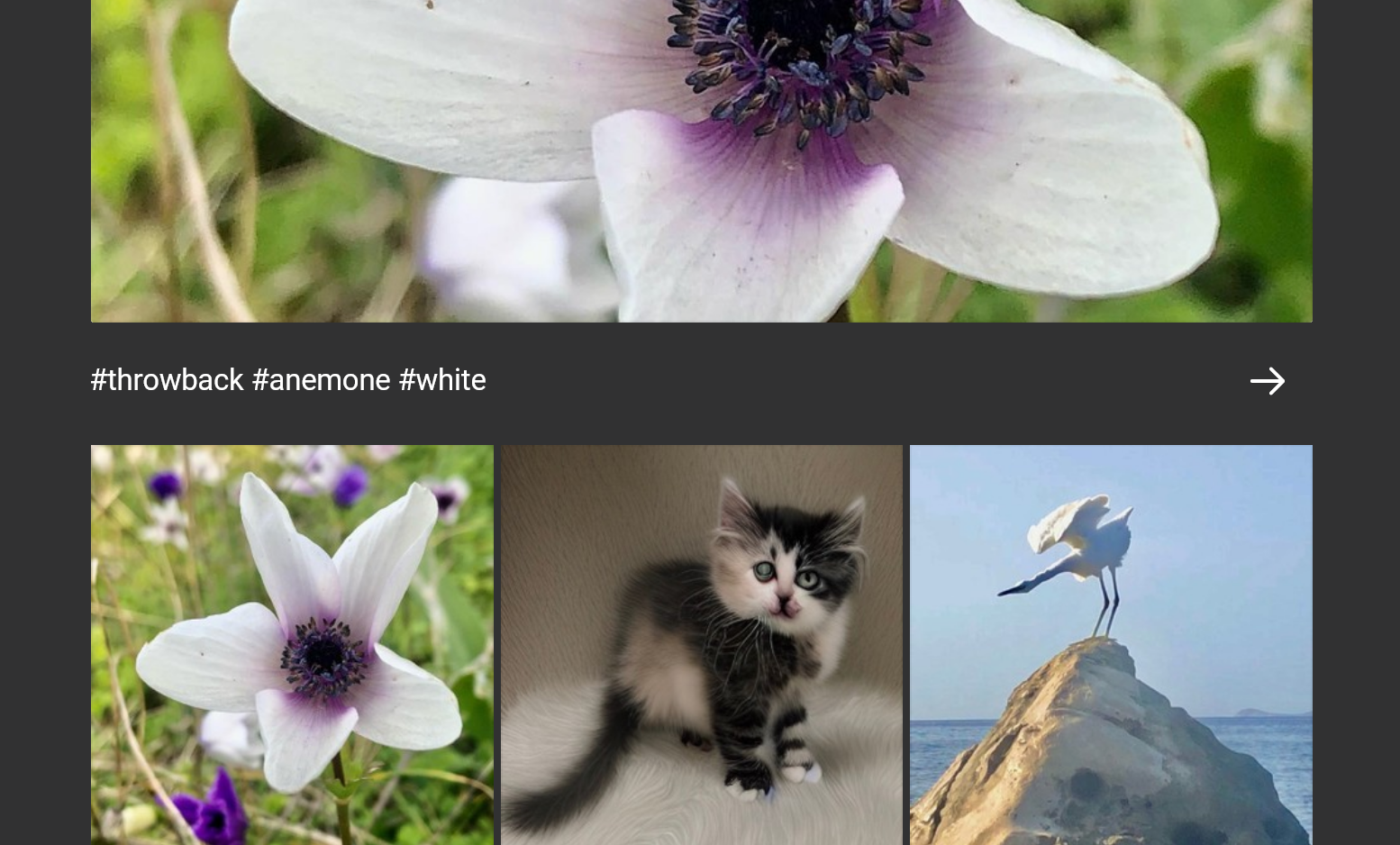
My link: https://linkin.bio/katycrete
Having all this in mind, you really need to decide what you will include in your 'one page has all my links' so that you can understand what is the best for you. You need to remember that Later / linkin/bio also allows you to schedule your instagram/pinterest/tiktok/facebook/linkein
They also start a BETA service, where creators can easier connect with brands
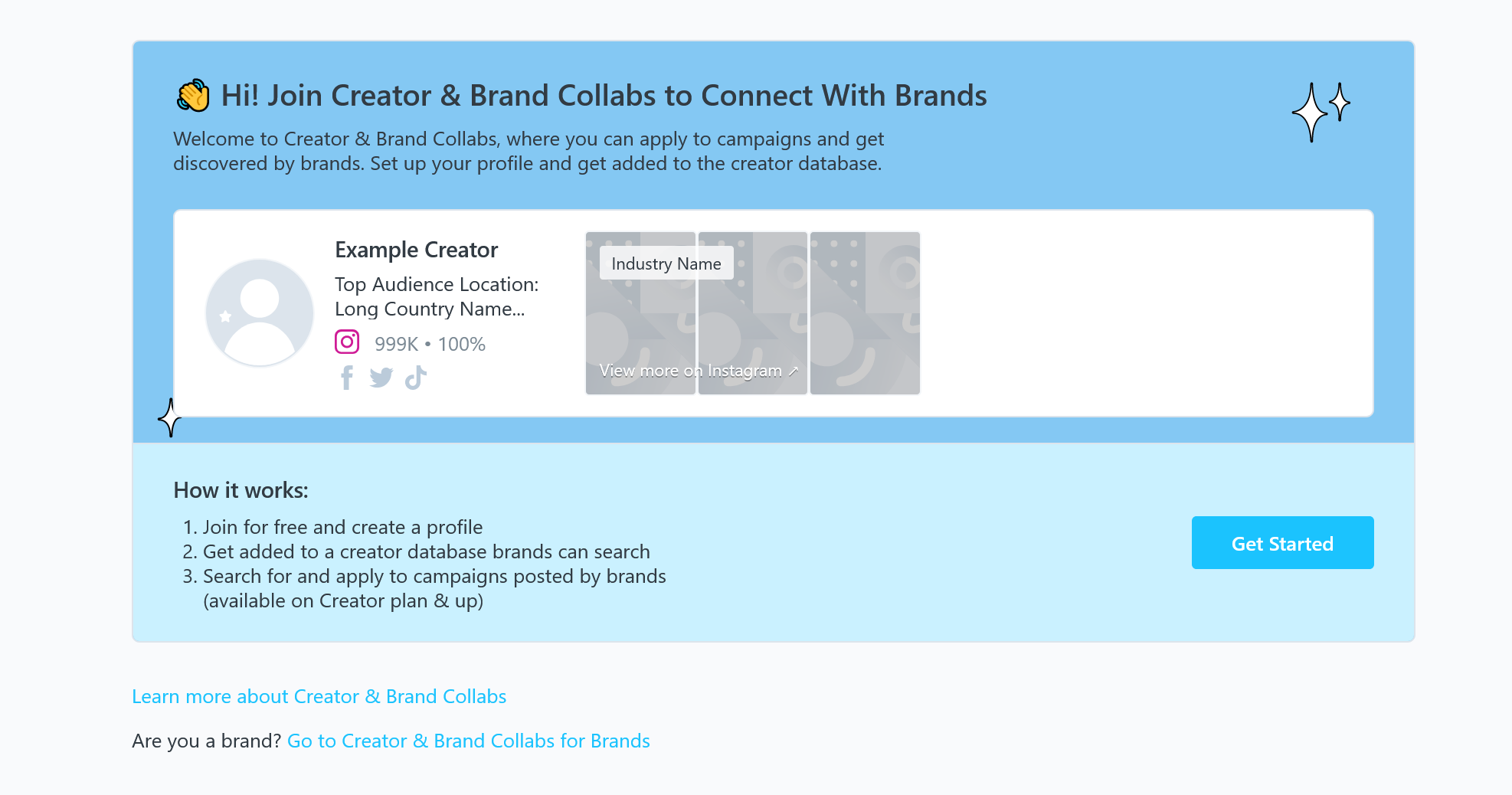
You can see here my tutorials about cuda & tryb
Do you use any link in your bio? Let me know which one you prefer and why.
Thank you for your time!
Posted Using LeoFinance Beta






