
In my previous article, I explained how to secure your Binance account with your Ledger Nano.
In this article, I am going to explain, step by step, how to secure your Coinbase account with your Ledger Nano.

If you want a coupon for a 20% rebate, send me a message :)
First connect to Coinbase, go to the Settings page, then Security tab.
Here is the direct URL to this page: https://www.coinbase.com/settings/security_settings
There you'll find this section:
After a click on the "Select" button, read the popup content: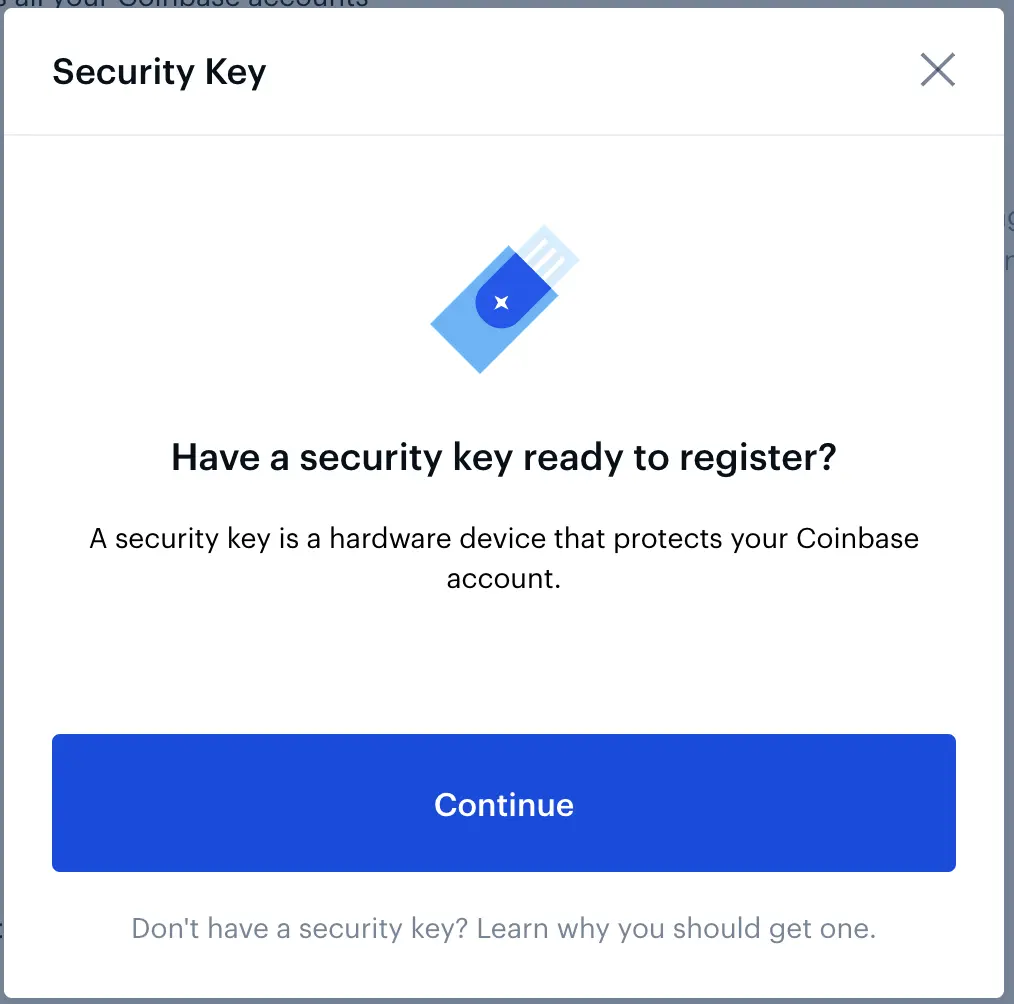
And "Continue" to the next step: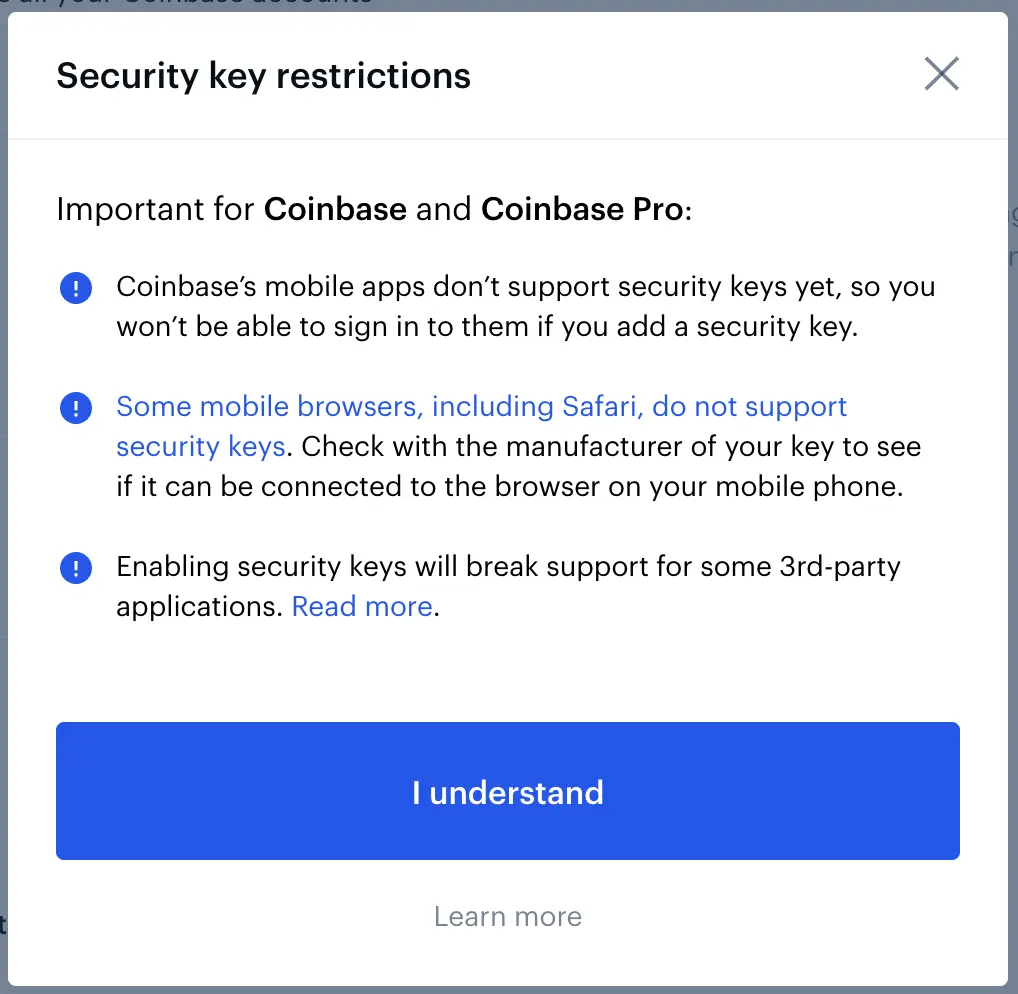
Read carefully the warnings before continuing this setup.
A click on the "I understand" button will ask for your current 2-step verification code (2FA):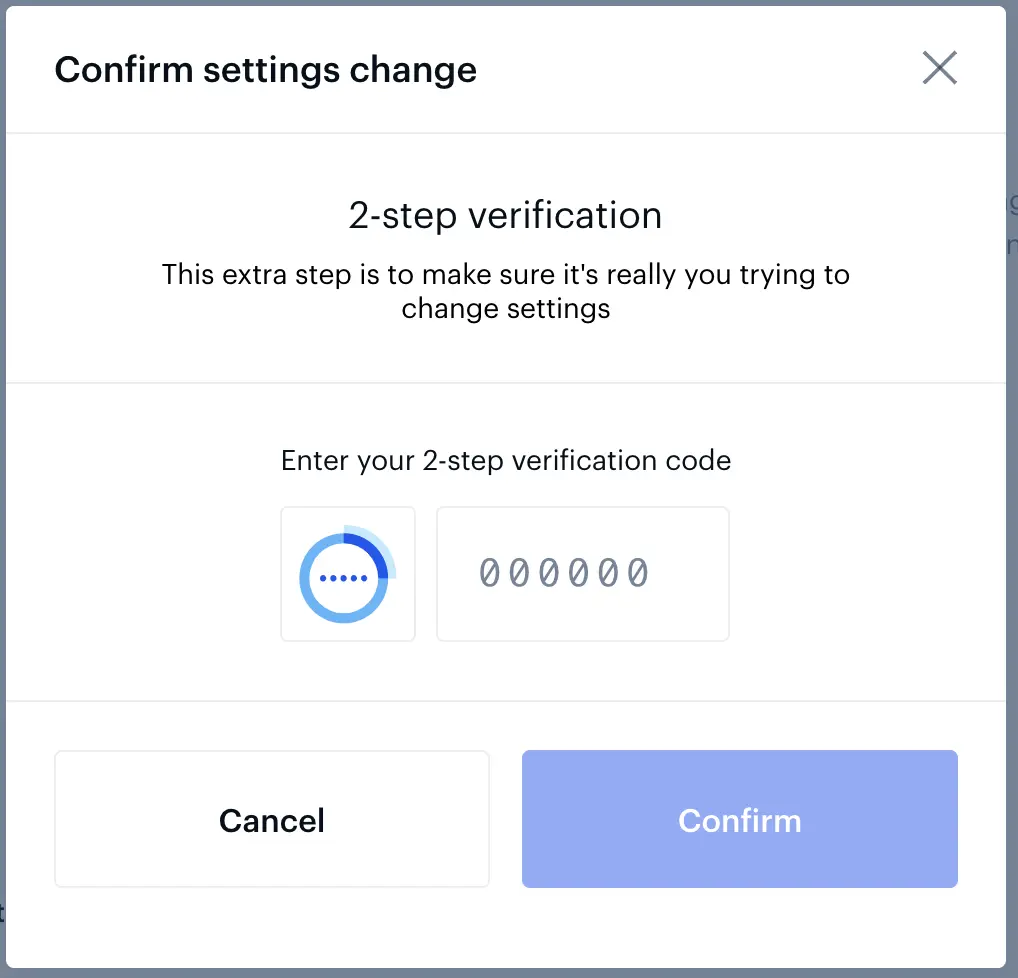
After you confirm, Coinbase asks you to connect your Ledger: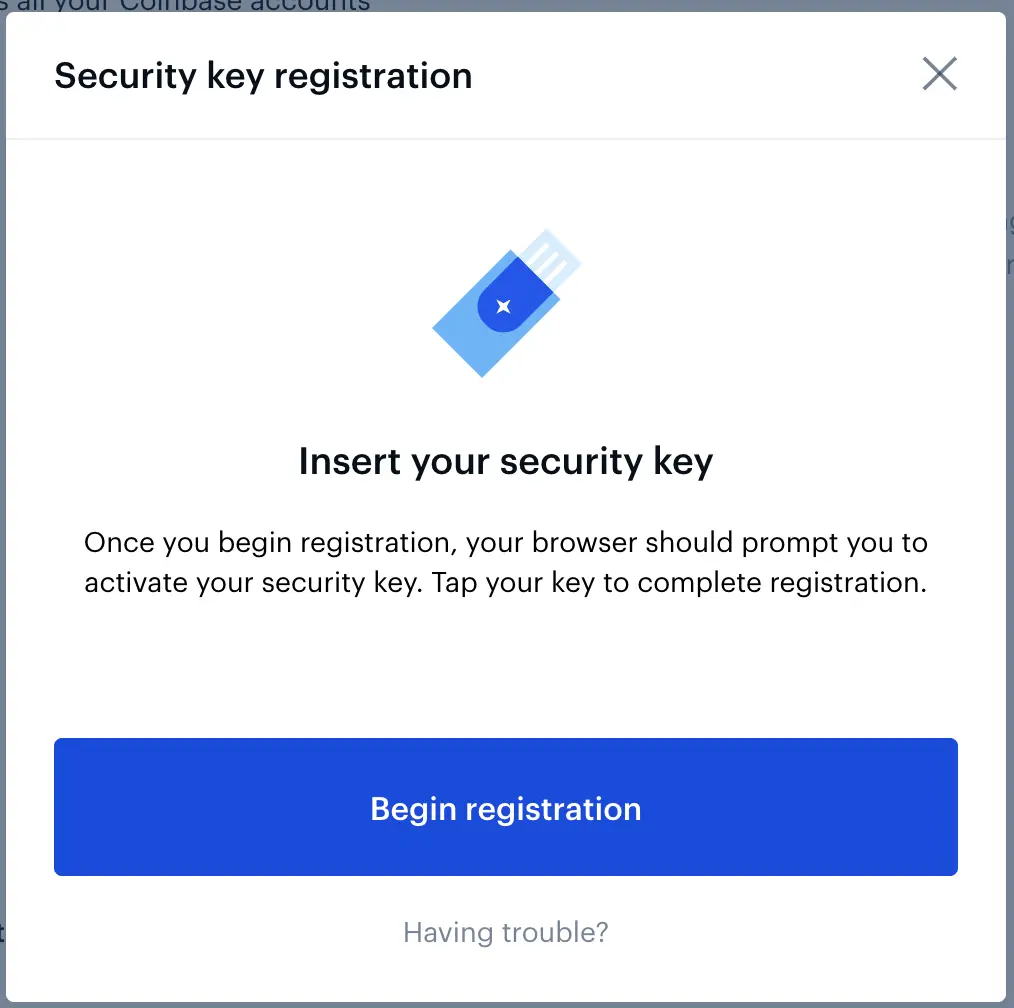
Start the Fido U2F app on your Ledger (logo: id), approve the browser security popups and confirm the authentication on your Ledger.
When done, you should end up with the new popup: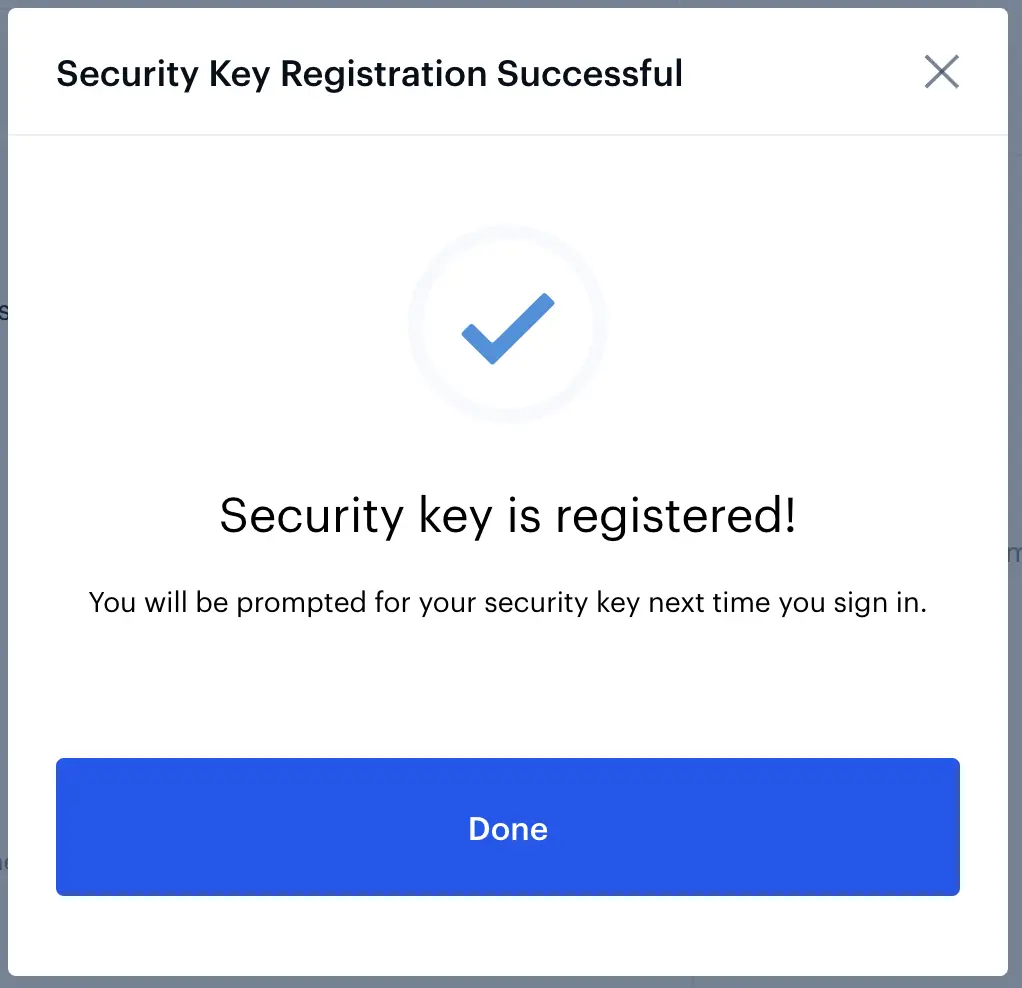
Next time you want to login, after typing your email and password, Coinbase will ask you to connect your Ledger: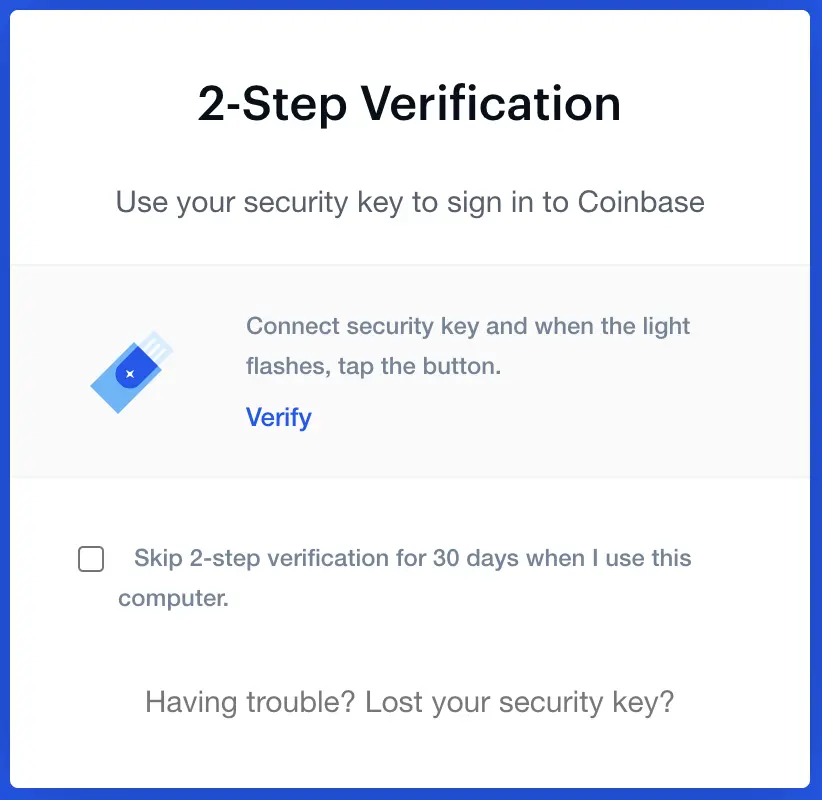
Run the Fido U2F app (logo: id) on your Ledger, and approve the "Login Coinbase" action in order to successfully connect to your Coinbase account!






