In my previous article, I explained how your Ledger Nano can be used in order to secure access to various websites.
In this article, I am going to explain, step by step, how to secure your Binance account with your Ledger Nano.

If you want a coupon for a 20% rebate, send me a message :)
First connect to Binance and go to your Account, then Security page.
Here is the direct URL to this page: https://www.binance.com/en/my/security
There you'll find this section:
 After a click on the "Setup" button, Binance warns you that you won't be able to sign in in their mobile app as there is no easy way to connect physically your Ledger Nano to your mobile device:
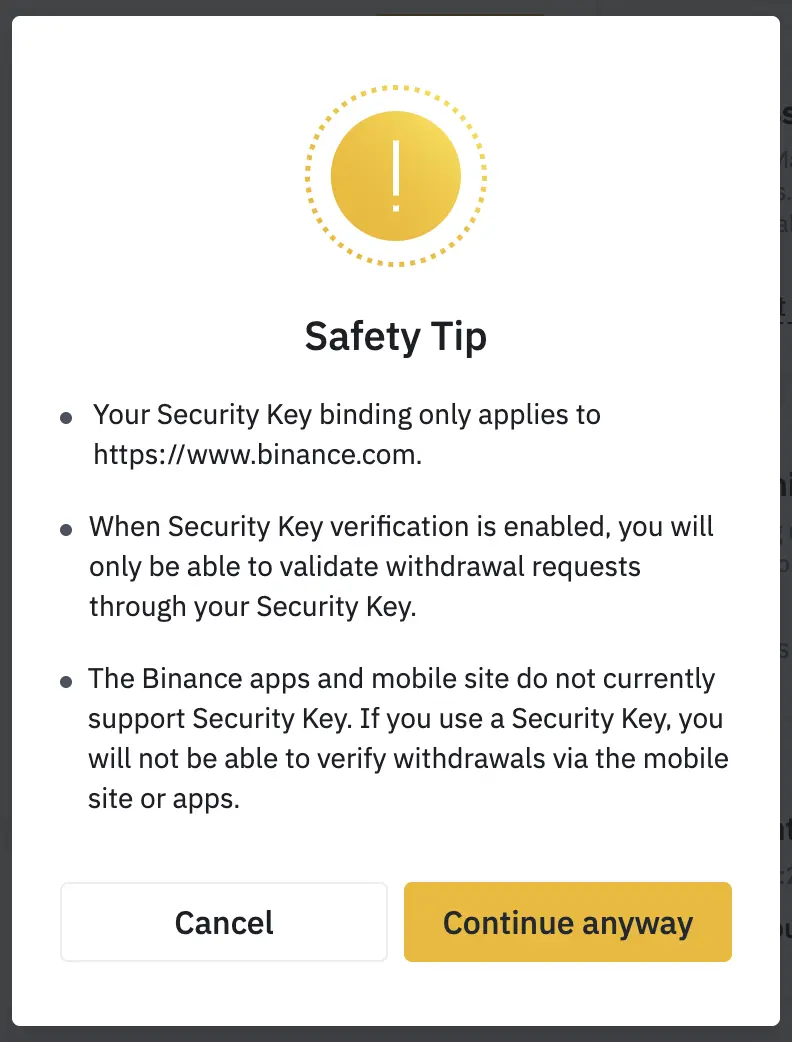
After clicking on "Continue anyway", Binance ask you to connect your security key.
Sorry some screenshot are coming from the browser and are in French, but I guess you'll understand :-)
What you need to do then is to connect your Ledger Nano, run the Fido U2F app (logo is id) and confirm the action on your device:
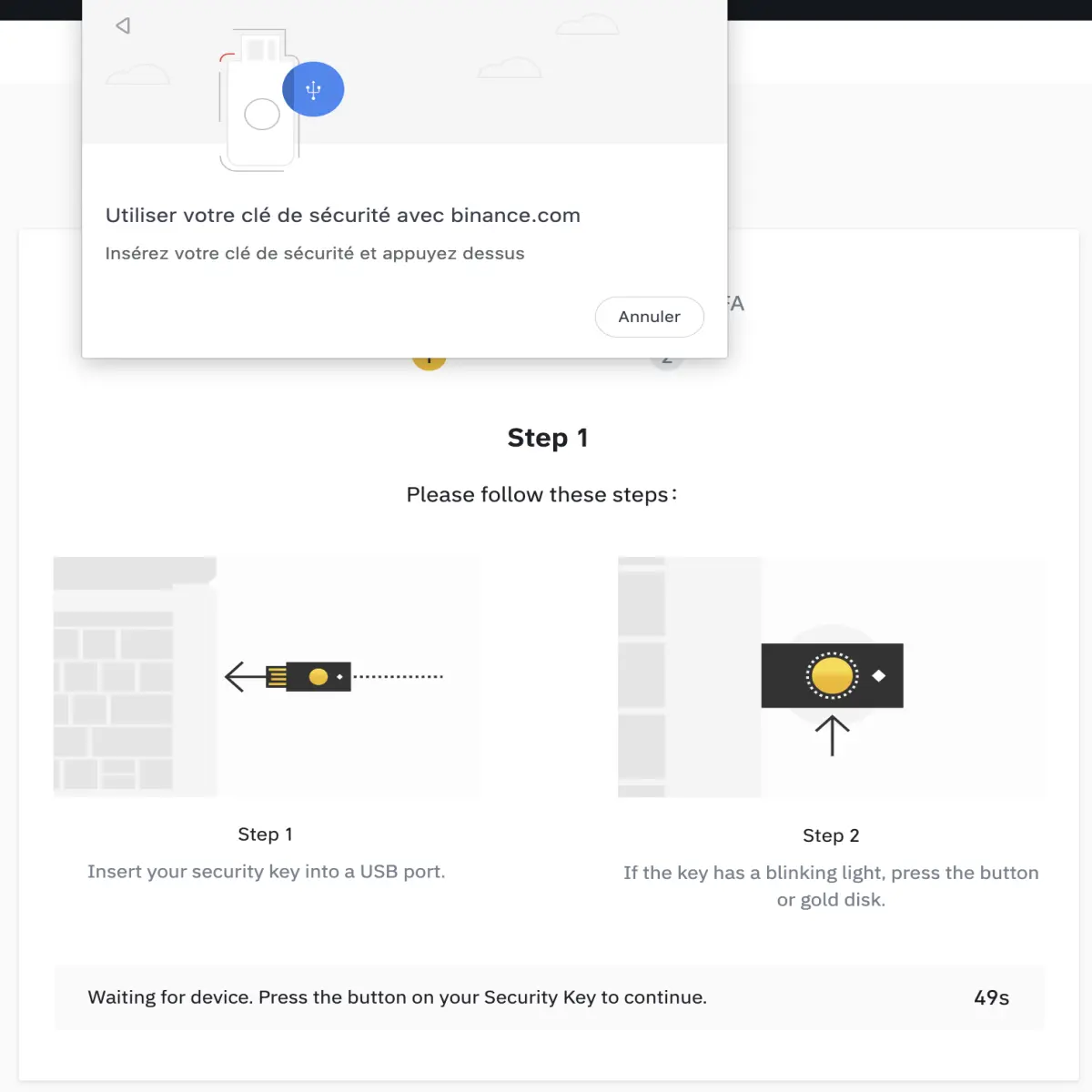
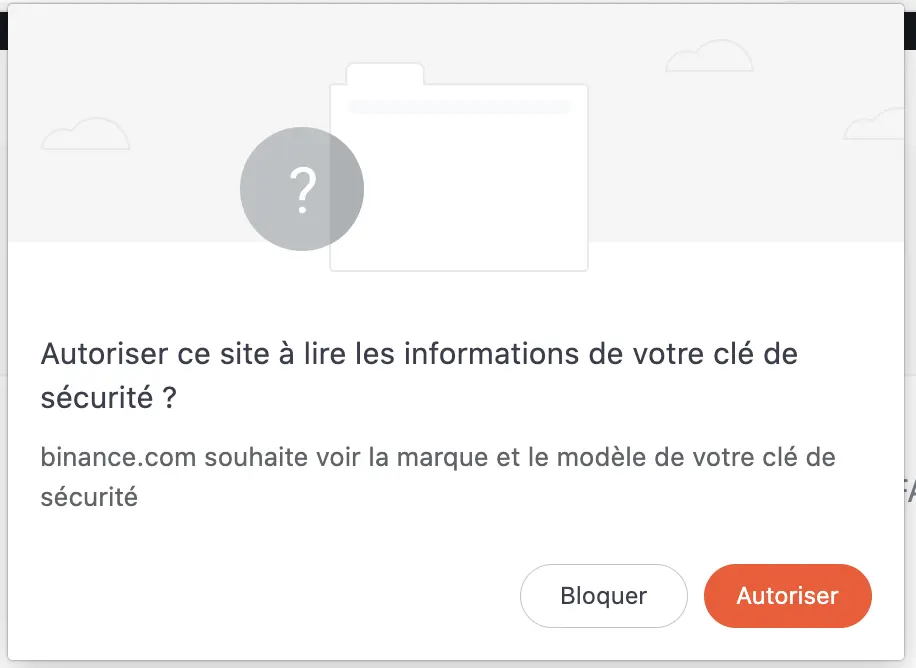
When it's done, you can simply give a name to your security device.
Binance restrictions on the name of the security key are not clear enough but basically you can't use anything except the standard alphabet characters (no spaces, no punctuation, no symbols, etc).
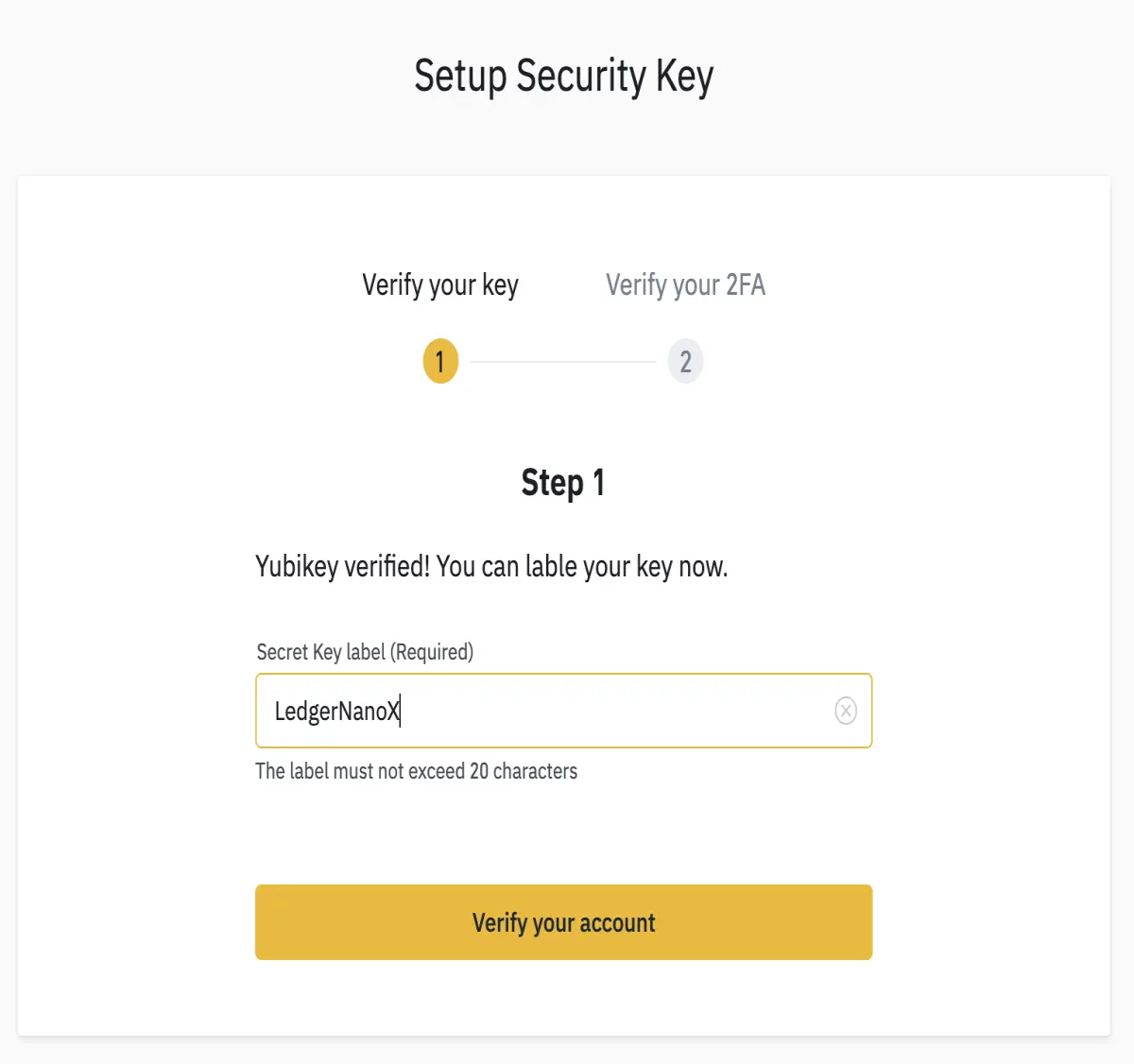
When done, Binance simply confirms that your setup is enabled:
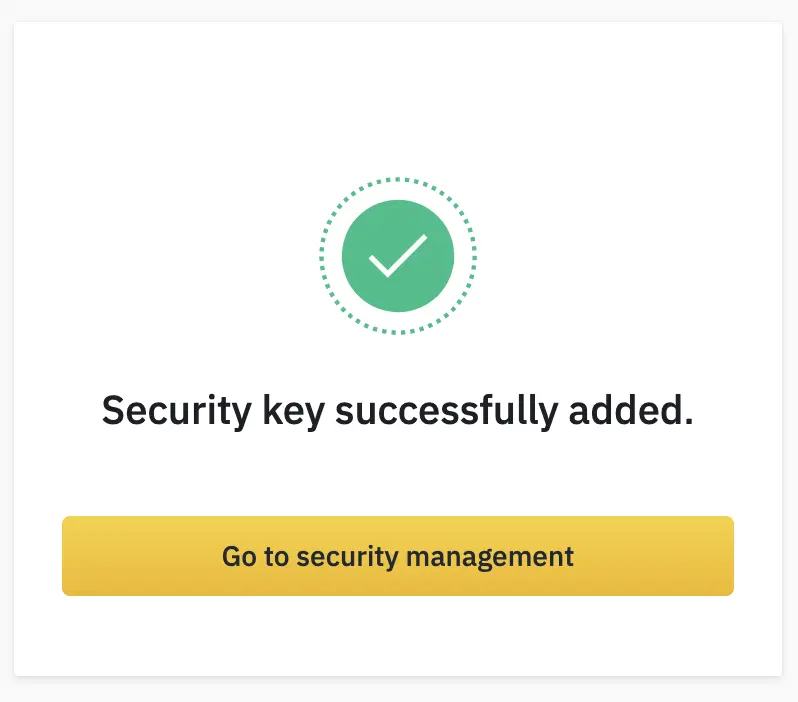
And Binance redirect you to your Security Key Management page where you can choose which actions will require the use of your Ledger Nano.
You could for example decide NOT to use your Ledger Nano for login but use it only for withdrawals if you need to keep the mobile app working.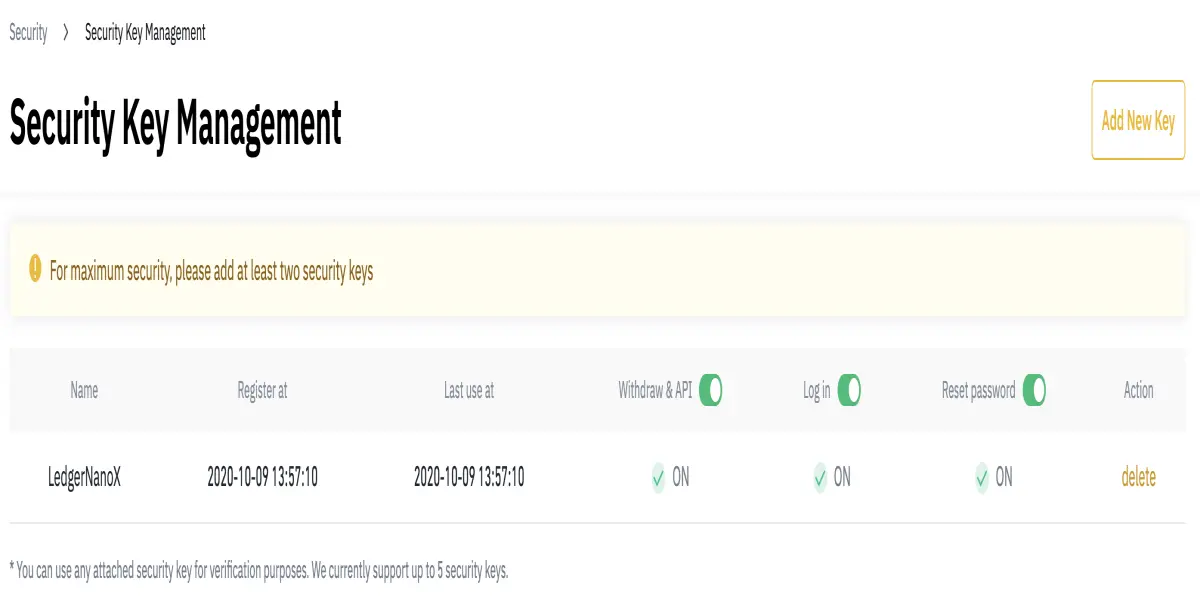
Finally if you kept the "Log in" action secured with your Ledger Nano, the next time you will login, you'll see this page asking to plug in your Ledger Nano:
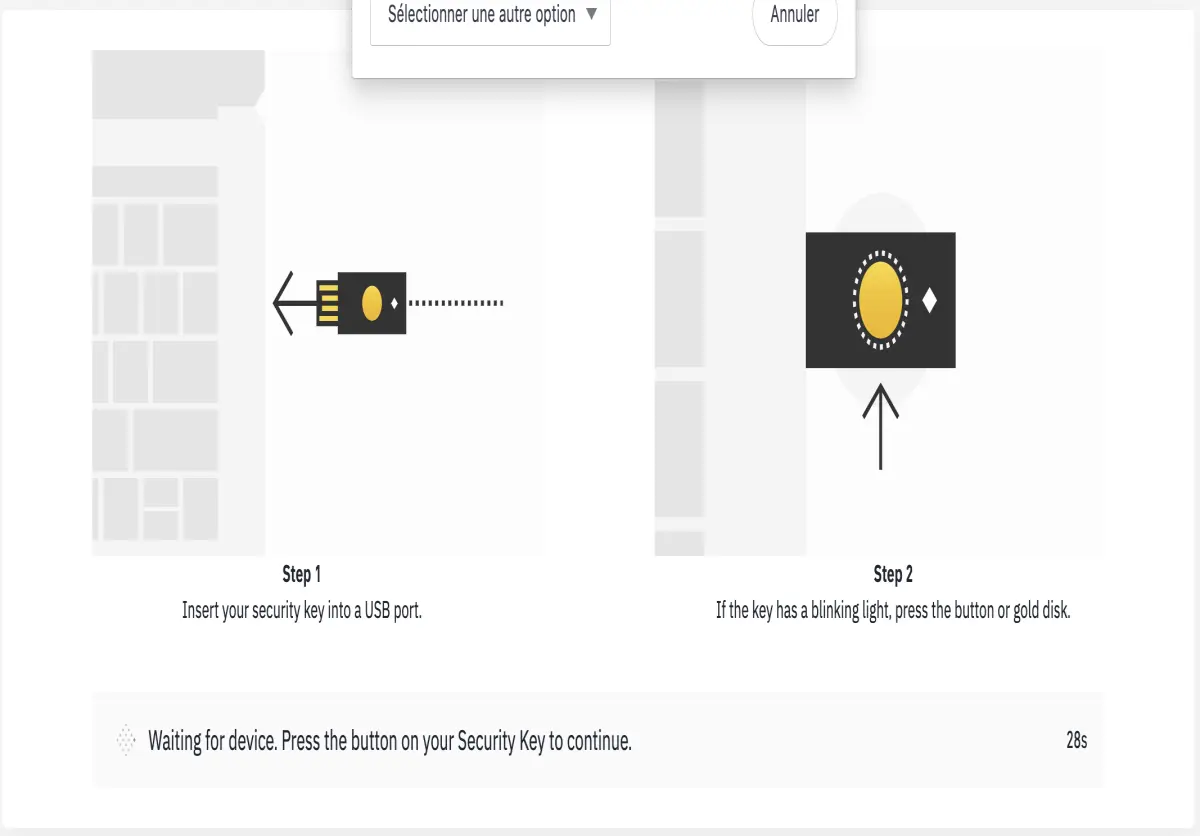
Simply run the Fido U2F app (logo: id), confirm the login on your device and you're good to go!






