
Hi everyone
Just a quick showcase of an idea I had for twitch overlays for people like me with little artistic talent to improve the look of your stream.
Design your overlay based on the game you are playing
The idea is pretty simple. Just use Streamlabs or whatever software you stream from to create different overlays based on the game you are playing. It is really simple as all the design is there for you in the games menus. Simply use your snipping tool to cut out part of a menu then design your overlay around it. You don't need to go overboard and clutter your screen, However adding a few bits and pieces really i,proves the look of your stream. Here are a couple quick examples of what I have made for my stream.
Borderlands
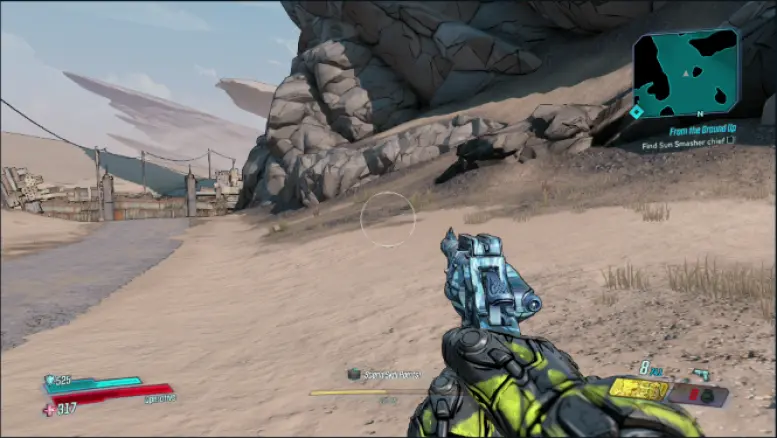
In the below picture you can see the original capture of my stream of Borderlands.
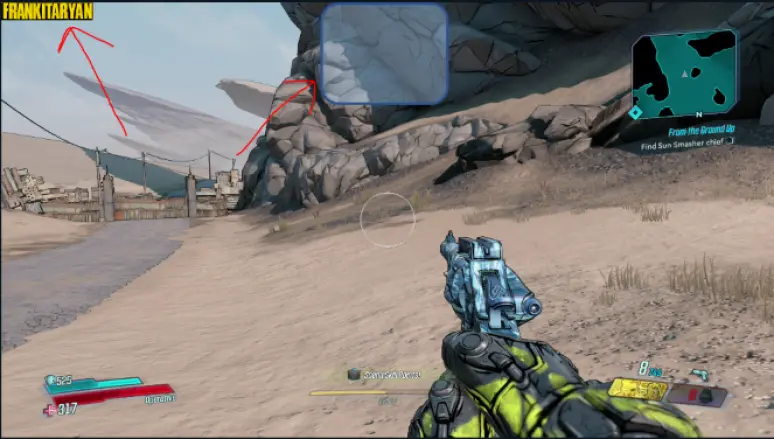
All I added to my borderlands screen was my name in the borderlands overlay was my twitch name in the top left of the screen with the borderlands font and a chatbox in the top center that I increased the opacity of so it matched the menus. Two very simple changes but I felt it improved the look of my stream without looking out of place.
Oblivion
Original Screen
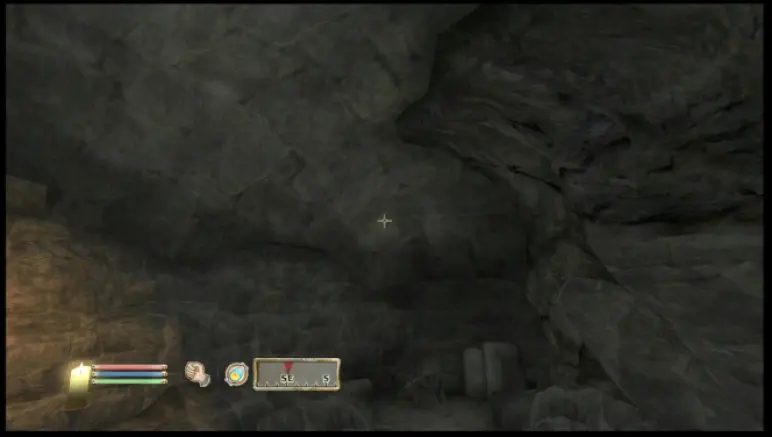
For my Oblivion overlay I added a most recent follower list in the top left of the screen and in the bottom right I created a follower goal that matches the menu design and colour scheme. I also added a viewer count and a brave logo on this overlay.
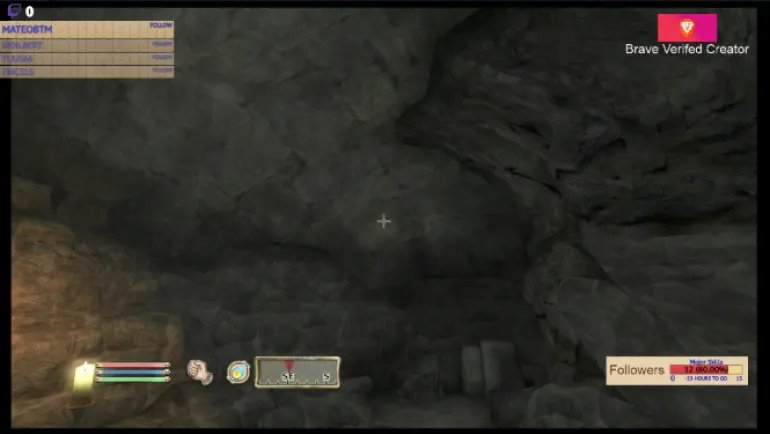
These were very simple to design as I had the design from the game to copy from. Hopefully you can take this idea and improve on it with more artistic talent. If you have any questions you can visit my twitch here https://www.twitch.tv/frankitaryan/ and I will answer.
Stay safe stay at home
Thanks for reading!!!!
Download the brave web browser for no ads and speeds up to 3x faster than google chrome here:
Follow us on publish0x for more articles
https://www.publish0x.com/@Frank12
Follow our affiliate for software reviews and more information on Brave
https://www.publish0x.com/@G-Dog
Follow us on twitch here






