
Hi everyone
Today I am going to show you the site that I use to create Banners for Twitch and YouTube.
Below is a Twitch Banner that I created using this method.
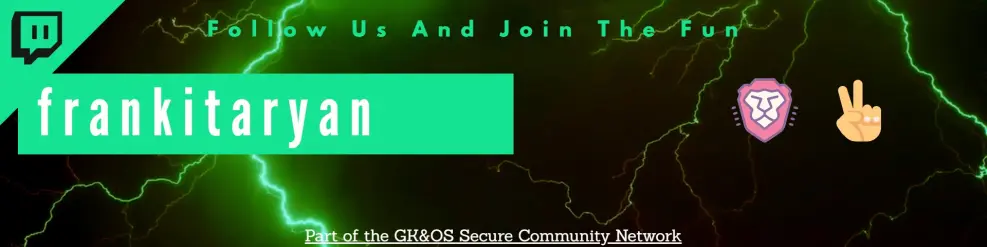
How this is done was by using the following site https://snappa.com/app
After clicking this link you will be brought to the following page pictured below.
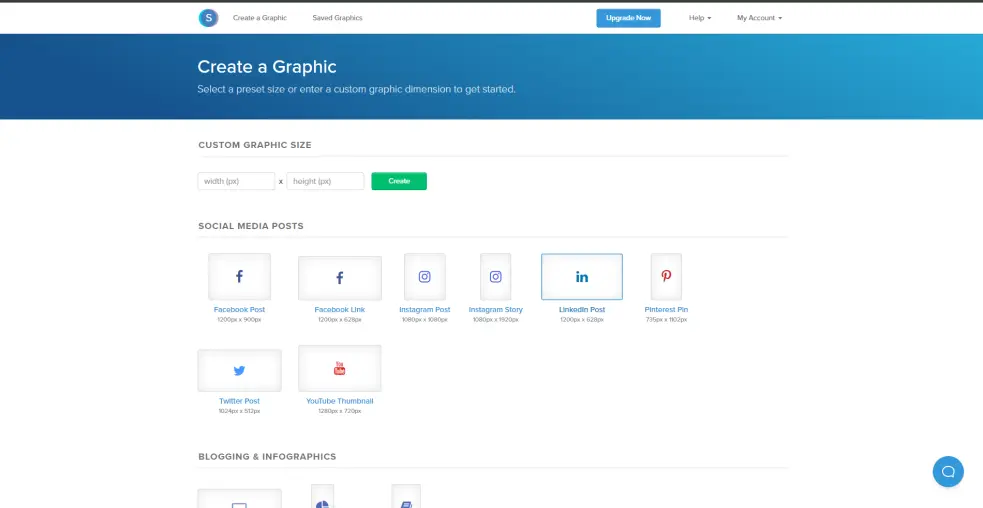
Here you can select the type of banner you would like to create. This can be for a Facebook post, YouTube thumbnail, Twitter Post etc.
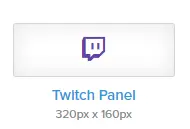
For this article I am going to create a quick Twitch Panel for my Brave Creator Affiliate link. To do this I scrolled down until I found the Twitch Panel graphic size. Ensure that you select the correct Graphic size for the banner that you are making. before you begin.
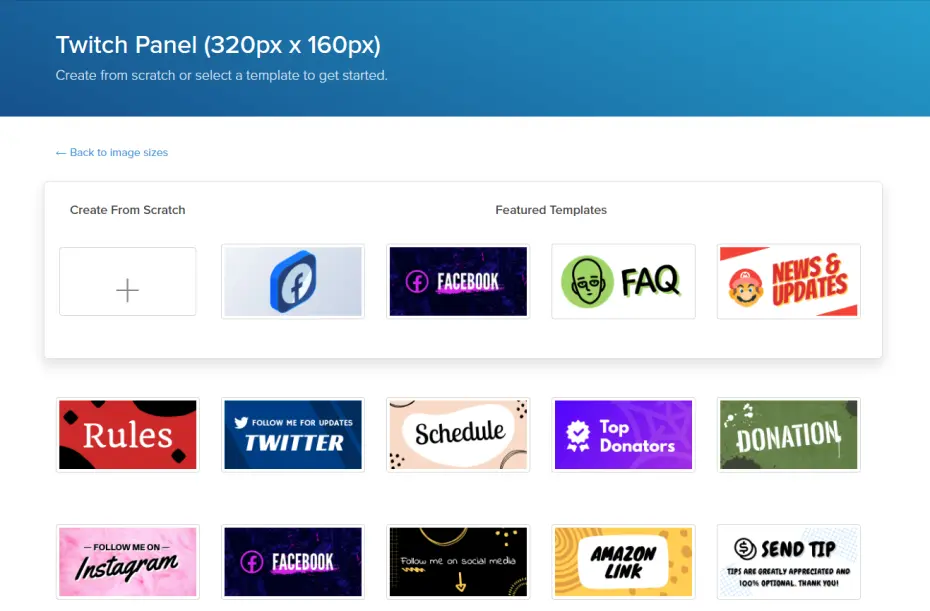
After selecting the graphic size that you want you will be brought to a screen where you can either select from pre-made templates or you can create your own from scratch. Feel free to just use any of their templates if it works for you as they are very well made. For my Brave Twitch Panel I will choose create from scratch as they don't have any pre-made Brave Twitch Panels.
After choosing to create from scratch you can then upload a background Image which I did by searching google. I chose an image of the Brave Logo with a red background.
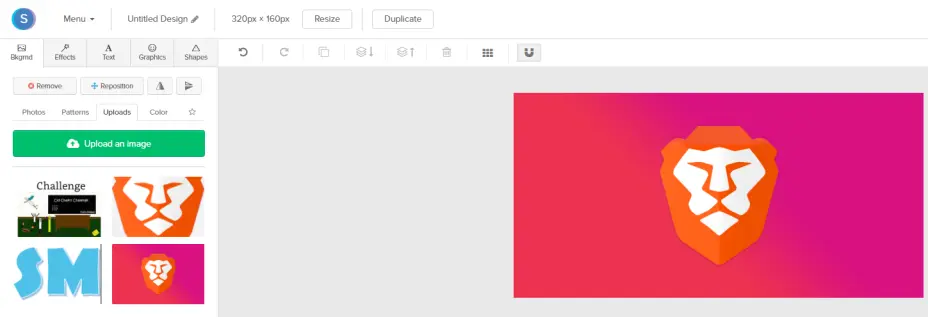
I then simply added text using the text option in the top left and set it to a font and colour that I thought fit well with the background image I provided.
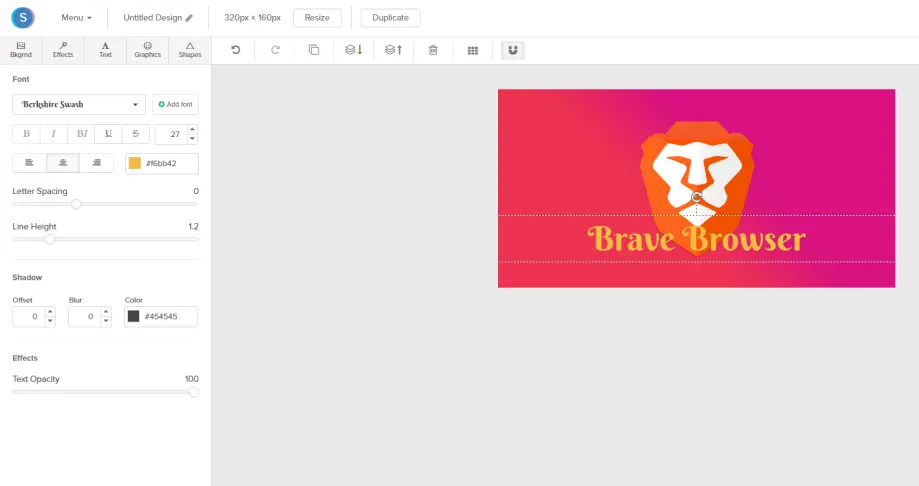
For me that was my Twitch Panel completed. Now obviously you may want to go more in depth with your banner when you create one which you can easily using this site. The main reason that I use snappa is that it is very simple to create a Banner to the exact dimensions you need without having any graphic design knowledge. The only problem that I have with using Snappa is that with the free version you can only download 3 of your creations a month. To get unlimited downloads you need to pay 10$ per month. I would still recommend this site to create a quick banner for yourself for free though.
If this article helped you in anyway I would appreciate it if you used my Brave Affiliate link https://brave.com/qoi398 to download the Brave web Browser. It helps to support me and you get a free high speed web browser that is private and can block ads.
Thanks for reading!!!!
Download the brave web browser for no ads and speeds up to 3x faster than google chrome here:
Follow us on publish0x for more articles
https://www.publish0x.com/@Frank12
Follow our affiliate for software reviews and more information on Brave
https://www.publish0x.com/@G-Dog
Follow us on twitch here






