
So a few days ago the Pi network 'released' their take on a node. Now whatever you may think about the Pi network and it's reliability we are still going to take a look at it, because well I am intrigued. If you are unfamiliar with the Pi network, it is a mobile mining currency that has no value yet. It is still in the very early stages. You download the app and just click on Mine and you earn Pi every hour and it stays active for 24 hours before you have to re-enable mining. It doesn't actually mine, so any device can run the software. You can earn more Pi by having referrals and building a group of other users you trust so that once the network goes live there is a trust built between users and there by the transactions they share. I have a more detailed post on it here: PI network mobile mining
On April 1st (at least here in the US) Pi released their node (beta) to the world. You download the software on your desktop (here) and login. Once it is open it looks identical to the app on your phone. But on the right hand side there is an extra button called "Node". If you click on that you can walk through the steps to become a Node user. I submitted my application on April 1st and have yet to hear back though so either they are bombarded by requests and backed up or they are just taking their sweet time. I will walk through the steps for the application a little bit later.
Here is what @nicholas posted on the Pi Announcement channel:
Pi has released the first Beta version of its Node Software! Achieving this important milestone is the first step towards building the Pi Testnet, and ultimately towards decentralization of the network, one of the two primary goals of Pi's Phase 2 strategy. You can download the software and learn more about Pi Node at node.minepi.com
So I know a lot of people are highly skeptical of the Pi network. And honestly if you are one of them then you are not wrong in thinking that. Look guys this is a completely unproven currency. It has no real world value at the moment and it could end at any moment. But here is why I continue to support this currency by "mining"
1) Anyone can 'mine' it for free and very easily.
2) I will (almost) always support any currency that allows mobile/digital "mining". And by that I mean not actually mining via Proof of Work. Because Proof of Work mining eats away electricity and there by is just really terrible for the planet as a whole. Global Warming (if you believe in that) or just electricity eats away at Fossil Fuels for electricity and this planet only has so much.
3) The people that made a crap ton of money from Bitcoin are the ones who believed when nobody else did. The ones who got in early when the value was crap. If you wait until a currency is in full bloom and fully accredited then you are not going to make much money on it.
4) It doesn't require all the KYC bullcrap that others do so there is no privacy concerns there.
Now onto the steps on how to setup a Beta Node.
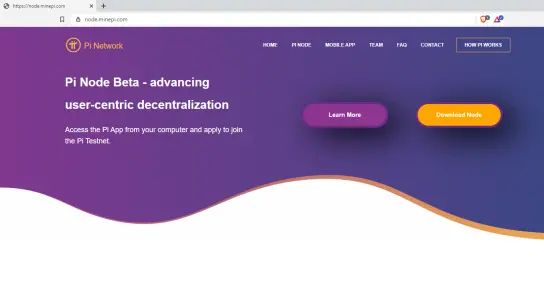
Step 1: Go to node.minepi.com (there is no affiliate/referral link for downloading the node software)
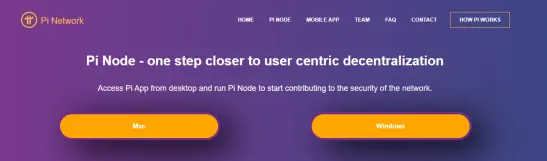
Step 2: You need to pick your Operating System. I am using Windows for this guide.
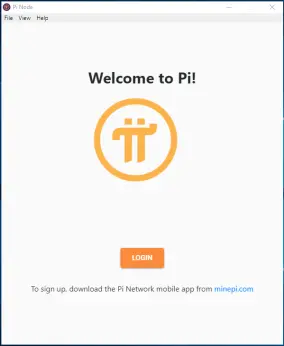
Step 3: Run the software to install it and then open it up and login
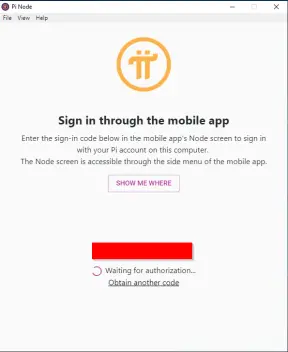
Step 4: When you login you will need to open up the app on your phone and so the node section to input your code. That will sync your mobile app to the desktop app.
Step 5: The app opens and should look just like your mobile app except that "Node" button in the right middle. All functions should be the same as the mobile app.
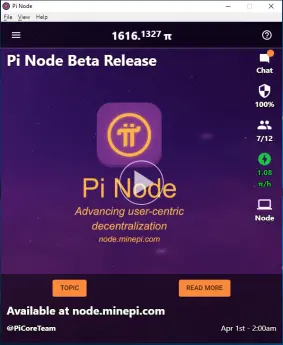
Step 6: Click on the Node button and it will bring you to the application process. Click on Apply.
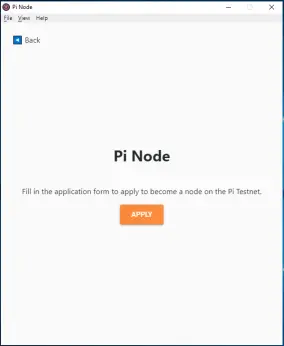
Step 7: Here is where you need to fill in all the questions for the application.
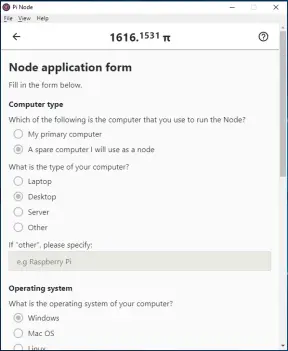
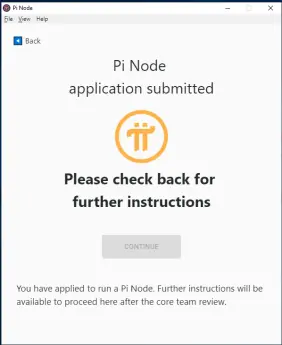
Step 8: Now you just need to wait for your application to be reviewed. I have been waiting since April 1st for mine to be approved. I wanted to wait to write this article until I was able to actually run the Node but since it is taking a while I still wanted to let you all know about it so you could start the process.
If you are not setup to mine Pi yet then you can use either of the following links:
My Referral Link: https://minepi.com/TrocProcLock
Normal website: https://minepi.com/






