
Here's a confession.
I have never invested my own money into crypto.
The "capital" I utilised was the 16 BAT tokens that I had steadily accumulated from the Brave Browser for 7-8 months. I converted them to ETH and used the ETH to set up an account with Hodlnaut. I have not looked back since.
Earlier this year, Brave Browser and Gemini announced a collaboration in which people using the Brave Browser could link their BAT tokens to their Gemini wallet. Fascinating! This would empower me to escape from the clutches of the high network fees imposed by the Uphold wallet.
I was exhilarated by the prospect of this interlinked network. But my enthusiasm soon died down because for the longest time, it did not seem that my Brave account would allow me to link my rewards to Gemini.
Until today!
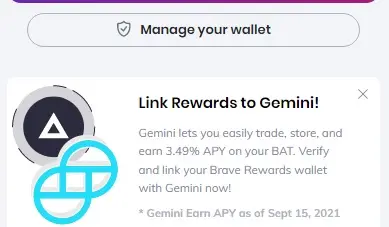
Saw this appear on my Brave Browser.
1) Click on Link Rewards to Gemini, where you will be prompted to log in for your Gemini account.
2) On Gemini, Click on Account.
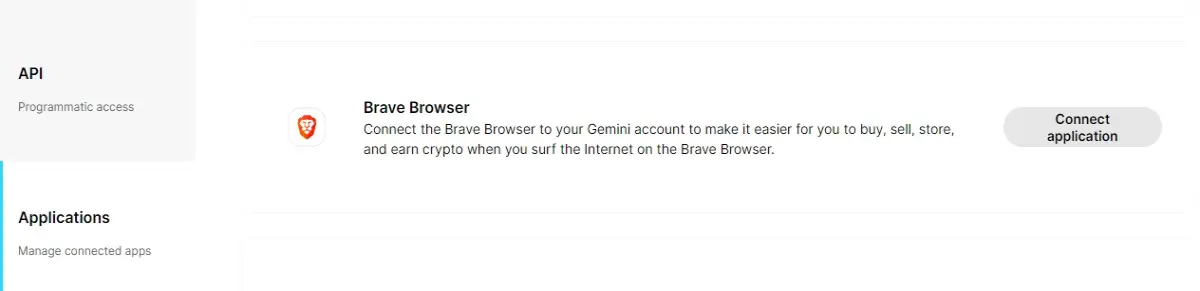
3) Scroll all the way until you find Applications.
4) You will see Brave Browser as one of the options available. Click on Connect Application.
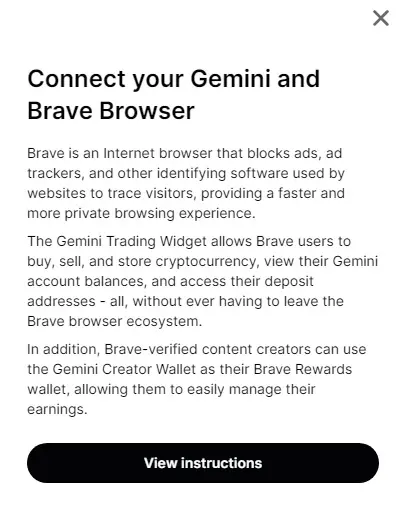
5) You will be directed to an instruction page. View these important instructions.
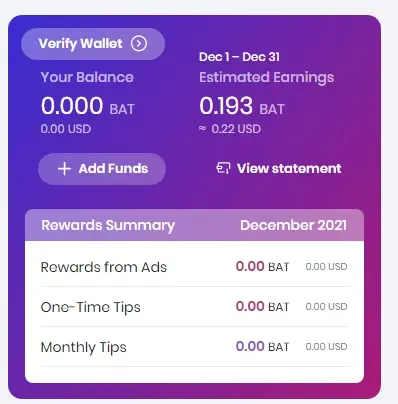
6) You will be asked to Verify Wallet on your Brave Browser. Just do it!
7) Choose wallet service - Gemini. You will be then asked to key in your 2FA verification code.
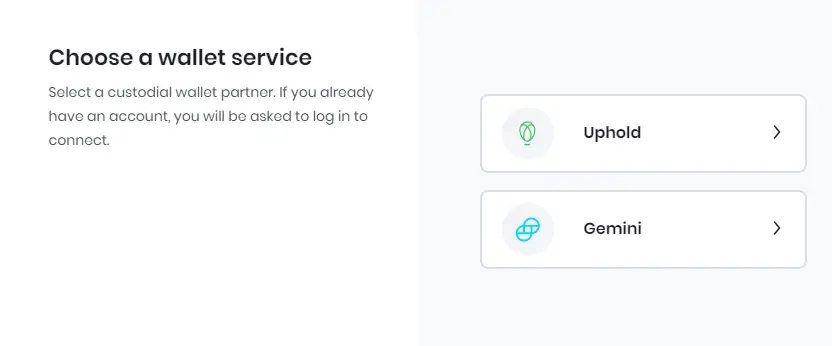
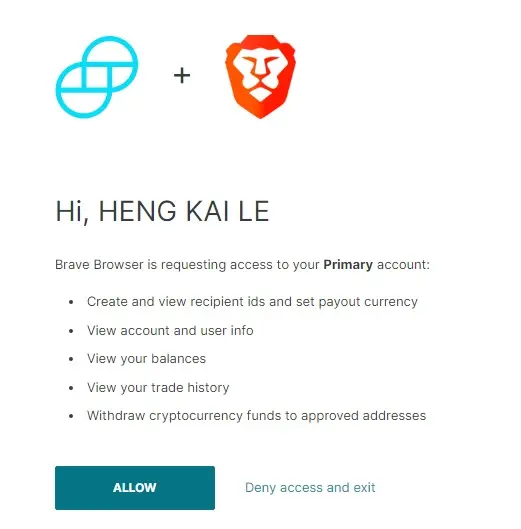
8) Why, click Allow of course!
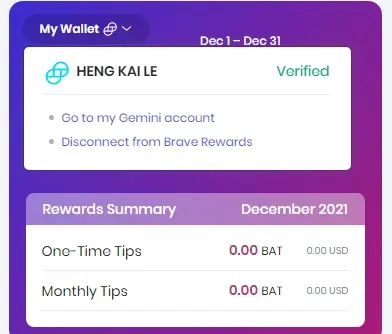
9) Get rewarded for your Brave efforts on Gemini! Hip hip hooray!
Have you enabled Brave-Gemini integration yourself? :)






