
You created a quiz on Socrative, but now you need to let your kids play it. You have to multitask a teeny weeny bit because you have to launch the quiz while ensuring that your kids enter your room smoothly. So, here's how:
Teachers
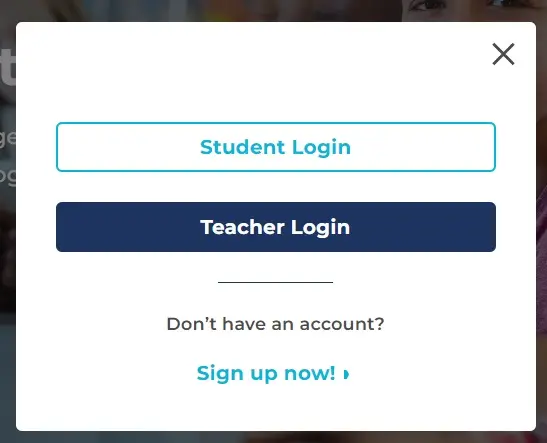
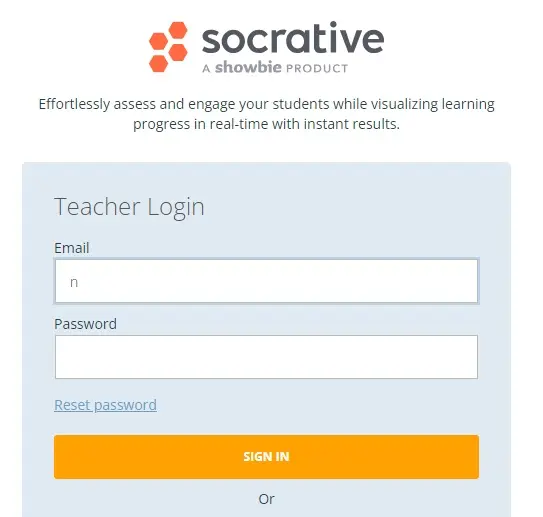
1. Log in
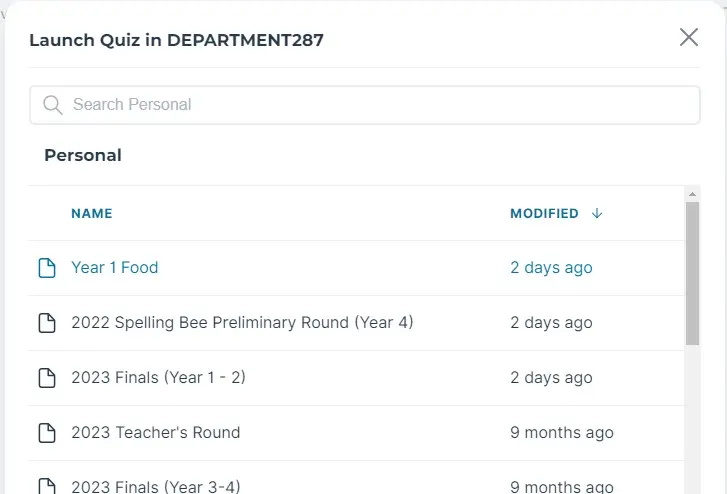
2. Launch Quiz
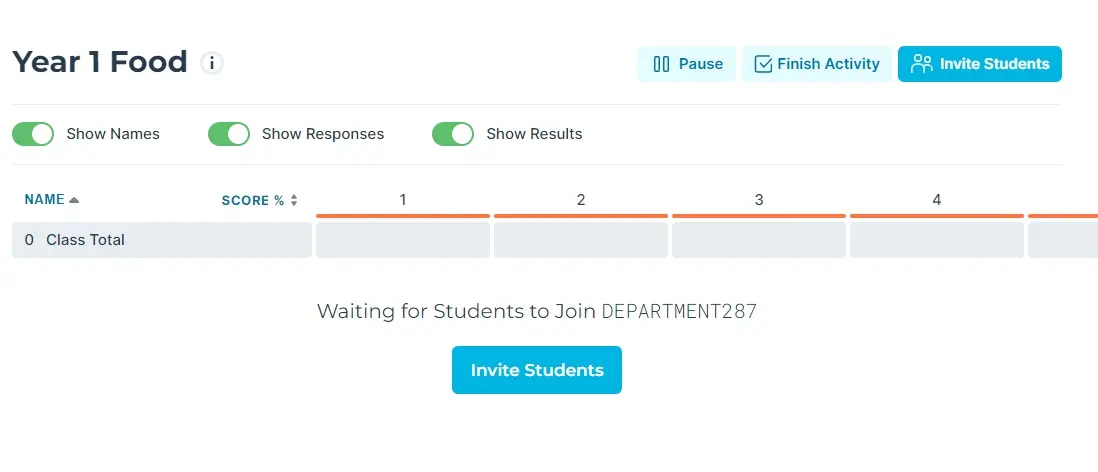
3. Wait for students to join the activity.
Students
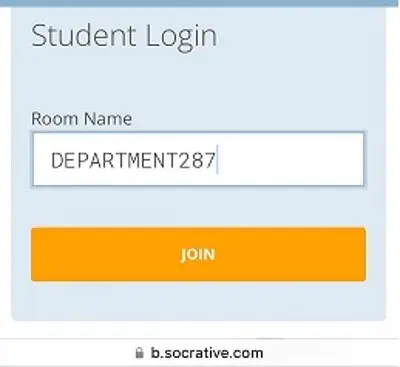
1. Participants click on ‘Student Login’ on the Socrative app.

2. Enter ‘DEPARTMENT287’.
3. Key in their name.

4. Students will see a sentence that contains a blank.
The teacher caller will pronounce the missing word twice.

Have fun!






