
This Article is translated with DeepL Translator. The original Post in German Language can be found here.
In this article I show you how to create a .vox model and import it to Cryptovoxels.
Vox models allow you to upgrade your properties and create Eyecatchers.
The Video is in German Language
First you need the software to build such models. I use MagicaVoxels and this seems to be the preferred software in the community.
When building your models you have to make sure that the size of the voxels is set to 32 32 32. Default is 40 40 40 40, you can change this value in the upper right corner of the GUI.
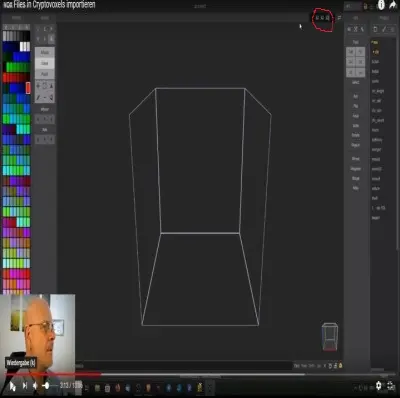
The program is self-explanatory, you will need about 30 minutes to learn the possibilities and tools.
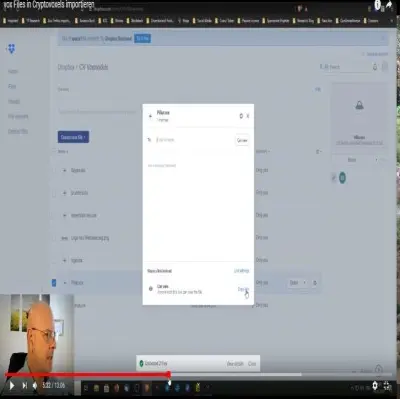
After you have created your model, upload the file to Dropbox. Other cloud providers are supposed to work as well, but I haven't tried them.
On Dropbox you can find the file you want and create a share link. Select the file and click on share on the right side next to the file name. Now a window opens where you can generate a link. Click on "generate Link" at the bottom right and then copy the link.
In the next step you go to your property in Cryptovoxels. Use the tab key to open the menu. There you click on ".vox, small vox model", then you position your model on your plot.
When the model is positioned, a new menu appears on the right side. In the line " URL" you copy the dropbox link into it. Now you should see your model at the desired position.
If not, go out of Cryptovoxels and visit your property again, now the model should be visible.
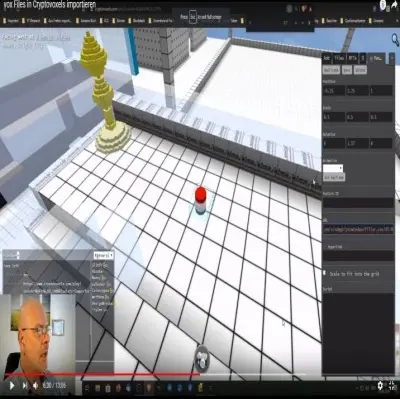
Now press the key "E" like Edit and select your model, on the right side the menu opens where the link is already inserted. You can now adjust the size of your model via " Scale". With " Position" you can move the model.
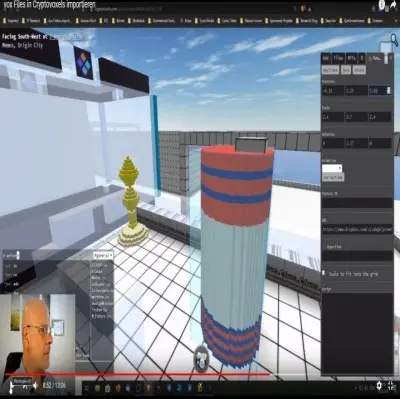
All Vox models are almost transparent, meaning you can walk through them. This is a bit stupid, if you have built a column to support a roof, it is not realistic.
You can solve the problem by building a column with the normal cubes, tab-key ->tiles, and move your model over this column. This way you can no longer go through the model.
Have fun designing your plots
Tschüss Euch
Translated with www.DeepL.com/Translator (free version)






