
What is Kromatika?
Kromatika Finance is a decentralised exchange that is powered by Uniswap and Chainlink. The platform offers a user-friendly trading experience and utilises audited smart contracts in order to create and process trades via Uniswap with Chainlink Keepers processing the trades. $KROM is an ERC-20 utility token used for paying the Chainlink Keepers processing service fees.
Kromatika protocol has already been deployed on several blockchain networks including Ethereum, Polygon, Optimism and Arbitrum. Kromatika offers gasless limit trading and liquidity farming rewards for $KROM token liquidity providers on Celer bridge. Kromatika’s entire codebase is open-sourced and published on Github under the MIT and GPL-3.0 licence. Kromatika’s code was audited by MythX and CertiK. The token is secured by OpenZepellin.
To get started with using Kromatika, go to: https://kromatika.finance/ then launch the DApp.
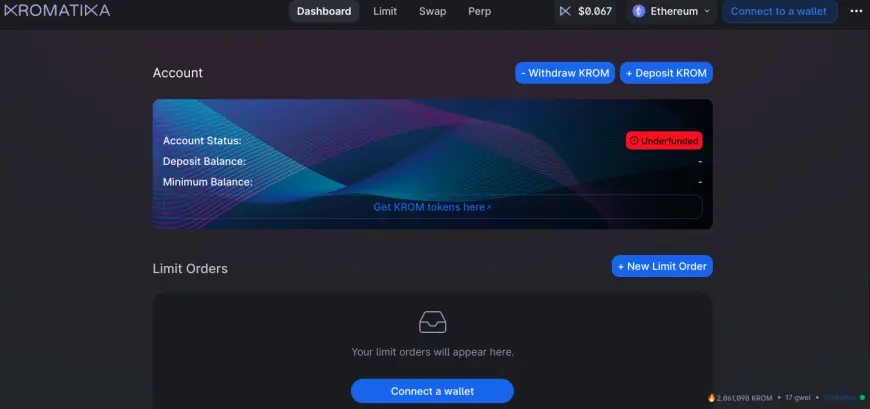
Source: https://app.kromatika.finance/#/pool
From there you’ll be able to connect a wallet e.g. MetaMask. Depending on whether you wish to use the swap or the limit order feature, you may need to have some $ETH and $KROM in your wallet.
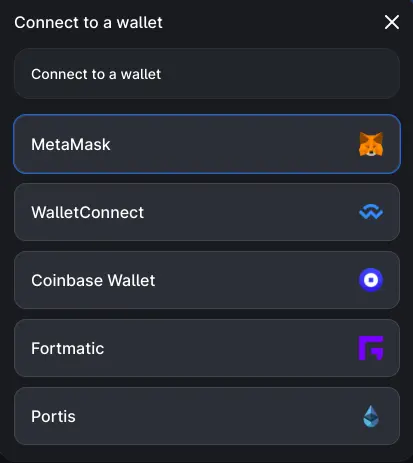
Once your wallet is connected, you can proceed to deposit $KROM in order to pay for your transaction fees. A convenient way is to bridge ETH from Ethereum network to Arbitrum so that you can swap that ETH for $KROM via Uniswap for example.
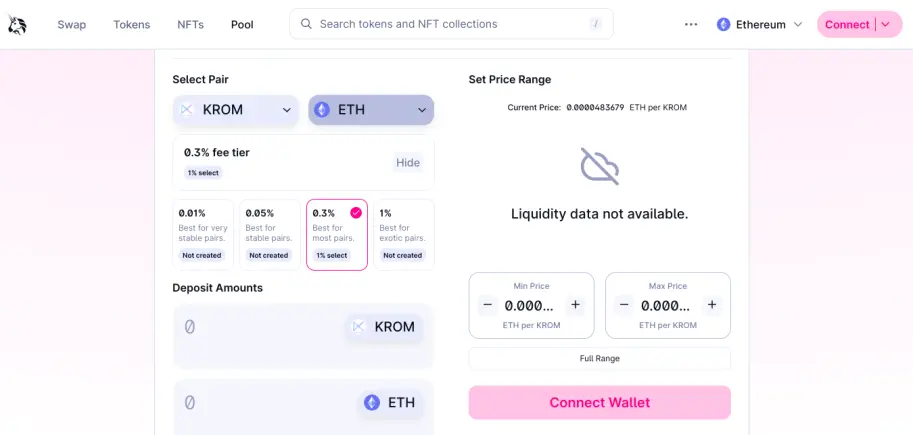
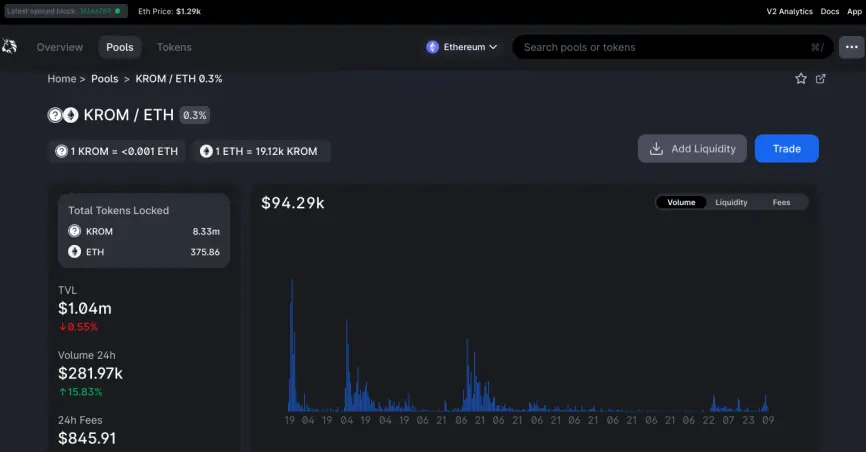
You also participate in the liquidity pools if you wish to.
Select the amount you want to swap from ETH to $KROM. In this test transaction, we swapped a small amount to test the process.
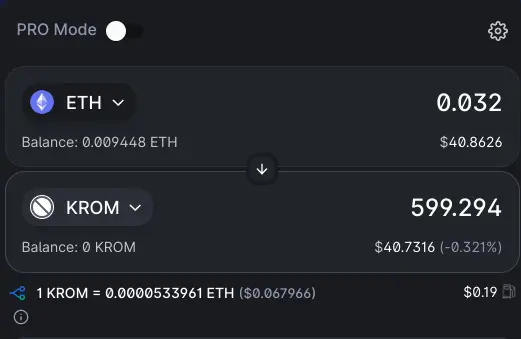
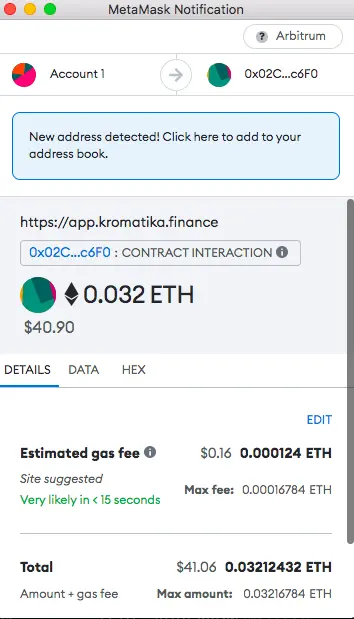
You can proceed to pay the associated gas fees in order to get your order processed.
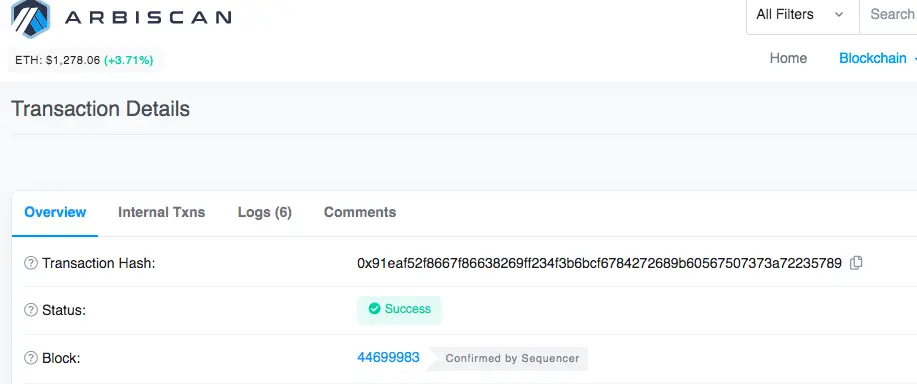
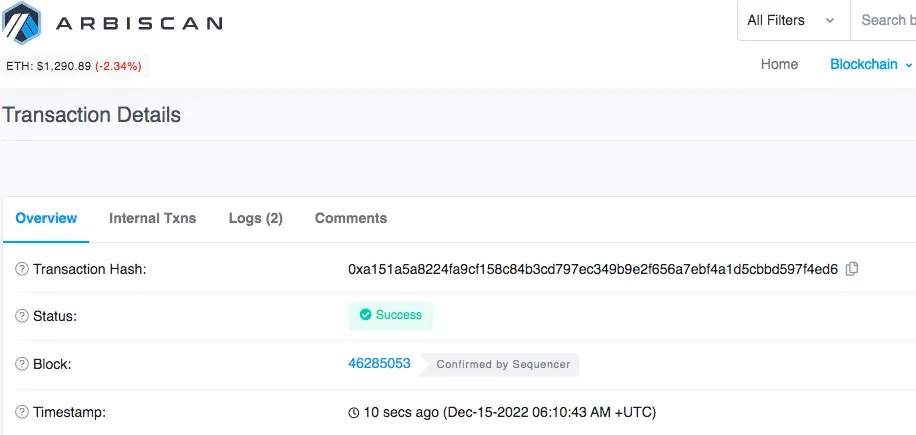
You can confirm whether your transaction is successful via Arbiscan, the block explorer for Arbitrum network.
You can also check your wallet balance to see if your account has been credited with the $KROM tokens. You will need to first add the token contract address for the relevant blockchain to your wallet in order to be able to view your balance.
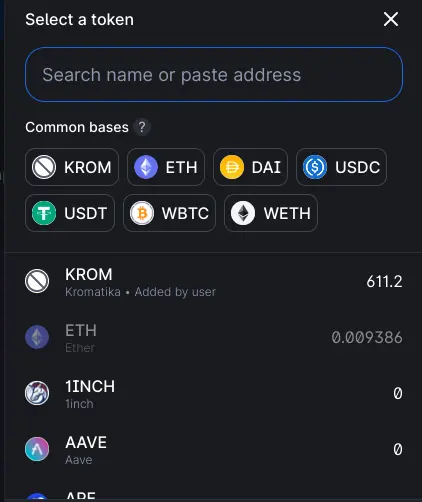
Ethereum: https://etherscan.io/token/0x3af33bef05c2dcb3c7288b77fe1c8d2aeba4d789
Arbitrum: https://arbiscan.io/token/0x55ff62567f09906a85183b866df84bf599a4bf70
Optimism: https://optimistic.etherscan.io/token/0xf98dcd95217e15e05d8638da4c91125e59590b07
Polygon: https://polygonscan.com/address/0x14af1f2f02dccb1e43402339099a05a5e363b83c
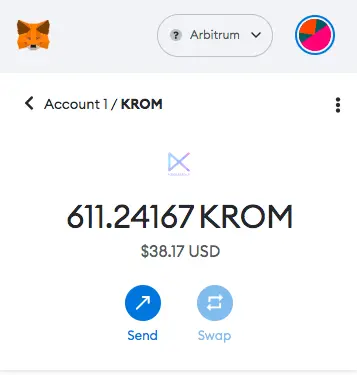
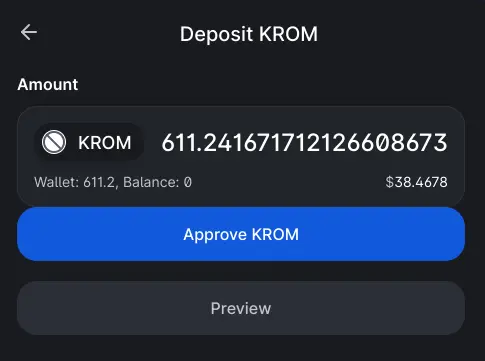
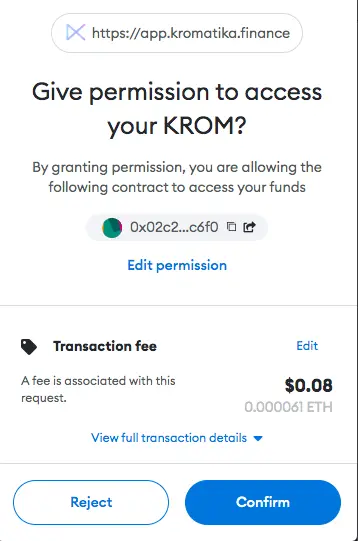
Once you have some $KROM tokens in your wallet, you can then proceed to deposit them on the platform. Firstly, you’ll be required to give permission to the smart contracts in order for them to interact with your wallet.
You’ll be required to pay a small transaction fee to proceed.
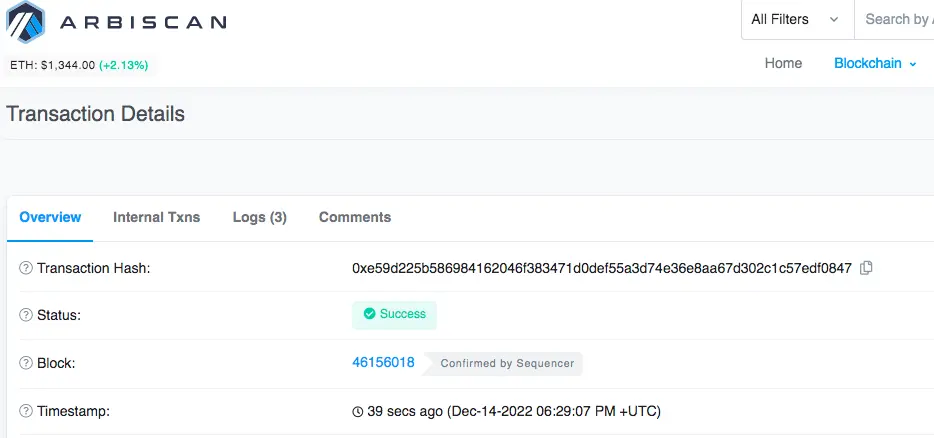
You can also confirm this transaction fee on Arbiscan.
Now that you have given the permission for the smart contracts to access your $KROM tokens, you can then proceed to make the deposit on the platform in order to be able to use platform features such as Swaps, Limit Orders, or Perpetuals. So in this case, we proceeded to deposit our recently acquired $KROM tokens.
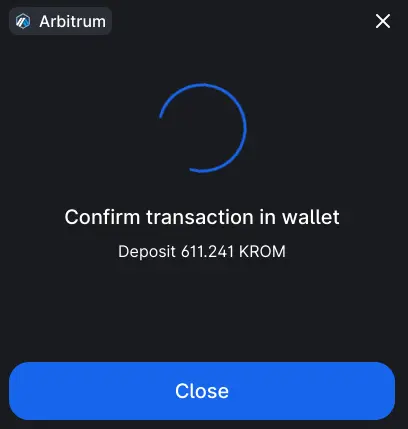
You once again will be required to confirm the transaction.
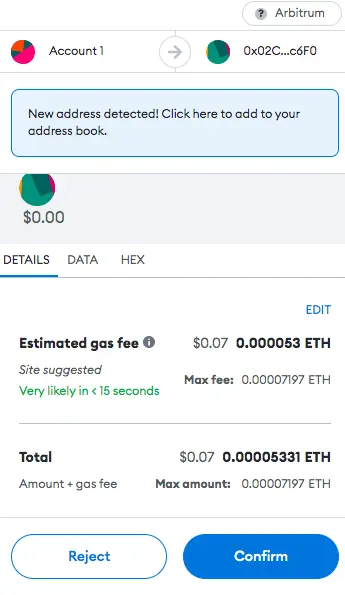
A small transaction fee will be required.
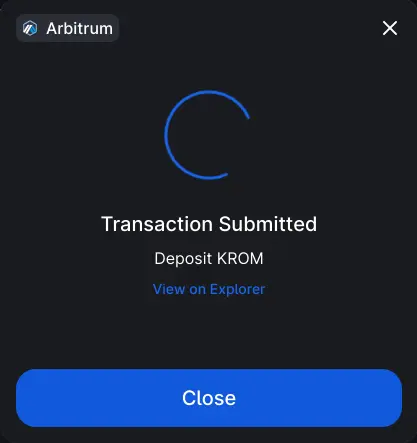
Once processed, you’ll once again be able to confirm the validity of the transaction via Arbiscan.
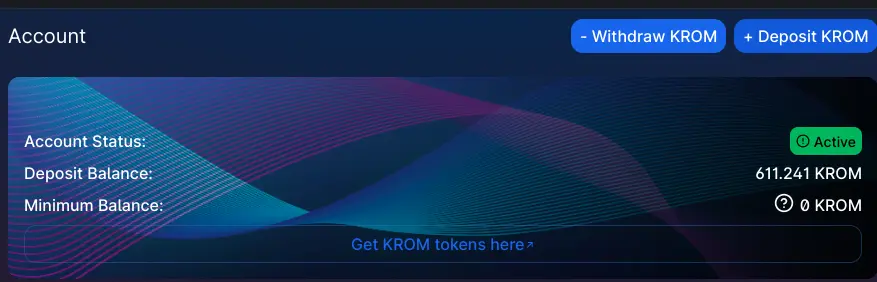
You can also view the dashboard to see your credited balance.
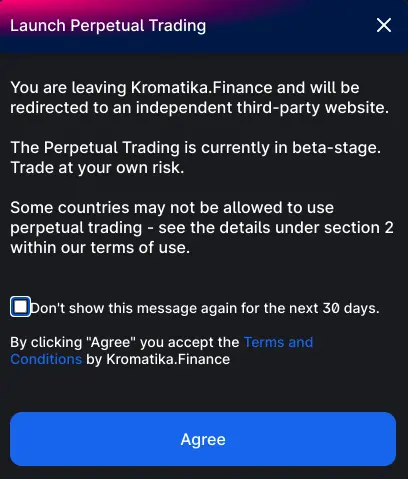
If interested in trading perpetuals, you can do so via a third-party ApolloX – a decentralised exchange on Binance Smart Chain. and you’ll again need to accept the terms and conditions.
Once you’ve agreed, you’ll be able to access the perp trading interface.
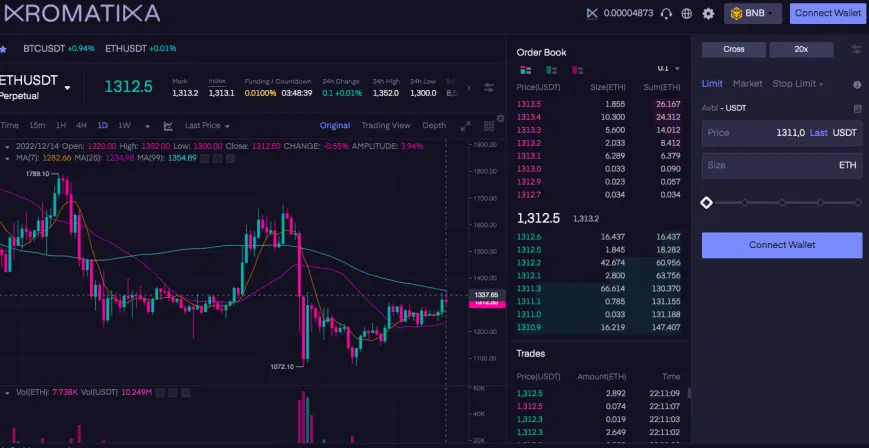
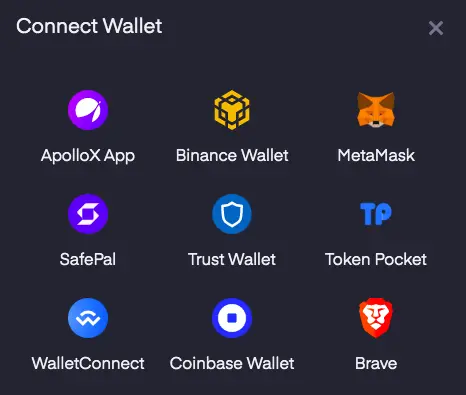
You can connect a web3 wallet and you may be prompted to switch your network to Binance Smart Chain.
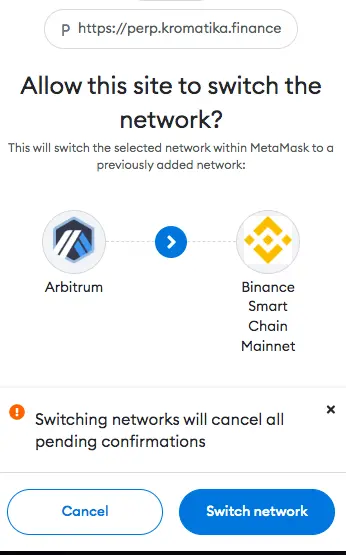
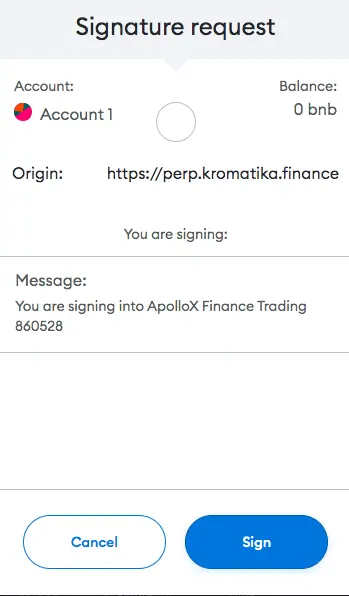
You’ll need to deposit BNB in your MetaMask wallet in order to proceed.
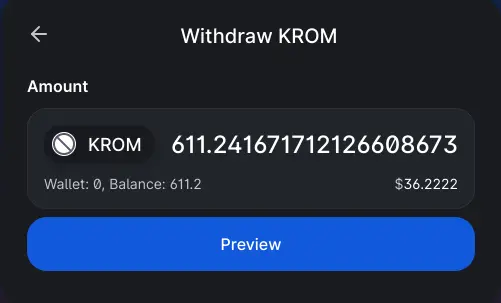
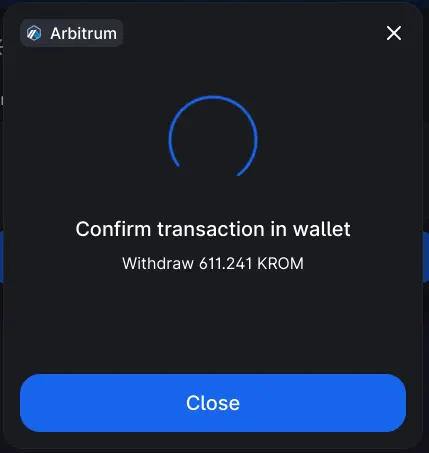
If you wish to withdraw your $KROM tokens, you can simply request a withdrawal.
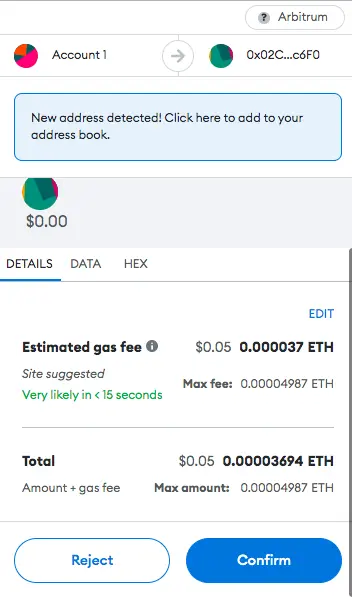
You’ll be required to confirm the transaction.
You’ll be prompted to pay the gas fee.
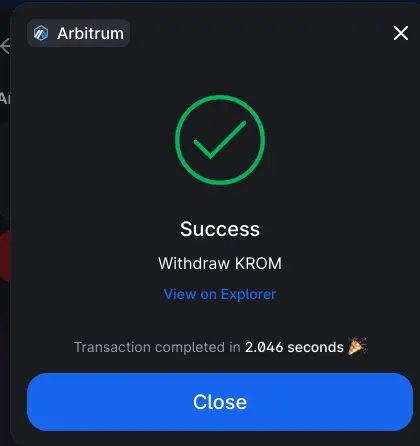
Once the transaction is completed, you can again verify it on Arbiscan.
$KROM Token Staking
The Kromatika Protocol is deployed on multiple blockchain-based networks.
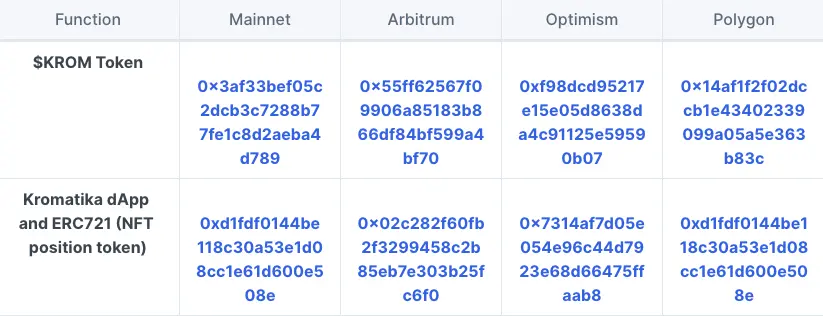
Source: https://docs.kromatika.finance/usdkrom-token/tokenomics/contract-addresses
A staking mechanism has been enabled for $KROM token using a third party platform Celer Bridge. This is meant to offer holders a couple of benefits including seamless bridging possibilities between the different layers $KROM has been deployed on and being a yield-farming opportunity on a user’s layer of choice.
Kromatika DAO
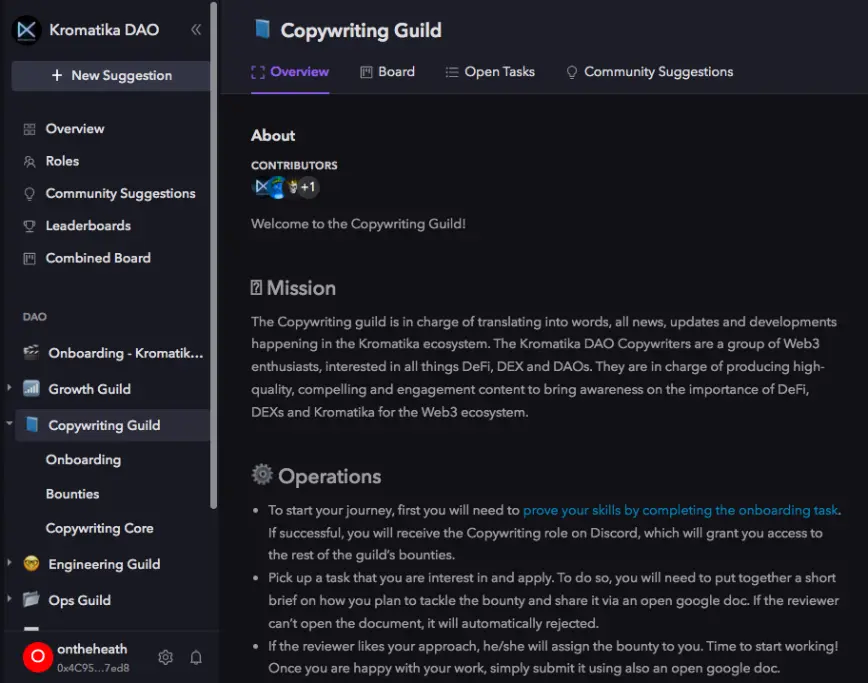
Since Kromatika is not a company, this means that it doesn’t have a board, CEO, or management team. The project did not raise funds from private investors or VCs. There is no legal entity, foundation, copyright, patent, or central authority within the ecosystem. Essentially, contributors voluntarily work to build and improve the ecosystem. Kromatika is governed by $KROM and holders can vote on protocol improvement proposals.
Originally posted on Decentralised News
Follow on YouTube
For my full list of crypto affiliate links: https://decentralised.news/ecosystem/
Read the best selling book: TOKENIZED TRILLIONS: https://amzn.to/3BA2TOv
Also check out: BLOCKCHAIN APPLIED: https://amzn.to/3oT6QKU
Join our Discord Channel: https://discord.gg/EcvqQaNzsD
Join our Telegram Group: https://t.me/+cTexh7QC3D9mNjdk
Subscribe to our newsletter: https://decentralised.news/newsletter






