
Hi friends!
I made this drawing as part of the challenge "Autumn sketches"
Some of them worked out especially well for me, and I want to talk about them.
It was the theme of the second day - the "Jumper"
I immediately saw a picture where a girl in a large, oversized orange jumper looks out the window...
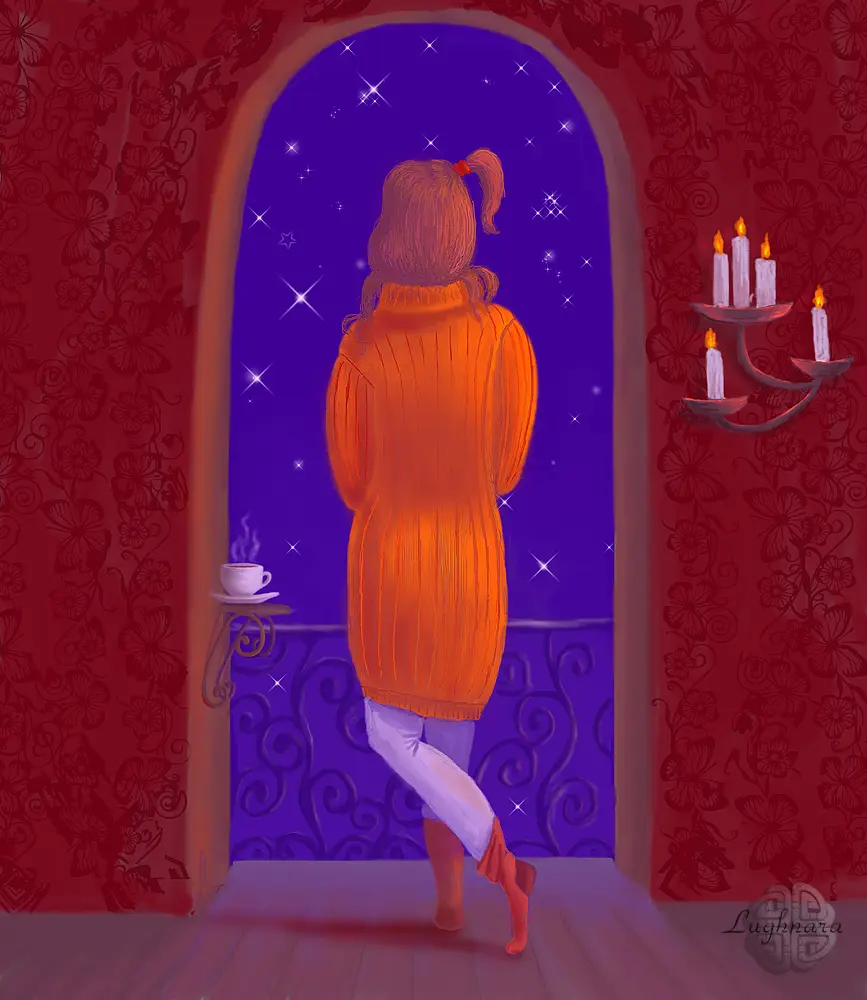
So... For interest and complication of the task, I decided to draw each drawing in a different graphics program.
This time I chose Clip Paint Studio Pro - I recently purchased it, but have not yet mastered it.
But the first thing I noticed was a lot of different fantastic brushes! (I used some of them in the drawing, which I'll discuss further.)
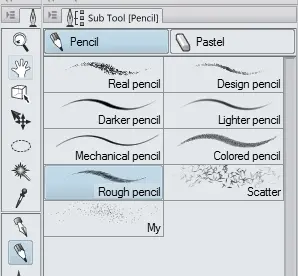
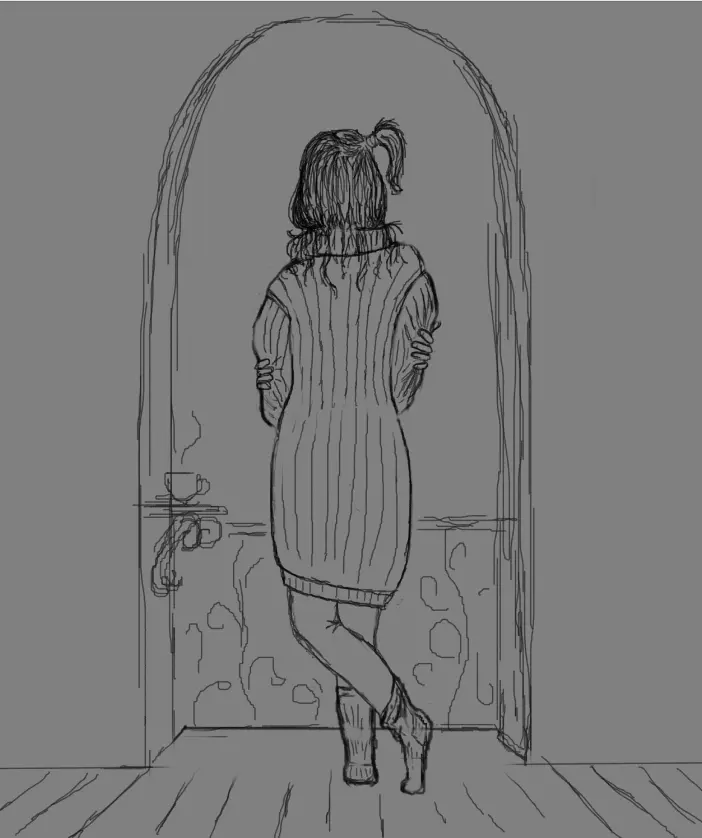
For starting my work I chose a tool for sketch.
I liked Rough Pencil from from the category of Pencils
This is the scene I wanted to see
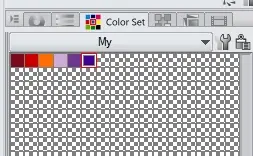
Then I picked up the colors.
In CPS you can create a new empty palette and add colors you want.
That's exactly what I did
Then I chose a brush for painting.
As I said, there are a lot of them in the program and they are all divided into different categories.
I had to look into each one to choose something suitable.
I liked these brushes
For filling large areas
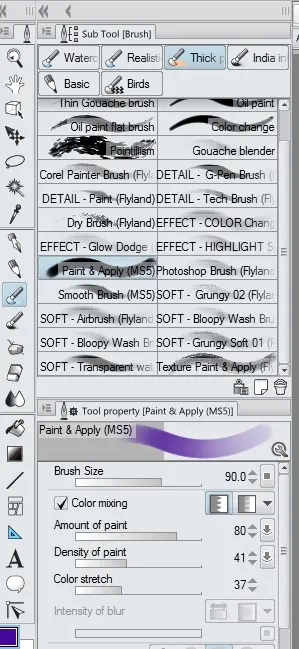
For crisp edges
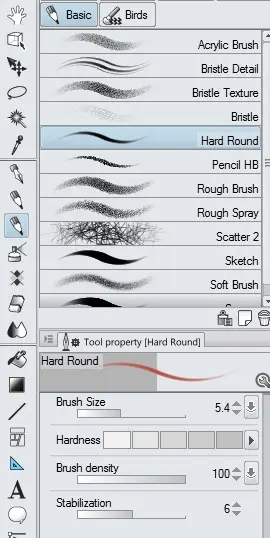
To smooth out color transitions
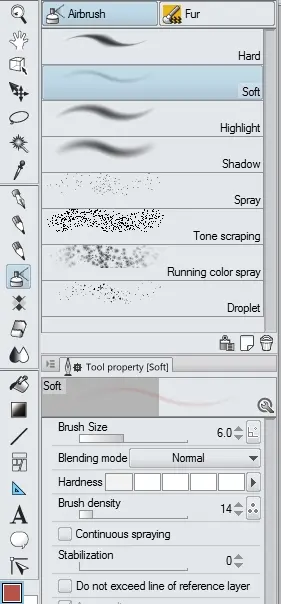
Sketching out the basic colors
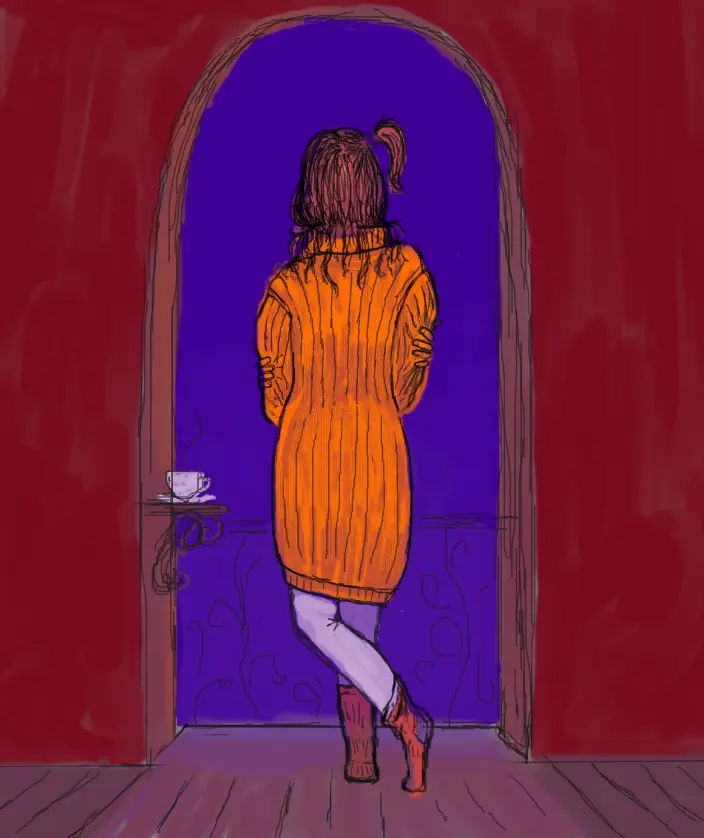
In the process of drawing, I correct the figure of the girl, making it more harmonious for the viewer.
So I decide on the source of lighting - candles on the wall.
Yes, other detail I draw on new layer
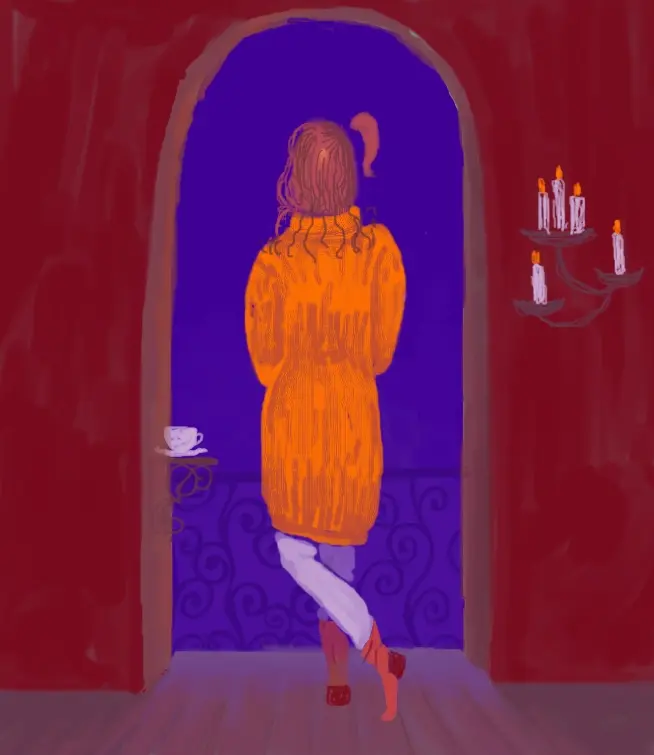
Detailing, adjusting light and shade, smoothing colors
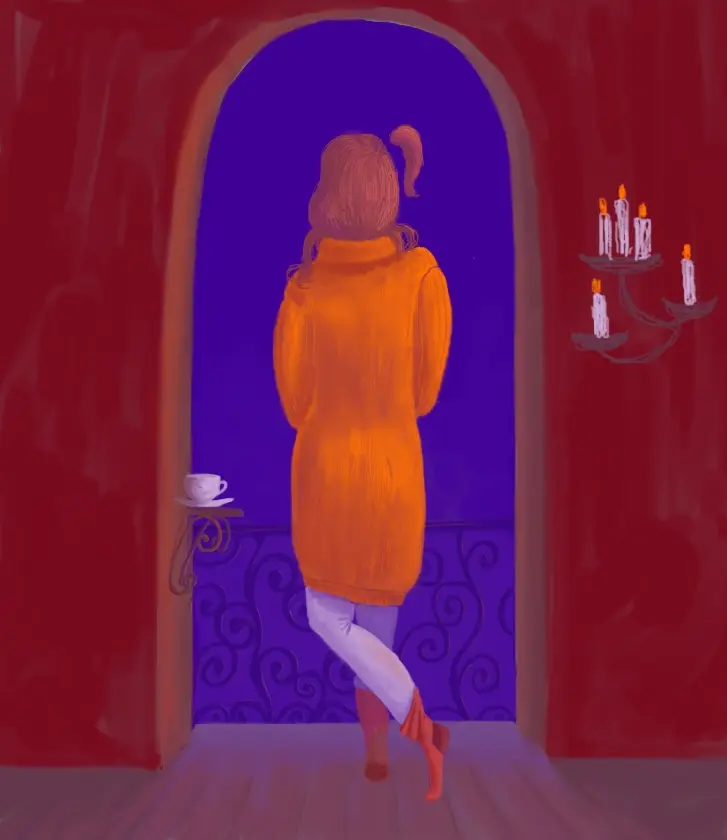
With an adjustment layer Hue\Saturation\Luminosity I added vivid and contrast shades in artwork.
Added a drop shadows to floor and wall
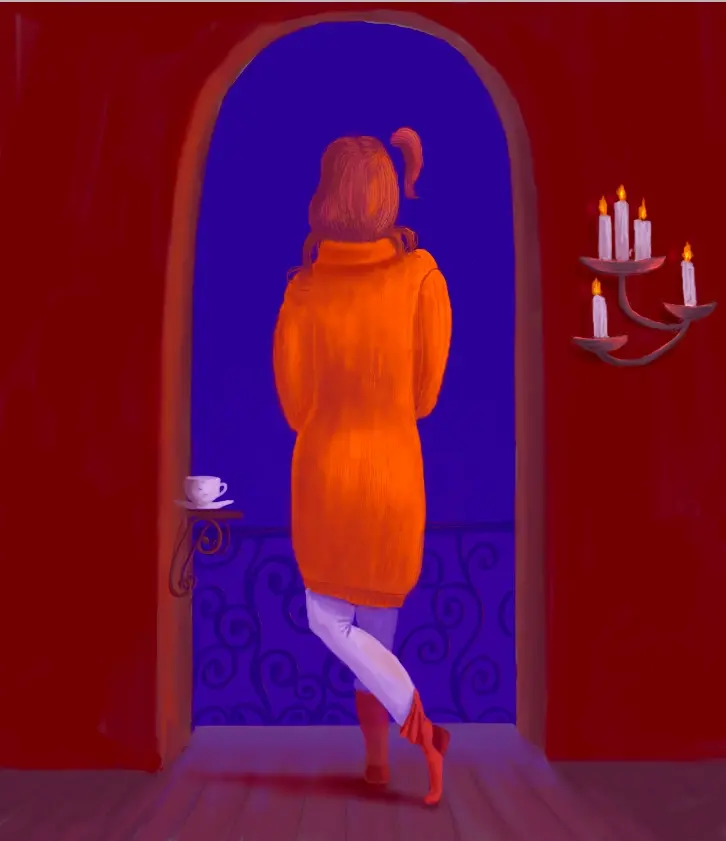
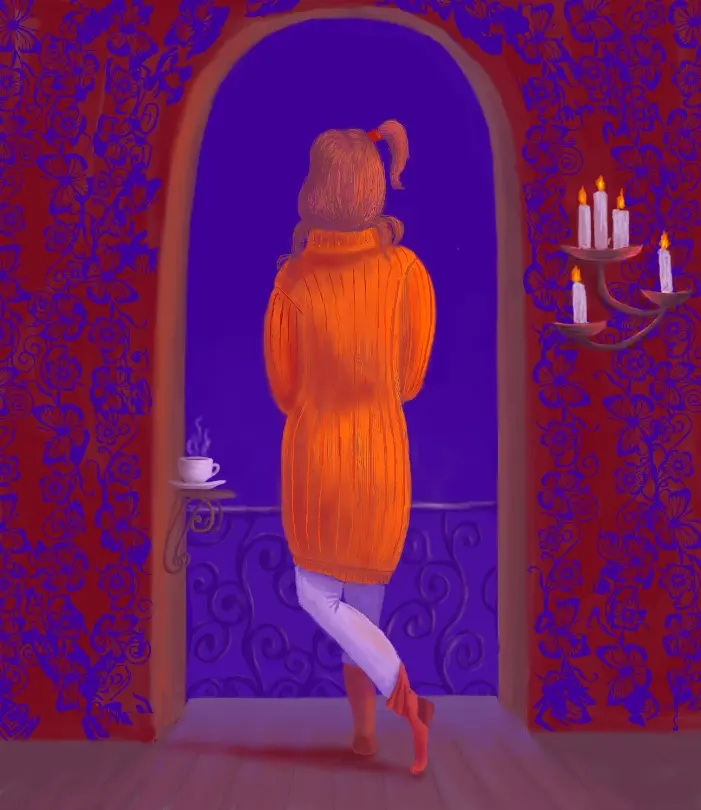
For create a ornament of wall I chose a pattern brush named Butterfly ivy
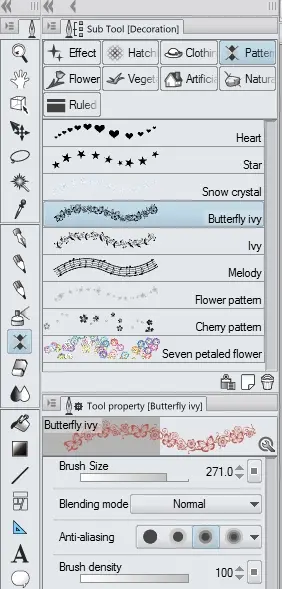
Beautiful ... but too provocative!
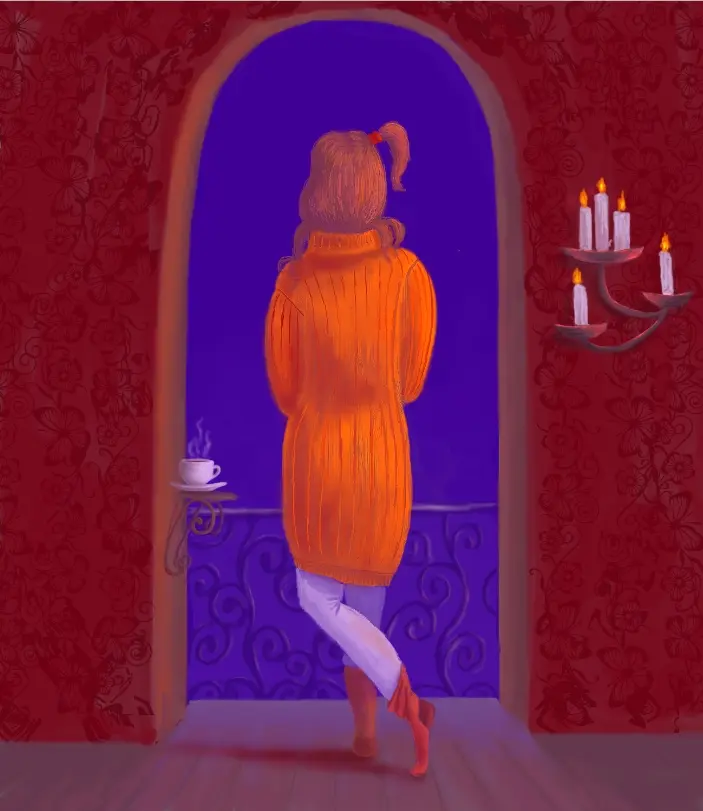
So I change the blend mode of the layer to Brightness
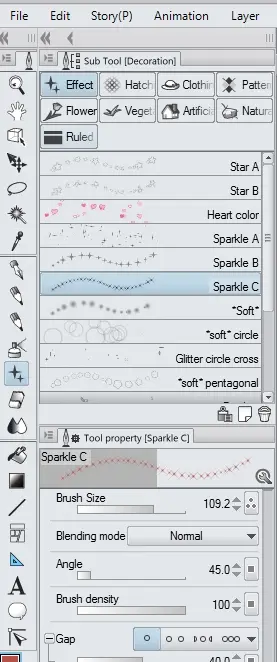
Finally, I created the environment with a star brush.
Romance of the night, which is pleasant to behold!
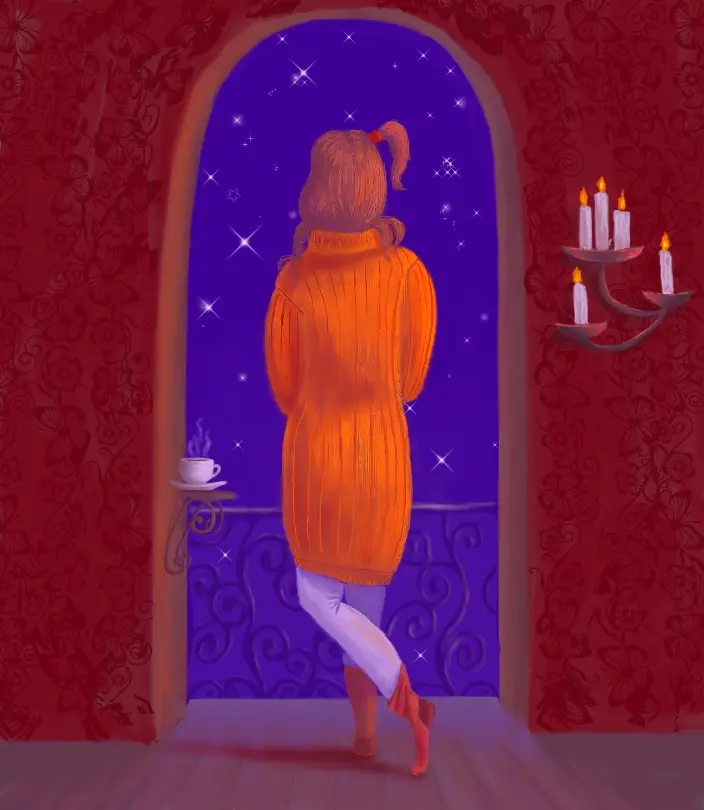
Ready artwork!
I hope, it was be fascinatingly! ;)
Thanks for your attention!
Regards
Cross-post from Hive, Whaleshares and Read.cash






