
Hi friends!
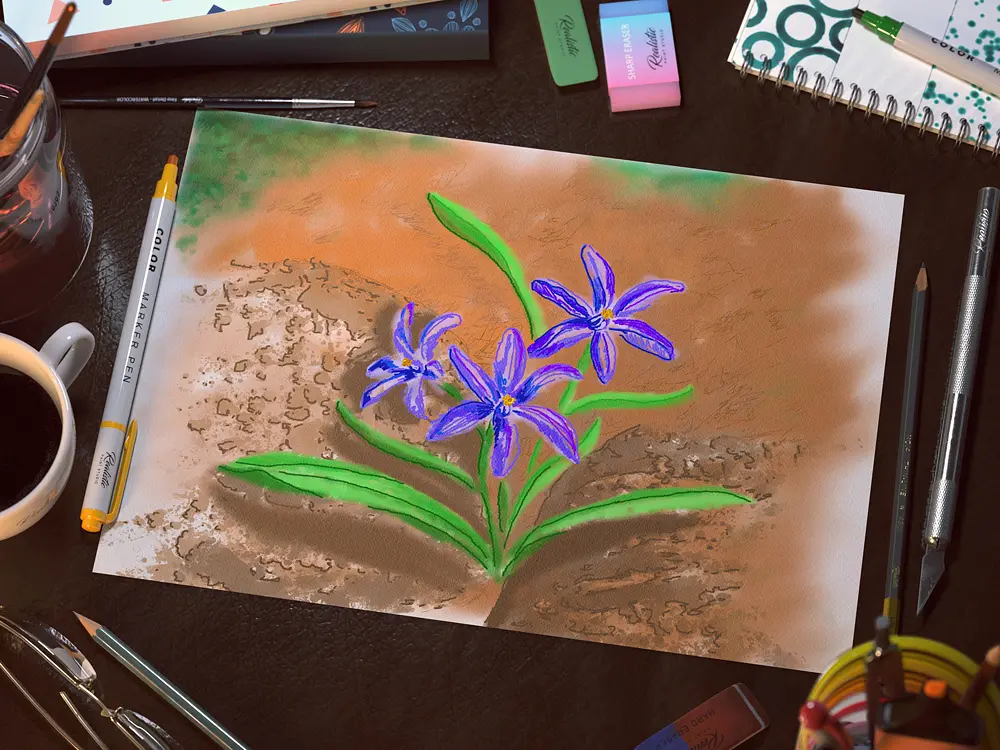
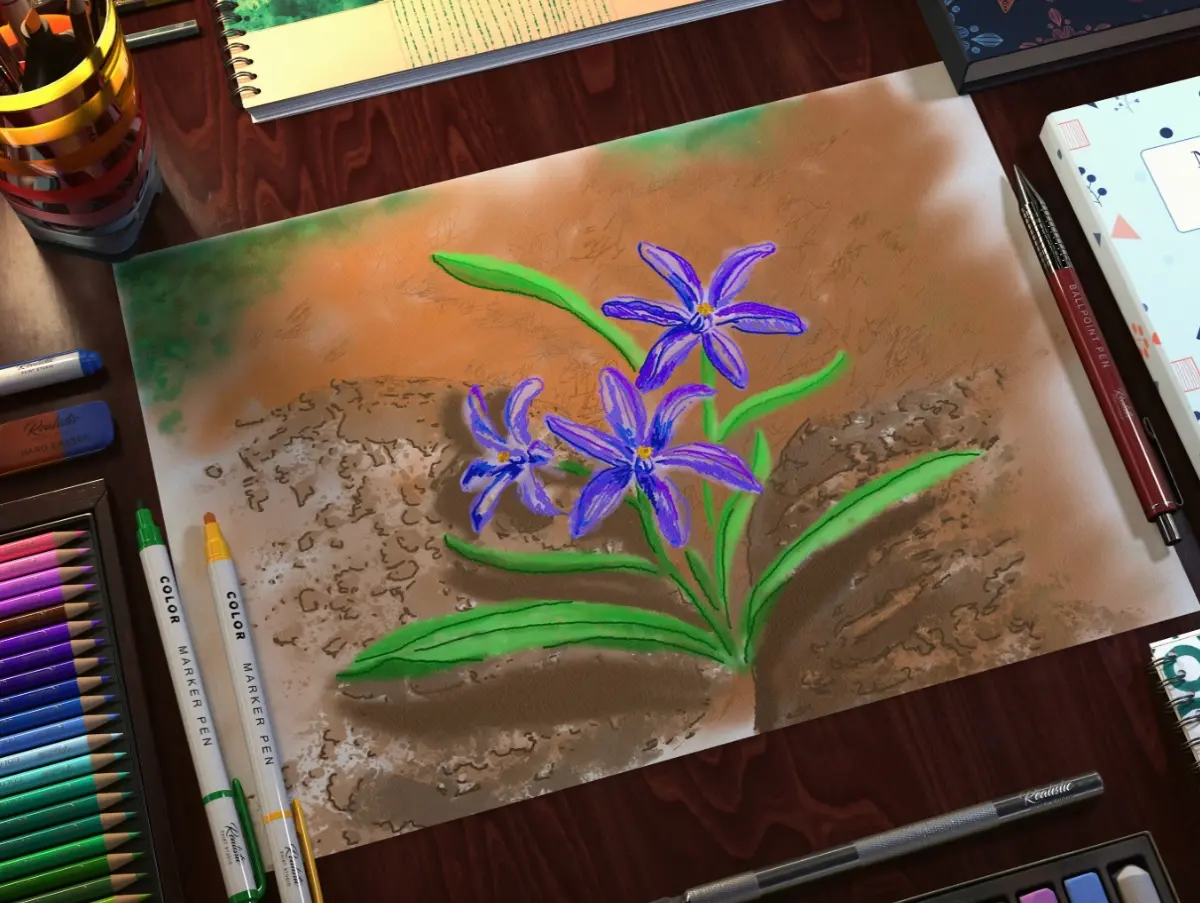
Continuing to study the program Realistic Paint Studio, I chose a pretty spring flower as an object for the image named Chionodoxa.
It's one of the first flowers to bloom in spring.
This beautiful flower is worthy to be painted!
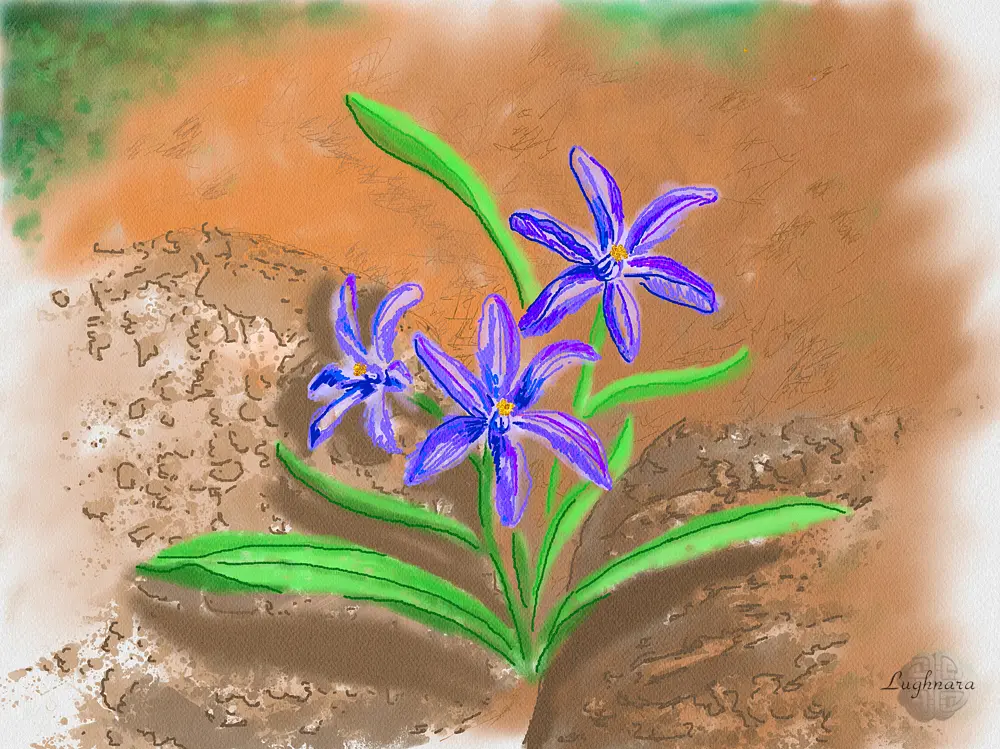
So, my favorite graphic program Realistic Paint Studio has tools to help me get my creative idea into reality.
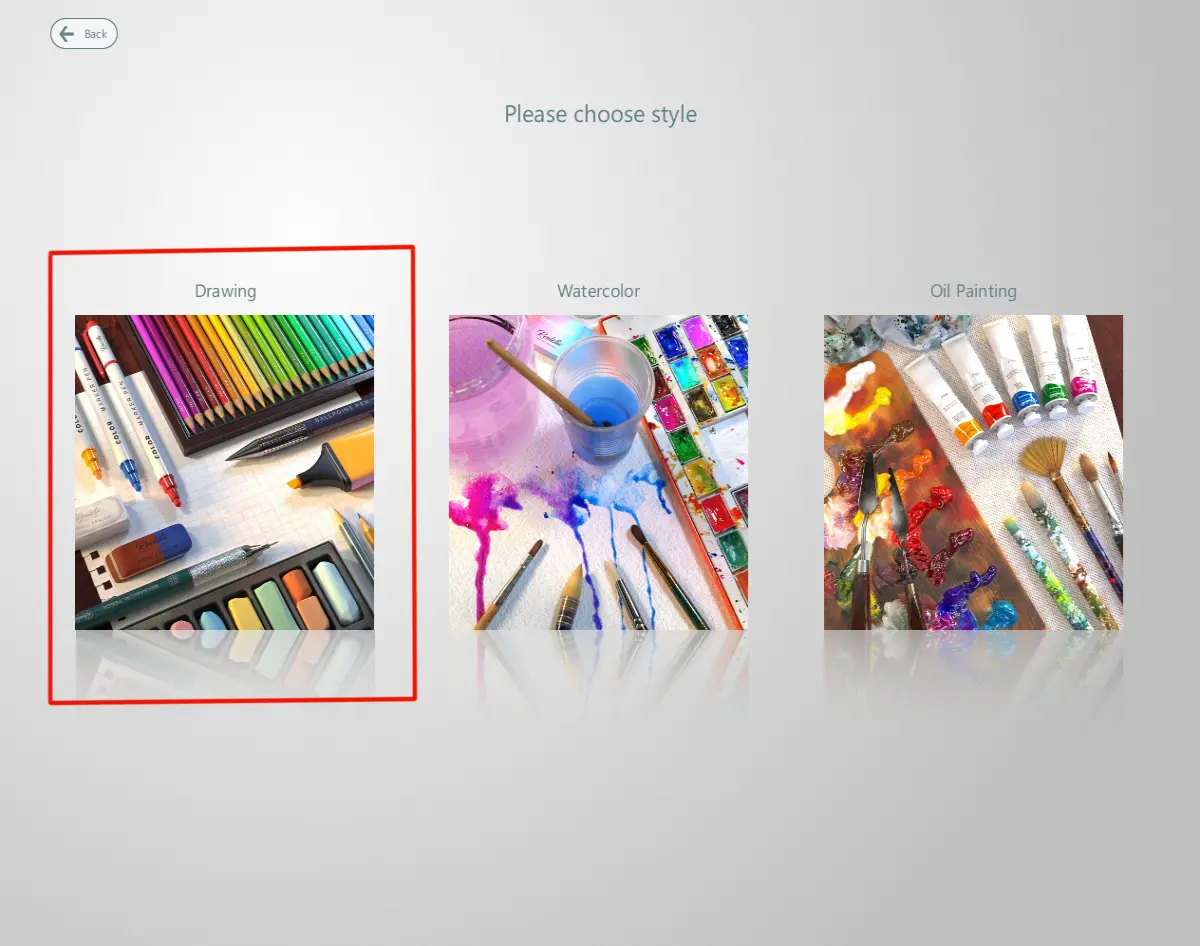
I lunch the program and choose a style "Drawing"
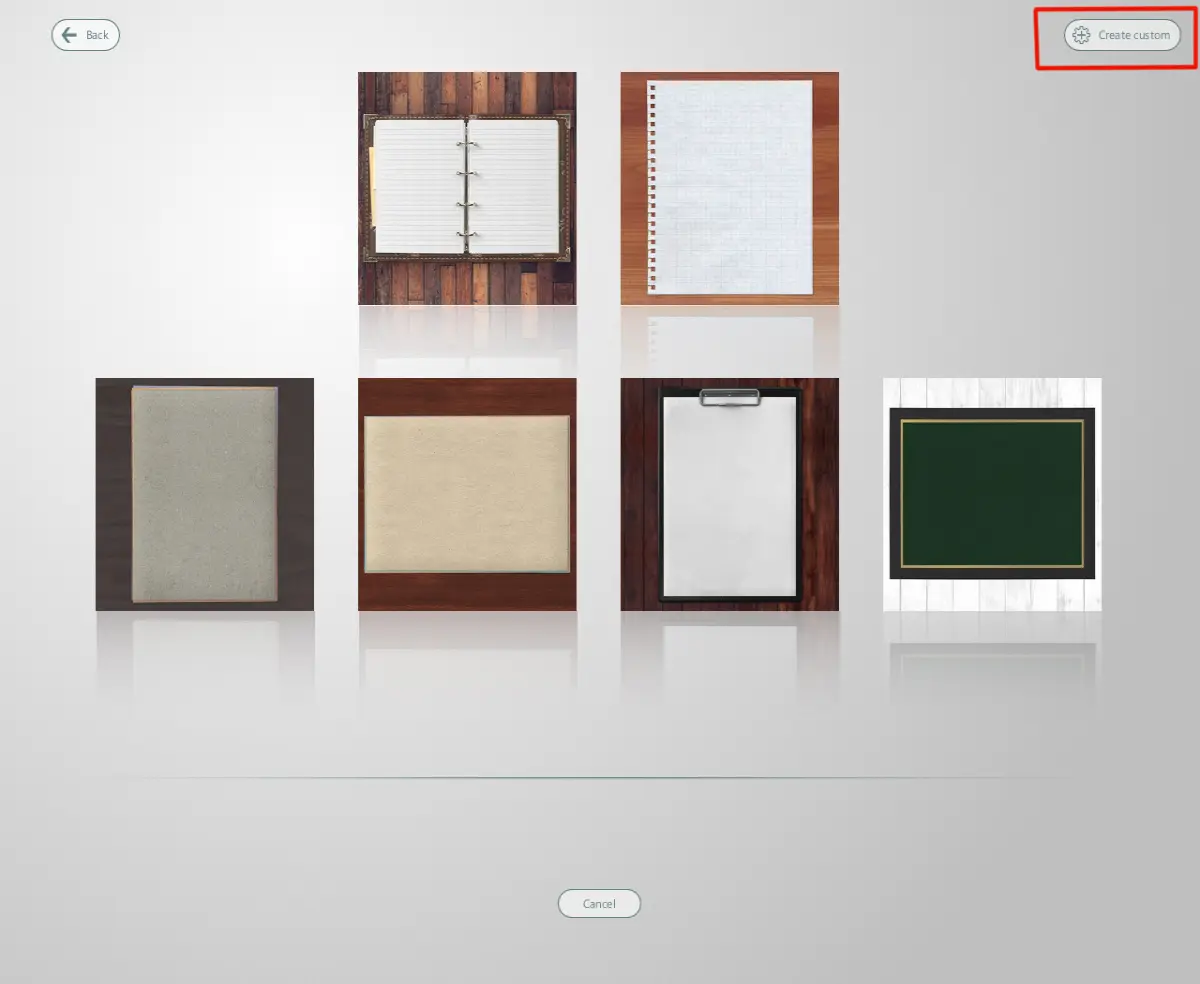
Then I choose a canvas.
The paid version of the program has an ability to create a custom canvas, and I will use this.
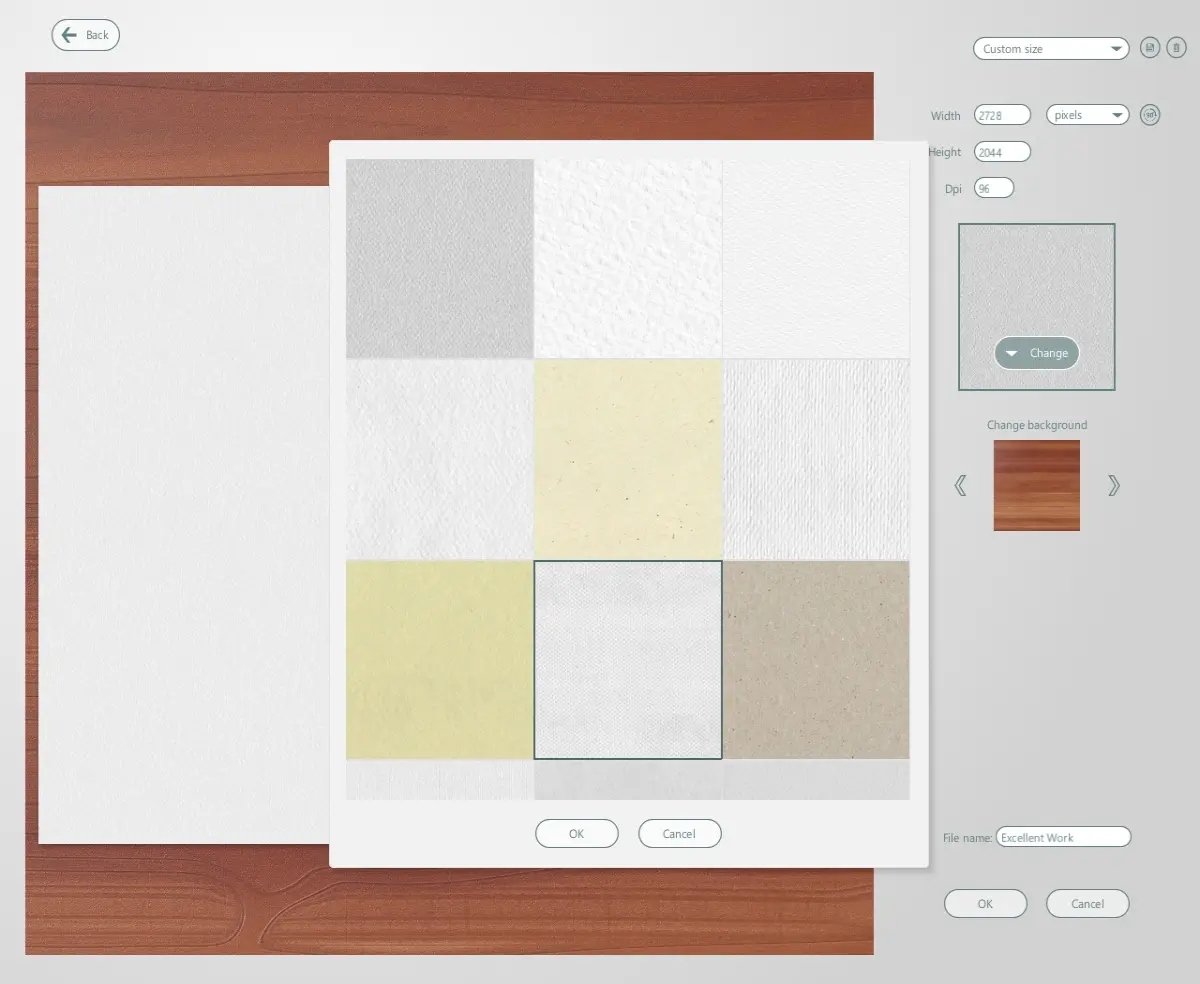
Choosing a color and texture of canvas
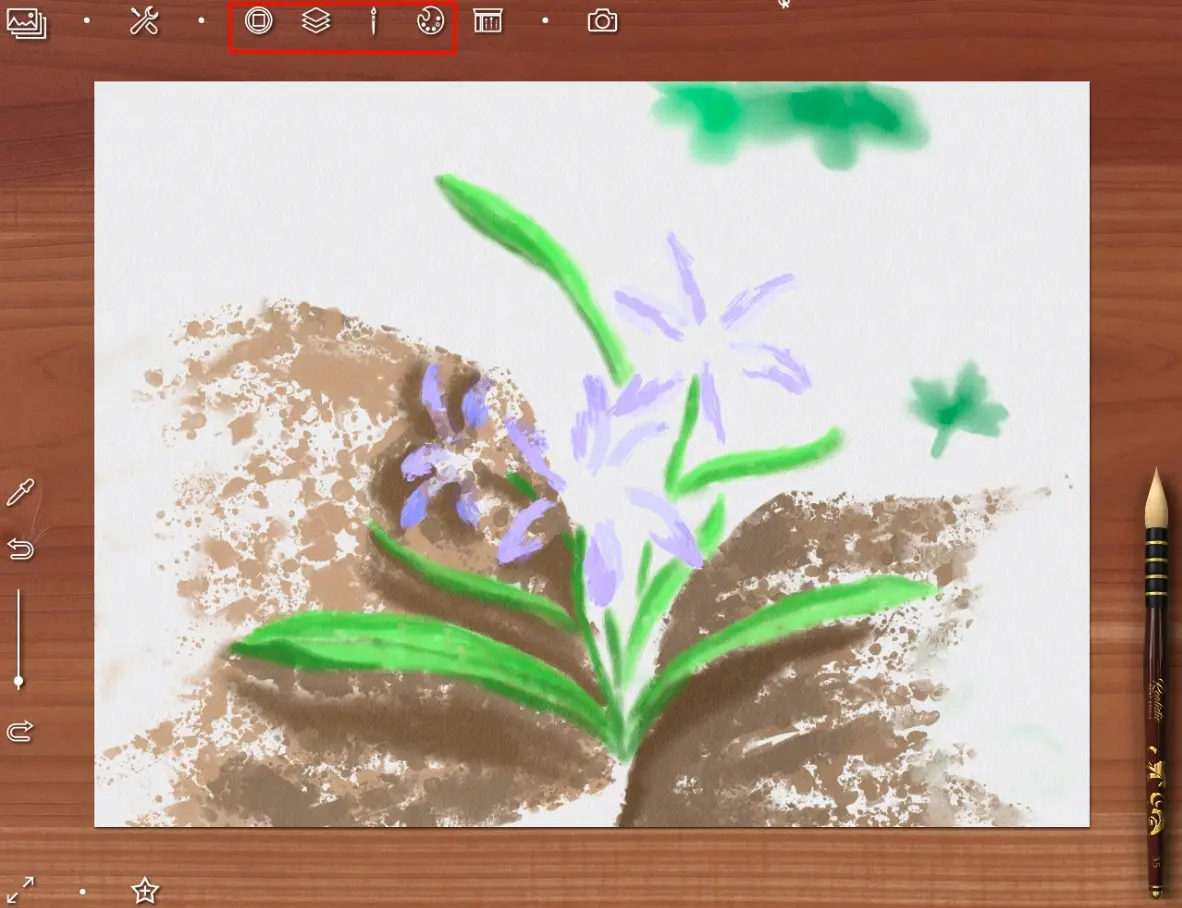
With button at the top (marked with red) can open tool box
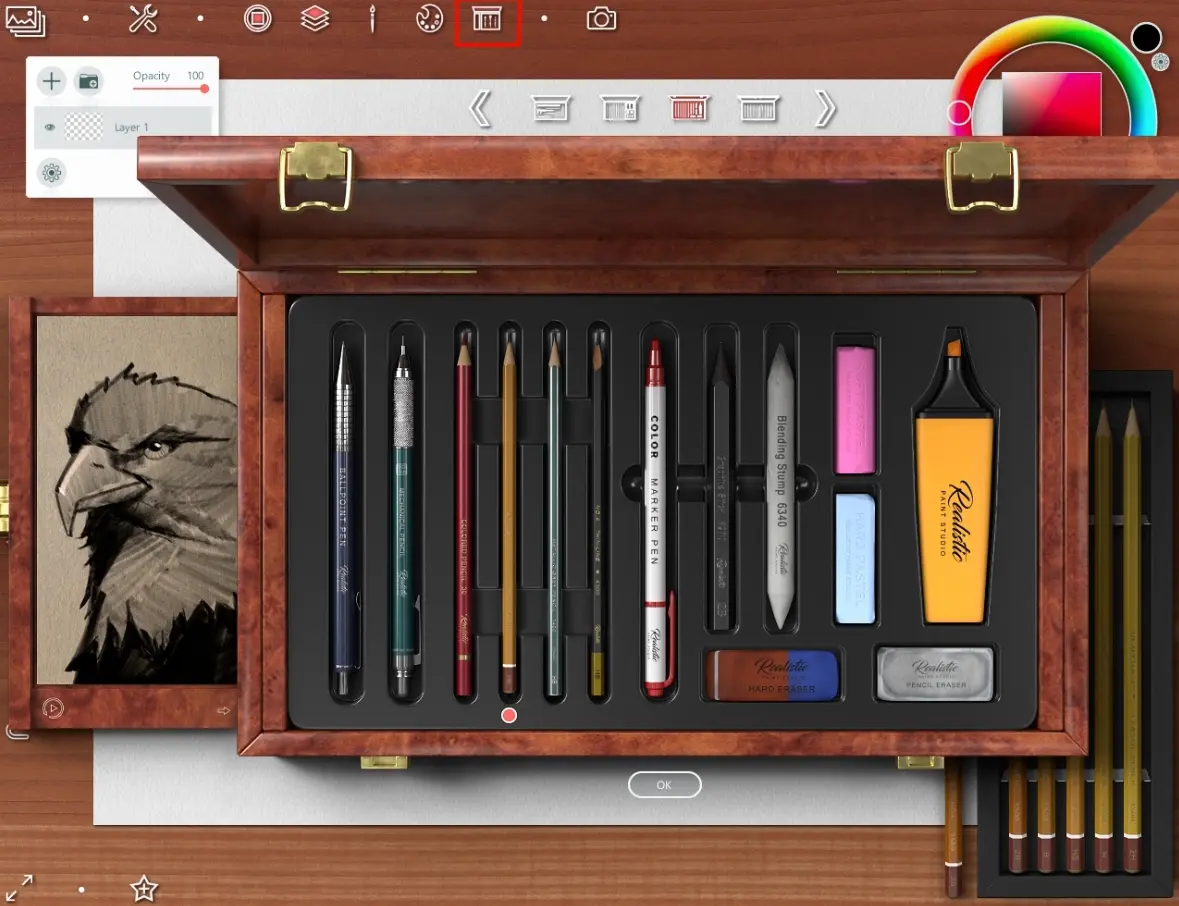
I choose a graphit pencil with a hardness of 2B
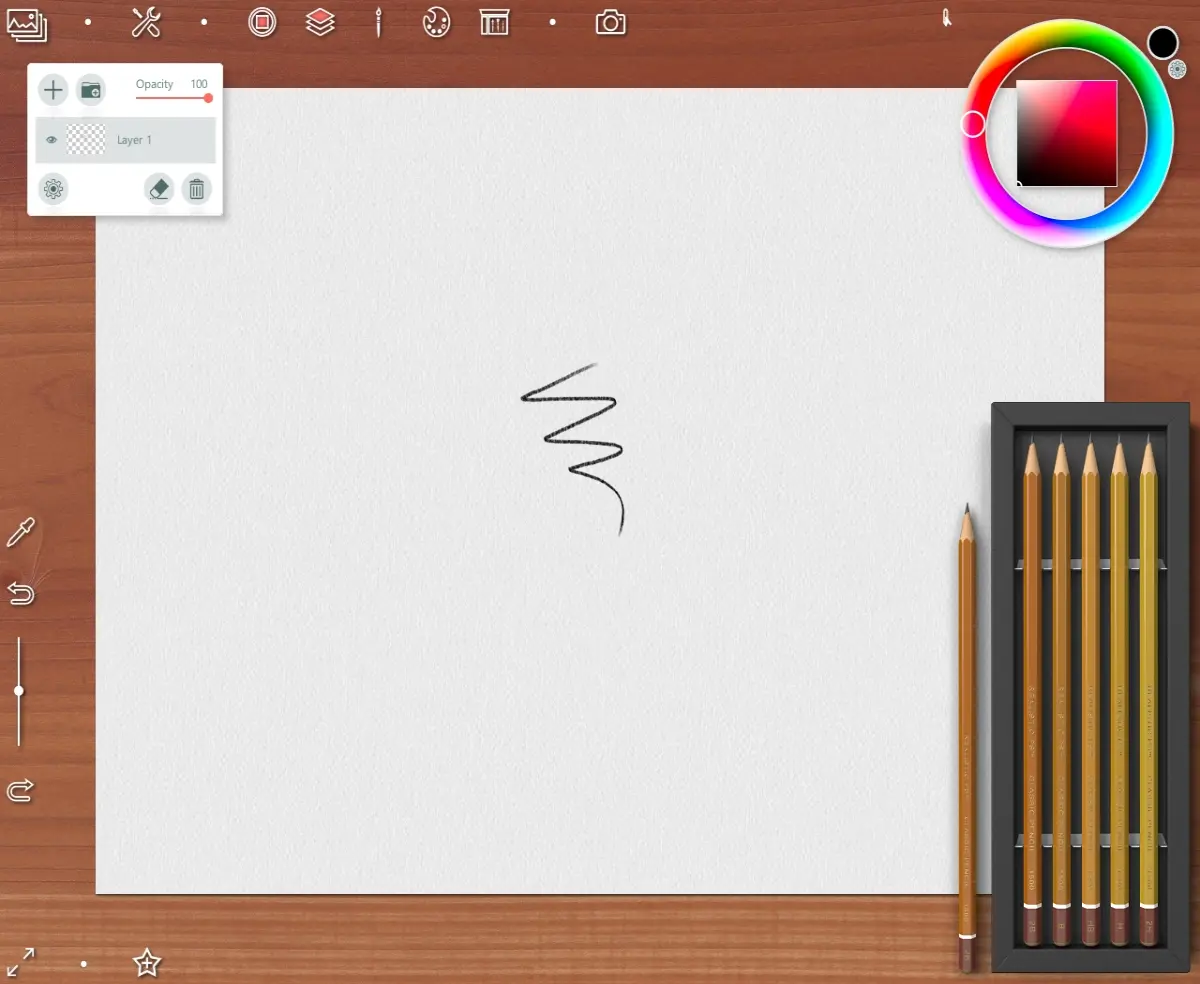
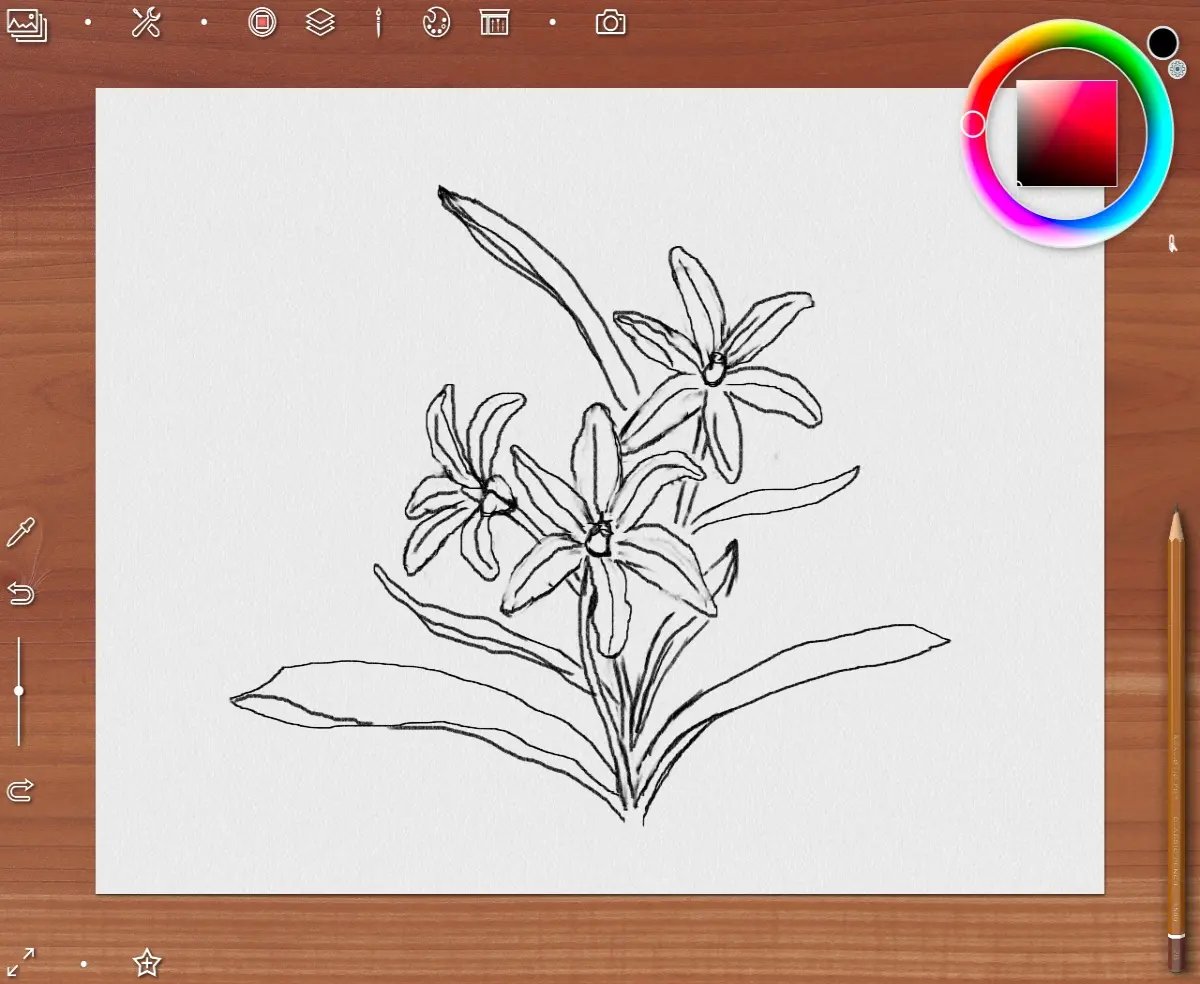
Sketch
I looked at several photos to come up with my own story.
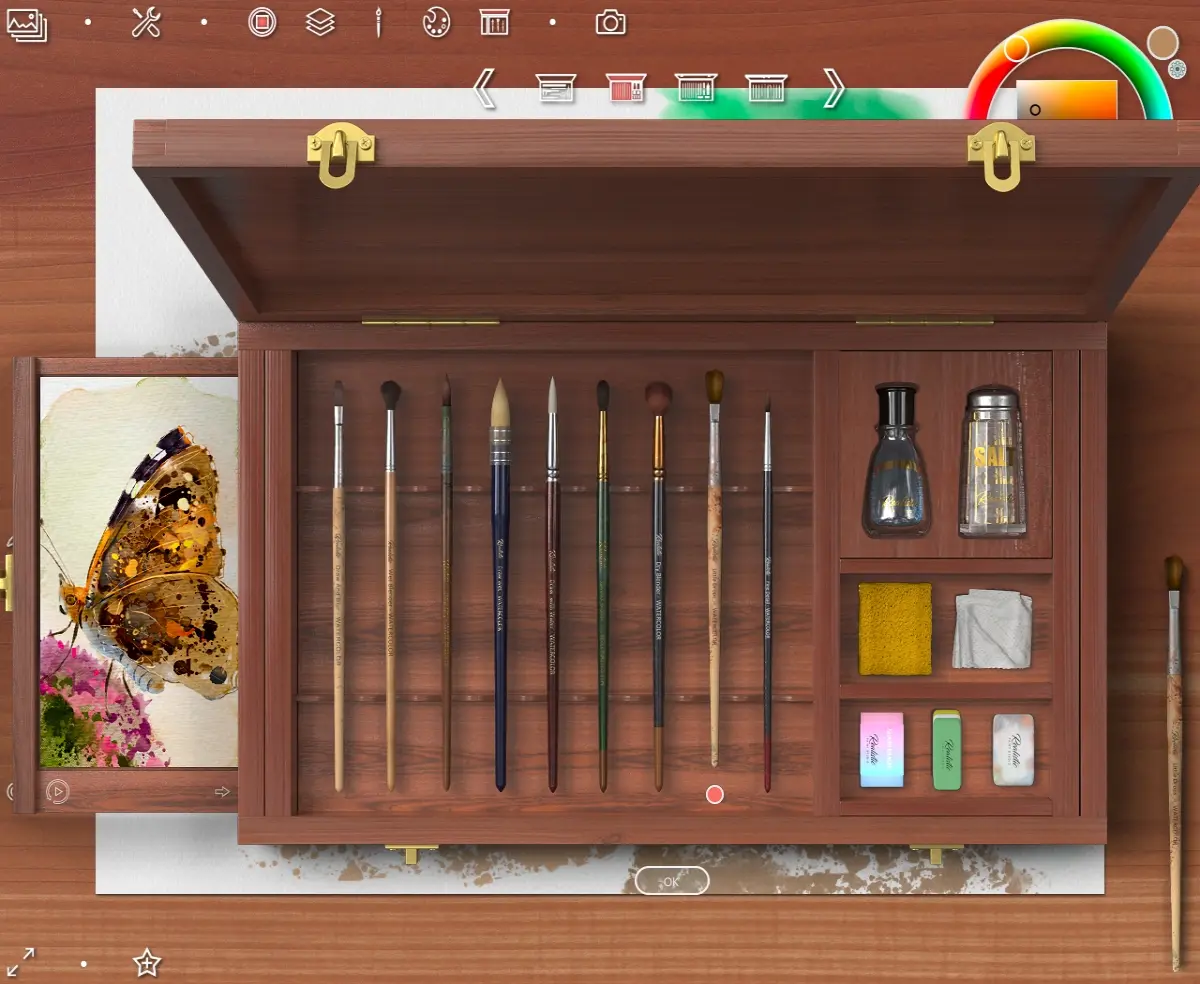
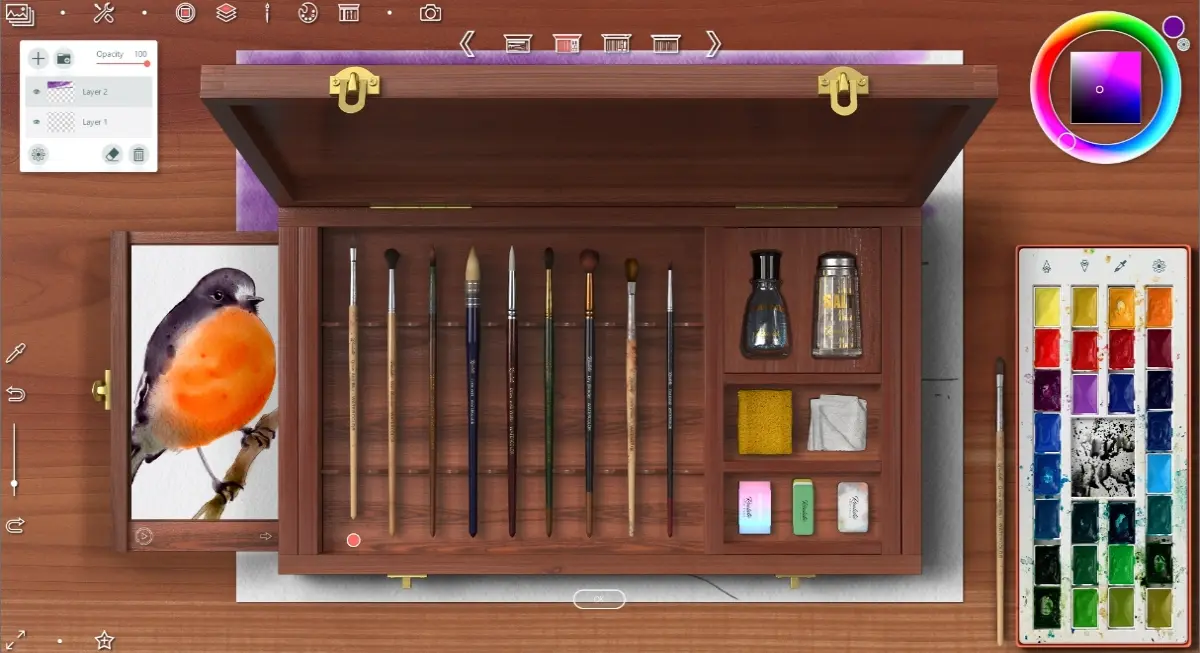
As I wrote in past l tutorial, here you can use a tools from a boxes for other styles.
In this case, I want to use a watercolor brush now and choose a brush for create beautiful texture strokes named Little drops
In my idea, a flower grows between two stones. This brush helps me create a porous texture for them.
In this step I try to draw a foliage on background so ( I will adjust its shape and location later)
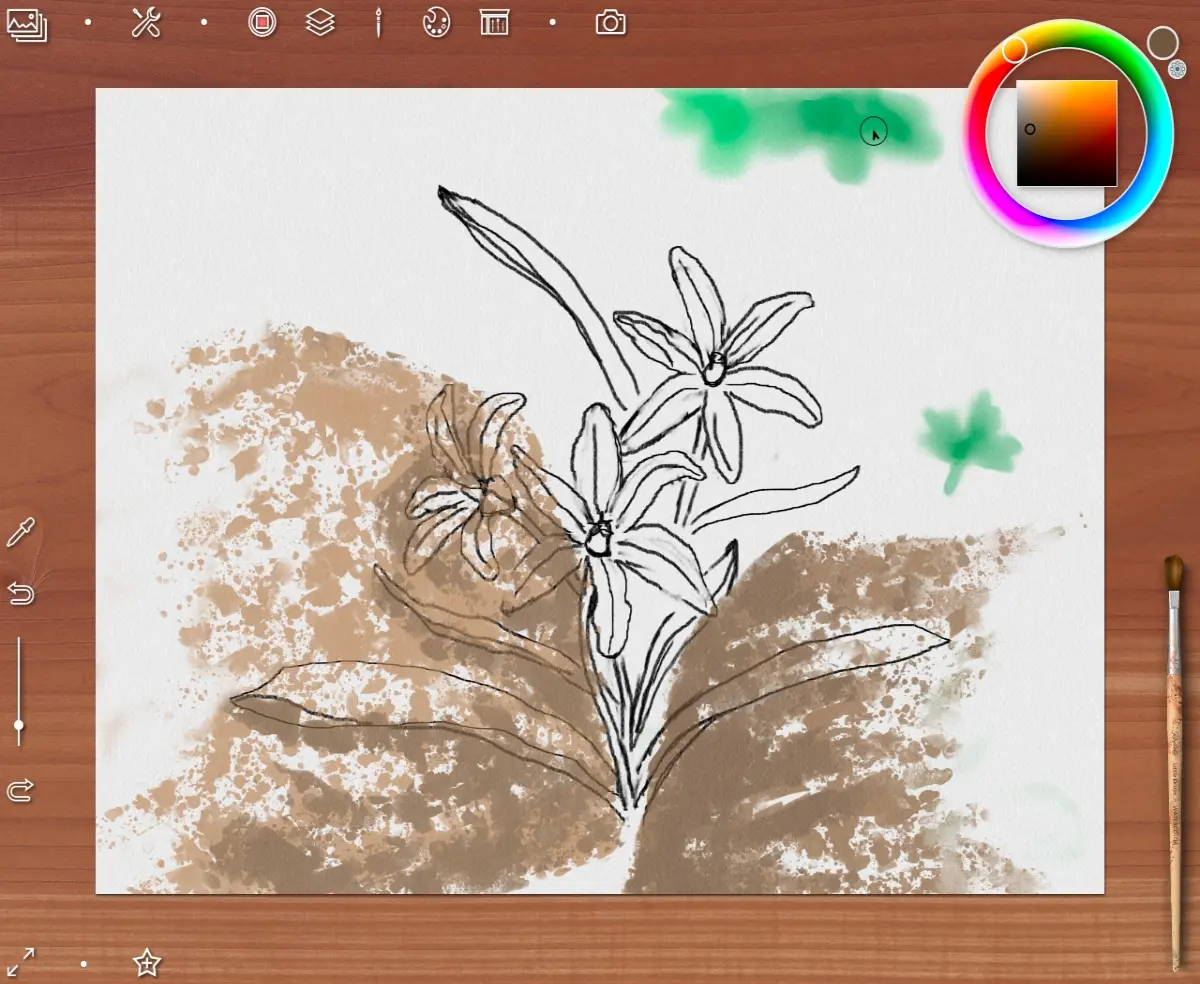
Then I choose a basic brush Draw and Blur
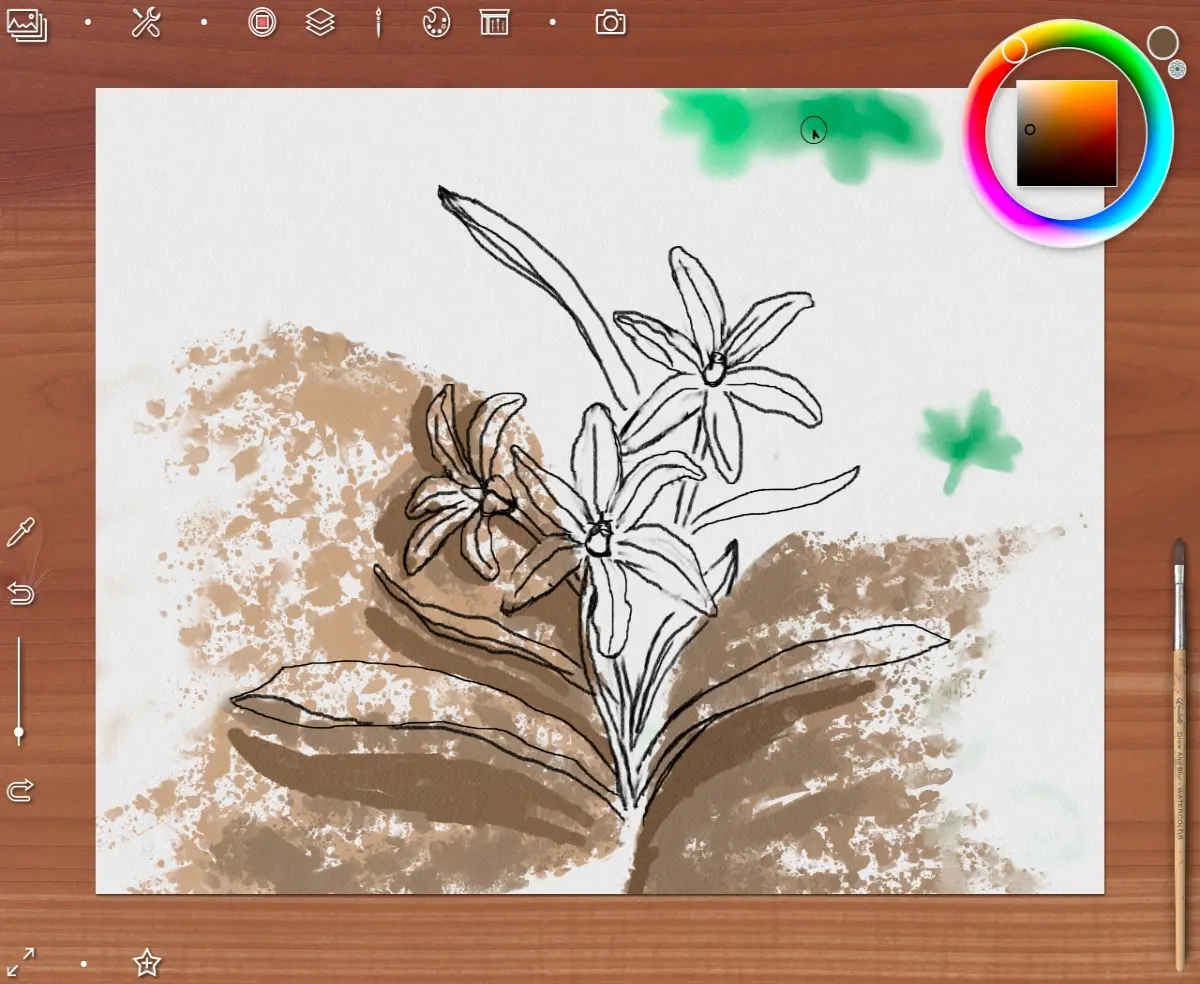
to draw a drop shadows from flower on a stones (on new layer)
Then I choose another brush from watercolor box - Wet blender
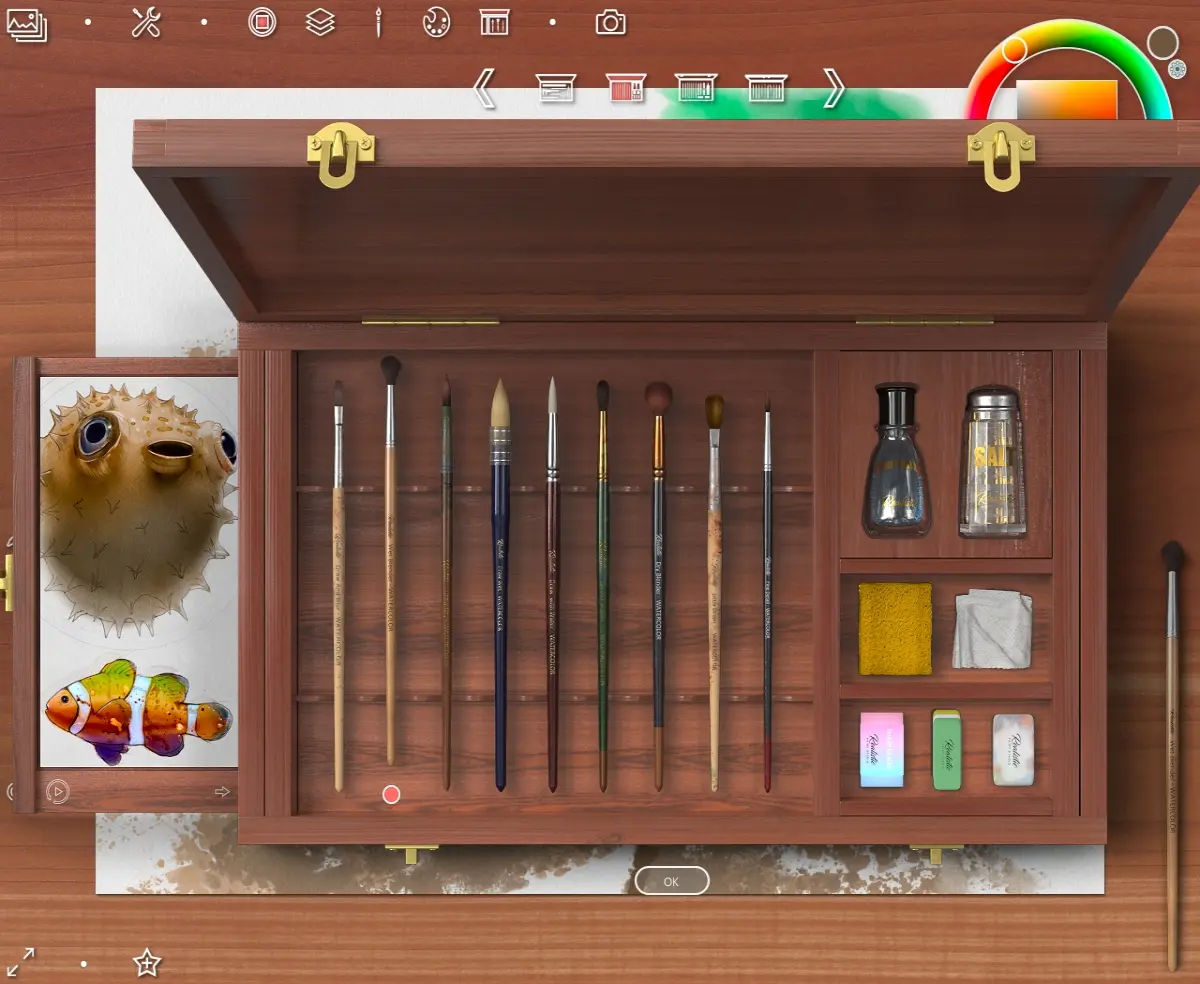
to blur a shadows a little
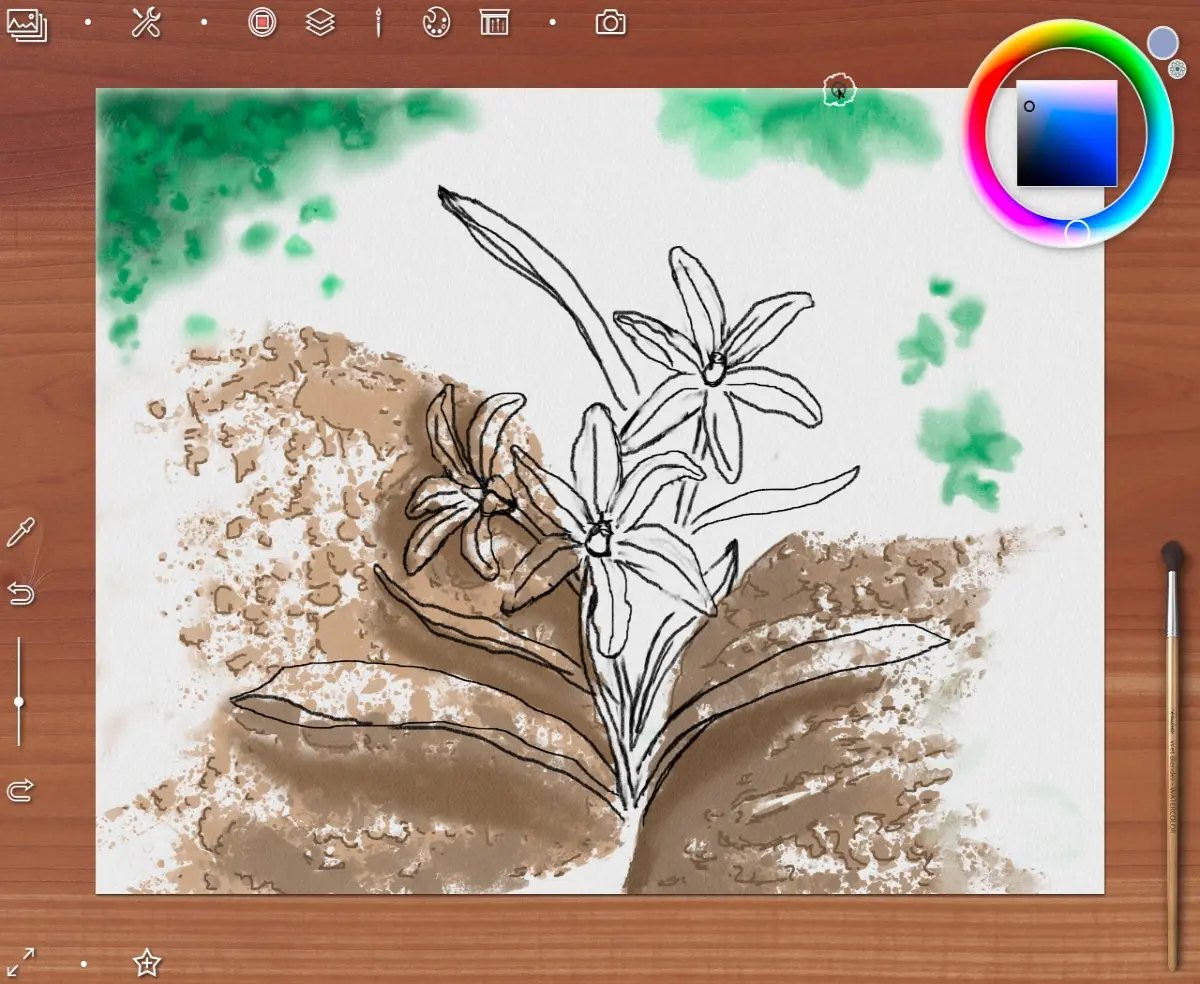
And now all the fun begins!
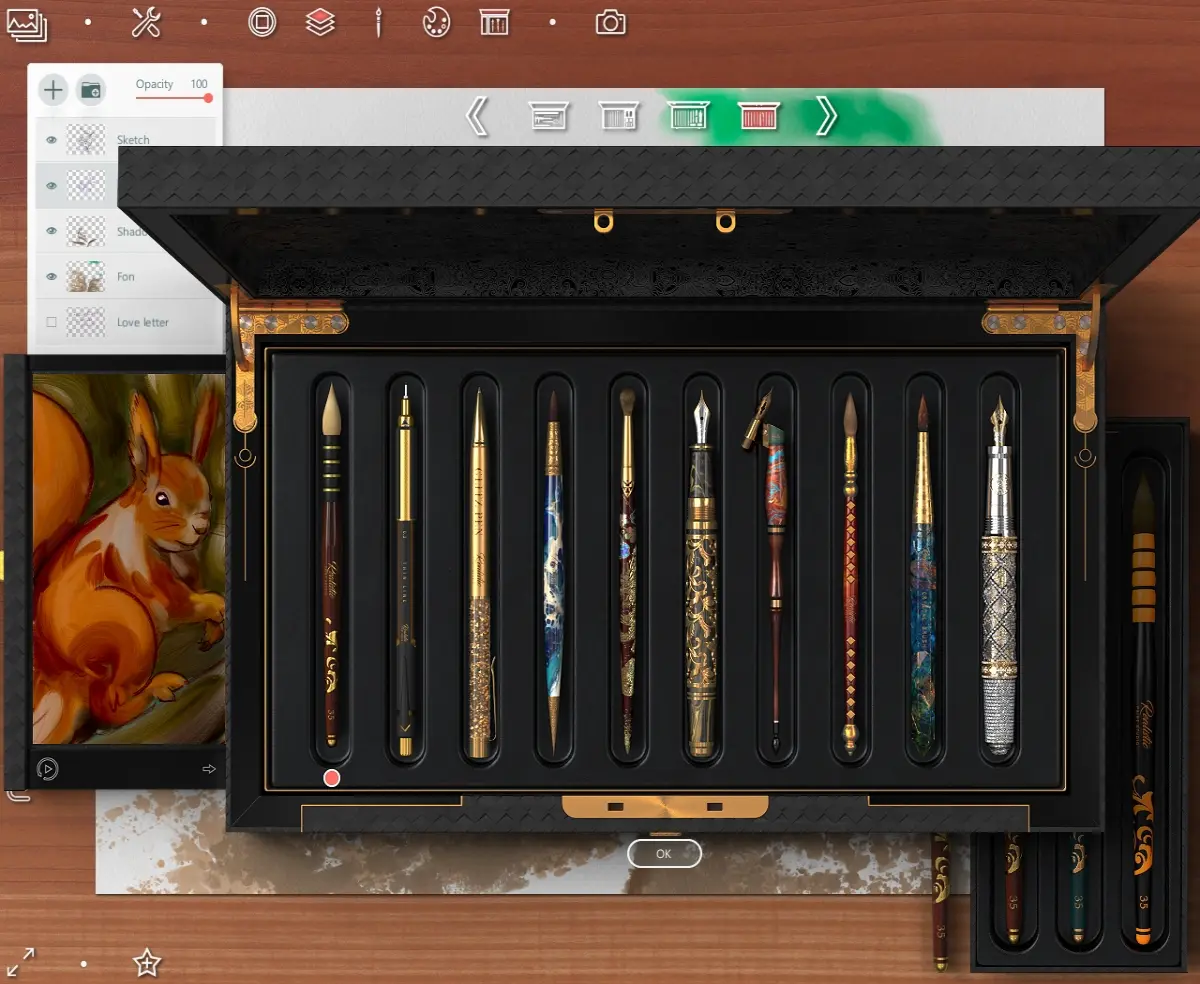
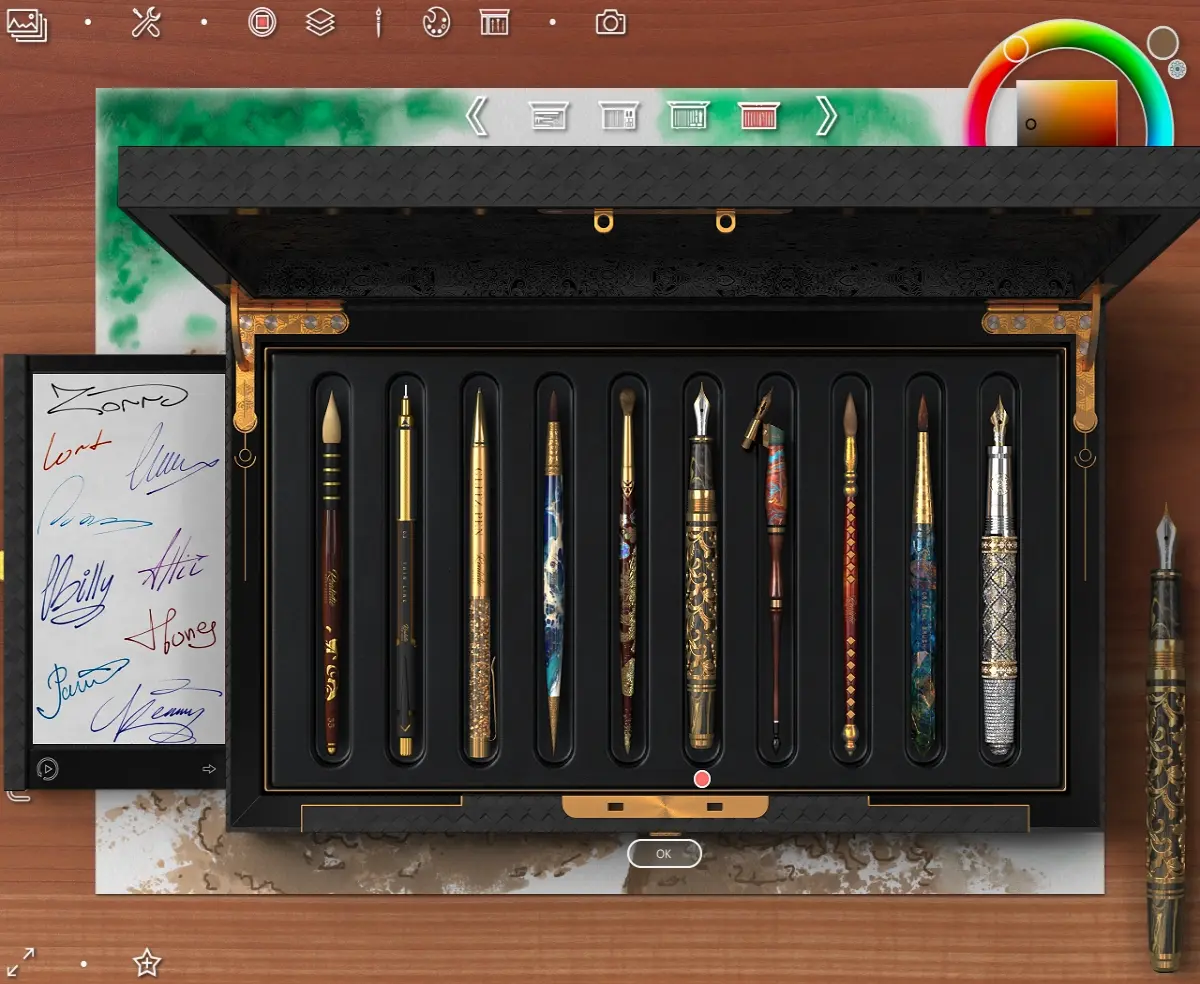
The fact is that the paid version of Realistic Paint Studio includes an exclusive set of tools for calligraphy and design.
This is what the box with these tools looks like.
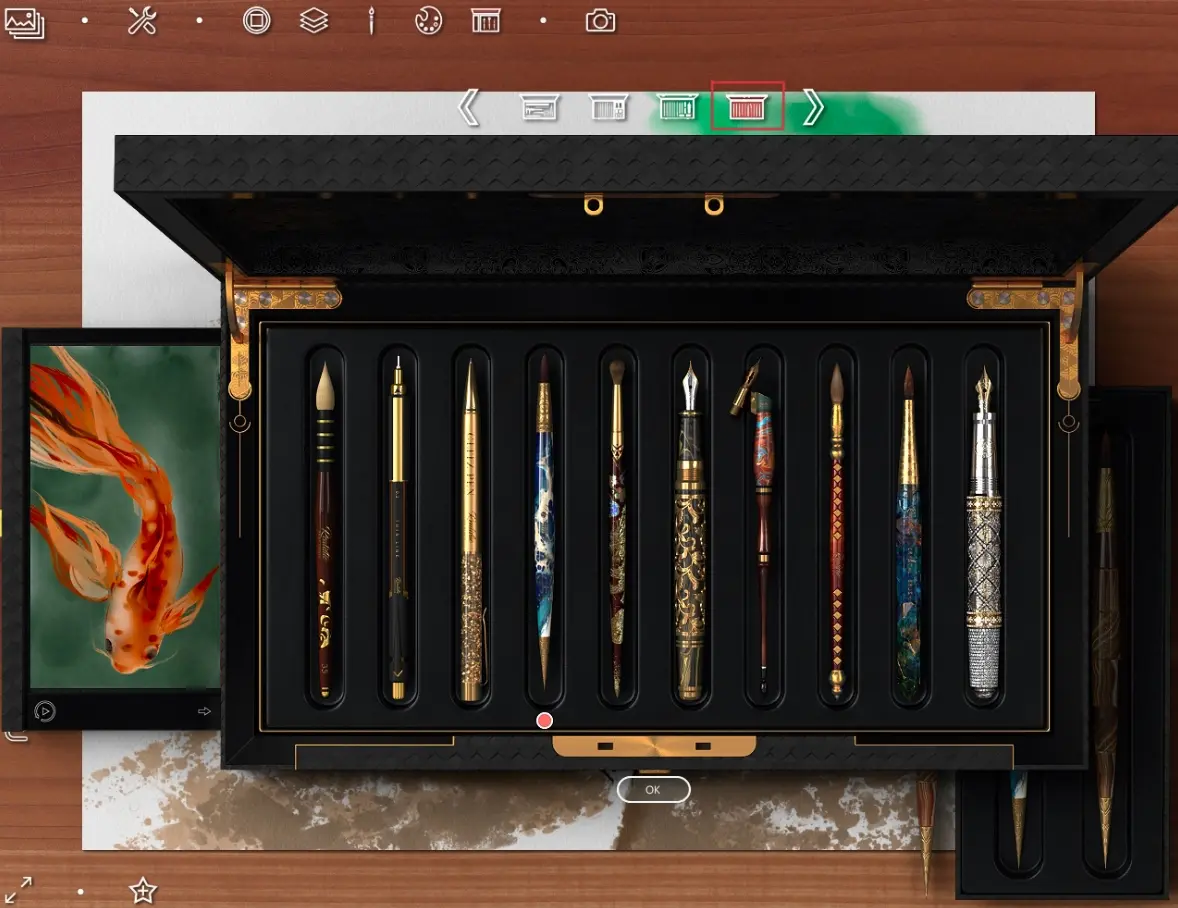
I choose the fourth brush for painting a petals - Glass brush
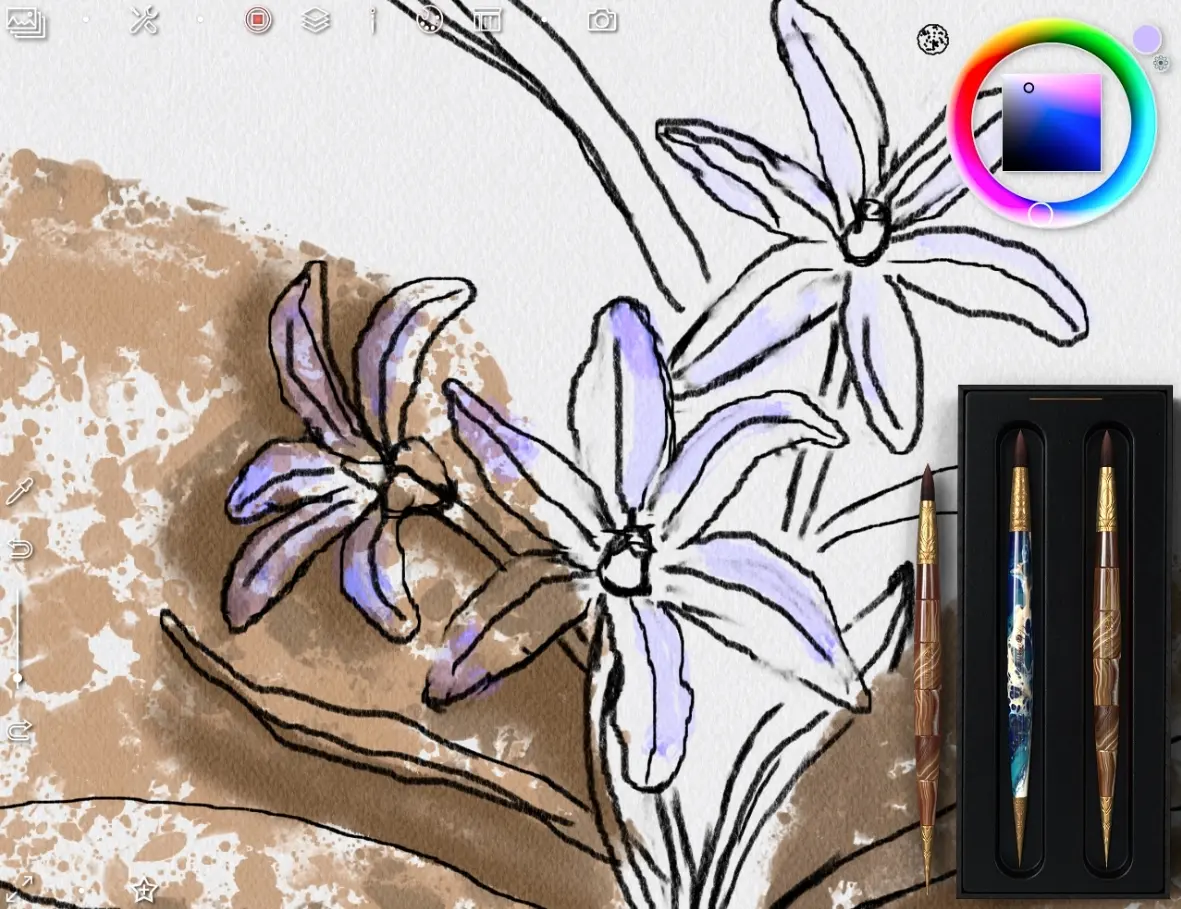
Yes, I want to say I create a new layer to each element of my picture
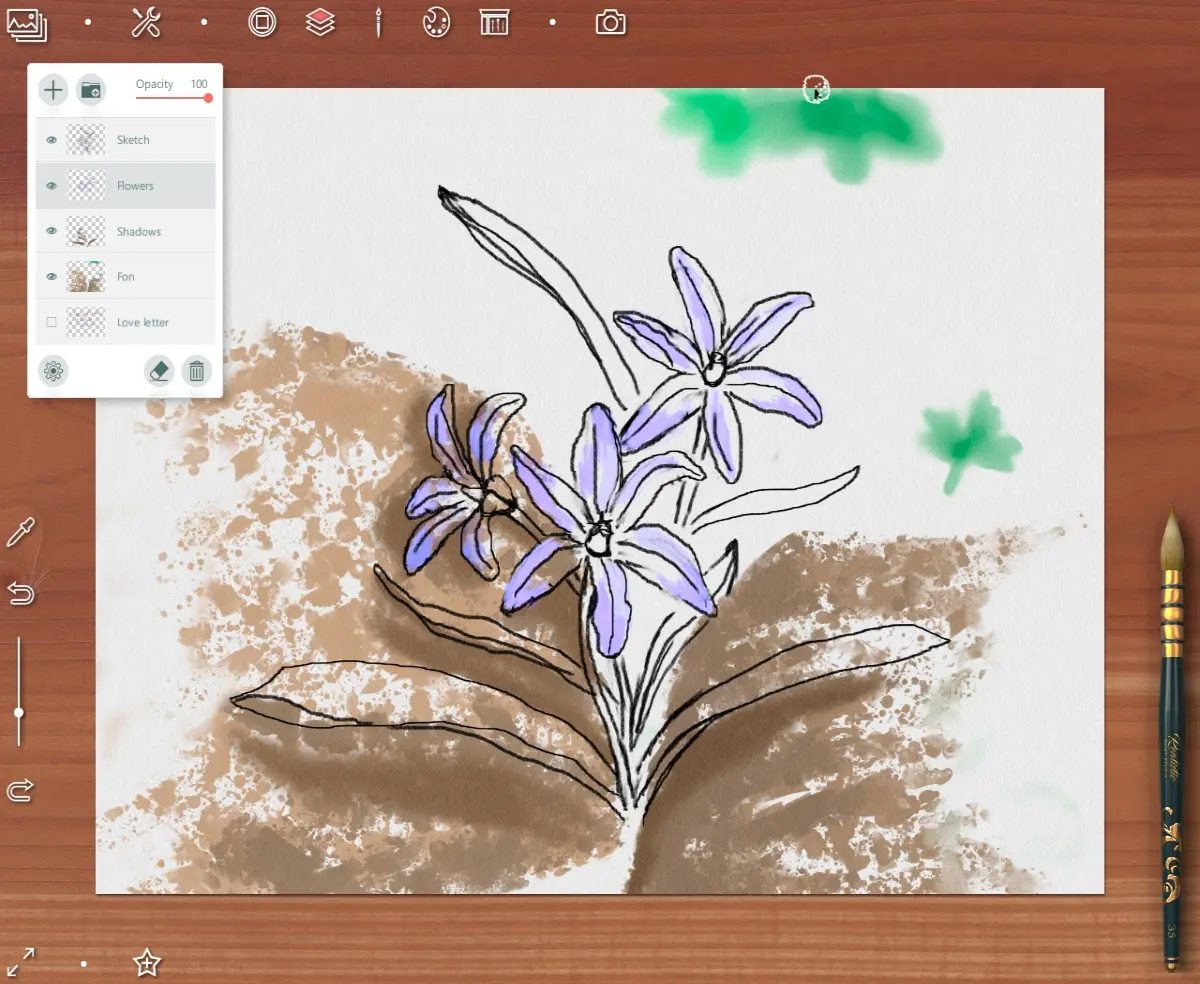
Choosing a brush for drawing a leaves - Artistic brush
I also want to add: if some toolbar interferes with drawing, you can remove it at any time or open it again using the buttons at the top
The foliage on background I draw with basic watercolor brush
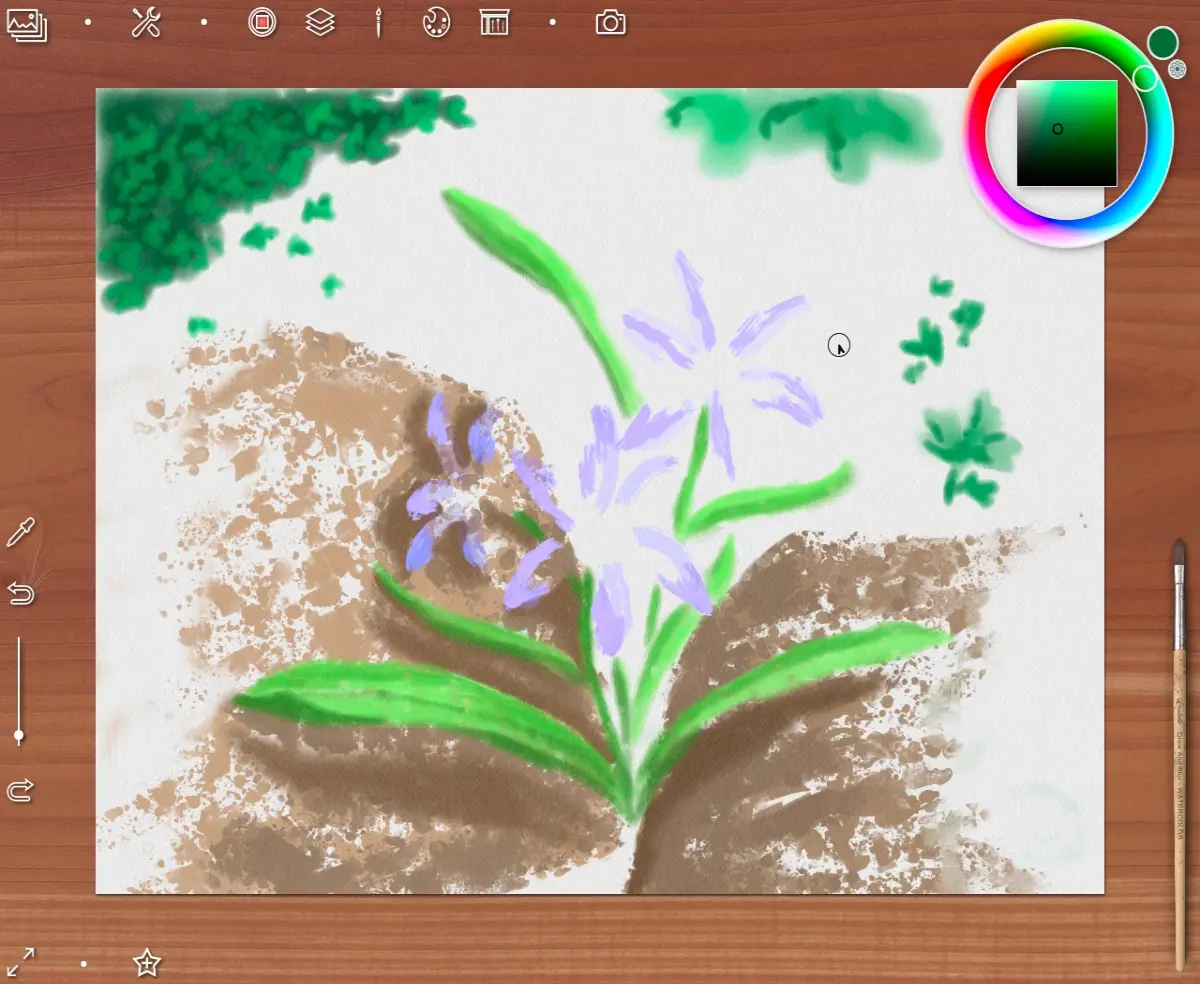
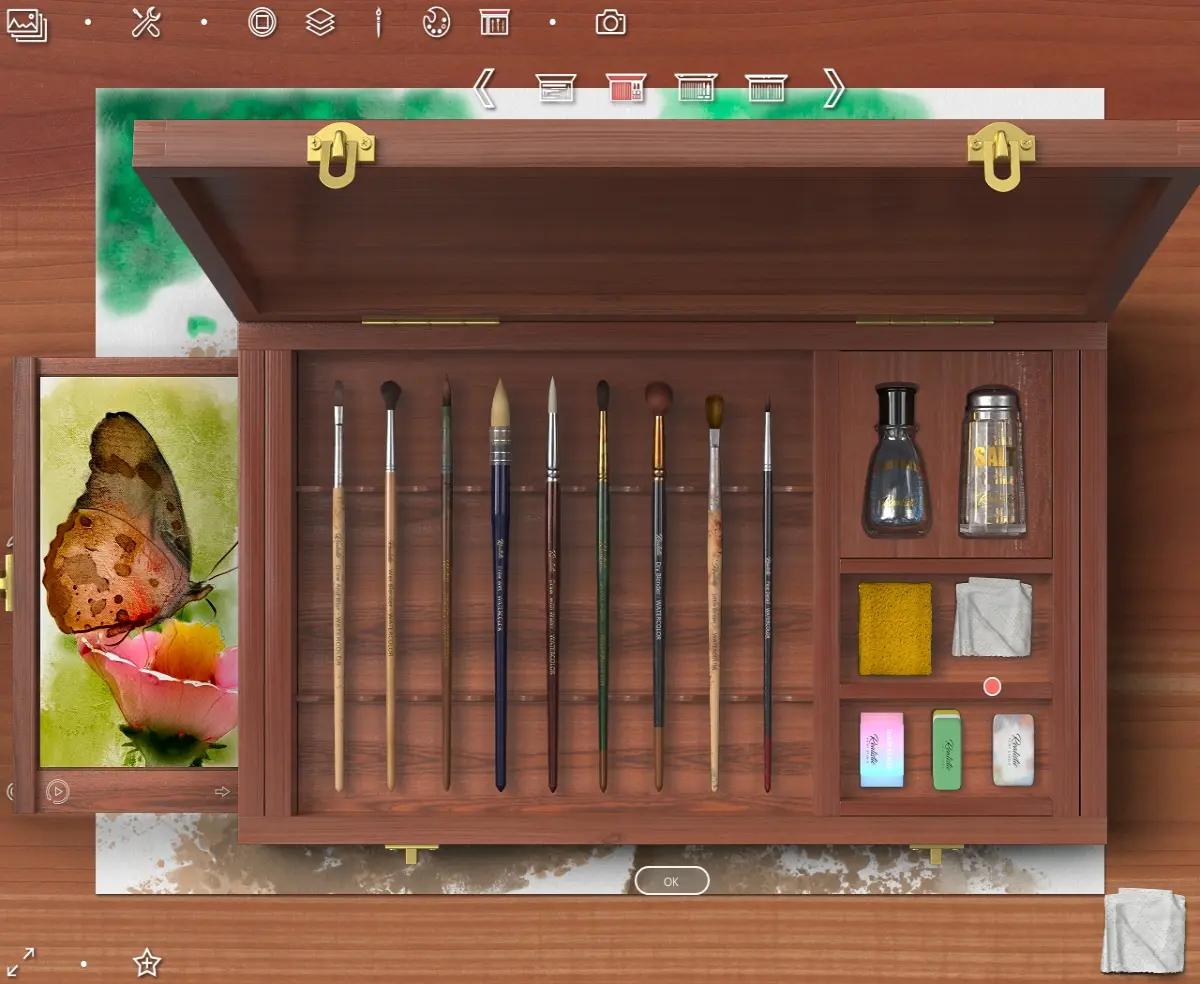
Then I erase a little and blot the edges of the area with a sponge (also from a watercolor box)
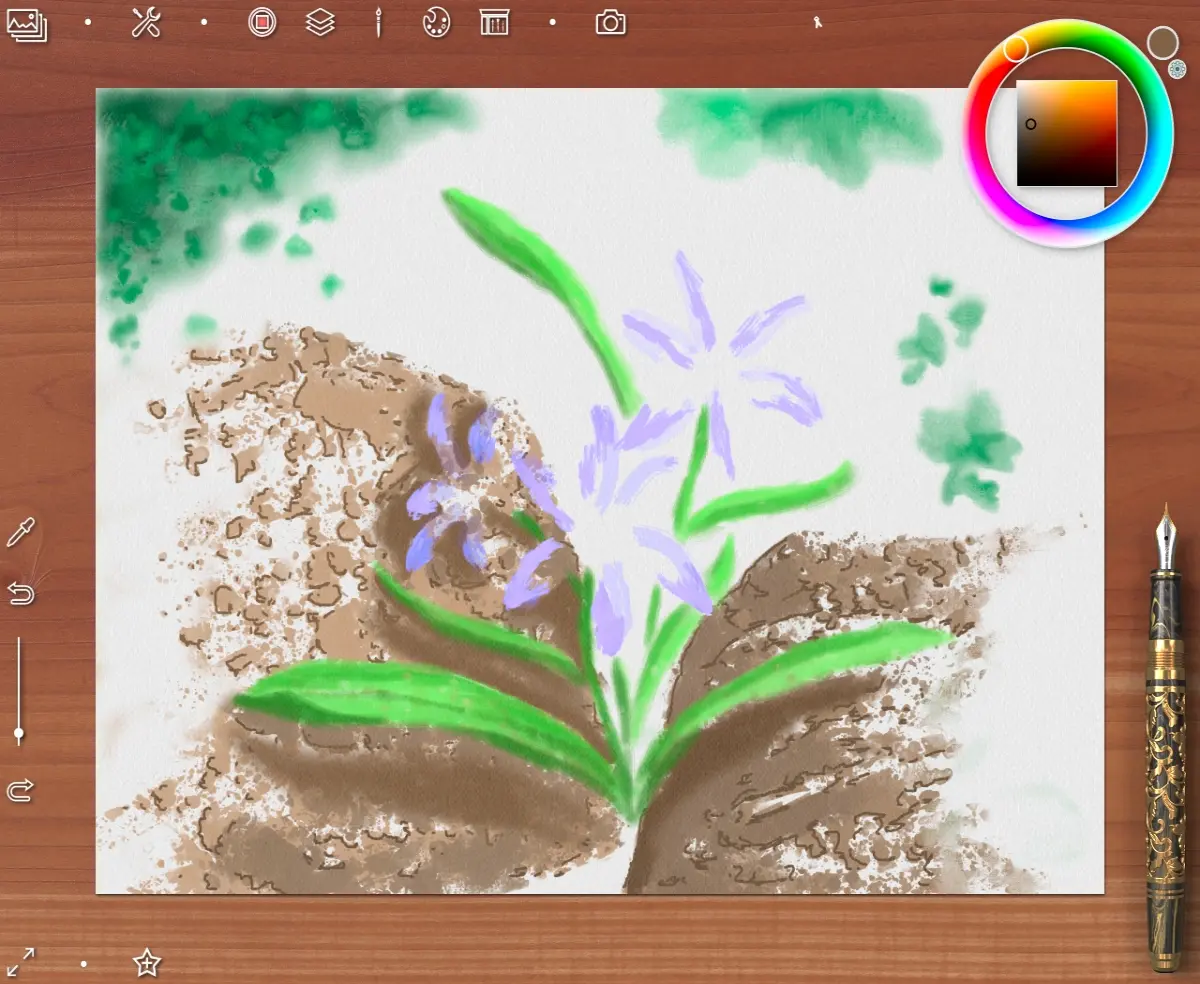
Then I return an exclusive set box and choose a pen - Fountain pen
to detail a texture of the stones
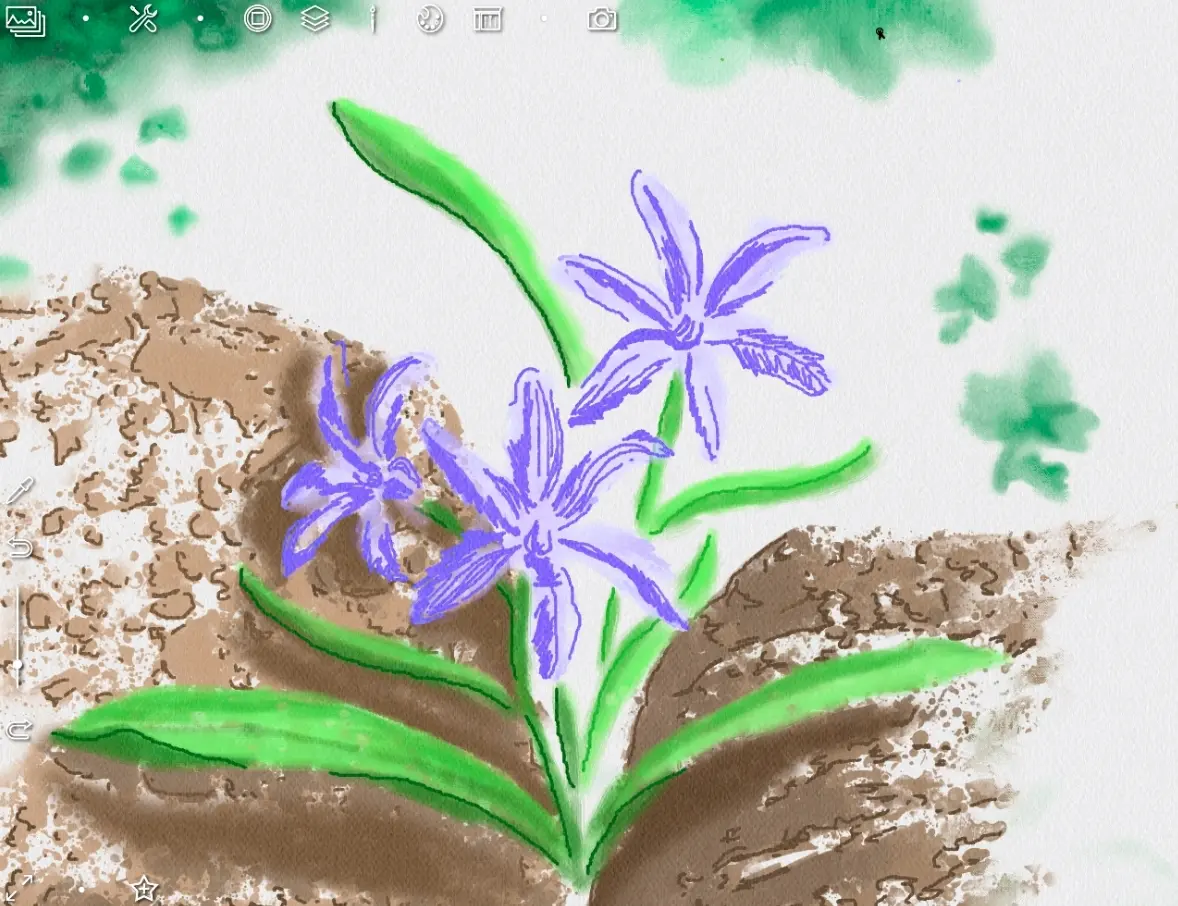
With tha same pen I refine a shape of the petals and leaves of a flower
For the cores of the flowers, I choose the Glitz Pen tool which draws in gold.
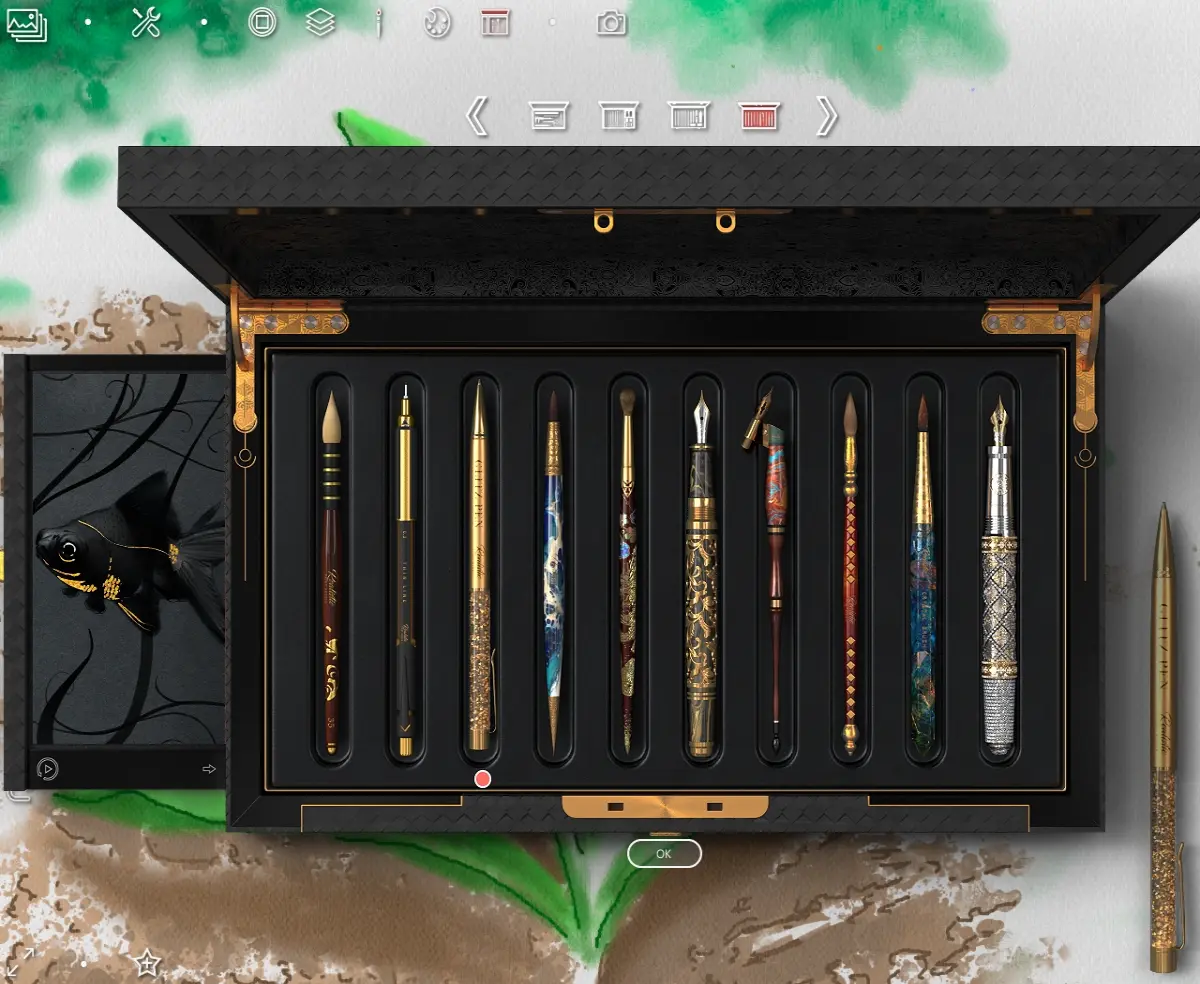
This element brings a little beauty and magic to the picture.
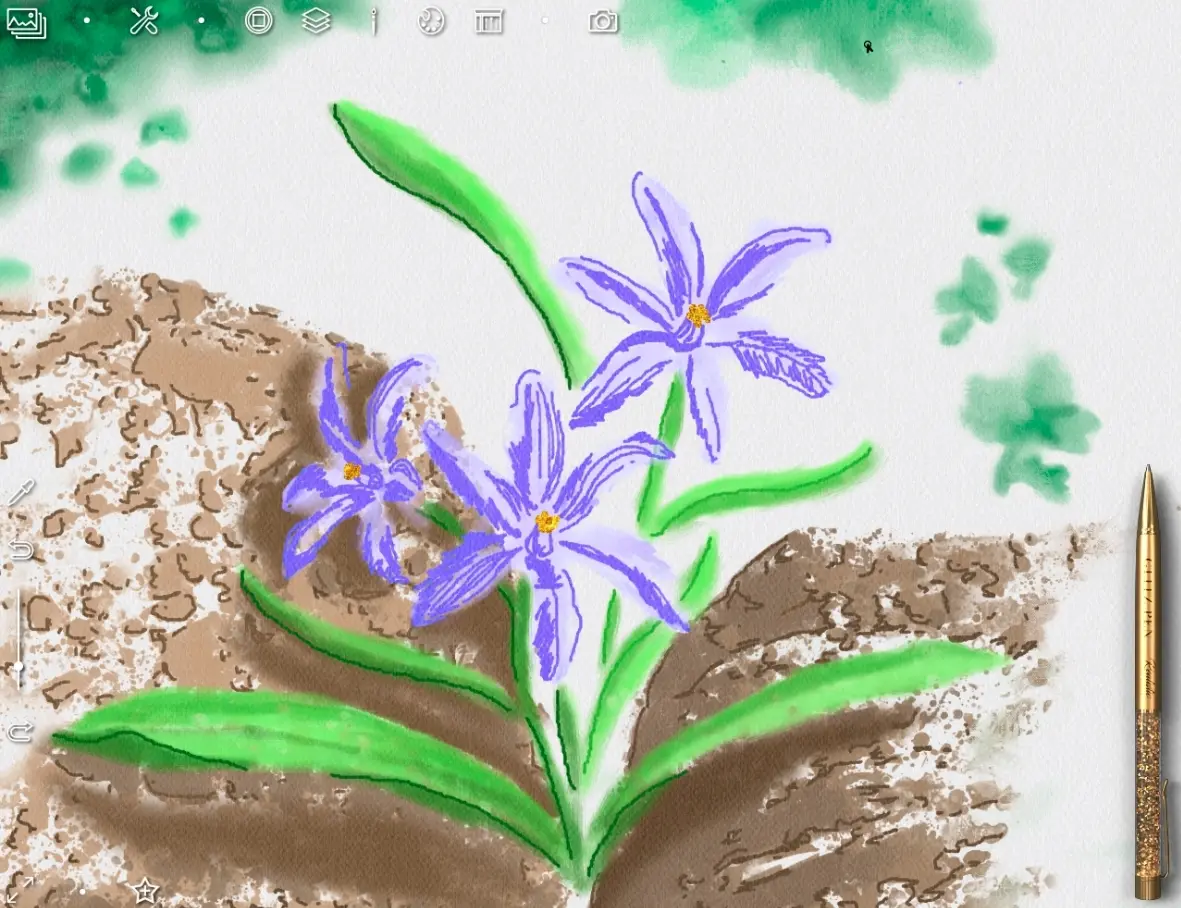
Then I choose a Fountain pen again.
I slightly modify the color of a petals depending on the lighting (according to my plan, a light falls from the right)
So they look much more expressive, right?
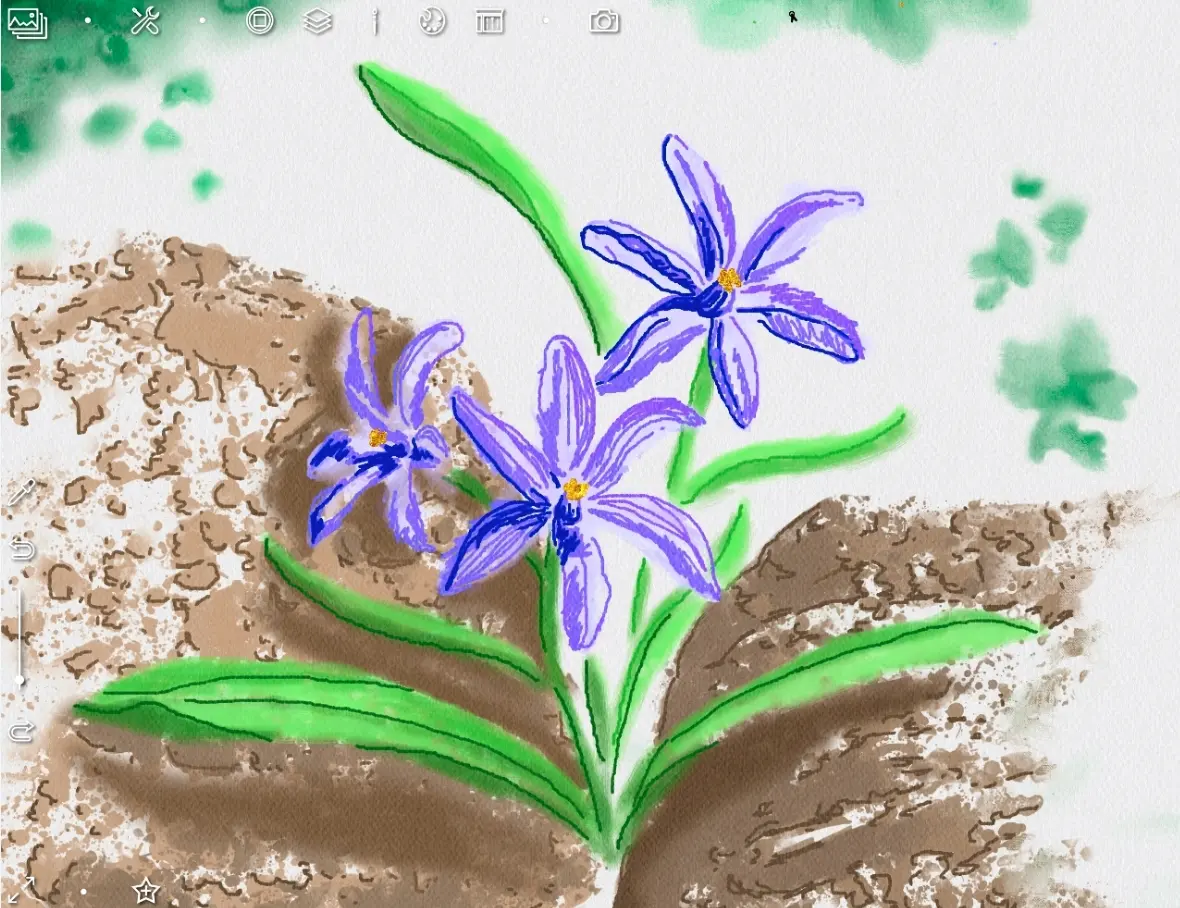
So, only the background remains.
I want to make it a color that makes the flowers stand out better.
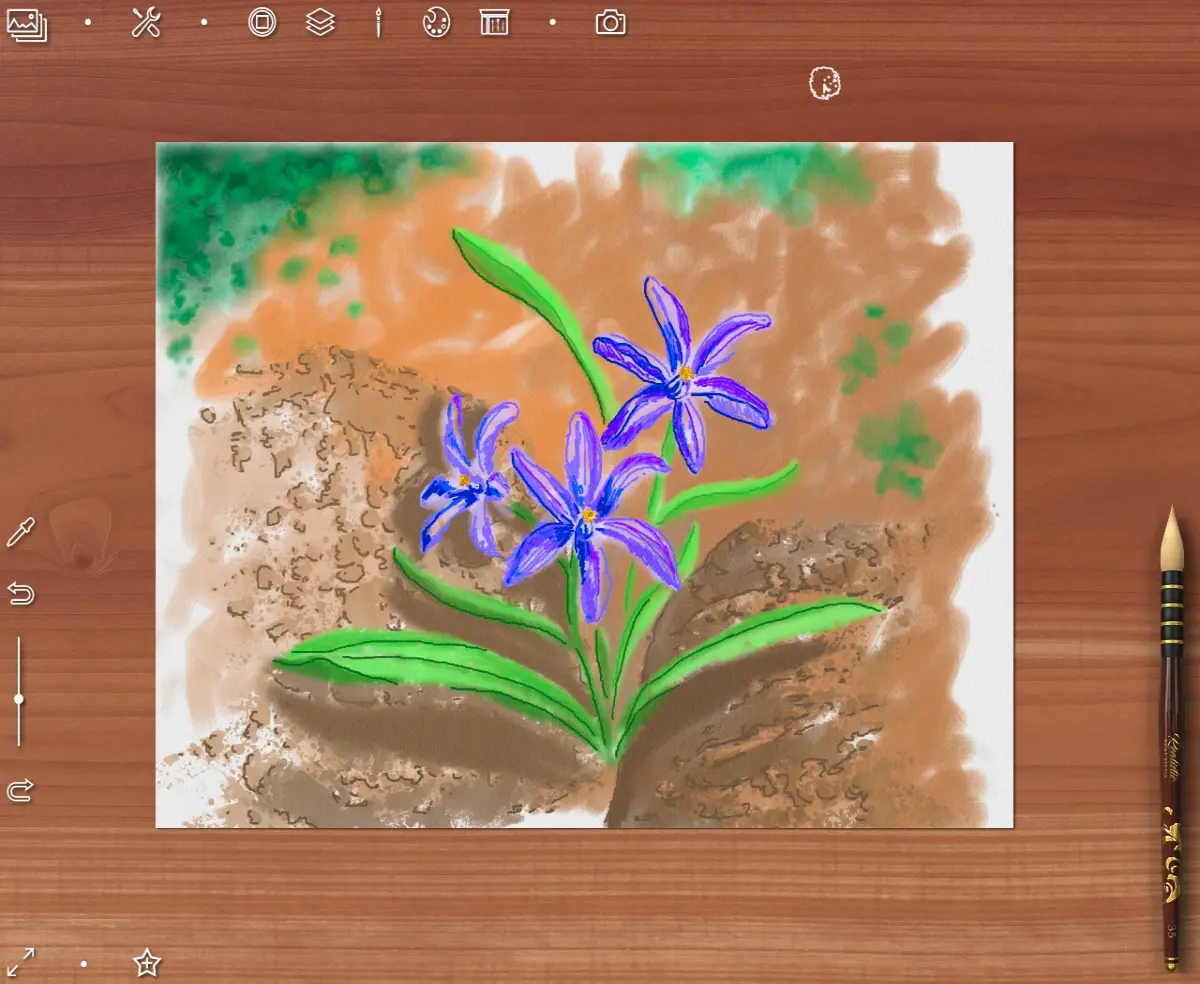
I soften the strokes with blur brush
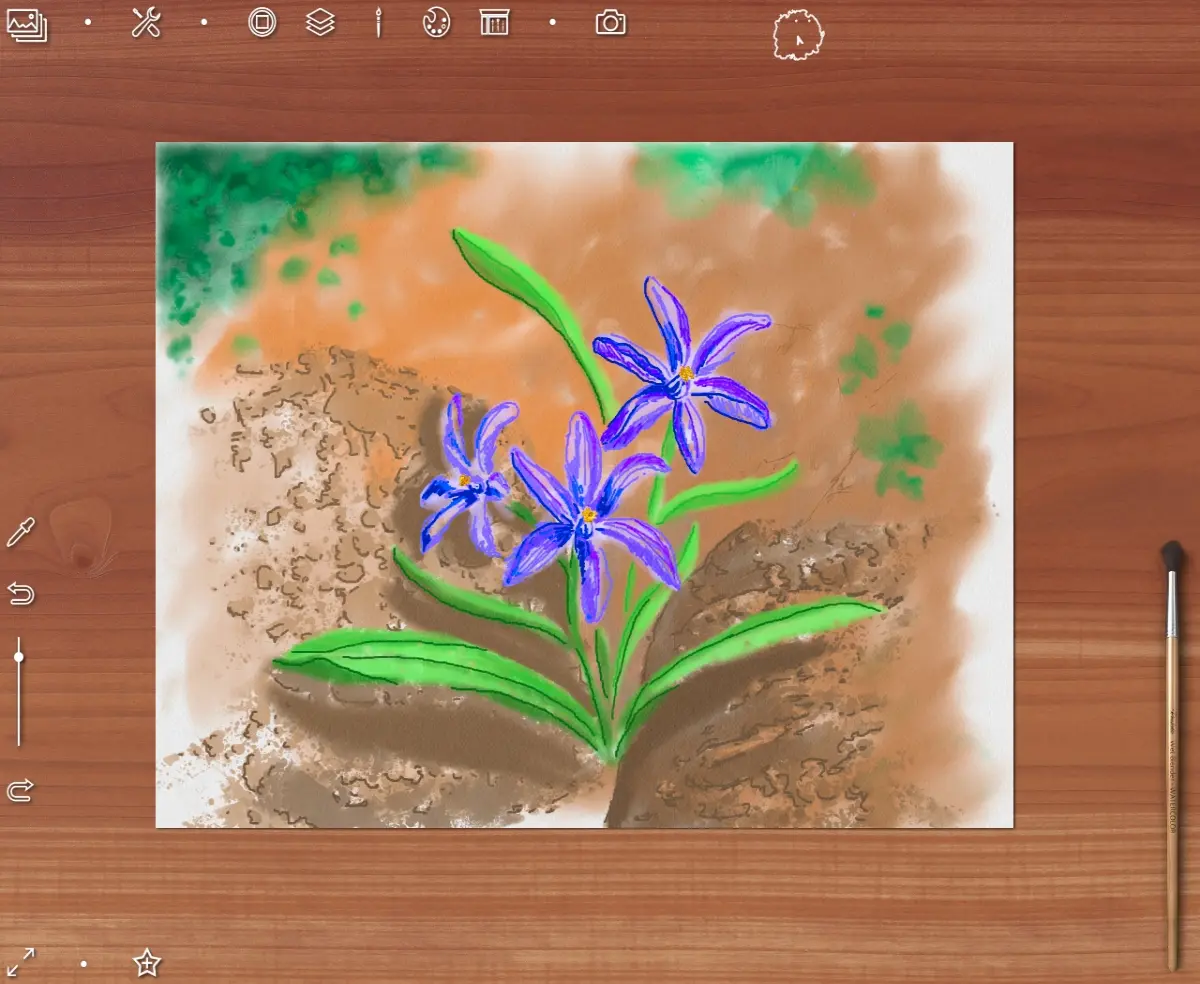
And with Mechanical Thin Line
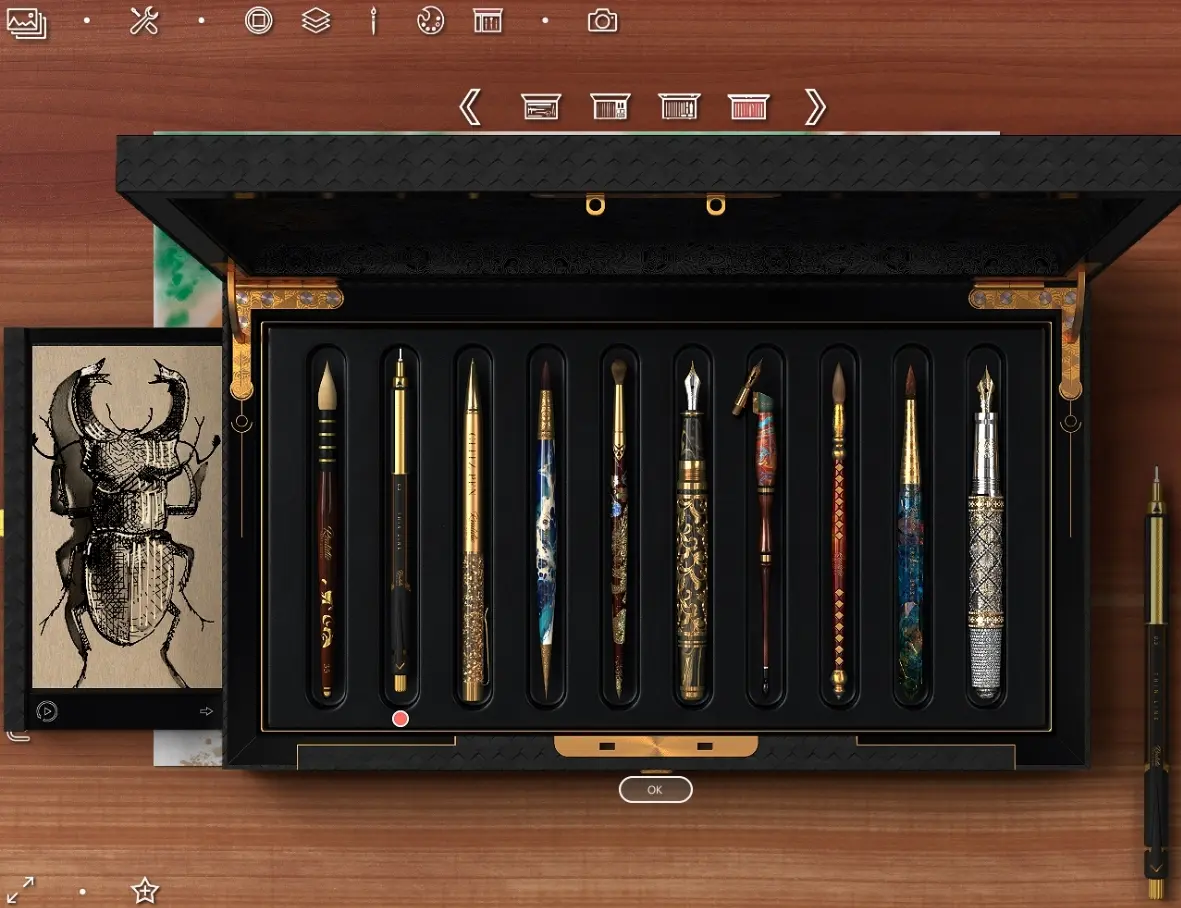
I draw a texture on background in the form of many small strokes
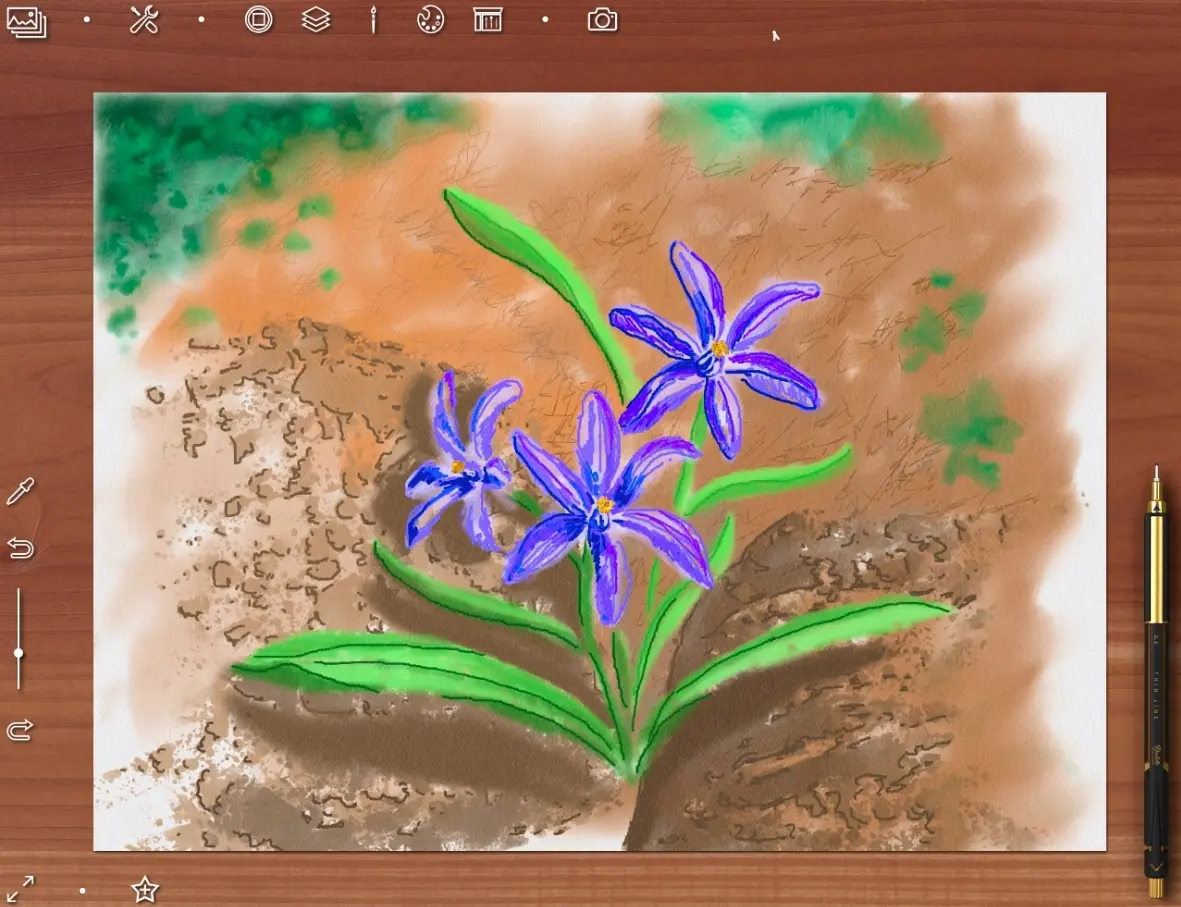
and soften the boundaries near an edges of picture
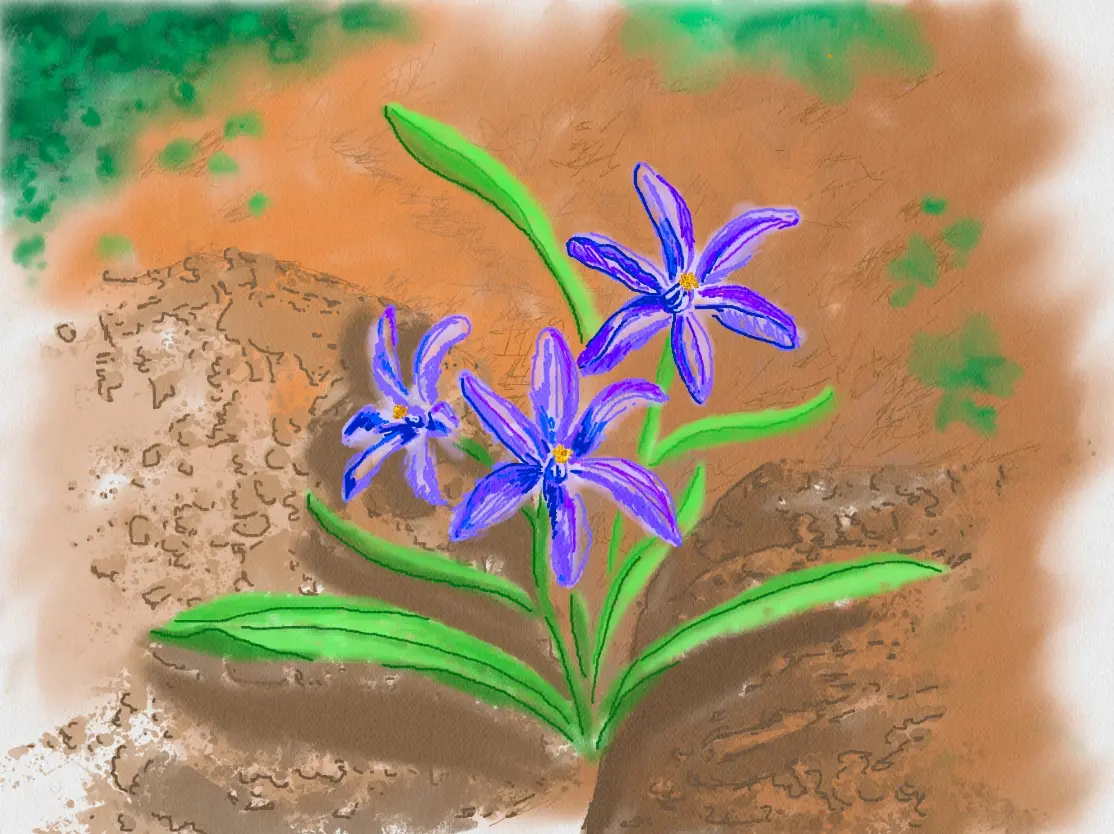
Then I copy background layer and replase a layer of foliage below both background layers
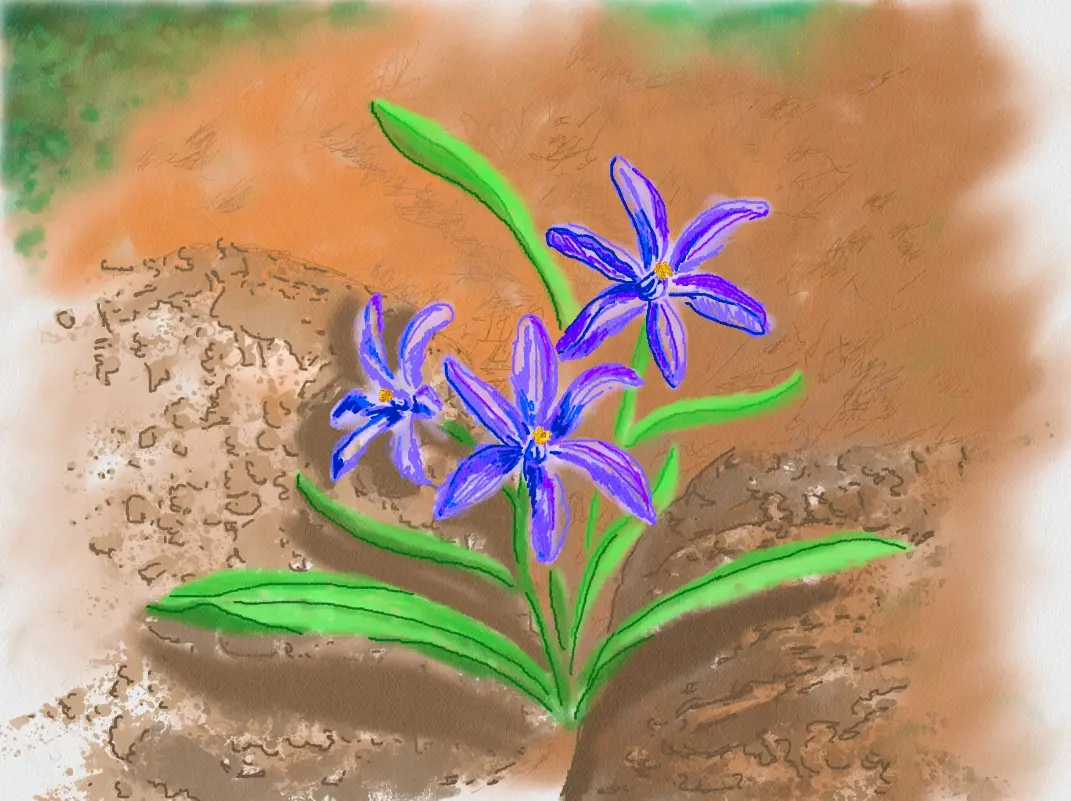
Here's what happened in the end!
And two variants of presentations
I hope you'll like my new tutorial
Thanks for your attention
Regards
Cross-post from Hive, Whaleshares and translate from Golos






