
Hi friends!
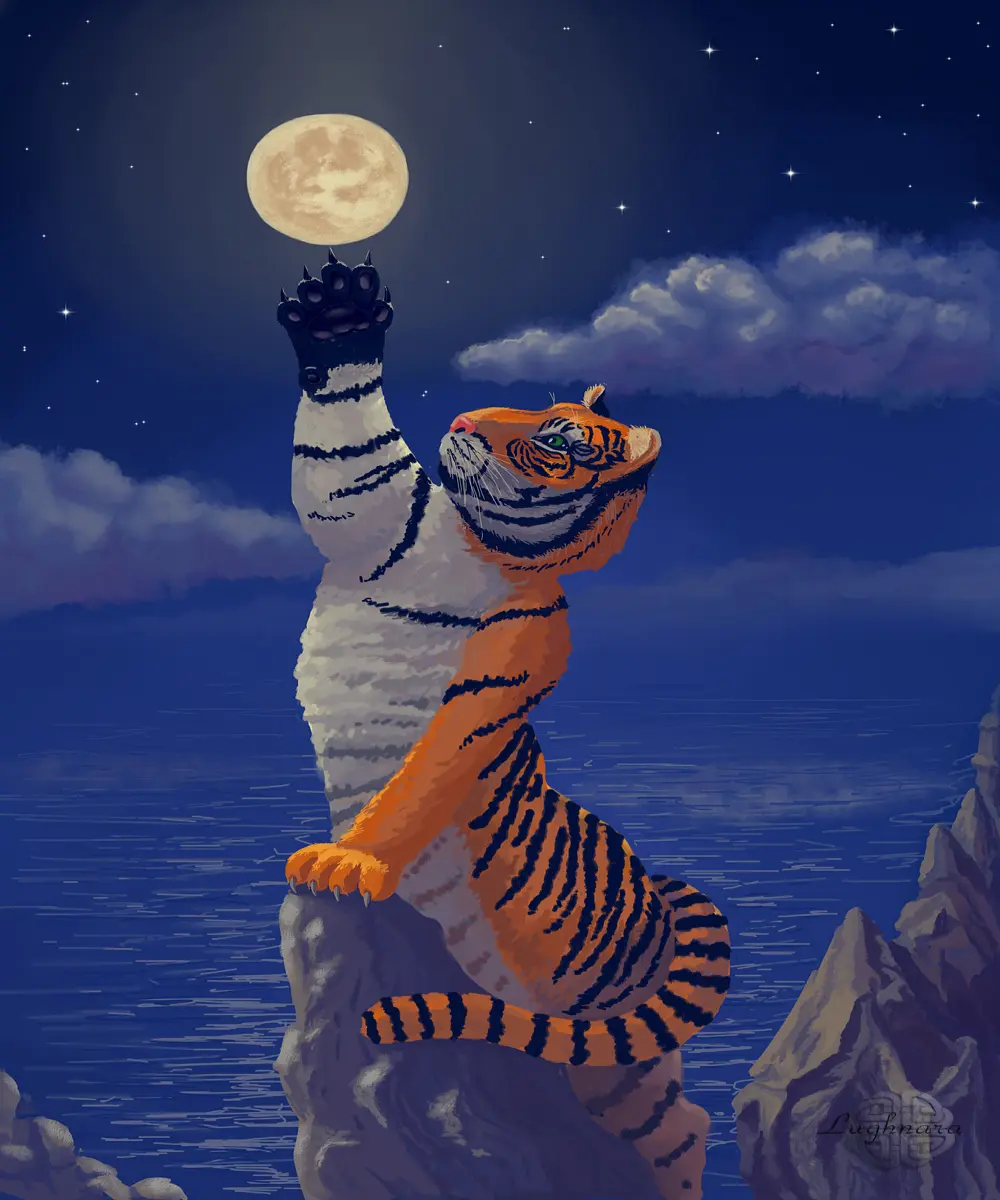
It's one of my best digital artworks sold on Makers Place to privat collection.
I want to tell (and show) how I created it.
Once day I found in internet very nice picture with winter playing tiger.
This excellent shot inspired me to create mystical story about night talking an animal and space.
Or ... maybe, the tiger decided to play with the moon like a ball?)))
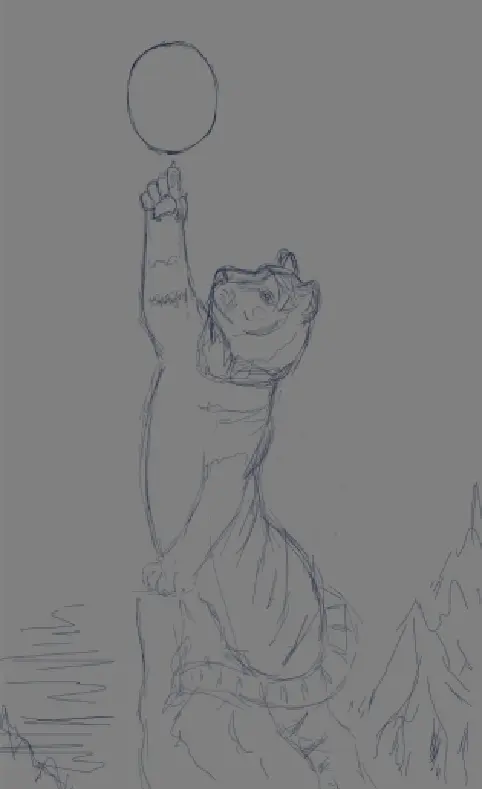
Sketch in Paint Tool SAI 2
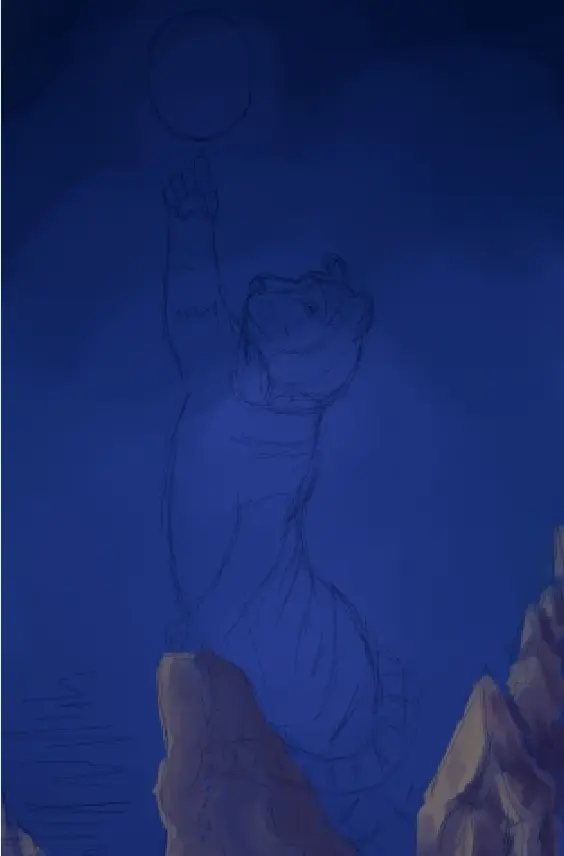
Then I started to paint with base colors.
I wanted to make a pictyre in cold shades with warm highlights.
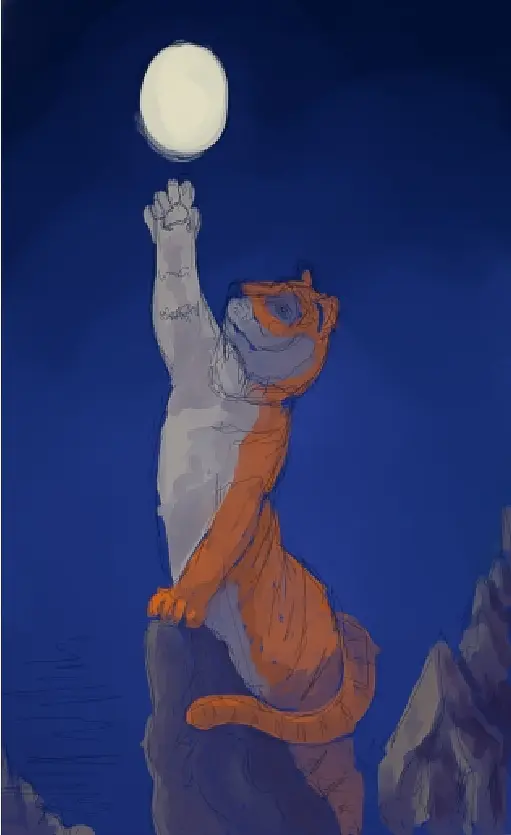
Then I search a direction of light - it comes from above, from the Moon
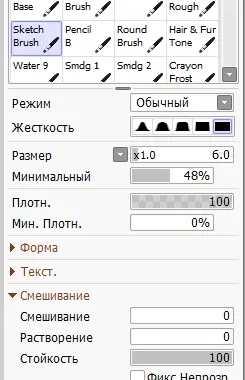
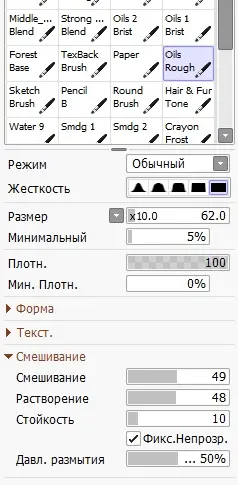
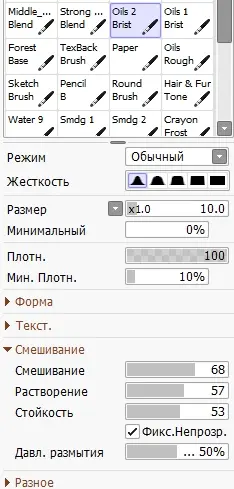
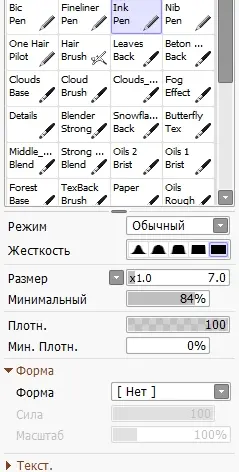
I want to say I draw in SAI 2 only some brushes with owner options:
Sketch brush (very hard, for sketches) (sorry, my version of editor on Russian)
Oil Rough (for fill large areas)
Oil Brist 2 (base drawing brush with changing blend option)
Ink Pen (for detalization)
and Watercolor (for blending colors)
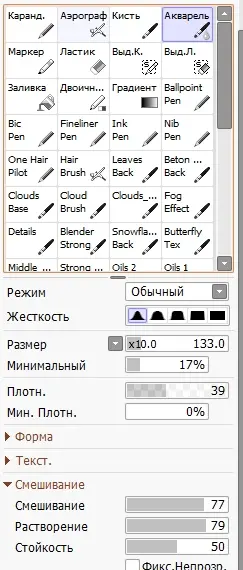
So... I continue
At this step, I want to add depth to the space with clouds in the background, a ripples in the water and shining of the Moon.
And I begin to detail the foreground - the texture of the rocks and stripes on the skin of the tiger
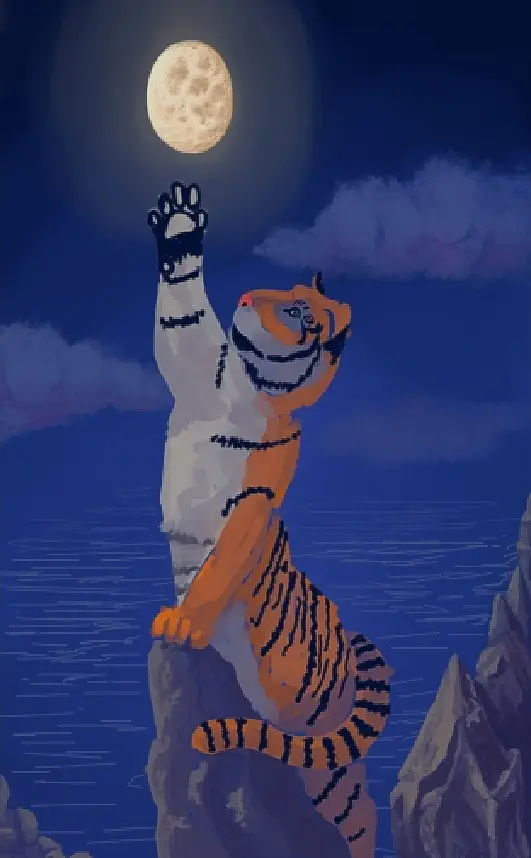
I continue my work with a silhouette of tiger, add a realistic stains on Moon and highlight on a clouds
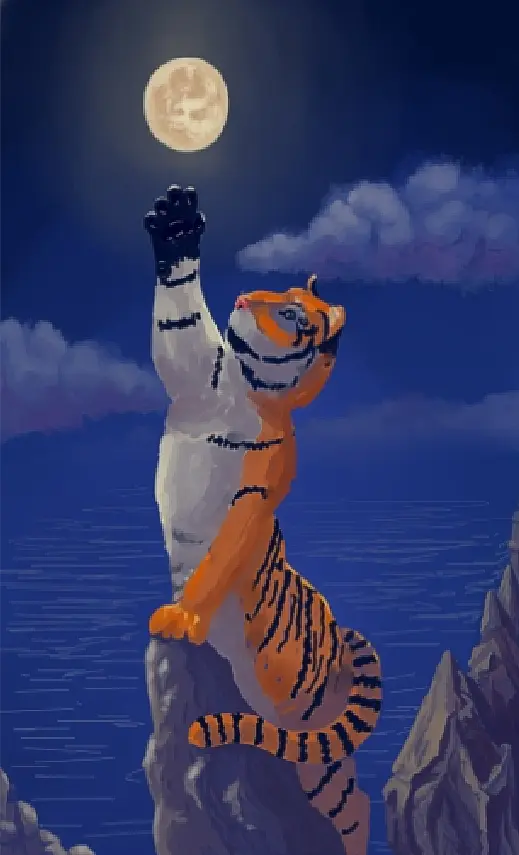
I want my tiger to look like a real animal, so I carefully apply strip by strip to his skin.
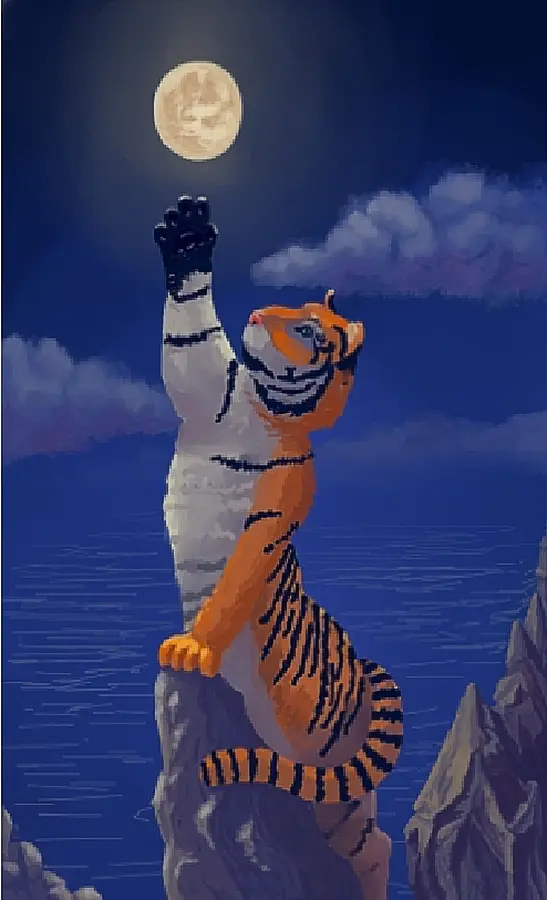
I detail the muzzle very carefully, especially the eyes
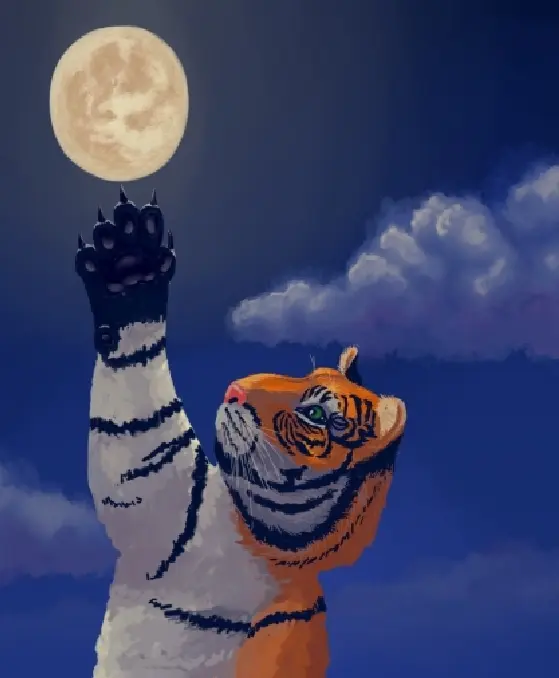
and strong claws
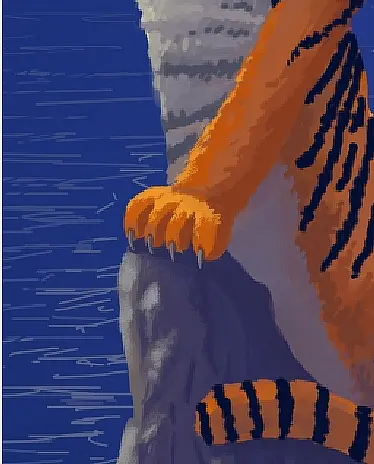
It remains to add a blurry reflection of the clouds to the water surface.
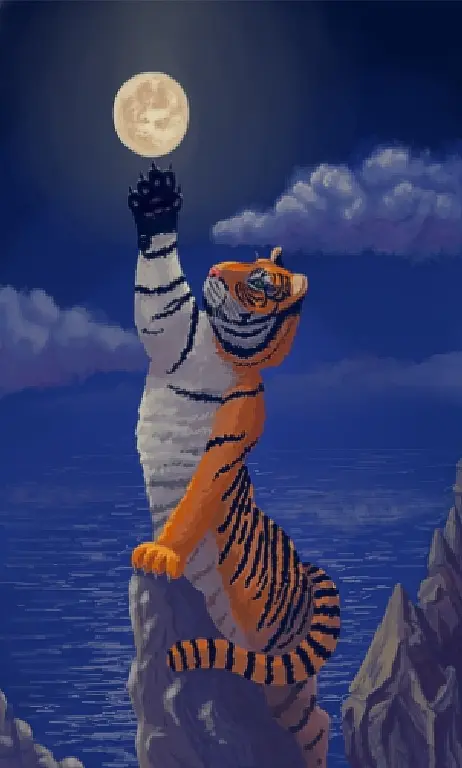
Here's a fantasy scene I got!
Yes, finally I added some stars in the sky (it's in Photoshop)
Thanks for your attention!
Regards
Gera
This tutorial was publishing in my blogs on Hive and Whaleshares






