
Content
- Introduction
- Atomic Wallet feature and use
- How- tos
- How to download, install and use Atomic Wallet on Android devices.
- How to connect with crypto exchange and swap asset with Atomic Wallet.
- How to buy crypto with FIAT using Atomic Wallet.
- How to stake tokens on Atomic Wallet
- Atomic wallet coin, membership and benefits.
- Conclusion
"It is not your coin if you don't own the keys"
(This phrase prominency seems to be growing, and believe me there is a reason for it)
Cryptocurrency got their viral popularity because they gave life to a life-long dream of putting users' financial power and control directly in their hands.
With this, the foundation of decentralized finance took a firm stance with many positive possibilities and usage but yet several hurdles and challenges that need to be surmounted.
An obvious drawback was how users who are so accustomed and dependent on central organizations for keeping their funds safe are now transitioning to being responsible for the security and safety of their funds and money.
This transition has been a rollercoaster ride, and we have seen many instances of theft, frauds and hacks targeted towards users.
An example of such events is a recent one in the news detailing how a man lost his bitcoin savings to a phishing scam. He was said to have downloaded a malicious chrome extension for his wallet which as a result stole his 12 BTC savings. The crypto space reacted with sorry messages and some donations but the deed is already done.
In order to claim control of a particular or any type of cryptocurrency, one has to have the private key that represents its ownership. Any loss or improper storage can result in the irreplaceable loss of this key which at the same time is the loss of money or value kept within.
As a result, many developments are being made to address the need to keep safe owned crypto assets through the launch and production of many kinds of wallets.
These wallets can be categorized into different classes according to their mode of storage and operation.
We have:
- Cold wallet: a category of wallet with manual storage which maintains no interaction with the internet.
- Hot wallet: the class of wallet whose interaction depends solely on the use of the internet.
A big advantage of cold wallet over hot wallet is that it eliminates the risk associated with online insecurity.
Hot wallets offer convenience and ease of use and this is the reason why they are most sought after.
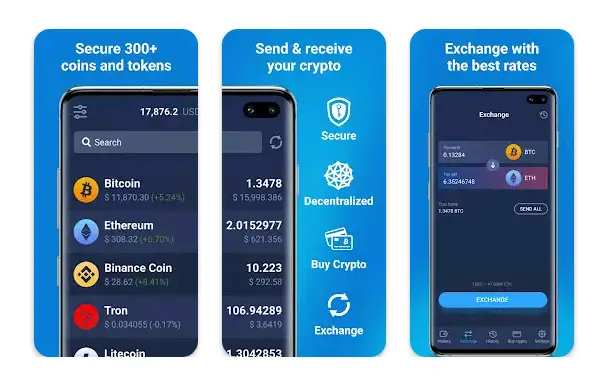
This article focuses on Atomic Wallet which is a category of hot wallet with great security features.
I will provide you with a good guide on how to download and install the wallet on your device, operate it, and perform many functions and actions.
The Wallet
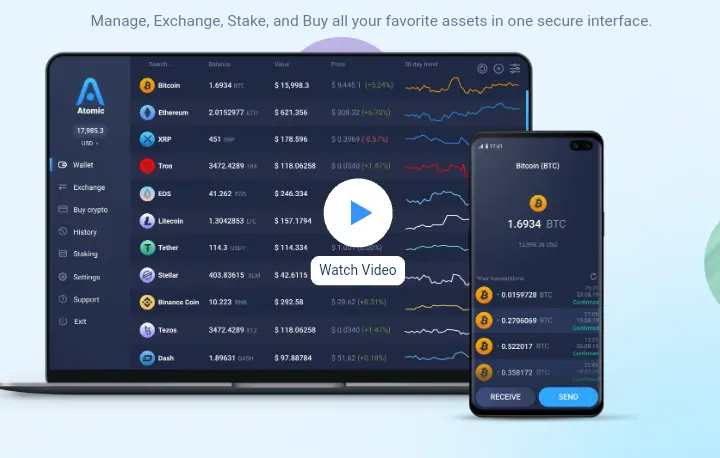
Atomic wallet is a universal non-custodial cryptocurrency wallet with great security features and supports for a wide range of crypto coins and tokens.
As at the time of writing, Atomic wallet supports 40 blockchains coins and over 300 tokens.
The wallet is available for almost all types of device and comes with an easy download function for Android and iOS mobile devices. Desktop versions have support for Windows, Mac OS, Ubuntu, Debian and Fedora.
Check out the download link for Android and iOS on mobile.
Window, Mac OS, and Ubuntu on desktop.
Some of the advantage Atomic Wallet offers include:
- Great security feature
- Clean and nice user interface
- Support for a wide range of cryptocurrency (300+)
- Instant cryptocurrency purchase
- FIAT conversion and support.
A rating of 4.5 and over 100k downloads on Play store might serve enough to convince you to install the wallet on your device. In that case, I will make a short tutorial on how to download and start using the wallet.
How To Download, Install and Use Atomic Wallet On Android
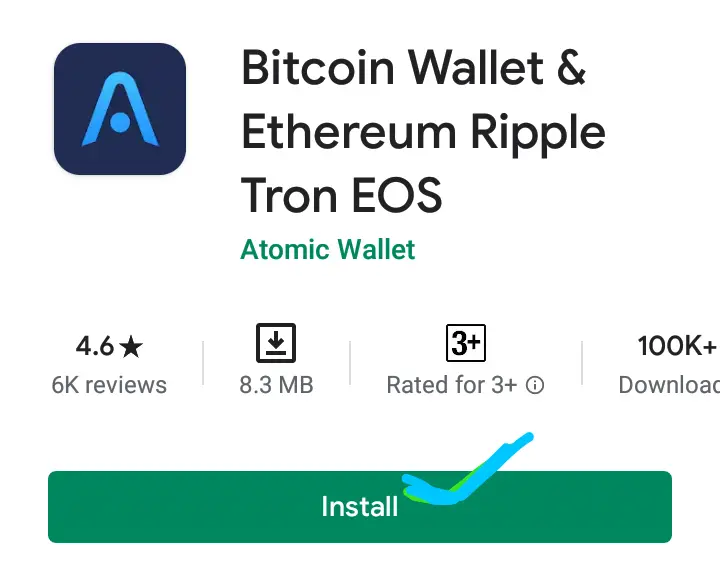
- Head over to Play store
- Click on install to download.
- Open it to launch the wallet
- You will be asked to create a new wallet or restore an existing one.
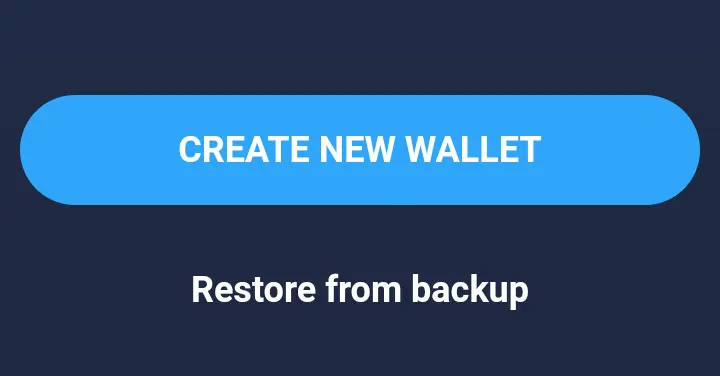
- For the sake of the tutorial, I will be creating a new wallet. Click on Create New Wallet.
- This will bring up the page to create a password
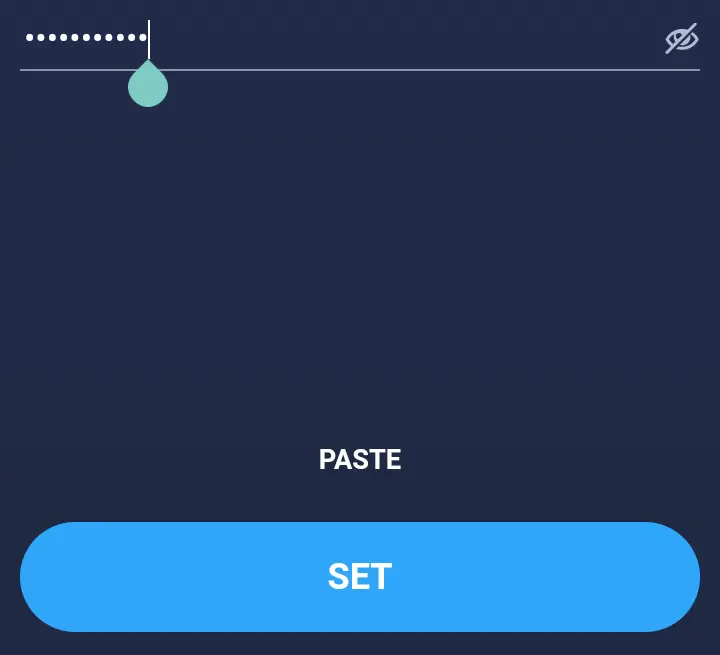
- Click on set after creating the password. Reconfirm the password to proceed.
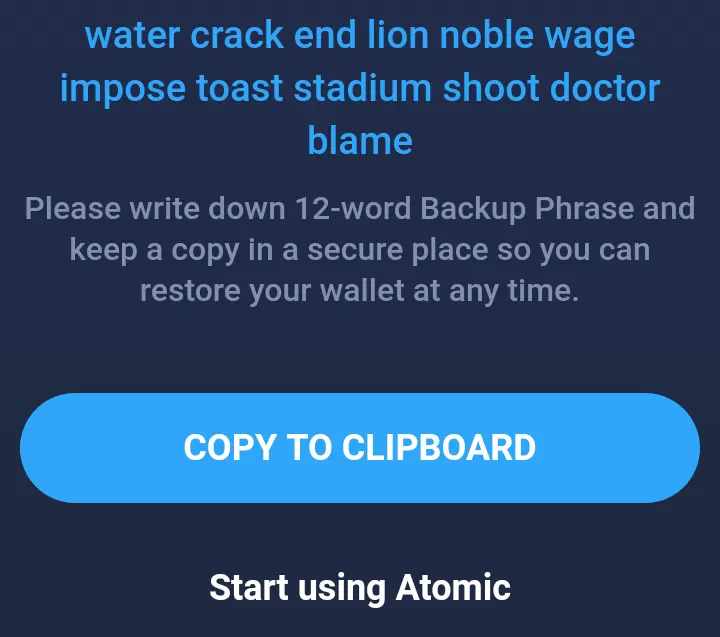
- A window showing a 12 word string known as mnemonic phrase will be brought up. You will need to copy and write these words down somewhere safe as they are key to whatever funds or asset you will be holding in that wallet.
- Ensure to keep the mnemonic phrase safe as it is the only way to assess your funds.
- Press "Start Using Atomic"
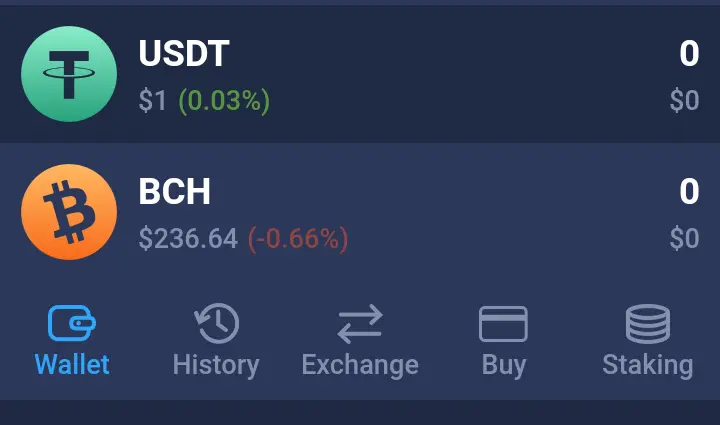
- A page showing the different types of cryptocurrency and higher functions like exchange and staking will be revealed.
- You have just successfully downloaded the wallet on your device.
Sending And Receiving Of Crypto Using Atomic Wallet
To send or receive funds
- Simply click on the coin you would like to transact with. In this case, I will be transacting with bitcoin.
- Click on send or receive.

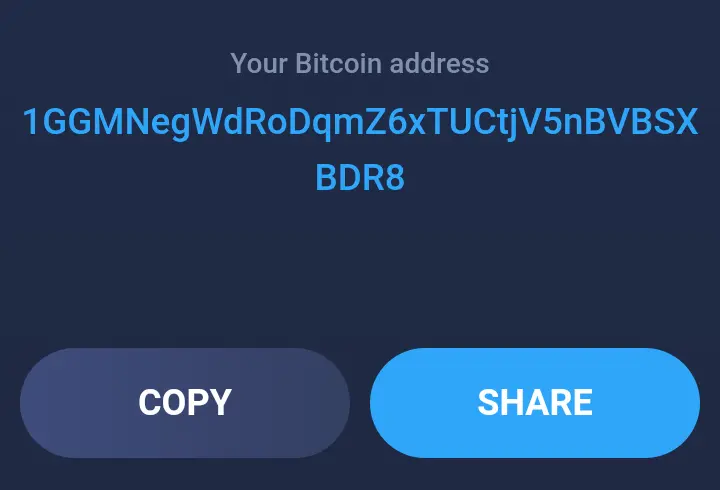
- For a receive command, you will need to copy the address to be sent to a sender.
- For a send option, a window where you will need to paste the recipient address will be brought up.
- Paste the address in the box and choose the amount to send from your balance.
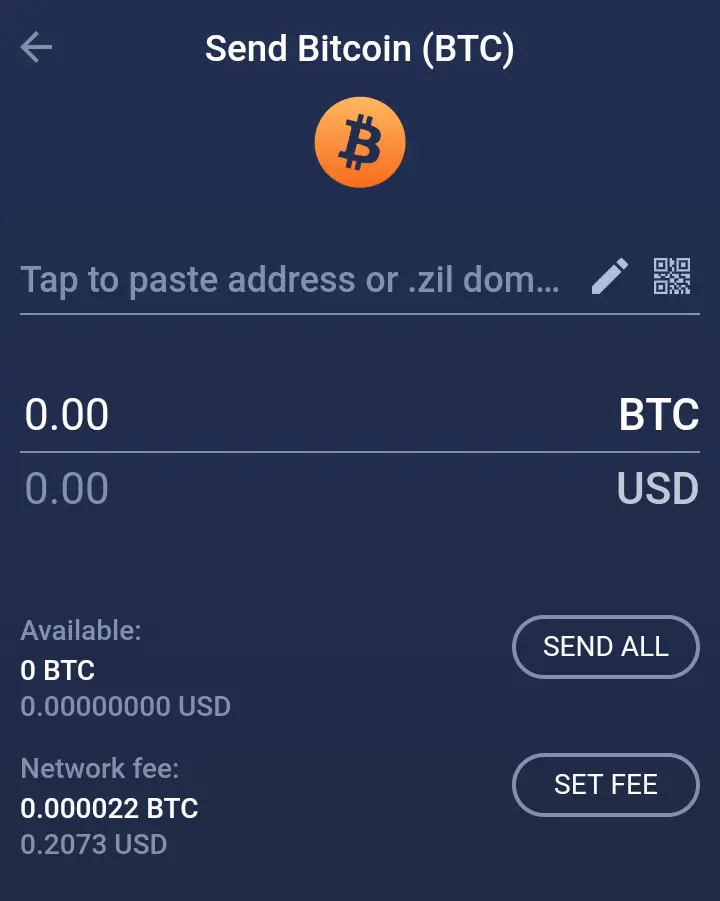
- You will be charged a small network fee for this action.
- Click on send to confirm your action and wait for at least 3 blockchain confirmation before asking for feedback from the recipient.
Sending and receiving funds using Atomic wallet is as simple as that.
How To Connect With Crypto Exchange And Swap Asset With Atomic Wallet
Atomic Wallet offers a simple exchange function only a few wallets can boast of.
This conversion or swap function is made possible through the interaction of third party exchangers like Changelly and ChangeNow via the wallet interface.
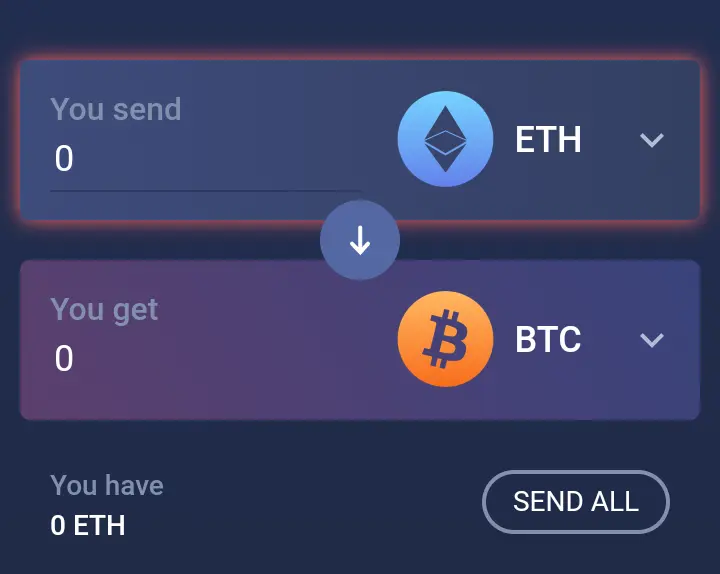
The experience of swapping between coins is so swift and effortless you wouldn't even imagine the instant swap is carried out by a third party.
In order to let you have an actual experience about how the swap process is conducted.
I performed a small swap test myself, and here is the process of how I did it and you can do it too.
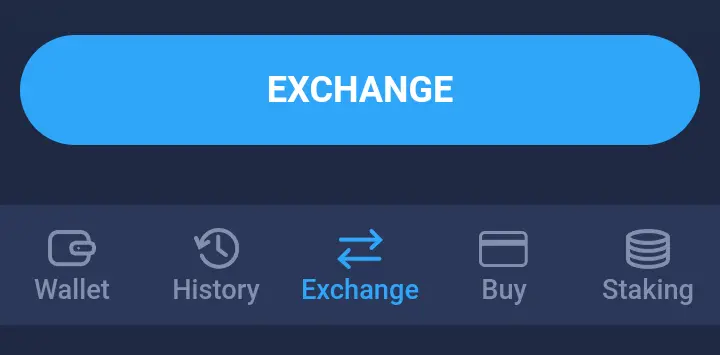
- Click on the exchange icon located in the middle of the menu bar below the wallet page display
- Then you will need to choose the coin you want to convert and the one you are converting to.
In this case, I am using BNB and converting it to Bitcoin.
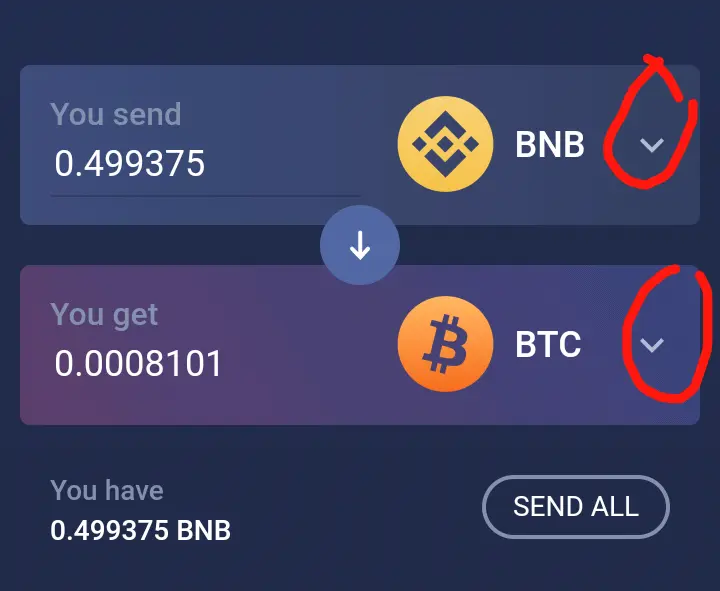
The arrow indicates your option to choose from the list of available coins and tokens.
As per my personal count, there are 82+ coins available to be swapped.
- Input the amount you want to swap and click on exchange down below the page.
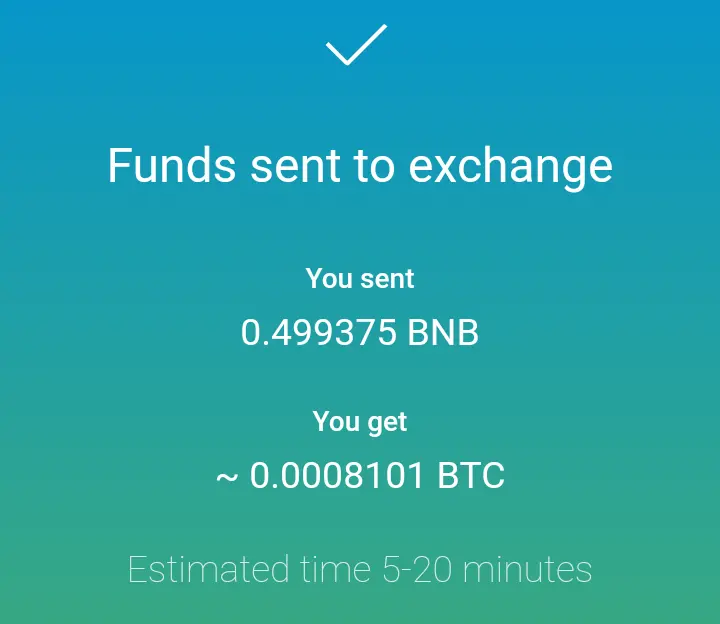
I was shown a confirmation page detailing the data of my transaction and the estimated time the conversion will be finalized which in my case was 5-20 minutes (this waiting time depends on the type of coins you are dealing with).
- The BTC balance reflected in my account after the transaction was completed.
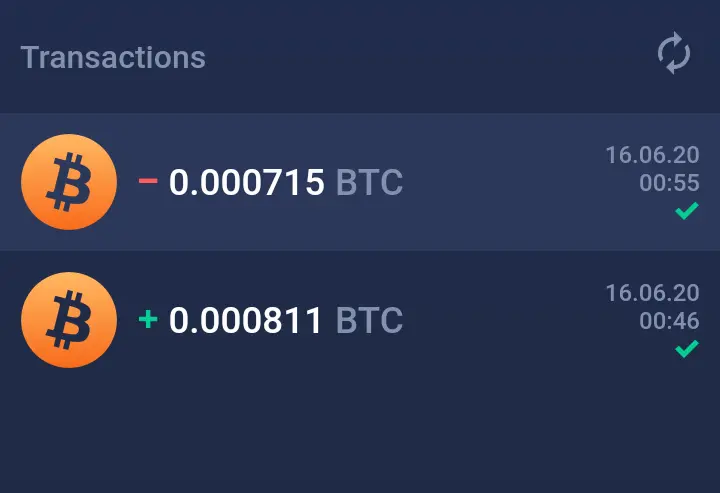
How To Buy Crypto With FIAT Using Atomic Wallet
Another exciting feature of Atomic Wallet is the available option to buy crypto with FAIT directly from the wallet.
All you need is connect your credit card, wait for the transaction to finalize and have your sweet coin right in your wallet.
To do this
- Click on the buy option in the wallet menu bar below the page.
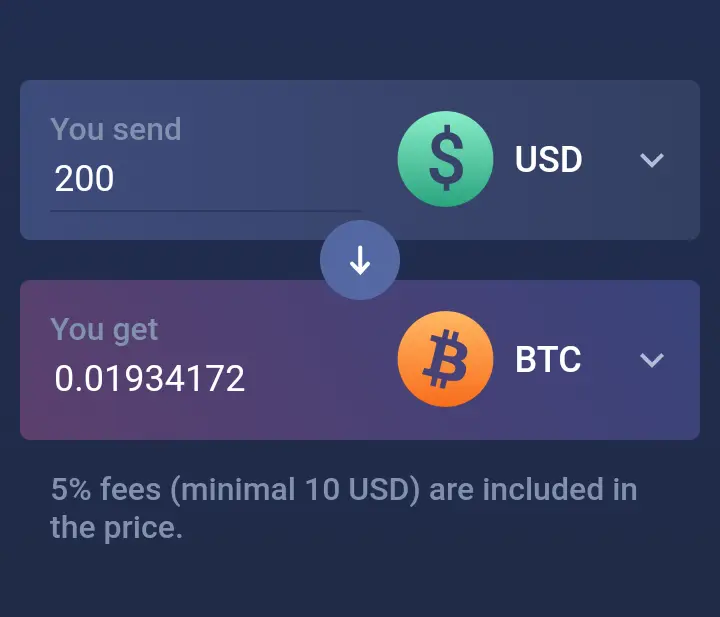
- Choose your FIAT option (USD or EUR or others)
- Input the amount and click on continue to proceed

- You will be redirected to the check out the page where your card details will be requested and the transaction finalized.
How To Stake Coins On Atomic Wallet
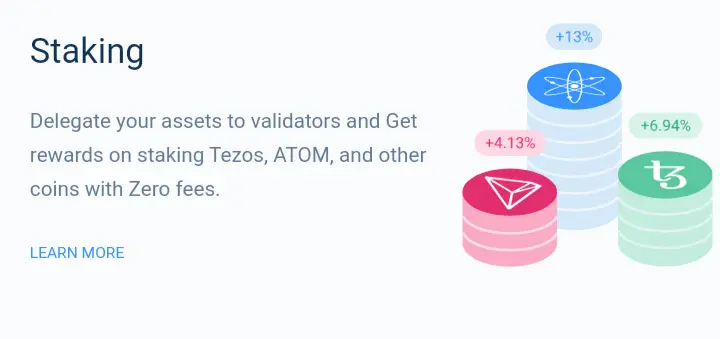
DeFi (decentralized finance) has provided many investing opportunities and possibilities for cryptocurrency.
Staking is one of such opportunity.
By this means passive income can be generated over time.
Atomic Wallet provides this service with the choice to stake coins with the intent of gaining some interest on the stake coin over time.
The staking section on the wallet page lists coins with their possible staking benefits which will be held for an agreed particular period of time.
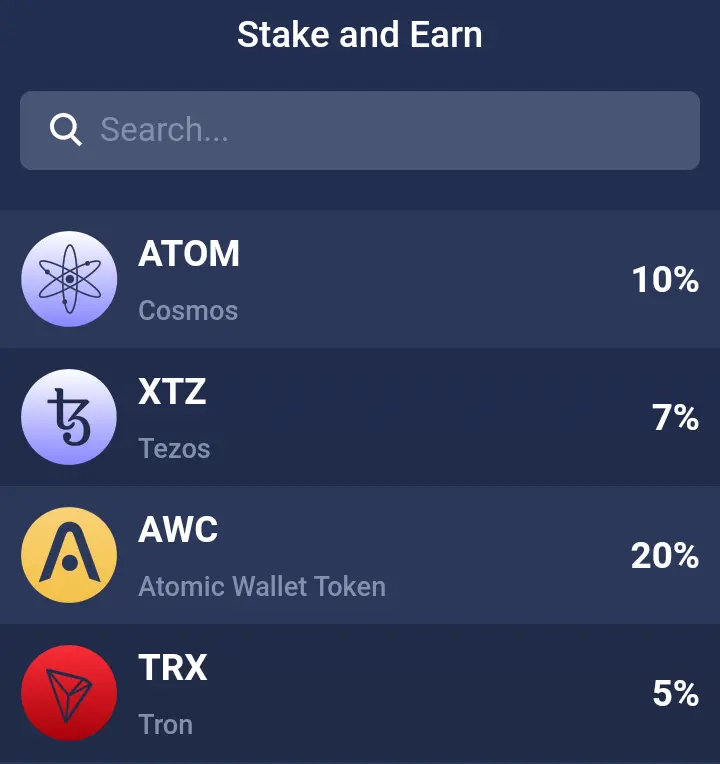
To stake the coin of your interest
Simply,
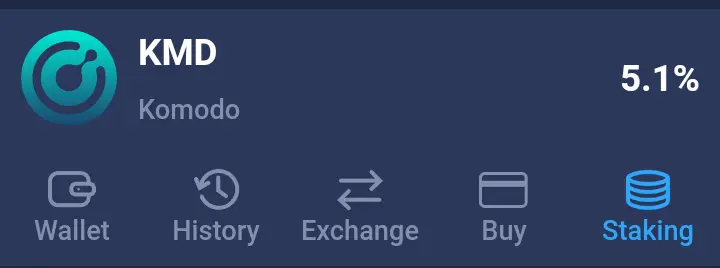
- Click on the staking icon which is at the rightmost bottom of the menu page.
- Choose your choice of coin
- Input the amount you want to stake and click on stake to give consent to the action.
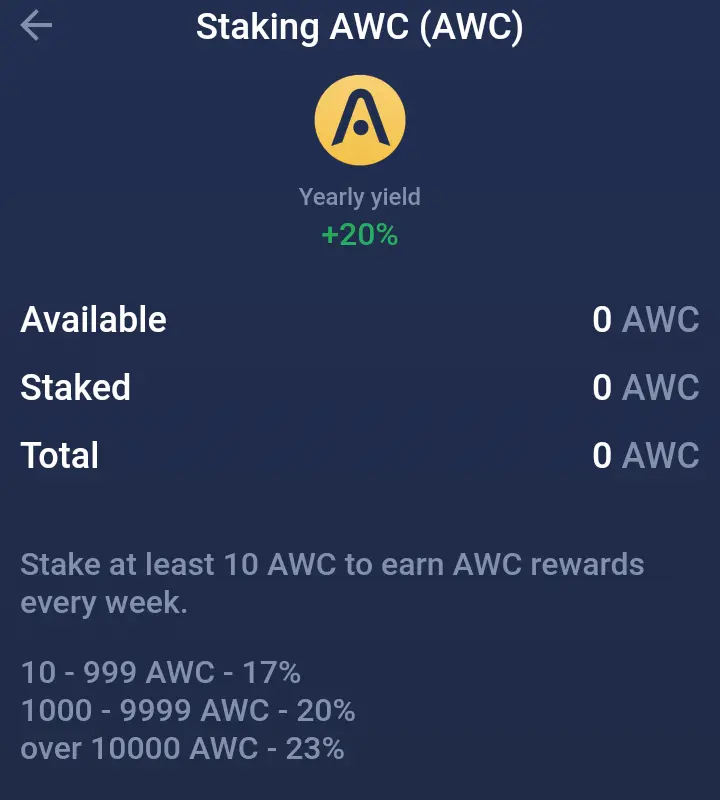
Atomic Wallet Coin, Membership and Benefits
AWC is the native coin or internal currency for Atomic wallet. It powers the project ecosystem function and community development and interaction.
Currently, Atomic Wallet runs a membership program where holders of AWC are rewarded with many benefits.
The program has already witnessed and recorded over 40,000 members.
Tier and benefit of the membership includes
- Blue - with 1000+ AWC requirements and 0.25% cashback
- Silver - with 3000+ AWC requirements and 0.5% cashback.
- Gold - with 5000+ AWC requirements and 0.75% cashback
- Platinum - with 10,000 AWC requirements and 1% cashback.
Conclusion
With the above features and functions, it is obvious Atomic Wallet offers
- Simplicity
- Incredible user experience
- Versatility with the available crypto options.
- Comfort
In short, the wallet is a complete package of what you want as a crypto user in a wallet.
- Personally, I will be giving them a rating of 4.8 of 5.0 for a job well done.
Visit https://atomicwallet.io/ for more details.
Credits
Screenshot images we're taken from AW mobile app wallet on Android.






