PayID

Getting started with PayID (Part 2) Setting up Docker

By klymacks | Crypto Shilling | 22 Jun 2020


To begin running the PayID server, I needed to install Docker at https://www.docker.com/get-started. I download Docker Desktop for Windows and ran the executable.
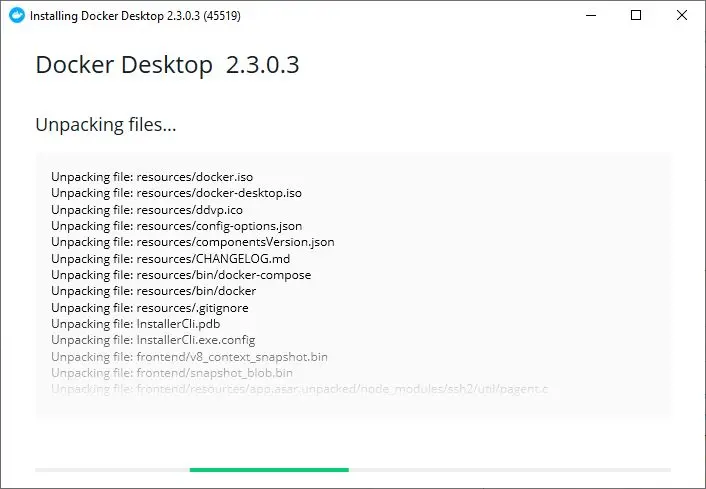
Commencing Docker Desktop Install

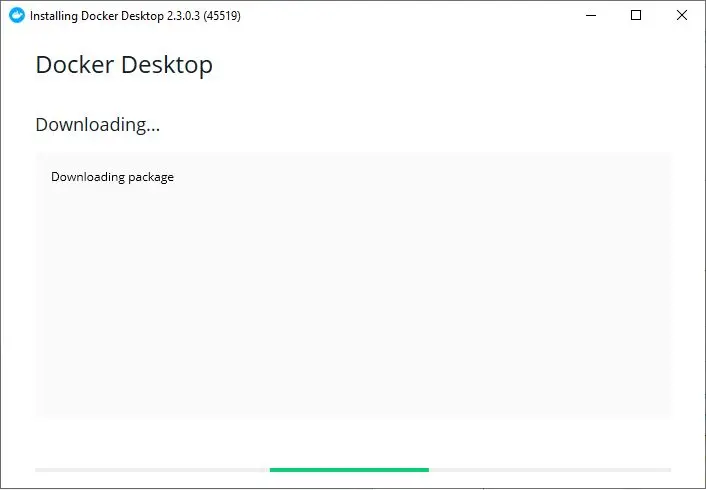
Hyper-V and Shortcut? Yes, please.

Docker needs to unpack. Hopefully it's planning on paying rent

The installation process progressed until it prompted me for a reboot.
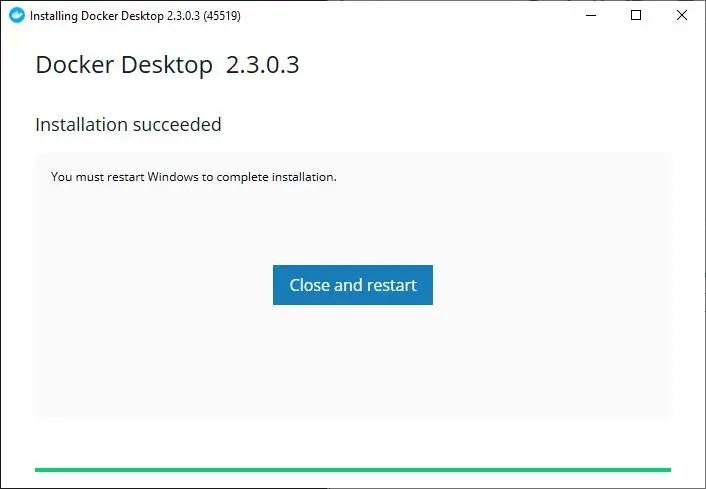
Alright, it's installed! But, now I gotta reboot?! Typical Windows.

After the reboot, I needed to verify that Docker was installed by typing the command-

docker --version

and afterwards to confirm the installation was working correctly I entered-

docker run hello-world
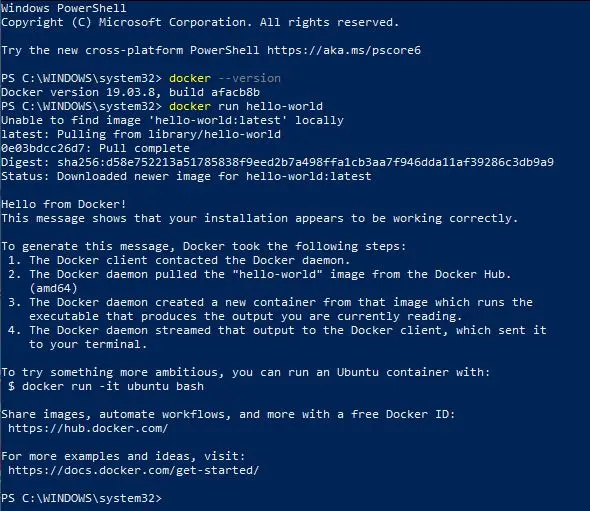
No, it's not a Blue Screen of Death. It's just PowerShell

Success!

In the next update, I'll continue configuring a PayID server. Stay tuned.

-klymacks

How do you rate this article?

4


klymacks
klymacks

Blogger @ Crypto Shilling


Crypto Shilling
Crypto Shilling

I'm going to take about a minute to shill you some crypto project that I'm thinking about in each post. Shillbacks welcomed.

Publish0x

Send a $0.01 microtip in crypto to the author, and earn yourself as you read!

20% to author / 80% to me.
We pay the tips from our rewards pool.