
Ever since noise.cash introduced it's own BCH wallet, the overall earning and tipping has changed a bit. One of the improved changes is that there is a new option of wallet tipping directly from your internal noise wallet to a user. This is in addition to the usual heart tips and the older QR Tipping.
Here's how you can do a direct wallet tip with screenshots. It takes less than 5 seconds to do it.
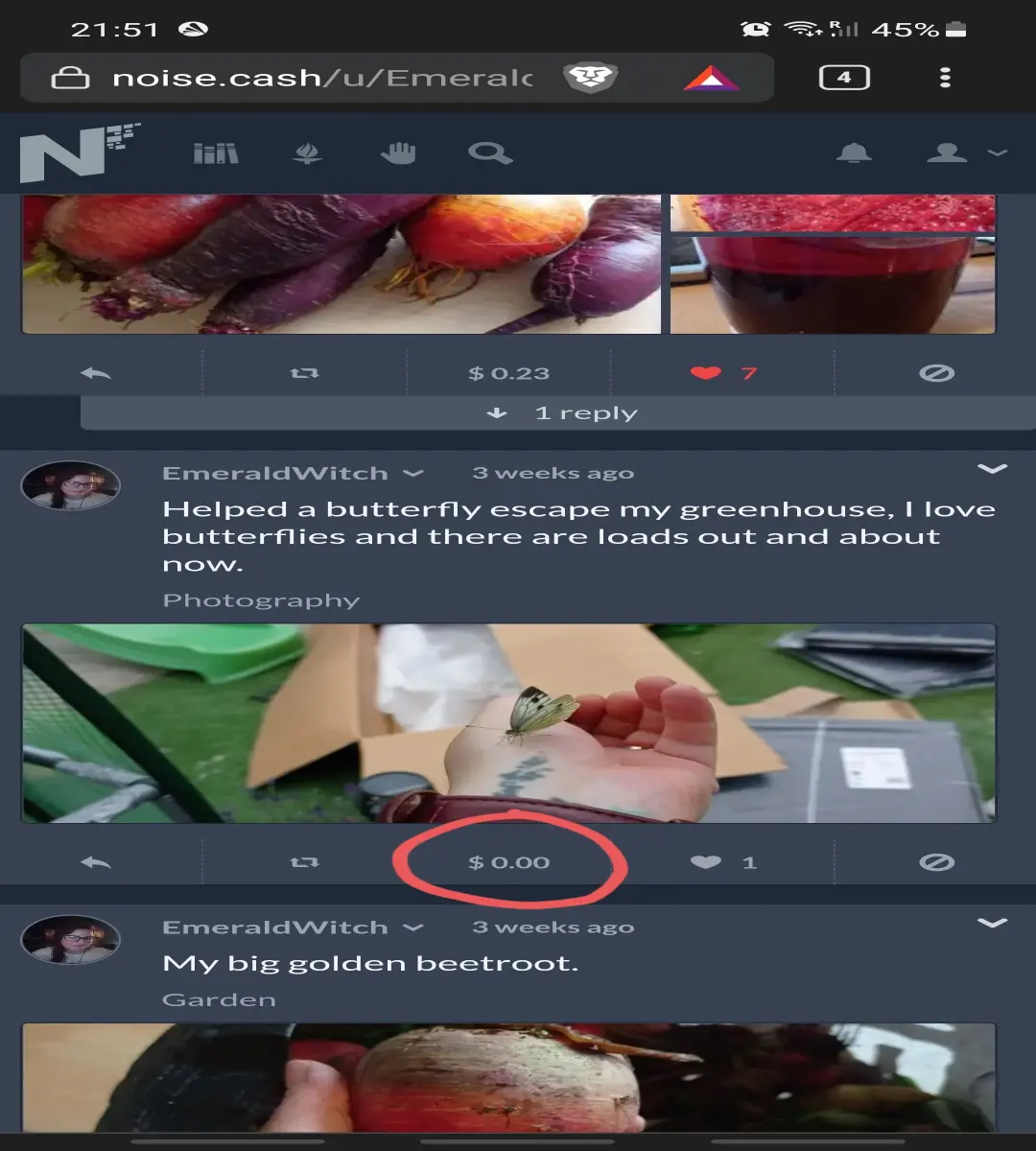
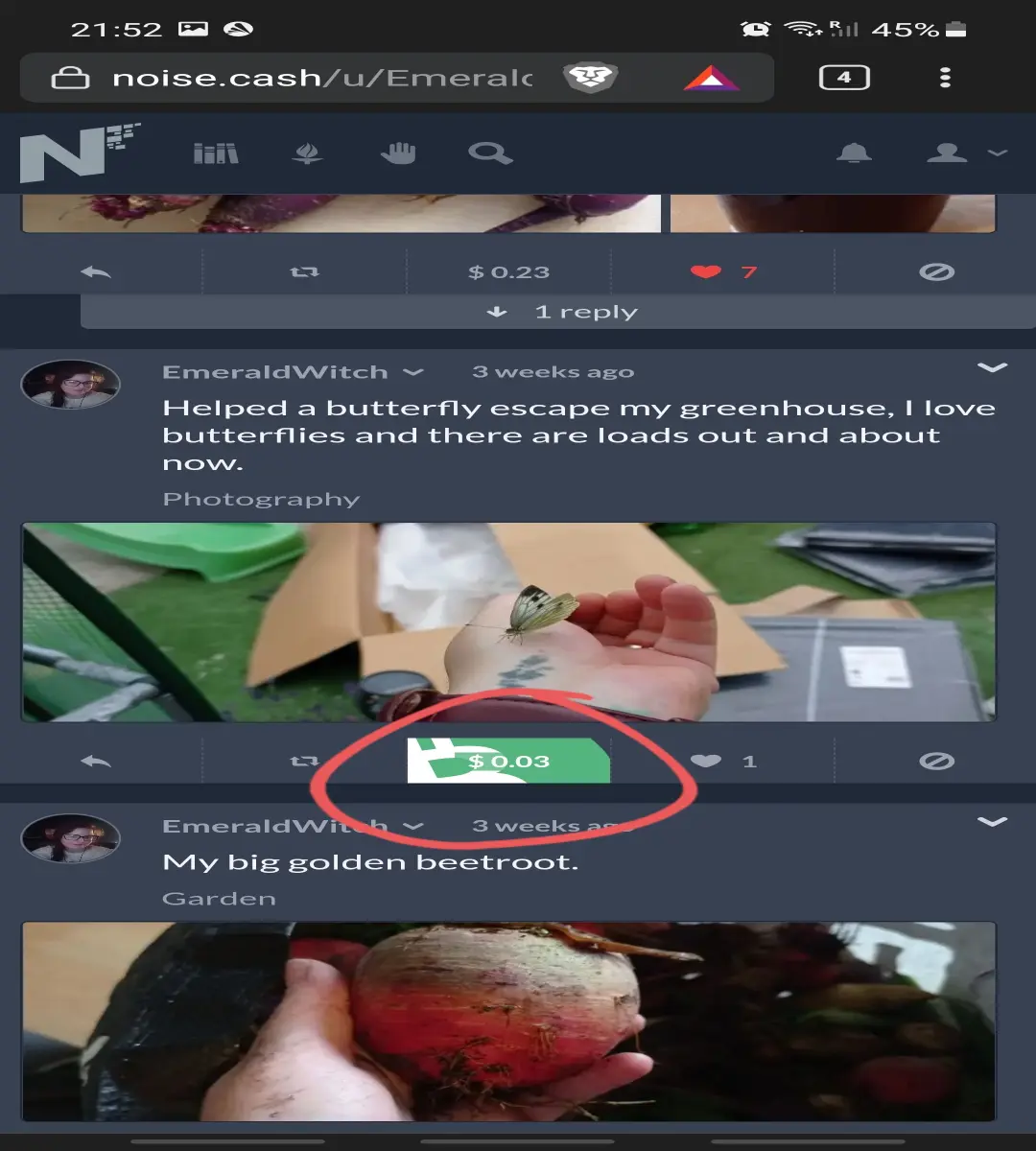
1. Choose the post you want to tip. Click on the $ tab on the bottom of the post.
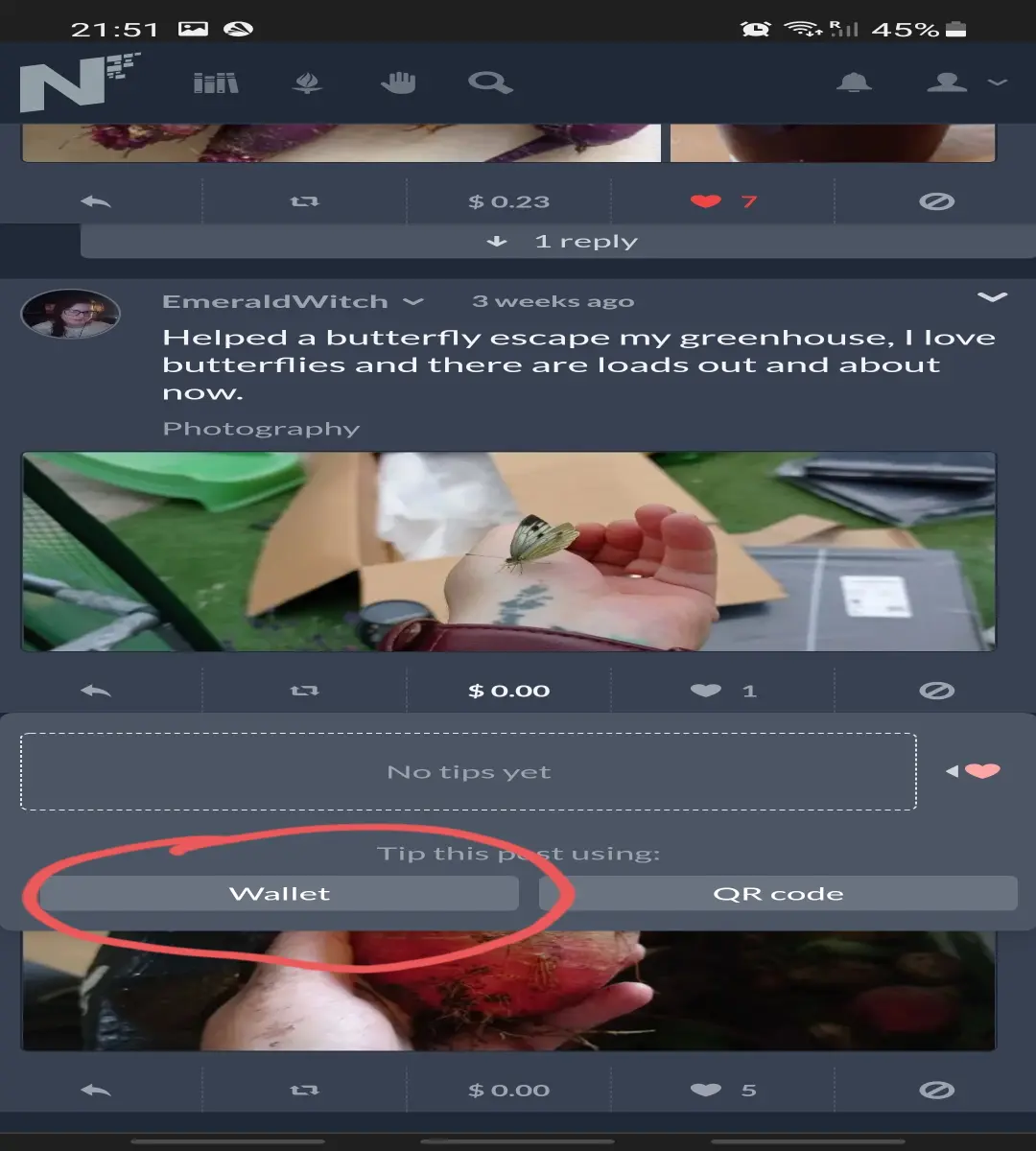
2. This will open a few options to show tips received and the option to do a wallet or a QR tip. Click on the wallet option.
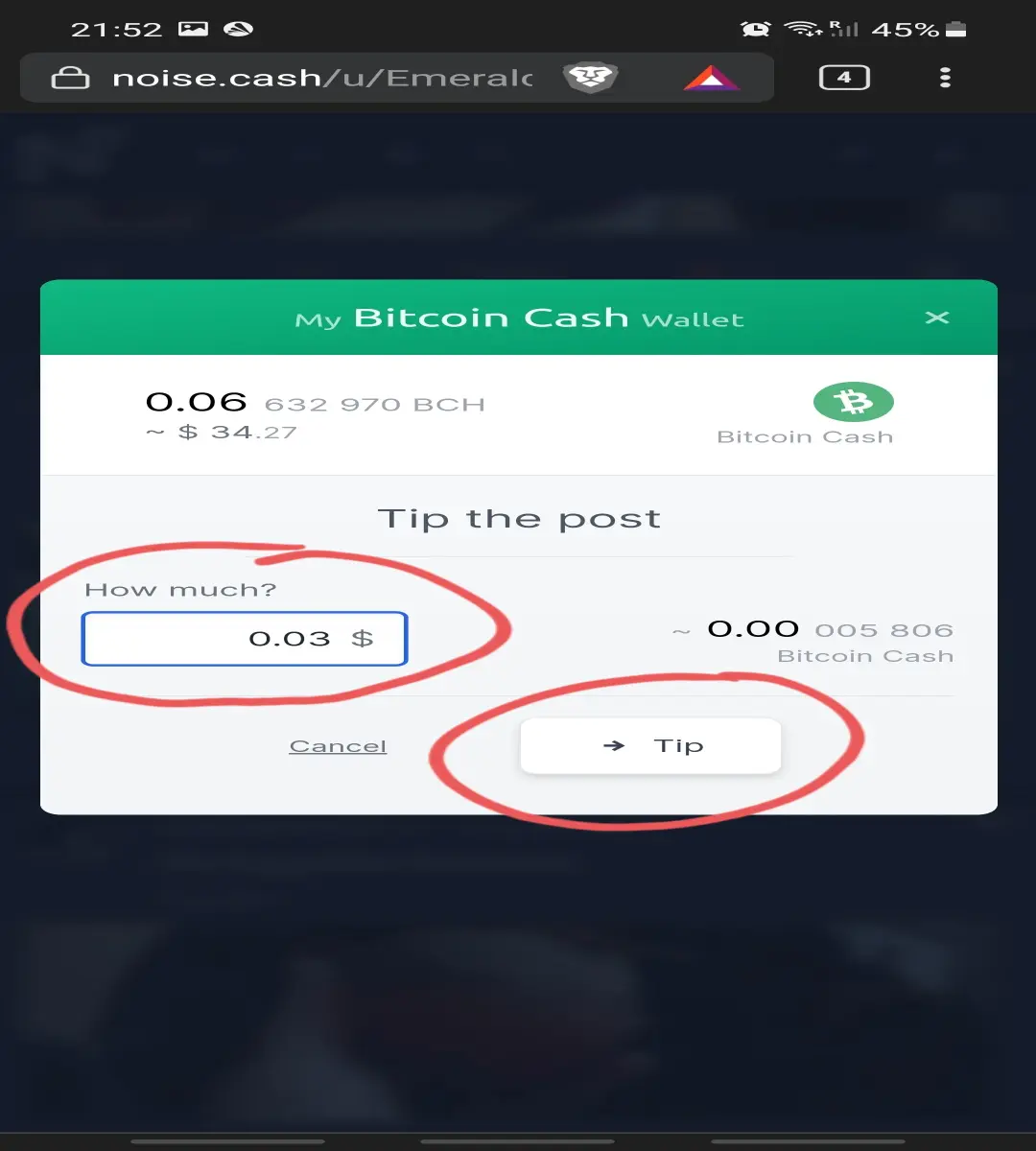
3. The section that opens is self explanatory. Enter the amount you want to send and then click the send tip option.
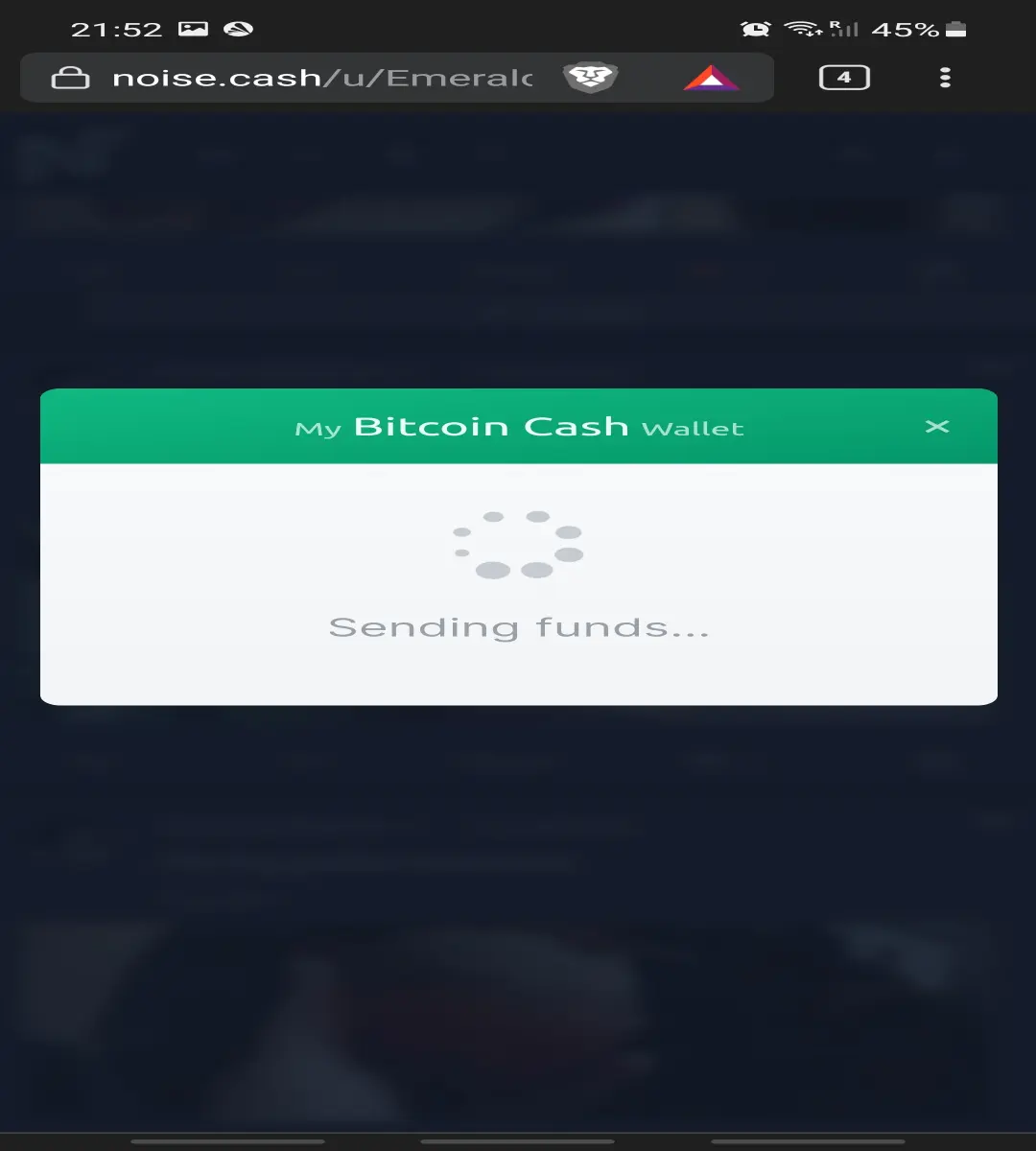
4. That's it! It will send the amount and this will reflect in the dollar amount just below the post.
Enjoy this new feature and do let me know if you found it convenient or faced any problems.






