
Wiping Ubuntu Server for Parrot OS, and stress-testing what a Pi 5 can really handle — bugs, decisions, and dumb mistakes included.
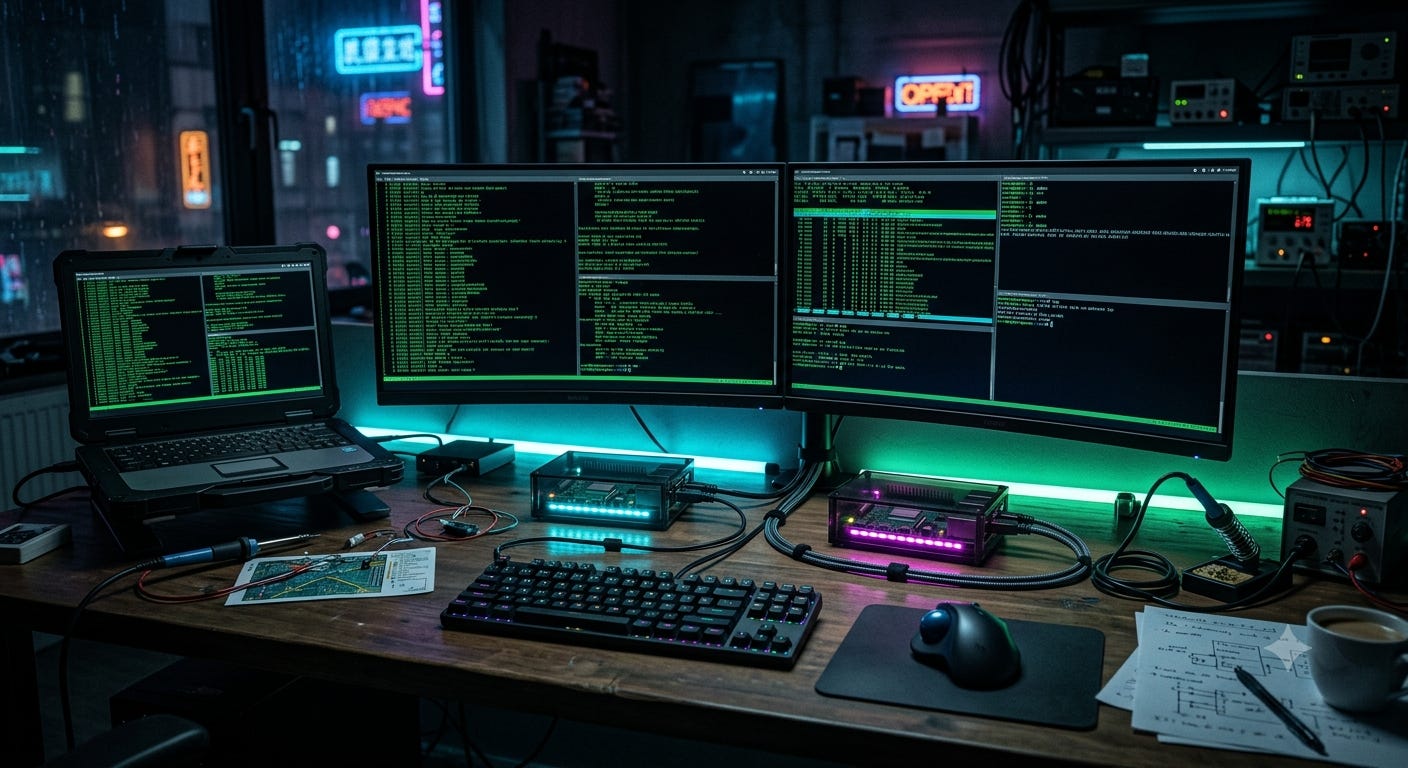
Caption: Asked AI to generate a cyberpunk hacker desk for this post — didn't expect it to eerily nail my actual setup. This one's AI-generated; real desk photos below.
Been a minute since I posted — momentum’s been on the trading bot and the mining rig. Time to fix that.
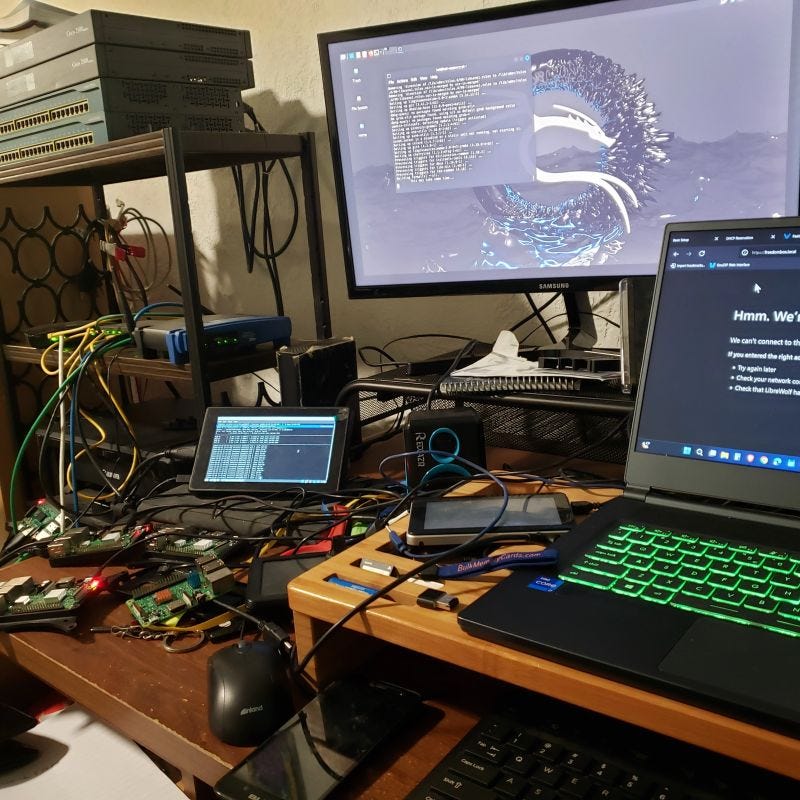
New project: I’m turning a Raspberry Pi 5 into a privacy-first daily driver, running Parrot OS off the official Pi stick — which is currently running Ubuntu Server with XFCE for GUI access over SSH. Turns out I don’t actually need that setup; my Pi 3 already handles headless Ubuntu Server just fine on its own. So the stick’s getting freed up for something that’ll actually get used.
What pushed me toward this: I’ve been running Kali off a separate SD card (the SanDisk one, repurposed from an old phone) on a Pi 3, and it’s held up better than expected — until I load up multiple browser tabs, then it starts to choke. Curious if the Pi 5 can actually handle that kind of load — multiple tabs, maybe even a Tor browser running alongside — without throttling. Basically seeing how far I can push it. Documenting the whole migration as I go — what breaks, what I learn, what I’d do differently.
Why privacy-first, why now:
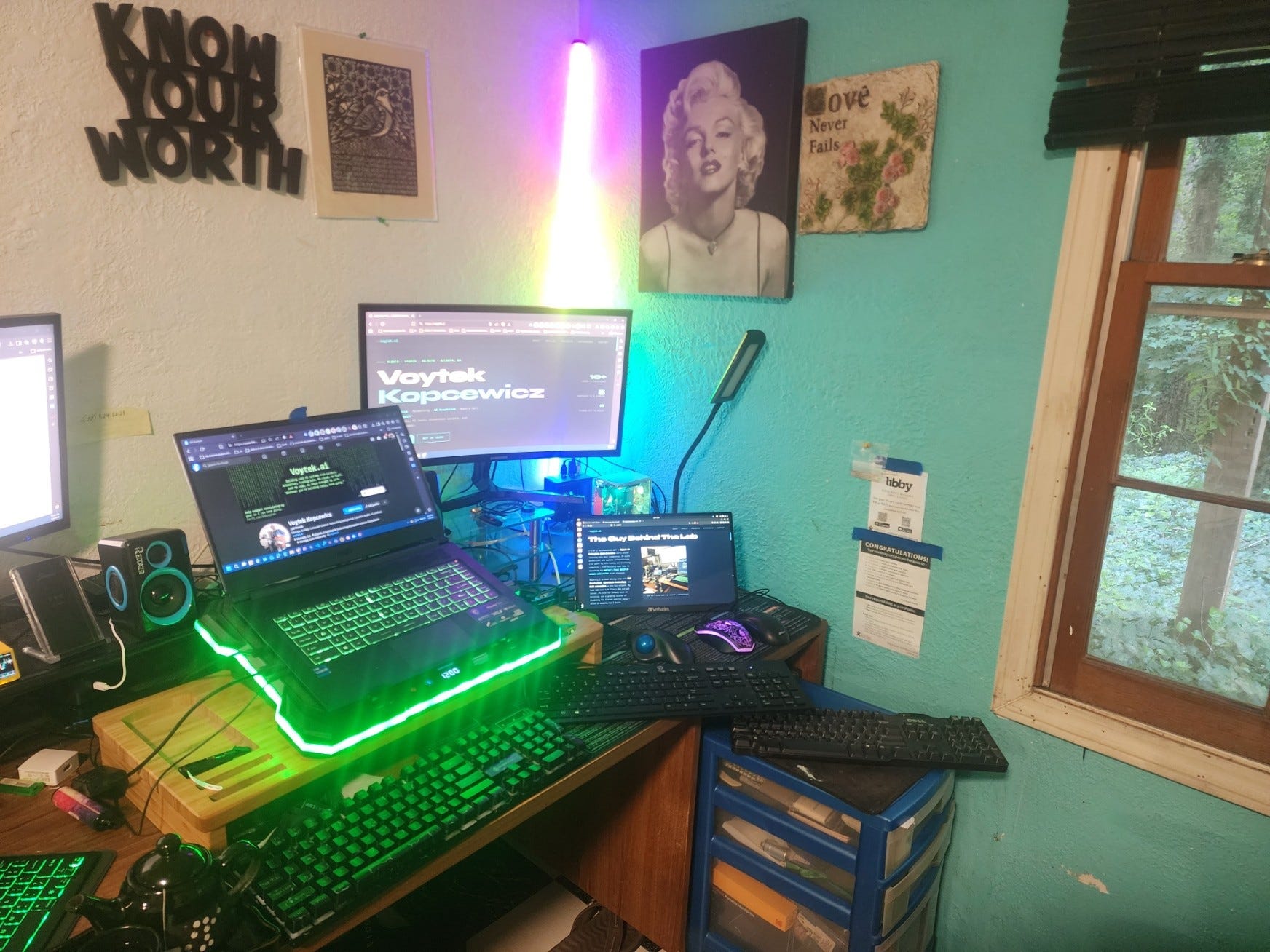
25 years in IT/networking and I’ve never gone deep on OPSEC as its own discipline — always adjacent to it, never centered on it. With everything I’m building in public (the arb bot, the mining rig, this whole brand), it felt like the right time to actually learn the tooling instead of just knowing it exists. Security-hardened setups, sandboxing, traffic isolation, the whole privacy-tooling stack — building it is how I actually learn it. Same philosophy as everything else here.
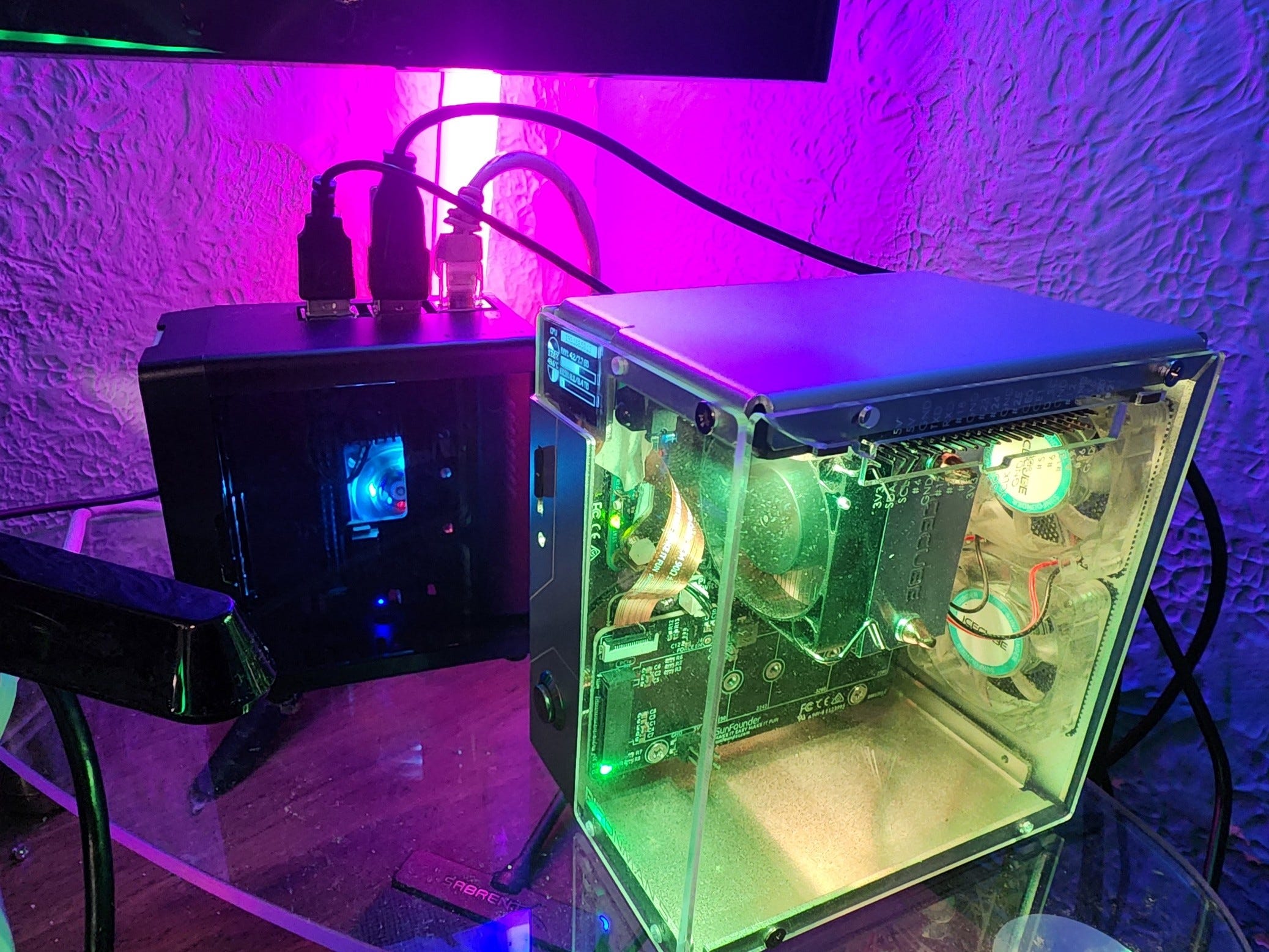
This isn’t my first swing at privacy tooling either — I’ve got a Pi 3 running as a Tor router that’s been sitting half-tuned for a while now. Classic problem for me: something new grabs my attention before the last thing’s actually finished. Part of what’s driving this build is circling back and doing this one properly, maybe even tying the two together once both are solid.
Bonus command, since people always ask for these:
I still keep Kali running on Windows via WSL — Parrot’s not available in WSL yet, so this is how I keep both worlds going: Kali on Windows whenever I need it, Parrot on the Pi 5 for the dedicated hardware build.
# Install Win-KeX (one-time setup, run inside Kali WSL)
sudo apt update && sudo apt install kali-win-kex -y
# Launch the Kali GUI desktop
kex -s
# Window mode — Kali desktop in its own separate window
kex --win -s
# Seamless mode — Kali apps blend into your Windows desktop
kex --sl -s
# Enhanced Session Mode — RDP-based, more feature-rich
kex --esm -s
# Shut it down when you’re done
kex --stop
What I’m deciding on right now:
-
How Parrot and Kali actually compare for daily use — not replacing one with the other, since I think they serve similar but different purposes. Curious to hear how others split their use between the two
-
Full reflash of the official Pi stick — wiping Ubuntu Server + XFCE for Parrot OS, since the Pi 3 already covers headless server duty just fine
-
What to actually harden first — network layer, browser isolation, or DNS/traffic routing
-
How this Pi 5 build and the Tor Pi 3 router might eventually connect — not rushing it, but it’s in the back of my mind
This is where you come in.
If you’ve done a Pi 5 security build, or run Parrot OS daily, or have opinions on Kali vs. Parrot for this kind of use case — drop it below. Questions, concerns, “don’t do it this way” warnings, all welcome. I’ll be documenting the real process, bugs included, same as always.
Full writeup — configs, scripts, hardening steps — coming once the build is stable.
Whatever you’re building today, keep goin’! 🚀🔥 — Voytek.ai
If this is useful to you, or you just want to help keep the lab running (and eventually fund that AI/dev workstation upgrade), you can grab me a coffee or join Fuel the Lab over on Ko-fi: https://ko-fi.com/askvoytek






