
With the recent reduction in heavy workload at night, my evenings have freed up considerably, which isn't a bad thing. In fact, when my teenager asked me me if I wanted to play Minecraft last night, I was all for it (and boy, were we in for a project).
So, for starters, she's work on a windows PC and I'm operating on a UNIX platform and a Windows laptop. It doesn't really make a difference technically, but at the time it seemed to. So, starting off, we fired up Minecraft to make sure we work working with compatible versions. Both hers and mine are Java Minecraft accounts, so that was a good thing.
Getting Connected in Realms
Next, we had to start up Realms. Now, if you've never done it, there was a time when Minecraft sharing was free. In fact, if you create your own server, it can be. But Realms now is not. Once Microsoft took over, Realms and other aspects were targeted for monetization and income revenue.
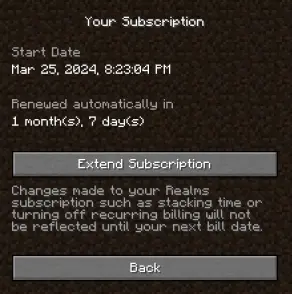
As it is now, You get a trial period of 30 days to start Realms, and then a user pays about $8 a month to maintain it.
So, is Realms worth $8/month cost? That depends on how much you want to play Minecraft with friends and whether you have a Unix server already set up or not. Since we just started last night, the latter option wasn't on the table for me yet. And, yes, I do value time with my kids, so it was yes to the first choice for me. Generally, a Realm allows up to 10 players, including the administrator user. Getting connected is the more interesting part.
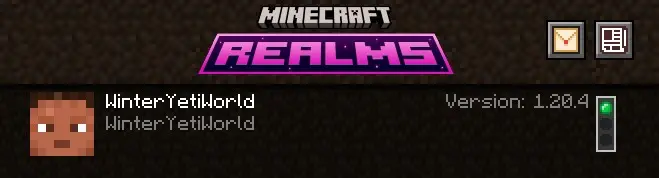
That Damn Shared Link
If you look on the Internet for instructions, the guides are going to refer to you some kind of a link you can share. Well, as far as we could figure out last night, no link exists. Instead, what you do now is get the profile name of the players you want to include, making sure they are on one of your agreed-upon platforms. While at the time we thought that the lack of Unix support was an issue, it's probably not (I'll test that tonight now that we have it working). Instead, and this is the BIG ISSUE to watch out for - your account name and profile name in Minecraft are two different things.
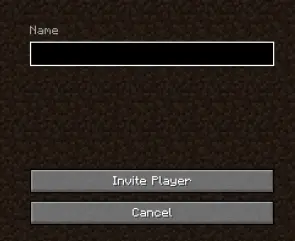
My kid and I literally spent an hour trying to troubleshoot why the system would not recognize her Minecraft account. She kept insisting it was (and I make something up) NAME1234. So, I kept typing that in, but no luck. Then we tried variations and found NAME alone but that didn't work either. I probably ended up inviting someone else who I have no clue who they are on the other side of the world. Finally, after much pain, angst and yelling, I forced my kid to open up her account on Microsoft and show me her profile name versus her account name. Sure enough, it was different. So we typed that in, OTHERDINGBATNAME, and it works. Boom, we're connected. Then I got sucked away into a parent conversation and lots the evening with my kid who was a sleep by the time I got back. Sheesh. I can't win.
Try, Try Again
So, hopefully, tonight we can get back into it and finally have a good session of Minecraft Realms.
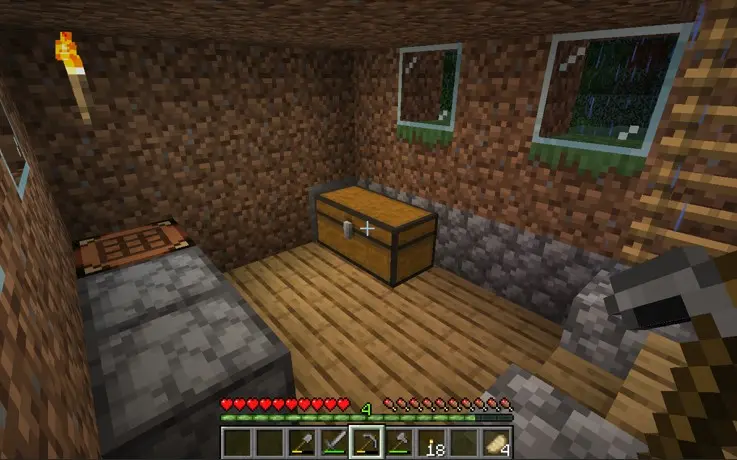
In terms of details, it's just another version of Minecraft like the original game, or you can choose a pre-built template. We opted for our own creation and generic land set up. That dropped us somewhere in the mountains between a swamp and a river. But the important thing is, I've got a conduit to spend more time with my teenager, and that's worth way more than $8 a month in the big scheme of things.









