
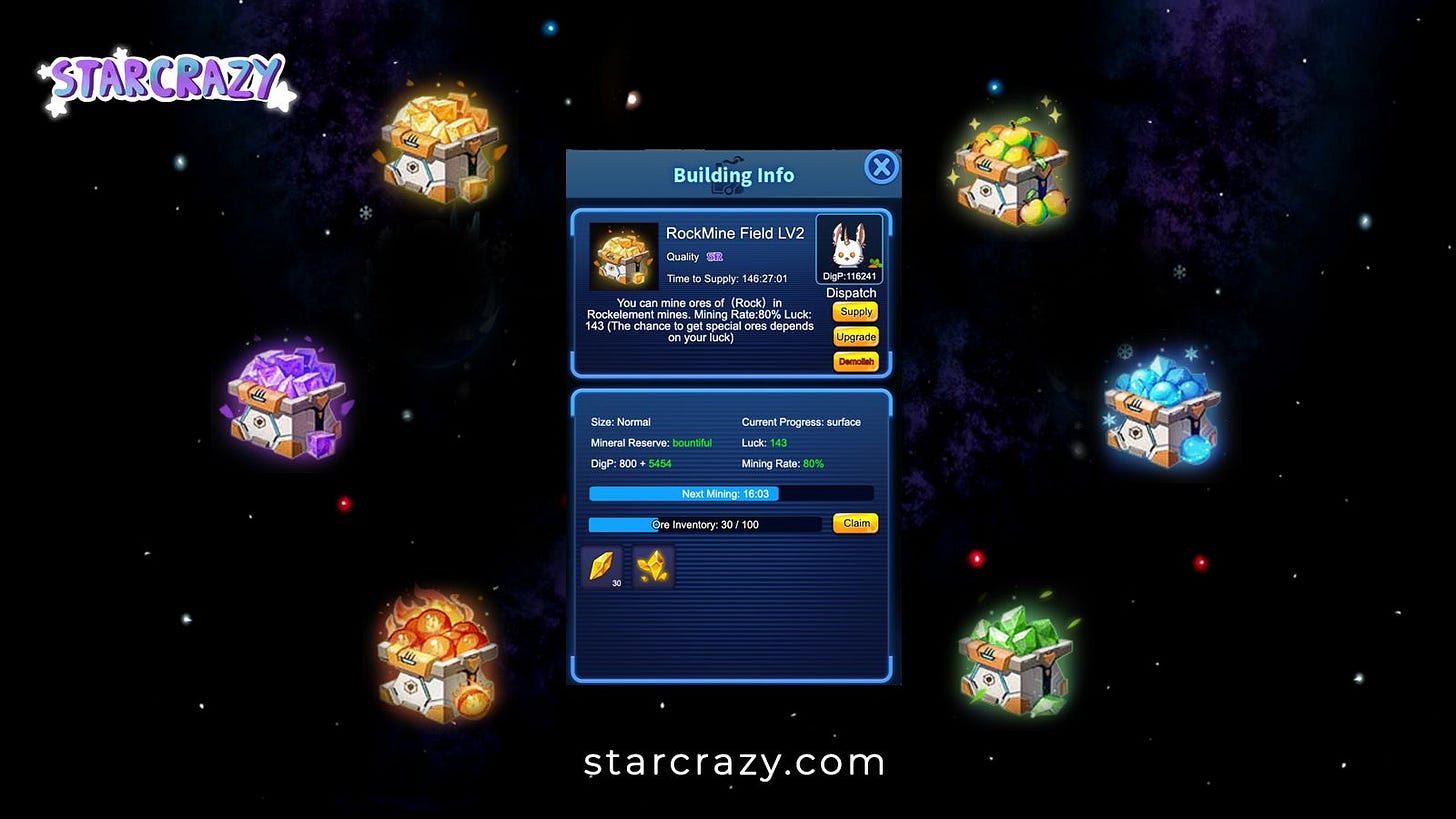
Testing is about to begin and we’re putting together documentation to share. And we have pumpkins on the website.
Exchange Shop and Planet Construction
As we’ve mentioned, we’ll soon be launching both the Exchange Shop and the Planet Construction features. Later this week we will publish a guide to the Planet Construction feature. That will be on the StarCrazy blog so keep your eyes peeled for that one. (please don’t actually peel your eyes. We haven’t actually tried it but that might hurt. You’re welcome) Here’s a sneak peak, with unpeeled eyes, of what you will find in this guide:
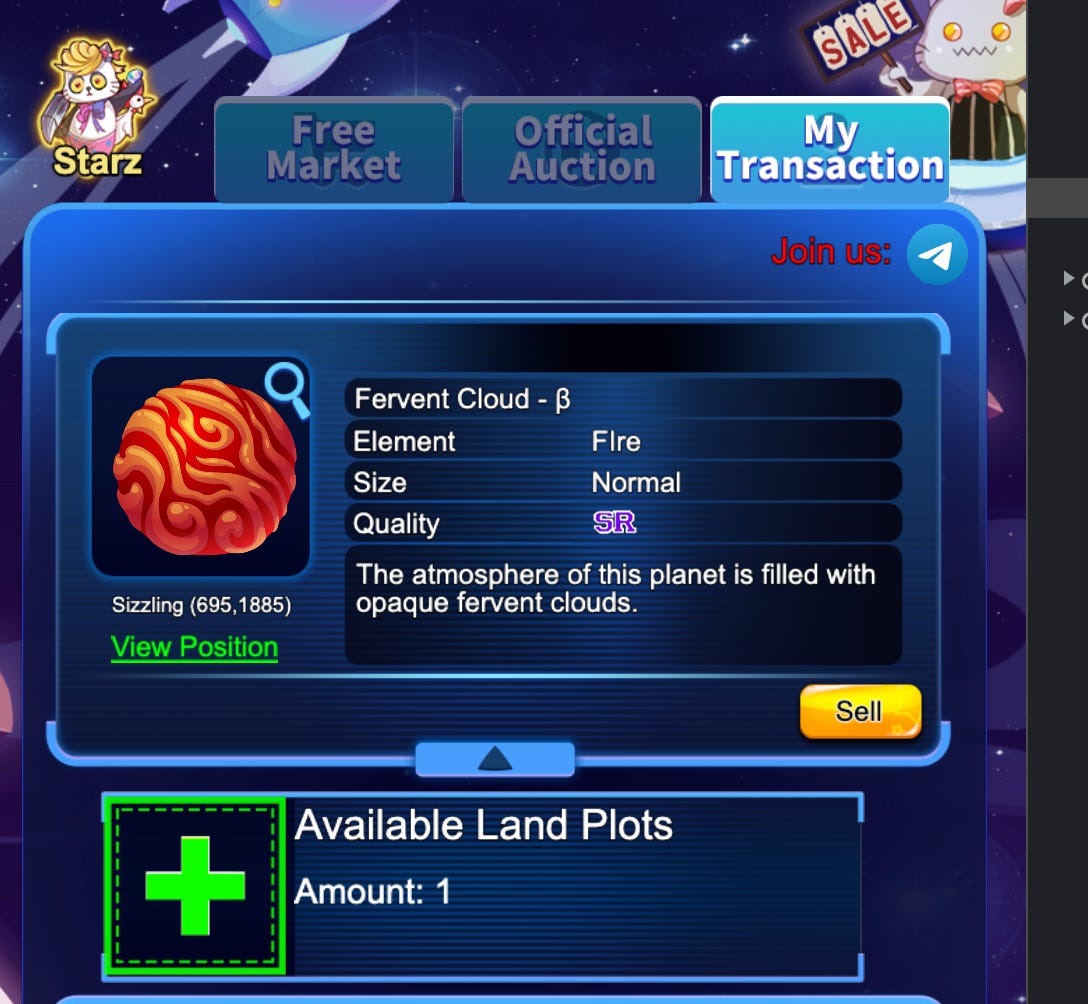
Each planet has limited plots for its buildings, which is determined by the size of the planet. In the future, more buildings will be introduced according to the level of the planet. Currently, the number of plots for small, large, and super large planets is 1, 2, and 3 respectively.
Click the green “+” button to continue:
That’s it for now. Here comes the guide!
Steps to enter the game:
Option 1: Metamask
Step 1: Install the metamask: https://metamask.io/
Step 2: Add a custom RPC/Network In the MetaMask browser extension, open the "Networks" drop-down menu at the top, and click the "Add Network":
Step 3: Input the respective network values for IoTeX Mainnet:
Network Name: "IoTeX Mainnet"
RPC URL: See Babel API Endpoints » (Example: https://babel-api.mainnet.iotex.io)
Chain ID: 4689
Symbol: IOTXExplorer URL: https://iotexscan.io
Step 4: Click the Save button and make sure IoTeX is selected as the active network
Step 5: Click the link to enter the game: https://game.starcrazy.com/?cid=nov
Option 2:
Using Iopay Wallet you can download though this link: Iopay.me







